
Operations · Engineering · Trends
Hands-on playbooks, product updates and cross-border insights from the CCloudPhone team.
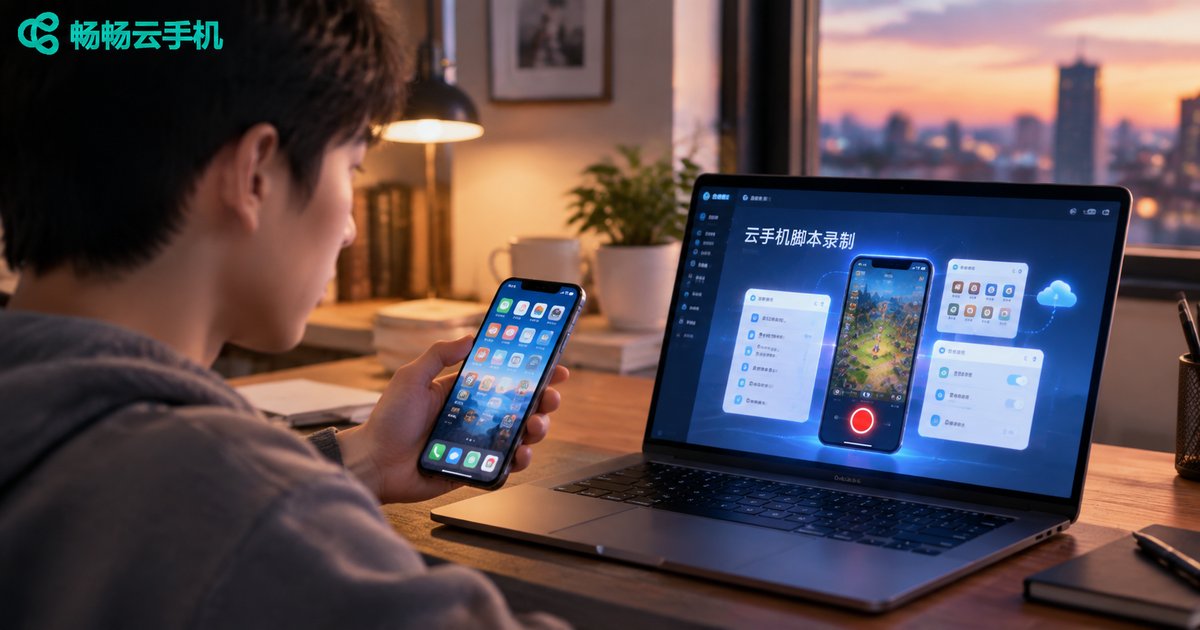
How to Record Cloud Phone Scripts? A Beginner-Friendly Automation Tutorial
This beginner-friendly tutorial explains how to record automation scripts on a cloud phone without writing a single line of code. Learn the three preparations before recording, follow a five-step process — open the recorder, perform actions manually, save, playback-test, and fine-tune — and apply practical debugging tips such as adding wait times and using element-based targeting instead of fixed coordinates. The article also covers popular use cases like game AFK farming, daily check-ins, and multi-account management, and explains why running scripts on ChangChang Cloud Phone keeps tasks going around the clock even when your own device is off. Follow along and hand all your repetitive taps and swipes to the cloud.
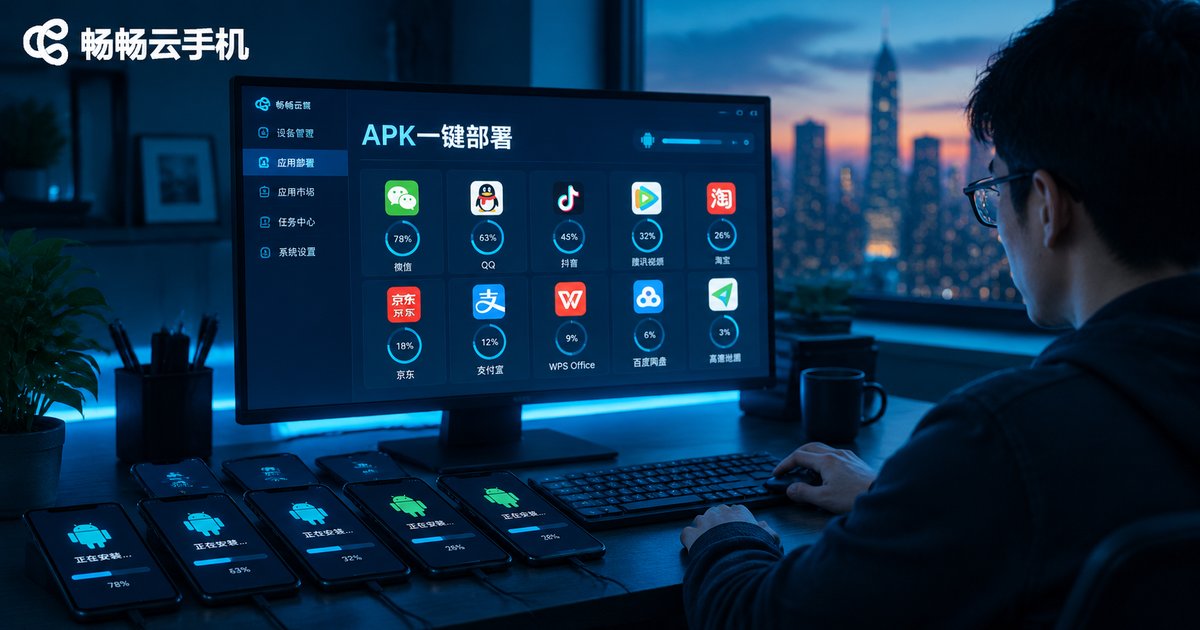
Cloud Phone App Installation Tutorial: APK Upload and Batch Deployment Explained
This comprehensive tutorial explains how to install apps on cloud phones: where to get safe APK files, how to upload and install them on a single cloud phone, and how to use batch deployment to push one app to dozens of devices in minutes. You will also find a troubleshooting table covering common installation failures — corrupted packages, permission issues, signature conflicts — and their fixes. Using ChangChang Cloud Phone (ccloudphone) as an example, the article shows how a cloud app library and device grouping streamline app distribution for multi-account operations, game multi-boxing, and app testing. Whether you manage a handful of devices or a large fleet, this guide helps you cut installation time from hours to minutes.

How to Use a Cloud Phone? A Complete Beginner Tutorial: From Sign-Up to 24/7 App Hosting
This beginner-friendly tutorial walks you through everything you need to start using a cloud phone: creating your account, choosing and activating a cloud device, getting familiar with the virtual Android desktop, installing apps, and setting up around-the-clock background hosting. You will also learn how hosting works, how cloud phones compare with hosting on a physical phone, and which common beginner mistakes to avoid. A practical FAQ at the end answers the questions new users ask most, so you can get started with confidence and keep your games and apps running 24/7 without keeping your own phone powered on.

What Is a Cloud Phone? A Beginner's Guide to How Cloud Phones Work in 2026
A cloud phone is an Android smartphone that runs entirely in a data center rather than in your hand. The device you hold is only a display and a controller. This beginner-friendly guide explains how cloud phones work in 2026, breaking the process into three simple stages: ARM server virtualization, video streaming, and instant control feedback. You will also see how cloud phones differ from physical phones and PC emulators, and explore the most popular use cases, including idle gaming, multi-account management, always-on apps, and app testing. By the end, you will know exactly what happens behind the screen every time you tap a cloud phone, and how to get started with confidence.

Cloud Phone: ARM or x86? In-Depth 2026 Comparison of Hardware Architecture and Risk Control
Should you choose an ARM or x86 cloud phone? This guide starts from the basics of instruction sets and compares the two architectures across app compatibility, performance, power efficiency, and device fingerprinting. You will learn how anti-fraud risk control systems detect emulator environments, why x86 cloud phones leak traces through binary translation layers, and how 2026 ARM server chips have closed the performance gap. A practical comparison table plus scenario-based tips help you decide between ARM and x86 for gaming, multi-account operation, or lightweight automation.

How to Stream on Multiple Platforms for Live Commerce? A Stable Setup with Cloud Phone + Dedicated Line
Streaming your live commerce shows on multiple platforms at once sounds great — until devices run out, networks lag, and streams drop mid-broadcast. This article breaks down the real challenges of multi-platform streaming and presents a stable setup combining cloud phones with a dedicated line network. Using ccloudphone, you create an independent cloud Android environment for each platform, while the dedicated line guarantees upload bandwidth. A four-step guide shows how to build your multi-platform broadcasting matrix, plus a comparison table between traditional multi-device setups and the cloud phone approach. Practical tips and a FAQ section help you run several live rooms at once, with fewer drops and lower costs.

Price Monitoring Data Collection Rate-Limited! A Cloud Phone + Dynamic Proxy Distributed Collection Solution
Getting rate-limited every time your price monitoring jobs run? This article breaks down the three bottlenecks of single-machine collection and presents a distributed solution built on cloud phones and dynamic proxies: a fleet of independent cloud phone environments shares the workload, rotating proxy IPs disperse requests, and a central scheduler dispatches tasks and aggregates results. You will find a side-by-side comparison with traditional scraping, a four-step implementation guide with sample pseudocode, compliance reminders, and answers to frequently asked questions — everything you need to keep price data flowing steadily.
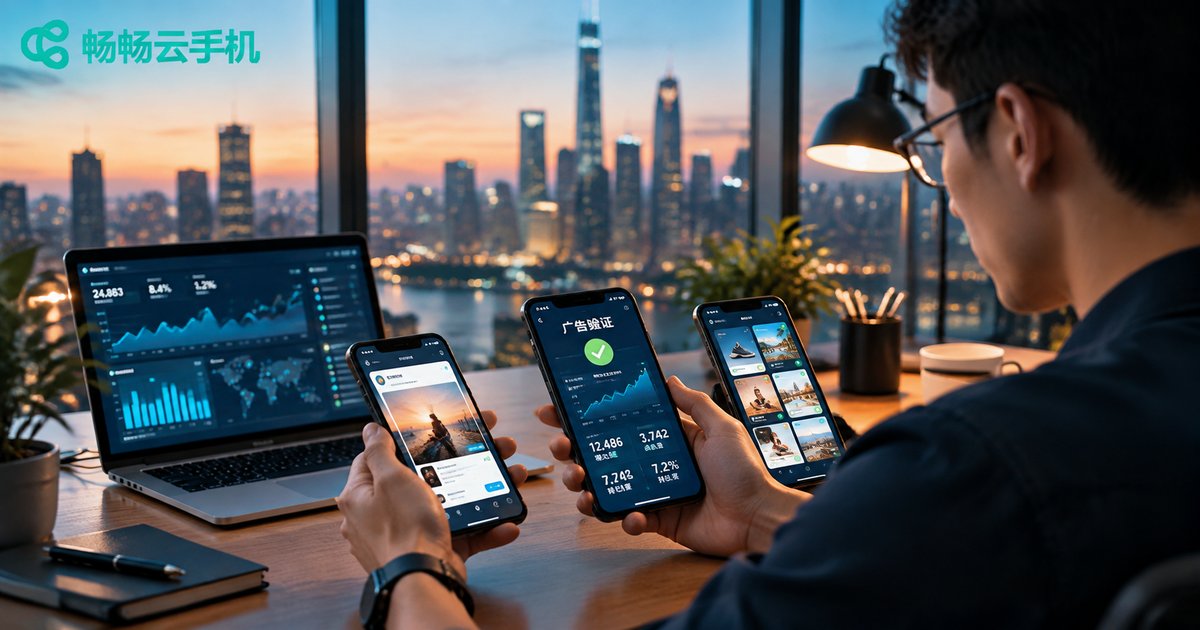
How Ad Verification Simulates Real User Behavior: Cloud Phone + Multi-Region IP Testing
Once your ads go live, do creatives display correctly, do landing pages load fast in every region, and is geo-targeting hitting the right audience? Physical device farms are expensive, PC emulators are easily detected, and single-location testing tells only part of the story. This article breaks down the three dimensions ad platforms use to flag abnormal traffic — device fingerprint, network environment and behavior patterns — and presents a practical cloud phone + multi-region IP testing solution. Real cloud Android environments ensure device authenticity, while multi-region network exits verify geo-targeted delivery. A five-step workflow helps you build a repeatable verification process, making every check look like a genuine user visit, so media teams catch issues early and protect every dollar of ad spend.
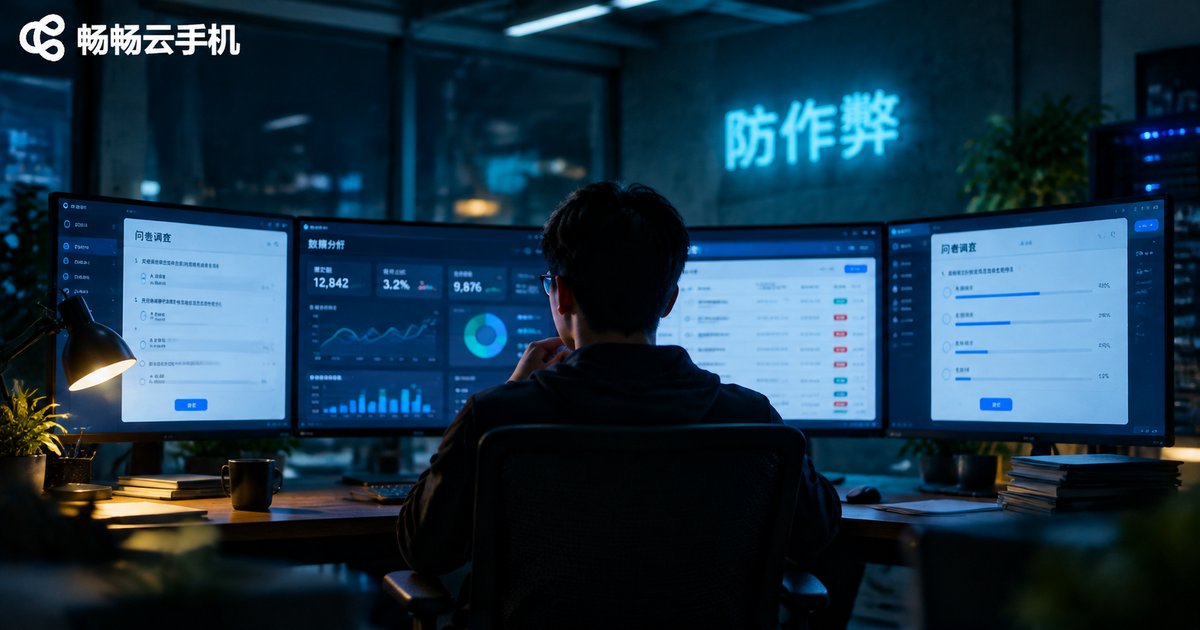
How to Prevent Cheating in Bulk Survey Filling? Cloud Phone, IP Isolation & Fingerprint Spoofing Techniques
Bulk filling is eroding the value of survey data: fraudsters mass-produce device environments with cloud phones, separate accounts with IP isolation, and dodge detection with fingerprint spoofing. Written from the platform's perspective, this article breaks down how the cheat toolkit works and where it leaves traces. It maps five detection dimensions—device fingerprint, IP quality, behavior, account linkage and answer quality—lays out a four-layer defense covering registration, filling, network and payout, and shows how research teams can use cloud phones such as ccloudphone to red-team their own systems before fraudsters do. Compliance notes included.
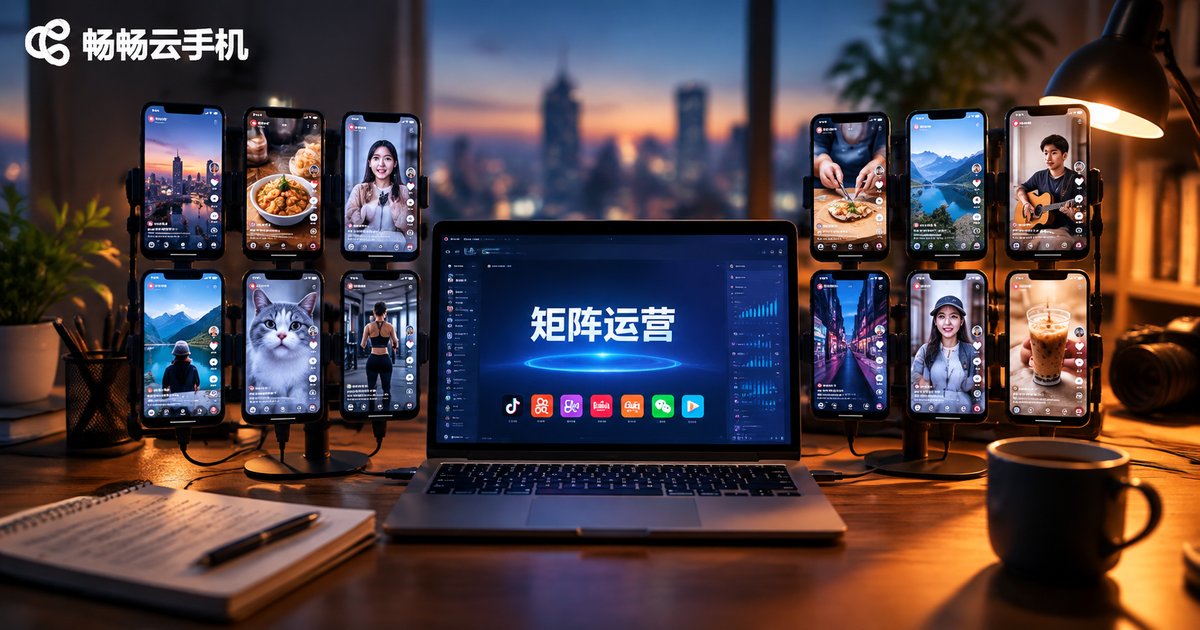
Essential Guide: Cloud Phone Batch Publishing + Multi-Account Content Distribution for Short Video Matrix Operations
Want to run a short video matrix without drowning in device costs and repetitive manual work? This guide shows how to use cloud phones for batch publishing and multi-account content distribution. Learn a four-step workflow—account grouping, asset library building, scheduled batch publishing, and data review—plus three distribution strategies: content differentiation, staggered posting times, and cross-account engagement. We also compare physical device setups with cloud phone solutions and explain why ccloudphone is a reliable choice for matrix operations, from solo creators to large teams.
What Can LLM-Powered Cloud Phones Do? AI Agents Automatically Operate Apps to Complete Complex Tasks
When a large language model is connected to a cloud phone, an AI Agent gains both a brain and a body: the LLM understands your instructions, breaks them into steps, and reads the screen, while the cloud phone taps, swipes, and types inside real apps. This article explains how the loop works, explores six practical scenarios including social media operations, e-commerce, gaming dailies, monitoring, app testing, and personal productivity, and compares the approach with traditional macro scripts and physical phone farms, so you can quickly build your own AI automation workflow on the cloud.

How Digital Human Livestreaming Runs 24 Hours Non-Stop: Cloud Phone + AI Solution Revealed
To keep a digital human livestream running 24 hours non-stop, the bottleneck is usually not the AI but the device carrying the stream. This article breaks down the pain points of physical phone setups—overheating, network drops, and hard-to-scale management—and explains how a cloud phone becomes the perpetual engine for livestreaming with stable cloud operation, multi-instance bulk control, and environment isolation. You will also learn how AI powers avatar generation, script writing, smart interaction, and data review, plus a five-step guide to building a 24-hour digital human livestream room with ChangChang Cloud Phone (ccloudphone), ending with practical FAQ answers.