

Cloud Phone Automation Tools: Boundaries for Idle Farming, Multi-Instance, and Group Control
Cloud Phone Automation Tools: Capability and Boundaries Matter Equally
A cloud phone is an Android virtual device running in a remote data center and operated over the network. Automation tools built around it often include script runners, multi-instance managers, and group control panels. These tools can improve efficiency, but technical capability is not the same as permission to use it. Compliance depends on the scenario, the platform rules, and the law.
This article breaks common use cases into three categories: idle farming, multi-instance operation, and group control. For each one, it explains what is reasonable, what is risky, and where the red lines are.
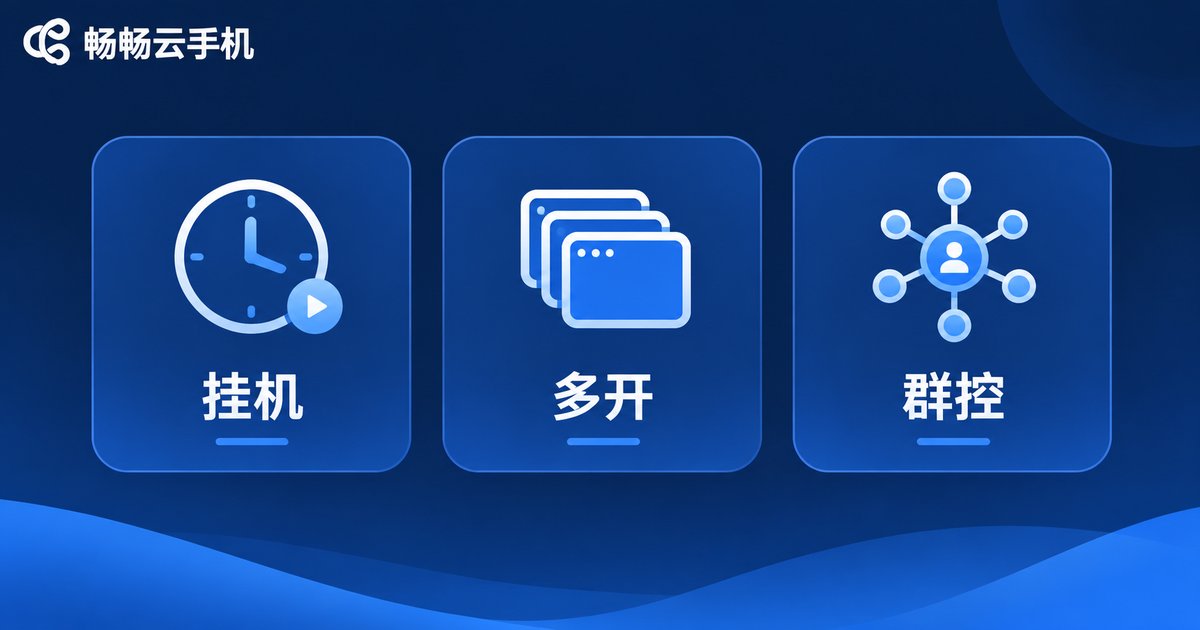
Idle Farming: Automation Is Fine, Unfair Advantage Is Not
Idle farming means letting an app run automatically in the cloud for long periods. Typical uses include in-game resource collection, app stability testing, daily check-ins, and data sync. Reasonable boundaries are: follow the game or platform terms of service, do not use plug-ins to modify the client, do not simulate human behavior to bypass risk controls, and do not consume shared resources in a way that harms other users.
Practical advice: prefer official automation interfaces provided by the platform; set frequency limits for automated actions; keep operation logs for later audits; and anonymize or isolate user data with proper permissions.
Multi-Instance: Isolation Is a Technique, Compliance Is the Prerequisite
Multi-instance means running several app instances on one cloud phone, or managing multiple accounts across several cloud phones. It is common in e-commerce store management, customer service accounts, social media operations, and app compatibility testing. The technical value lies in account isolation, independent environments, and lower device costs.
But multi-instance has clear boundaries: every account should have a real business owner; do not mass-register fake accounts; do not bypass real-name verification; and do not use it for fake orders, fake traffic, or fake reviews. Device fingerprinting and network isolation are techniques to reduce association risk, not a pass to avoid platform rules.
Group Control: The Bigger the Scale, the Bigger the Responsibility
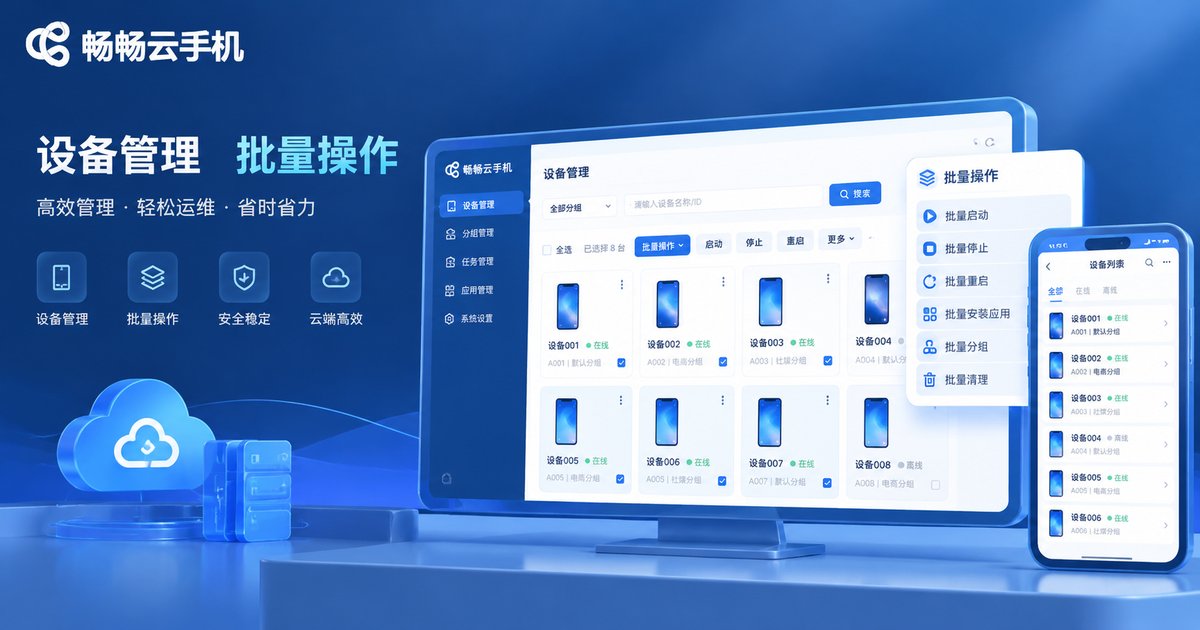
Group control means sending batch commands from one console to many cloud phones, such as installing apps, synchronizing clicks, or publishing content in bulk. Compliant uses include internal device management, unified updates for store display devices, batch regression testing, and shared script libraries for customer service teams.
The red lines are equally clear: do not use group control to publish false information, harass users, manipulate traffic, or commit fraud; do not mass-create accounts to disrupt platform ecosystems; and do not bypass anti-cheat systems. The larger the scale, the more you need approval workflows, audit trails, and an emergency stop mechanism.
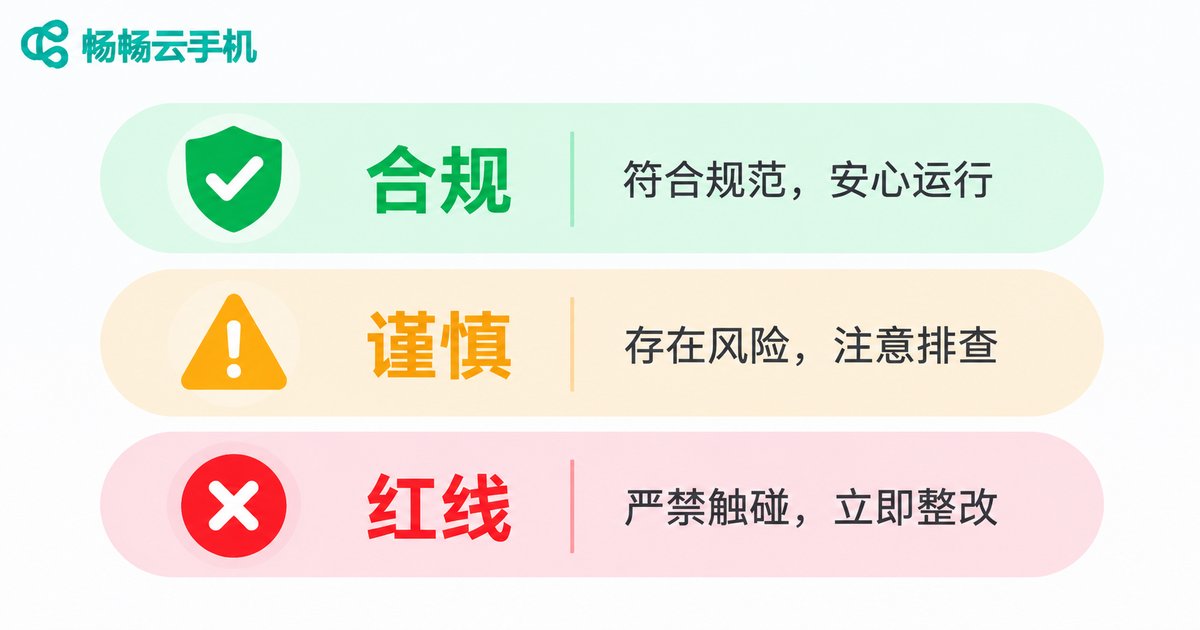
A Quick Comparison of Boundaries Across Three Scenarios
| Scenario | Common Uses | Recommended Practice | Red Lines |
|---|---|---|---|
| Idle farming | Resource collection, stability testing, check-ins | Use official interfaces, set frequency limits, keep logs | Plug-in modification, bypassing risk controls, harming others |
| Multi-instance | Store management, customer service, compatibility testing | Clear account ownership and isolated environments | Mass fake registration, fake orders and traffic |
| Group control | Internal device management, batch testing | Approval, audit, and instant stop capability | Fraud, harassment, traffic manipulation |
Choose a Cloud Phone Platform for Compliance and Control
If your team needs to run many cloud phones reliably over time, prioritize platforms with device management, batch operations, and audit capabilities. ccloudphone provides cloud-based Android instances with multi-instance, group control, and batch management, keeping devices online around the clock while requiring less local hardware. For specific features and availability, refer to the official website at ccloudphone.com.
Start with a small pilot: define account ownership, operation permissions, and log retention before scaling up. Auditable, stoppable, and accountable is a better selection standard than simply maximizing the number of instances.
Frequently Asked Questions
Q: Will my account be banned for idle farming on a cloud phone?
It depends on platform rules and how you operate. Using plug-ins, modifying the client, or simulating human behavior to bypass risk controls is high risk. Using official interfaces, limiting frequency, and following the terms of service is relatively safer. Read the platform terms first.
Q: How many instances are compliant?
There is no universal number. The key questions are whether accounts have real business purposes, whether they are real-name verified, and whether they are used for fake transactions. As the number grows, strengthen permission management and operation audits.
Q: Can group control be used for marketing?
It can be used for internal device management and compliant batch operations, but not for publishing false information, harassing users, or manipulating traffic. For public-facing activities, confirm platform rules first.
Q: Which teams are a good fit for ccloudphone?
Teams that need multi-account management, app testing, centralized customer service, or unified management of store devices. Learn about the features on the official website first, then trial it at your actual business scale.
Q: How can I reduce usage risk?
Do three things: keep clear real-name account ownership, make operation logs traceable, and ensure abnormal activity can be stopped with one click. Build compliance checks into daily workflows instead of fixing problems afterward.


