
Operations · Engineering · Trends
Hands-on playbooks, product updates and cross-border insights from the CCloudPhone team.

How to Register a Cloud Phone Account? Registration Process and Precautions Explained
Wondering how to create a cloud phone account? This guide walks you through the entire registration process step by step, from preparing a phone number and a stable network to receiving the SMS verification code and setting a secure password. It also covers essential precautions, such as downloading the app from official channels, protecting your verification code, and following the one-account-per-number rule. A troubleshooting table explains what to do when the code never arrives or the page fails to load. Using ChangChang Cloud Phone (ccloudphone) as an example, this article helps you finish registration in a couple of minutes and start your cloud phone experience with confidence.
Read more
Carrier Cloud Phones vs Third-Party Cloud Phones: How to Choose
Carrier cloud phones and third-party cloud phones may look similar, but they serve very different purposes. Carrier services are add-ons bundled with telecom plans — trustworthy and easy to bill, yet basic in features. Third-party platforms are professional productivity tools offering batch multi-instance management, group control, game idling, and app hosting. This article breaks down the core differences in a single comparison table and helps you decide with three key questions: choose a carrier cloud phone for light backup needs, and choose a professional third-party service such as ChangChang Cloud Phone (ccloudphone) for game idling, multi-account operations, and studio-scale workloads.

Are Cloud Phones Expensive? Why Some Cost Tens While Others Cost Hundreds per Month
Cloud phone plans can cost anywhere from a few tens to several hundred yuan per month, and the gap comes down to four things: hardware tier, number of instances, dedicated versus shared resources, and value-added features such as group control and multi-instance management. This guide breaks down how cloud phone pricing actually works, compares what budget and premium tiers can realistically do, and shares practical tips on matching a plan to your real needs—start small, trial first, and upgrade on demand—so you pay for performance you will actually use instead of specs that only look good on paper.

What Is a Cloud Service Experience Camp? A Roundup of Free Cloud Product Trials
A cloud service experience camp is a free trial program run by cloud providers to help new users get started without paying up front. Common formats include limited-time free trials, newcomer bundles and task-based camps. This article rounds up the cloud products you can typically try for free—cloud servers, cloud databases, object storage and cloud phones—and compares them in a quick-reference table. It also walks through a four-step sign-up flow and shares practical tips on backing up data before expiry, watching for auto-renewal and following fair-use rules. If you are curious about cloud phones, the article points to the official ChangChang Cloud Phone (ccloudphone) website for current trial events.
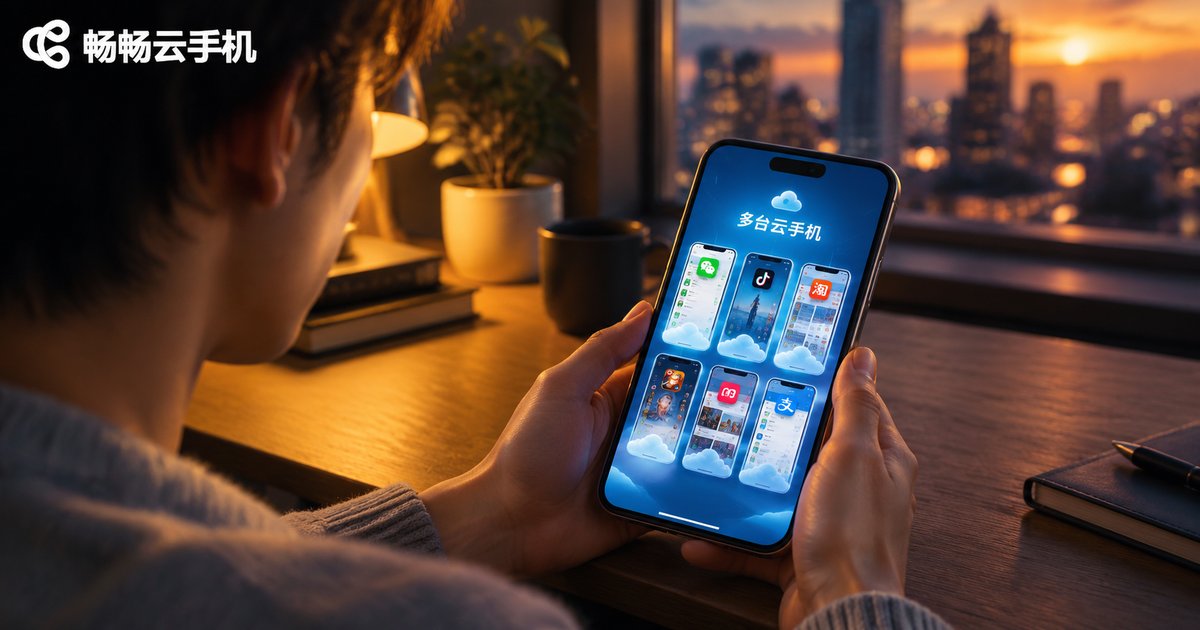
How Many Cloud Phone Apps Can One Phone Install? Multi-Client Coexistence Limits
How many cloud phone apps can a single phone install? Android itself sets no hard limit — what really decides the experience is storage, RAM, network bandwidth, and battery life. This article breaks down the real limits of running multiple cloud phone clients on one device, compares installing several local apps versus using one client with cloud-side multi-instance, and shows how ccloudphone lets you manage multiple cloud phones from a single app by shifting the multi-opening workload to the cloud. Practical tips and a FAQ section are included at the end.
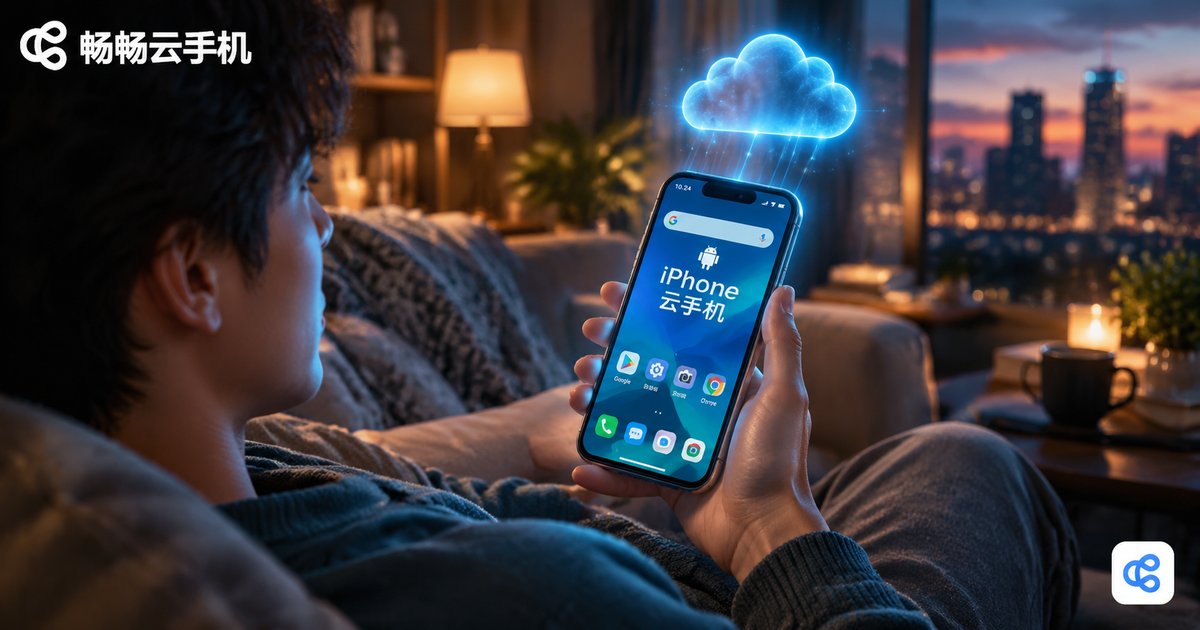
How to Use a Cloud Phone on iPhone: Installation and Connection Guide for Apple Devices
This guide walks iPhone users through everything they need to know about using a cloud phone. It explains what a cloud phone is and why Apple users benefit from it, then provides a complete step-by-step tutorial for installing ccloudphone on an iPhone: downloading the app from the App Store, registering an account, and connecting to a cloud device. A comparison table shows how cloud-based operation differs from running everything locally, covering storage, battery, heat, and uptime. Practical tips on network choice, background tasks, and multi-account management are included, along with answers to the most frequently asked questions. With a cloud phone, your iPhone can run Android apps smoothly while the heavy lifting happens in the cloud.
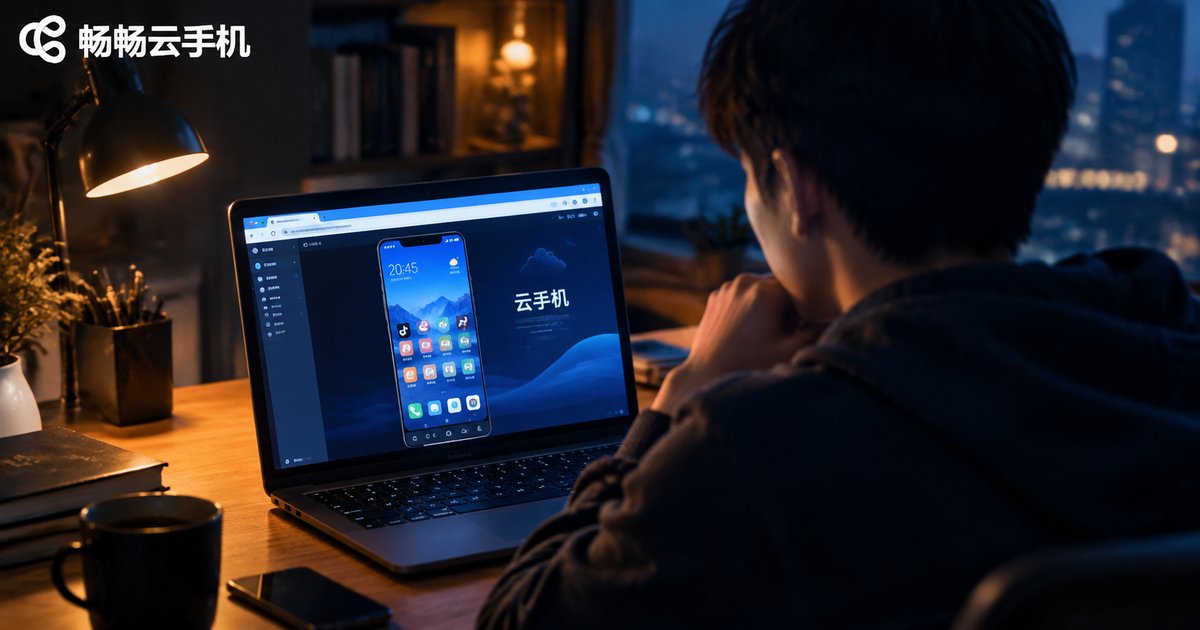
Is the Free Online Cloud Phone Web Version Real? A Web-Based Usage Analysis
Many platforms advertise a free online cloud phone you can use right in your browser. Is it a genuine freebie or just marketing? This article explains how web-based cloud phones work, breaks down the real cost structure behind the service, and reveals what free usually means in practice: time-limited trials, low-spec devices, peak-hour queues, and paid upgrades. It also compares the web version with the native app on convenience, stability, and features, lists common pitfalls of free services, and offers a practical checklist for judging whether a cloud phone platform is trustworthy.
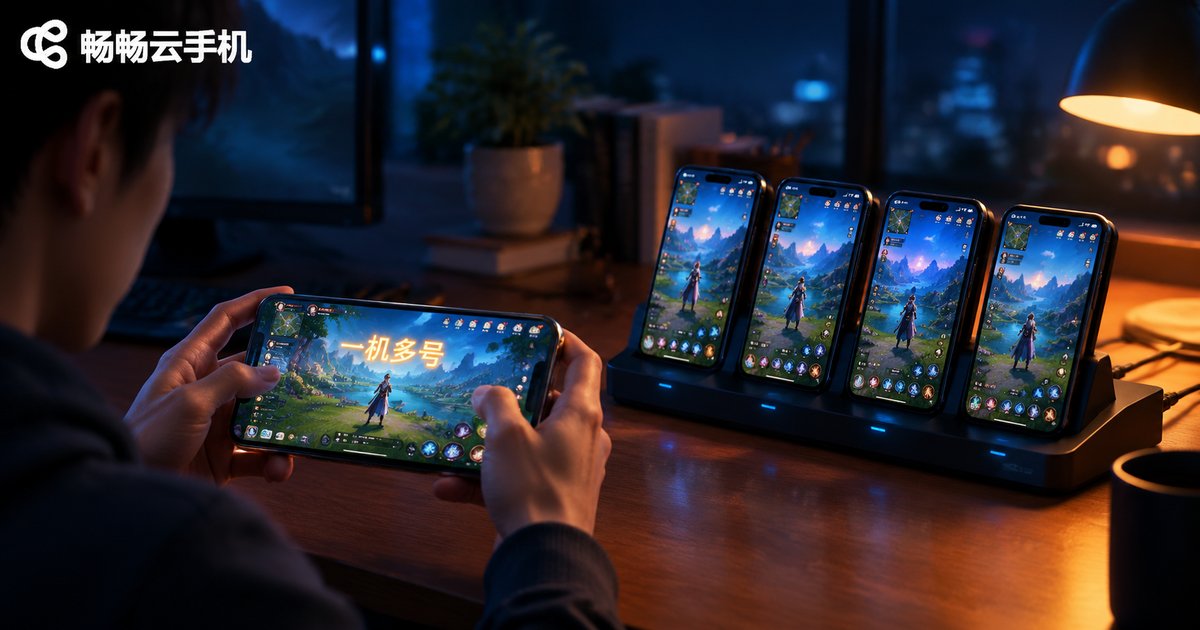
Can Cloud Phones Run Multiple Instances? A Complete Guide to One-Device Multi-Account
Yes—cloud phones are practically built for running multiple instances. This guide explains exactly how one device can manage many accounts through cloud phones, covering three proven methods: launching parallel cloud phone instances, using in-phone app cloning, and applying group control for batch management. You will also find a side-by-side comparison of cloud-based versus local multi-opening, a breakdown of common use cases such as mobile gaming, social media matrices, e-commerce stores and app testing, plus practical tips on account safety. Read on to see how a single subscription can replace a shelf full of physical phones.
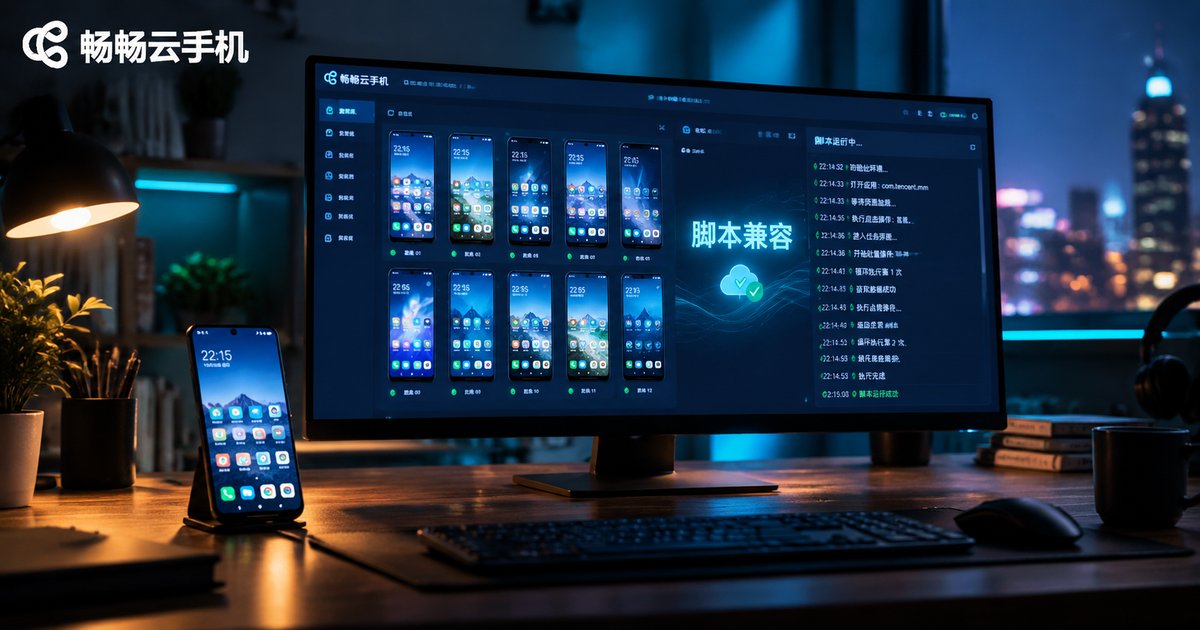
Can Cloud Phone Scripts and Physical Phone Scripts Be Shared? Compatibility Explained
Want to move your scripts from a physical phone to a cloud phone? This article breaks down script compatibility across four key dimensions: resolution, Android version, permission environment, and CPU architecture. Learn which types of scripts, from image recognition to accessibility and protocol-based automation, can be shared directly and which need adjustments. You will also get a practical step-by-step migration checklist, tips to avoid common pitfalls like resolution and DPI mismatch, and clear answers to frequently asked questions about running automation scripts on cloud phones.
Are There Free Cloud Phones for iPhone? A Guide to Free iOS Options
Many iPhone users want a cloud phone for idle tasks, multiple accounts, or running Android apps, but worry about the cost. The good news: free options do exist on iOS. This article breaks down the three that actually work—free trial hours for new users, daily check-in rewards, and lightweight web access—explaining how long each lasts, what the real limitations are, and who each option suits. A side-by-side comparison table makes the trade-offs easy to see. You will also get practical tips for running a cloud phone smoothly on an iPhone, plus answers to common questions about safety, background running, and game latency, so you can test everything at zero cost before deciding whether a paid plan is worth it.
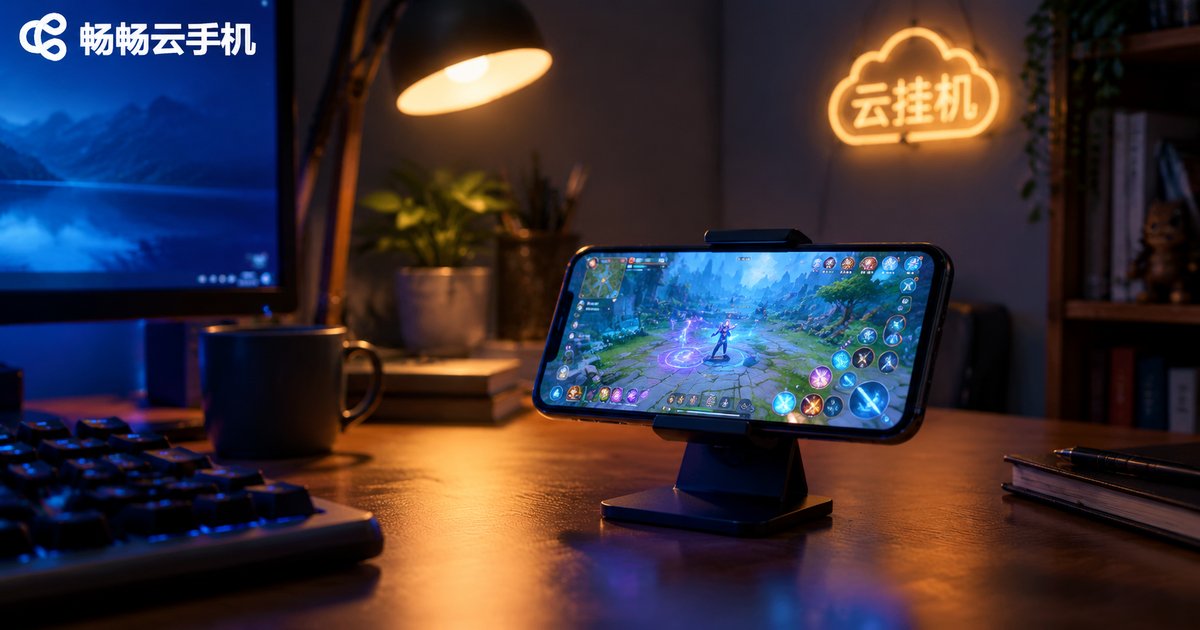
What Is a Cloud Hanging Machine? Key Differences Between Hanging Machines and Cloud Phones
A cloud hanging machine is a device hosted in the cloud that stays online around the clock, commonly used for game farming, script tasks, and keeping accounts active. The key difference between a traditional hanging machine and a cloud phone lies in the underlying architecture: hanging machines are built on x86 cloud servers and can only run PC software and scripts, while cloud phones are ARM-based virtual Android devices that let you install apps and play mobile games just like on a real phone. This article breaks down how they differ, which scenarios each one fits, and how to choose the right always-on cloud solution for your needs.
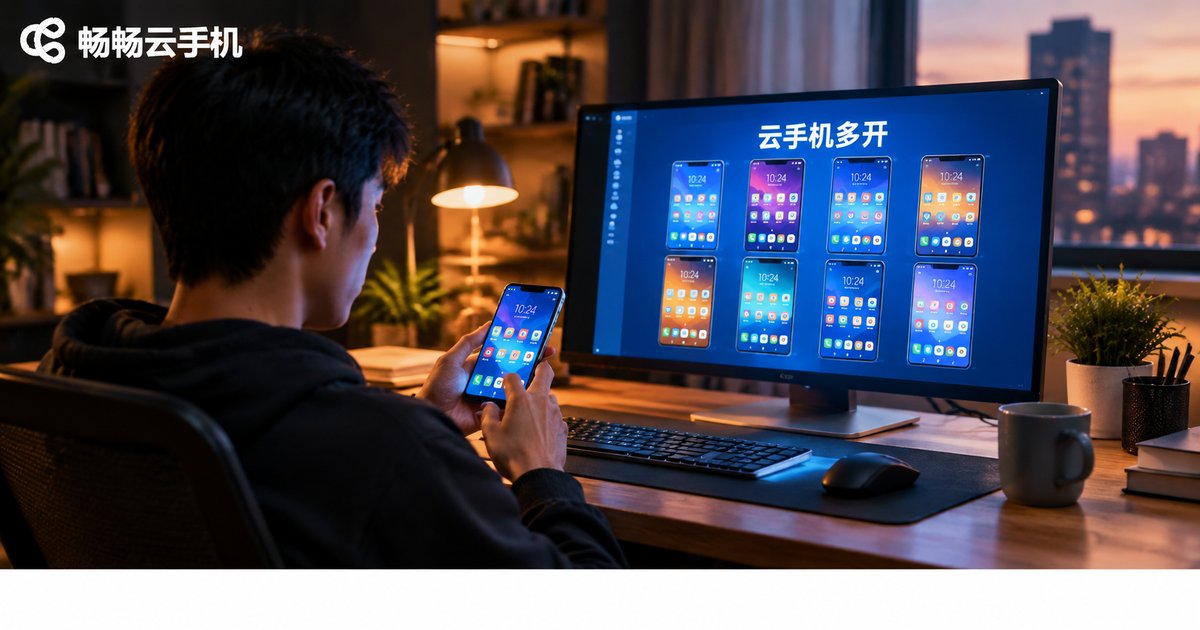
How to Run Multiple Cloud Phones on One Device
Running multiple cloud phones on a single device is far easier than most people think. Because cloud phones execute on remote servers, your local phone or computer only streams the screen and sends commands — the number of instances you can run depends on your cloud plan, not your hardware. This guide explains how cloud phone multi-instancing works, walks through a five-step setup using Changchang Cloud Phone (ccloudphone), compares it with local emulator multi-opening, and covers common use cases such as AFK gaming, multi-account operations, and e-commerce store coverage, along with practical tips for stable large-scale management.