
What Is a Cloud Phone? How It Works, What It's For, and the Pitfalls to Avoid
The Short Answer: What a Cloud Phone Actually Is
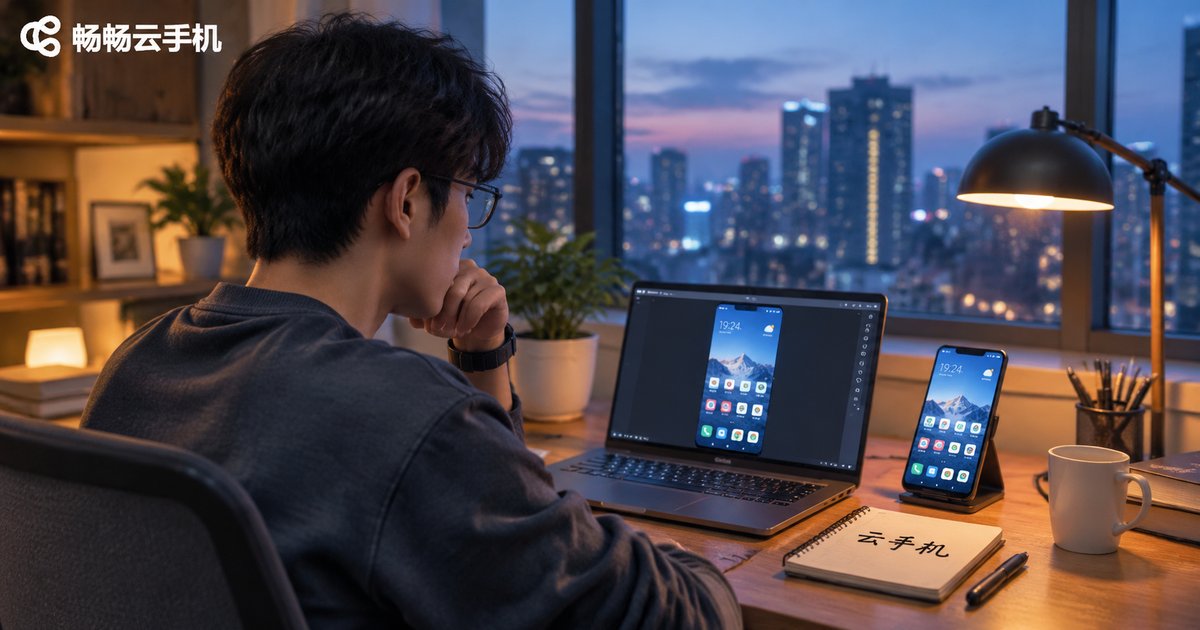
When people first hear the term cloud phone, they often picture a cloud storage app that can make calls, or some kind of virtual number service. Neither is right. A cloud phone is a real Android device running in a data center. It has a processor, memory, storage, and its own Android system — the only difference is that the screen isn't in your hand. Your phone, tablet, or laptop simply becomes a remote display and controller.
Put another way: the computing happens in the cloud, the picture appears in front of you. You tap the screen, the command travels to the cloud, the remote device executes it, and the result is streamed back in real time. With good latency, it feels surprisingly close to using a local phone.
How a Cloud Phone Works, Step by Step
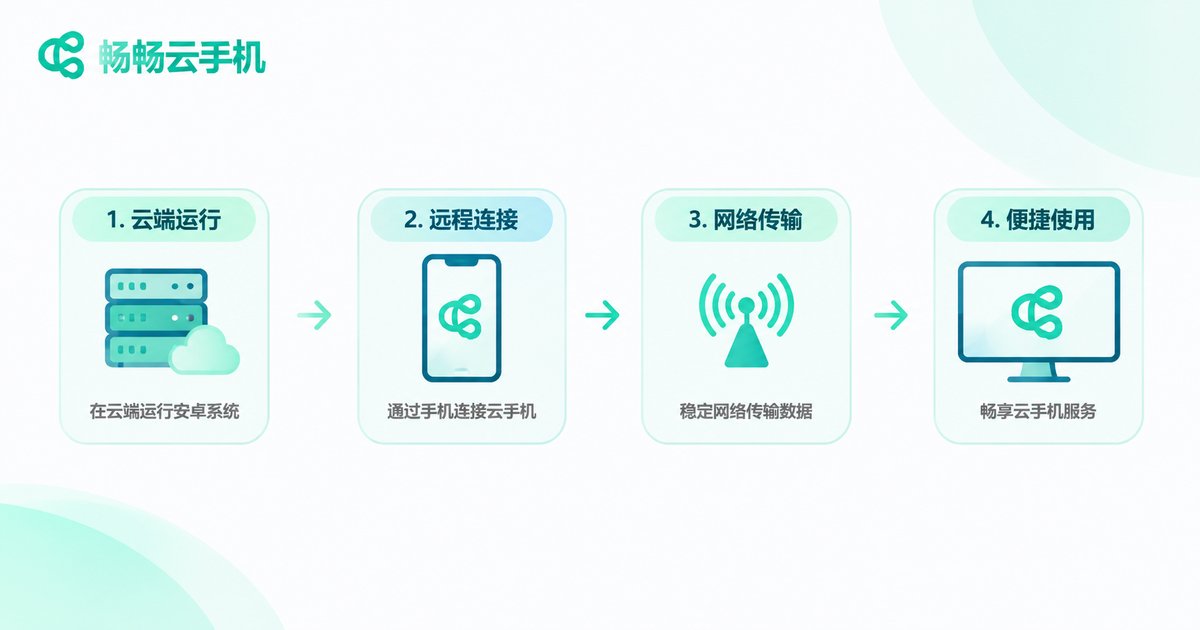
You don't need a technical background to follow this. The whole process comes down to four steps:
Step one: virtualization. A high-spec server is sliced by low-level virtualization into many independent mini-phones, each with its own Android system and storage, isolated from one another.
Step two: screen encoding. The display of that remote phone is compressed in real time into a video stream, much like a live broadcast.
Step three: network transmission. The stream is pushed to your device over the internet, while your taps and swipes are sent back the other way.
Step four: local decoding. Your phone or laptop decodes the stream and shows it. That's why your local hardware doesn't need to be powerful — even a several-year-old phone can run it smoothly.
The real deciding factor here is network quality. Roughly 80% of the experience depends on latency and packet loss, not on how expensive your local device is.
Five Misconceptions to Clear Up First
Misconception 1: a cloud phone is just an emulator. No. An emulator spins up a virtual environment on your own computer and consumes your local CPU and memory — close the laptop and it's gone. A cloud phone runs on a remote server, so shutting down, going offline, or switching devices doesn't stop it.
Misconception 2: a cloud phone is a virtual number or a device-spoofing tool. Also no. It is a complete Android device, just located in the cloud. Functionally it is no different from the phone in your hand.
Misconception 3: cloud phones are always laggy. Lag depends mainly on the network and how the provider schedules its machines. The same product can feel completely different on fiber versus a weak mobile signal. When choosing, look at line quality and node coverage first.
Misconception 4: a cloud phone can fully replace a real one. It can't. It lacks the convenience of a physical camera for scan-to-pay, and it isn't ideal for heavy 3D games unless the product is specifically optimized. Think of it as an always-on secondary device.
Misconception 5: security doesn't matter with cloud phones. Quite the opposite. Because it stays online long-term and your accounts and data live in the cloud, choosing a reputable provider and paying attention to account isolation and login verification matters even more.
So What Is It Actually Good For?
1. Keeping apps running for long stretches. Game resource farming, daily check-ins, or task-based apps can stay online while your local phone handles calls and videos without interference.
2. Managing multiple accounts separately. Put your work account, personal account, and test account on separate cloud phones. No cross-talk, and no piling up apps on your local device.
3. Development and testing. App developers need to check different Android versions and screen resolutions. Spin up a cloud phone instead of buying a drawer full of test devices.
4. Remote work and demos. Keep a fixed environment in the cloud and connect from a laptop or tablet while traveling — the environment stays identical.
5. Giving old devices a second life. An idle old phone or tablet only needs a client app to become a screen for your cloud phone.
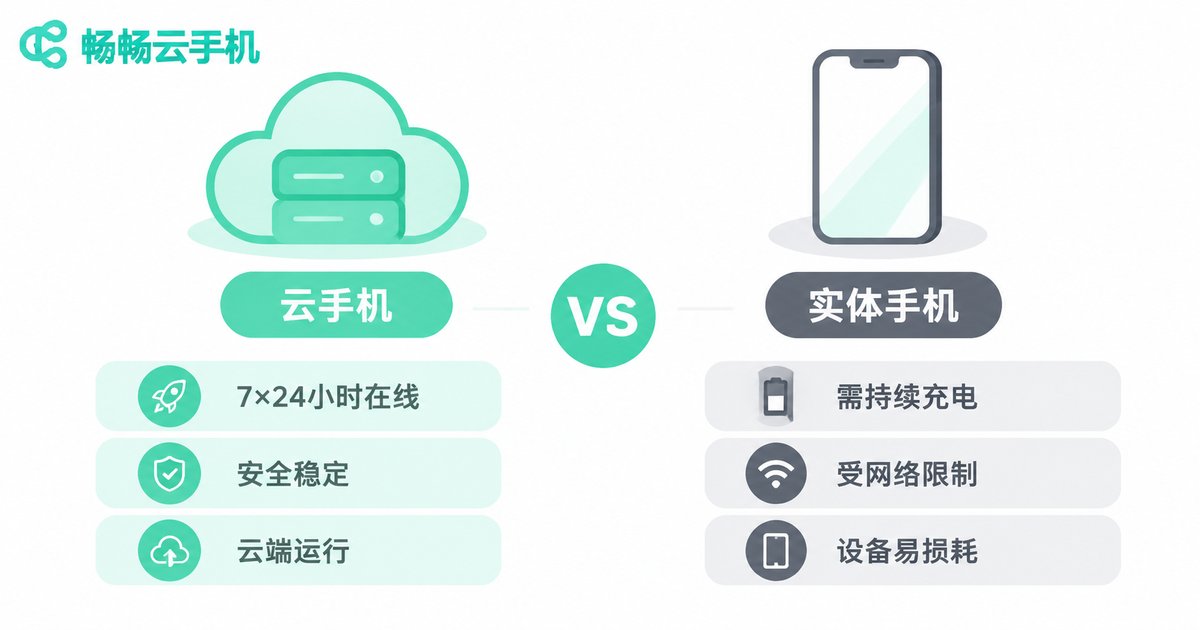
| Category | Cloud phone | Physical phone |
|---|---|---|
| Always online | Yes, even when your device is off | Requires constant power and boot |
| Multi-device access | Yes, pick up where you left off | One device, one user |
| Hardware cost | Choose a configuration as needed, no purchase | Upfront purchase, replace to upgrade |
| Dependence on local power | Low, old devices work fine | High, specs define the experience |
| Works offline | Needs a network | No network needed |
The Pitfalls People Hit Most Often
Pitfall 1: shopping on price without checking the line. Cheap plans often share bandwidth, and once peak hours hit, the experience collapses. Ask where the nodes are and whether bandwidth is dedicated.
Pitfall 2: treating "how many instances can I open" as the only metric. More instances doesn't mean better. Per-instance stability and whether data survives a restart are what matter for long-term use.
Pitfall 3: ignoring data ownership. Your accounts and data live inside that cloud phone. Confirm the provider has clear privacy terms and understand what happens to your data after an instance is deleted.
Pitfall 4: running heavy workloads on it. Large 3D games and video editing chew through graphics performance; a standard cloud phone won't keep up. Check the configuration before you commit.
Pitfall 5: buying a long-term plan immediately. Start with a short cycle, confirm the network is stable in the environment you actually use, then consider a longer commitment.
Who ccloudphone Is a Good Fit For
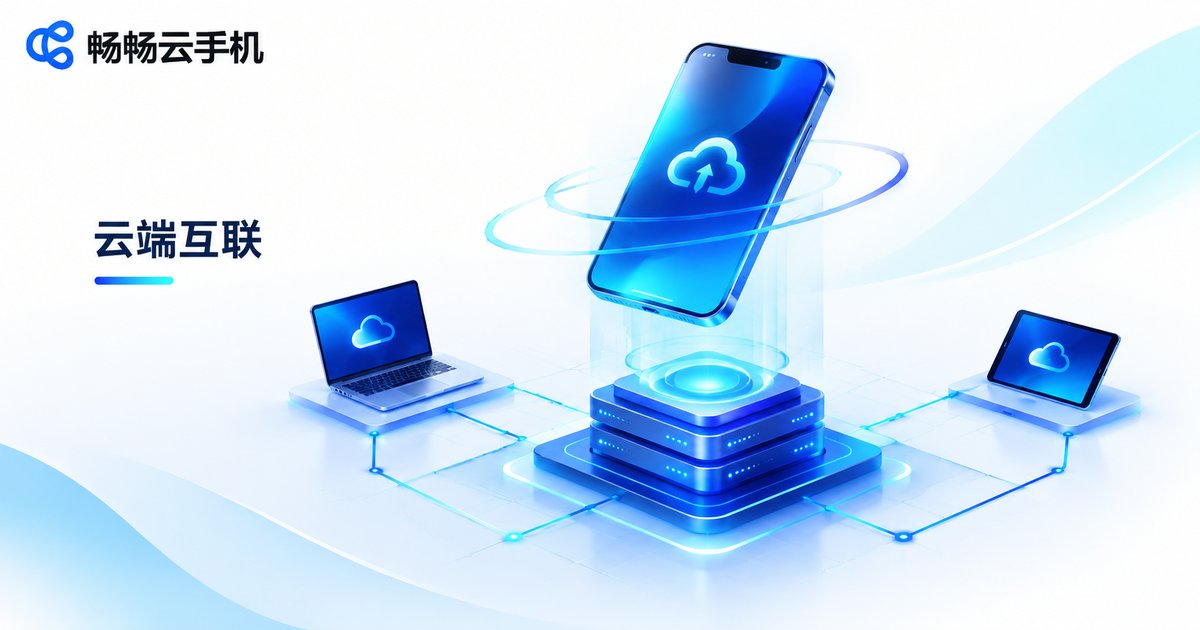
If you need an Android device that stays online and can be accessed at any time, ccloudphone is a low-hassle option. It runs the Android system in the cloud and connects through a client, so phones, tablets, and computers can all access it — your local hardware is no longer the bottleneck.
It suits a few specific groups: people who need apps running online for long periods, people who manage several accounts separately, developers testing apps, and anyone with only an older device who still wants to run newer applications. When choosing, match the configuration to your actual use case, and validate the network experience over a short cycle before committing long-term.
One last reminder: a cloud phone is a tool, not a master key. Knowing exactly what problem you're solving and choosing a configuration accordingly is far more reliable than chasing the lowest price or the highest instance count.
Frequently Asked Questions
Q: Do I need to keep my local phone on?
No. The cloud phone runs on a remote server, and your local device is just a display and control surface. Close the client and the remote device keeps running.
Q: What's the real difference between a cloud phone and an emulator?
An emulator consumes your own machine's performance and disappears when you shut down. A cloud phone uses remote server performance, works from even an old device, and can stay online indefinitely.
Q: Will a cloud phone be laggy?
It depends mostly on the network. The same product varies widely across connections, so test latency and stability on the network you actually use before committing long-term.
Q: Can a cloud phone replace a real phone?
Not entirely. Scan-to-pay, photography, and heavy 3D games still favor a physical device. A cloud phone works best as an always-on secondary device.
Q: Is my data safe in a cloud phone?
That depends on the provider. Check for clear privacy terms, understand how data is handled after an instance is deleted, and enable login verification on your account.
Q: Is one cloud phone enough?
It depends on your use case. One is plenty for running a single app; if you need separate work, personal, and test environments, add more as needed. Decide on the scenario first, then the quantity.


