How to Choose a Cloud Phone: Start with Use Case, Then Budget, Then Specs — Order Matters
Most people start shopping for a cloud phone by checking the price and then buying the best specs they can afford. Two weeks later they discover the phone is either too weak for the job or packed with features they never use. The order that actually works is simple: define the use case, set the budget, then trade off specs. Get the order wrong and you pay twice.
Why Use Case Comes Before Price
A cloud phone is essentially an Android device running in the cloud that you control remotely from a phone, laptop, or tablet. You can't hold it in your hand, so most buyers rely on the spec sheet — and the spec sheet is exactly where people get confused.
Your use case sets the floor for performance. Running a single app in the background and running a dozen accounts at once are completely different amounts of requirements. Once you know the use case, you know which specs are non-negotiable and which are just nice to have.
Starting with budget leads to trouble: once the number is locked, you're stuck choosing between “cheap but not enough” and “expensive but capable” — and most people pick cheap, then end up buying again.
Step 1: Label Your Use Case
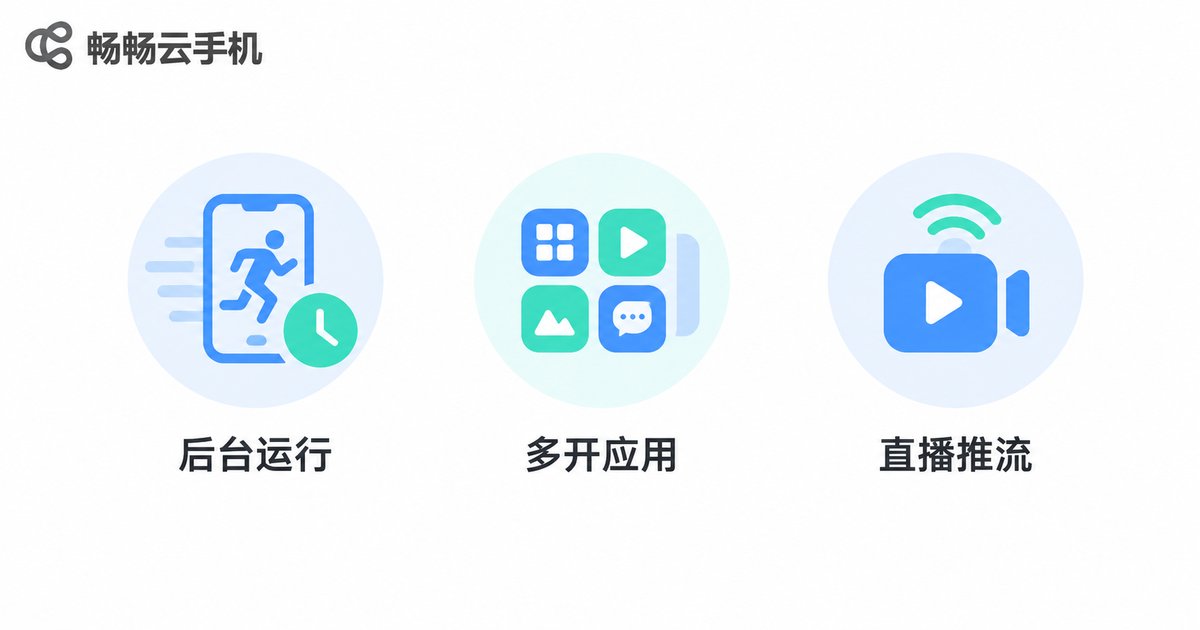
Keep it simple. Match your requirement to the table below and you'll have a rough picture of what you need.
| Use case | Typical scenario | What matters most |
|---|---|---|
| Light background | One app staying online, scheduled tasks | Stable uptime, basic memory |
| Multi-app | Several accounts running at once | Memory capacity, instance stability |
| Live streaming | Long sessions, scene switching | Network bandwidth, sustained CPU |
| App testing | Version compatibility, different OS | Selectable OS versions, quick reset |
| Mobile office | Remote app access, cross-device work | Multi-device access, smooth control |
Write the use case down and you now have a clear requirement boundary. Every later decision follows that table instead of the spec sheet.
Step 2: Set a Tier, Not a Price
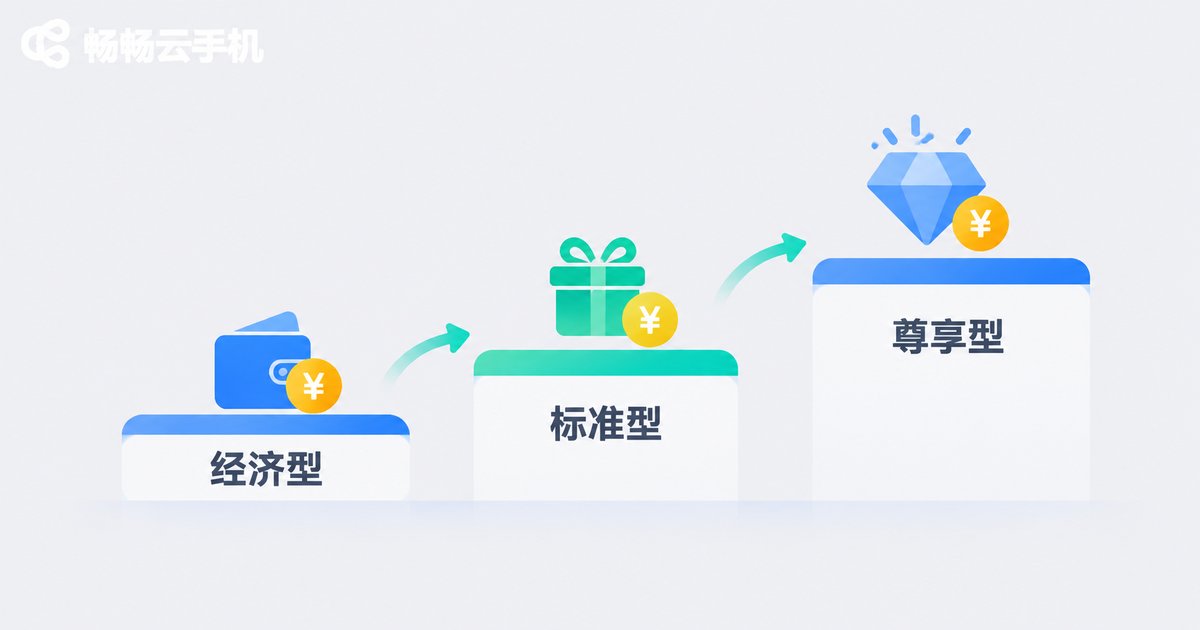
Budget isn't about picking the cheapest option — it's about defining the range you can accept. Think of it in three tiers:
| Tier | Best for | How to choose |
|---|---|---|
| Entry | Single account, light tasks | Prioritise stability; enough just enough |
| Main | Multi-app, long sessions, testing | Prioritise memory and concurrency |
| High intensity | Live streaming, batch tasks | Prioritise network and sustained performance |
The benefit is that you stop bouncing between “just try something cheap” and “go all in” — you pick a tier first, then choose within it.
Step 3: Trade Off Specs Last
Only now do the specs matter. Go through them one by one:
Memory and storage: how many instances you can run and how many apps you can install. In multi-app scenarios, this is the last thing to cut.
CPU and sustained performance: fast for a minute is easy; holding speed over hours is what counts.
Network bandwidth: live streaming, remote control, and remote access all depend on it.
OS version: if your app requires a specific Android version, confirm it up front.
Stability and maintenance: a cloud phone runs long-term, and one dropped connection can hurt more than slightly slower specs.
The rule is simple: never cut the floor your use case sets; allocate the rest by budget.
Three Common Mistakes
Mistake 1: Treating specs as the only standard. High specs with poor stability are more tiring over time.
Mistake 2: Buying the lowest tier first. Fine for a trial, but if your use case is already clear, low specs usually won't hold and you'll pay again.
Mistake 3: Ignoring how you'll use it. A cloud phone is a remote service — multi-device access and everyday usability matter as much as numbers.
Where CCloudPhone Fits
CCloudPhone (ccloudphone) provides Android cloud phones running in the cloud, with multi-device access and long-running online support. It suits multi-app scenarios, long background sessions, app testing, and remote work. If you're just starting out, begin with your real use case — how many instances you need to run at once and whether it must stay online for long periods — and then decide on a tier, rather than comparing prices first.

FAQ
Q: How is a cloud phone different from a phone?
It runs on cloud servers and you control it remotely, so it doesn't take up local storage or battery — ideal for long-running tasks.
Q: Should I look at use case or price first?
Use case. It sets the performance floor; budget sets the ceiling. The ones that match are the right ones.
Q: How many cloud phones do I need for multi-app?
It depends on how many accounts you run at once. Count the instances first, then work back to memory and concurrency requirements.
Q: Is higher spec always better?
Not necessarily. Specs beyond your use case only add cost, and stability and network performance matter just as much.
Q: What if I'm still unsure?
Write down your use case, instance count, and required online hours, then walk through the three steps above — you'll narrow it down quickly.