Cloud Phone Recommendation Guide: Idle Farming, Office Work and Live Streaming Each Need a Different Setup
Define the Use Case First, Then Judge the Cloud Phone
Search for opinions on cloud phones and you will find reviews at both extremes. Some people love them, others say they lag too much to be usable. Most of the time the problem is not the cloud phone itself — it is a mismatch with the scenario. Game idle farming, remote office work and live streaming place completely different demands on a cloud device, so squeezing all three into one configuration naturally produces mixed results.
This guide splits the topic into three use cases so you can first identify which one you belong to, then decide which specs actually matter.
1. Idle Farming: Stability Beats Raw Performance
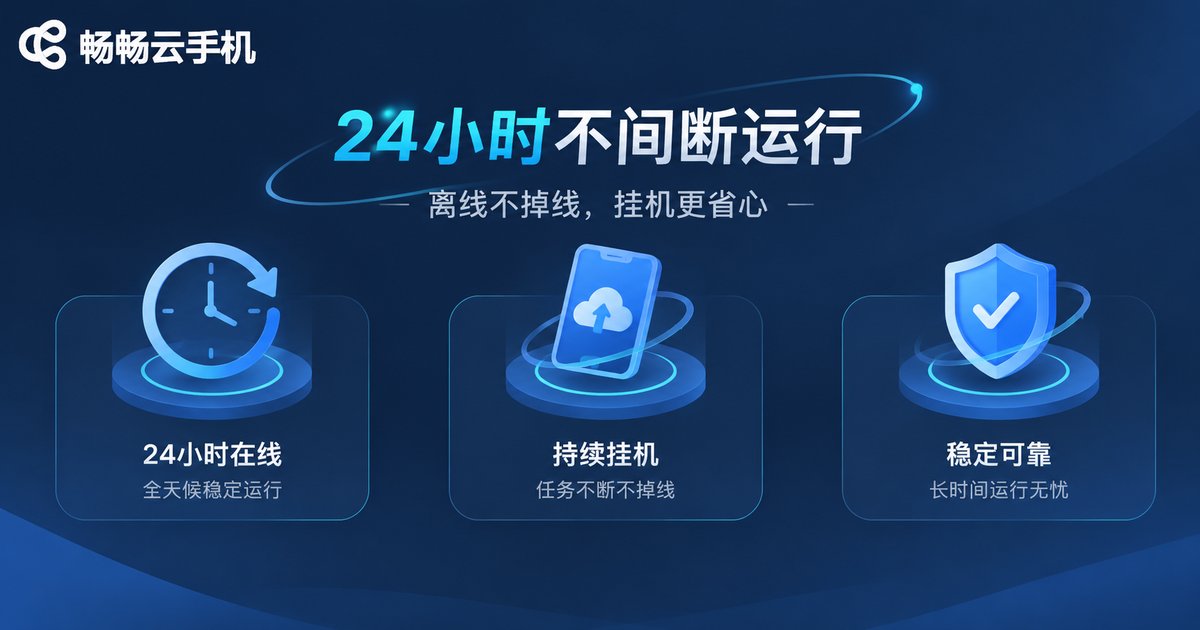
Idle farming is the most typical cloud phone use case: daily game routines, check-ins, background app running, data collection and so on. What these have in common is that nobody needs to watch the screen for long stretches, so the key metric is not benchmark scores — it is whether the instance stays online.
Three things are worth checking:
1. Uptime and reconnection behaviour. Can the cloud instance keep running for long periods, and does it recover automatically after an unexpected disconnect?
2. Background keep-alive. Android aggressively cleans up background apps. If the cloud side has optimised keep-alive, the success rate of idle tasks is noticeably different.
3. Number of instances and resource allocation. How many instances can run at once, and how much memory and CPU each one gets, directly determines whether they slow each other down.
For heavy idle users, a mid-range cloud phone that runs for days without dropping is worth far more than a high-spec machine that disconnects every two hours.
2. Office Work: Data Isolation and Responsiveness
People who use cloud phones for work usually have a few concrete scenarios: accessing company apps from a phone while travelling, separating work accounts from personal ones, or running Android-only productivity software on a low-spec device.
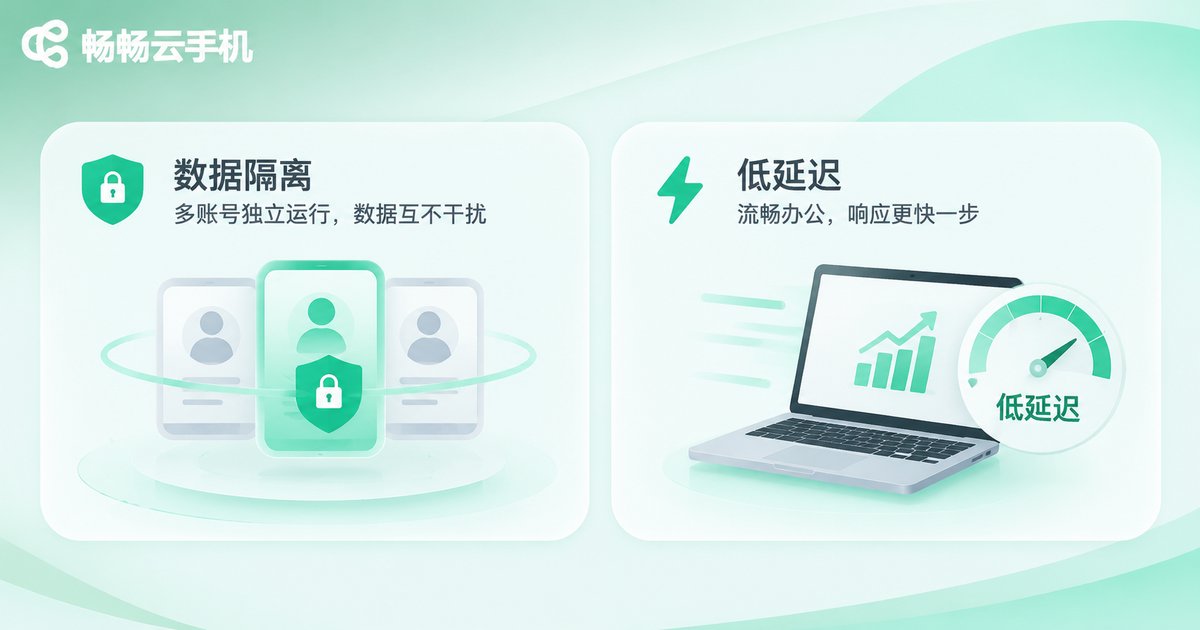
The keywords here are isolation and responsiveness. Work data lives in the cloud instance, nothing is left on the local device, and you can pick up where you left off from any machine. At the same time, input latency must be low — scrolling, typing and app switching cannot stutter, or working with documents becomes painful.
Pay attention to: network latency (choose a node close to you), whether local-to-cloud file transfer is supported, whether resolution can be customised for different screens, and whether account permission management is clear.
3. Live Streaming: Stream Stability and Multi-Account Switching
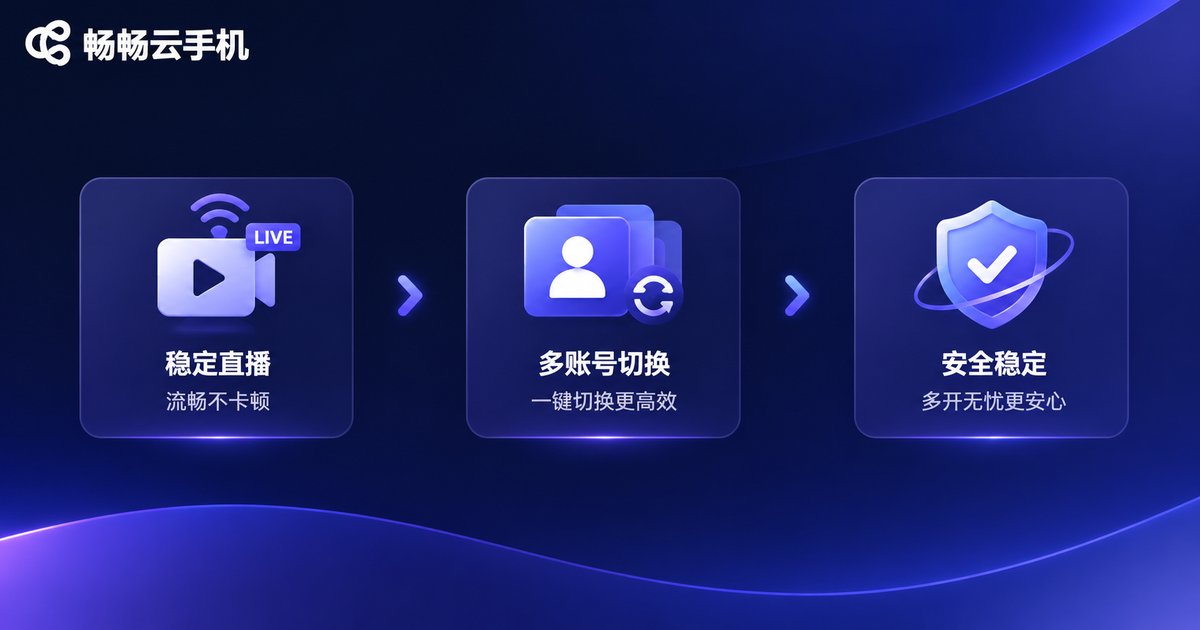
Live streaming is the most demanding scenario. You need long streaming sessions without interruption, and many teams also manage multiple platform accounts at the same time as part of a matrix operation.
What these users really care about: stable upstream bandwidth, whether an instance can sustain high load for hours, whether accounts can be switched quickly without mixing up sessions, and the clarity of the transmitted image.
One reminder: streaming consumes a lot of bandwidth. Choose a solution with good network nodes and sufficient bandwidth, and run a stress test in advance rather than discovering the lag the moment you go live.
Side-by-Side Comparison of the Three Use Cases
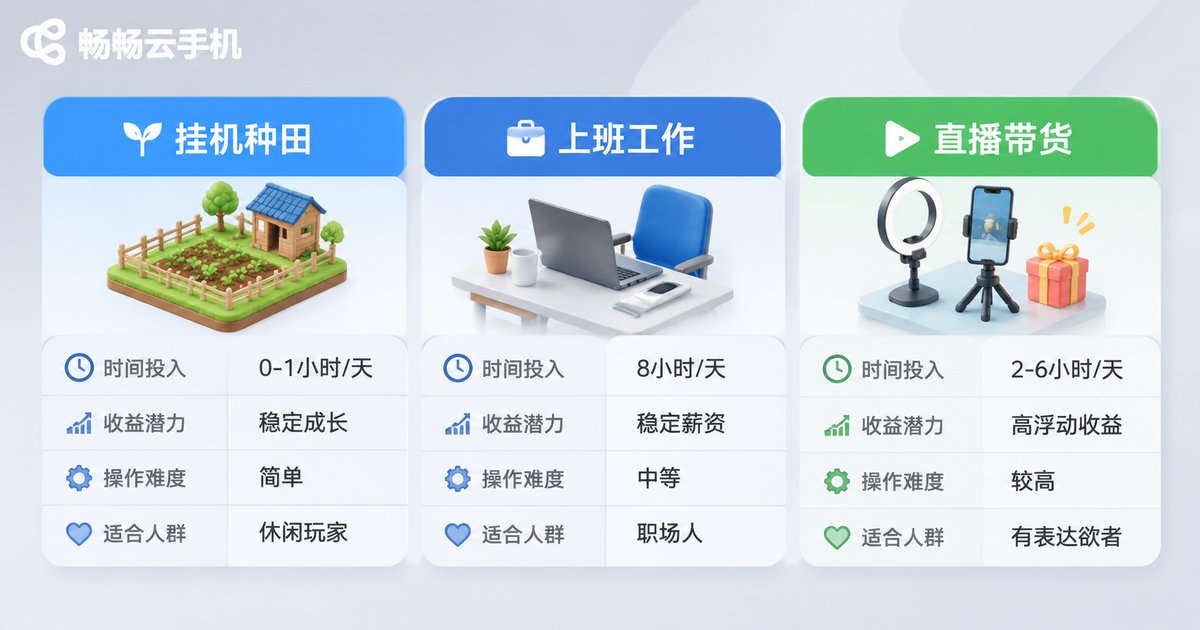
Putting all three in one table makes the differences obvious:
| Use case | Key metrics | Configuration focus | Typical runtime |
|---|---|---|---|
| Idle farming | Uptime, background keep-alive | Mid-range specs + multi-instance | 24/7 |
| Office work | Input latency, data isolation | Low-latency nodes + file transfer | Fragmented weekday hours |
| Live streaming | Stream stability, multi-account control | High bandwidth + high load capacity | Several hours per session |
Why We Recommend ccloudphone
Look at all three use cases together and you will notice they share the same underlying requirements: stable, controllable, accessible at any time. ccloudphone is built around exactly these points.
The core idea is simple: the Android system runs on cloud servers, while the local device only handles display and input. That means:
· Cloud instances can stay online for long periods, which suits idle farming;
· Work data is stored in the cloud rather than locally, so you can continue from another device after logging in;
· Multi-instance management makes it easier for streaming teams to operate several accounts;
· Local hardware requirements are low, so older phones, tablets and computers can all connect.
For the exact instance specifications, node locations and feature details currently available, check the official ccloudphone website and choose according to your actual usage — there is no need to start with the highest configuration.
FAQ
Q: Will idle farming on a cloud phone get my account banned?
A cloud phone is just a running environment. Whether something violates rules depends on the app you run and how you operate it. With normal usage and no plug-ins or abnormal bulk behaviour, the risk is manageable.
Q: Is it safe to use a cloud phone for office work?
Data is stored in the cloud instance and no files are left on the local device, which is itself an isolation advantage. It is still worth enabling two-factor authentication and avoiding logins on public networks.
Q: Can one cloud phone handle both idle farming and live streaming?
Technically yes, but the two scenarios consume resources very differently. Idle farming is long-term and low-load while streaming is short-term and high-load, so mixing them easily causes interference. Separate instances are recommended.
Q: My local phone has low specs — can I still use a cloud phone?
Yes. Computing and storage happen in the cloud, and the local device mainly handles display and input, so older devices can connect just fine.
Q: What configuration should a first-time user choose?
Start with a basic configuration that satisfies your single current use case. Observe actual resource usage for one or two weeks before deciding whether to upgrade or add instances — that is the least wasteful approach.