

How to Get a Cloud Phone Refund? Read the Agreement You Ticked at Signup First
When a Refund Request Gets Stuck, the Problem Is Rarely the Support Agent
Most people file their first cloud phone refund request expecting a one-click process. What they get instead is a rejection, a partial refund, or a note saying used time is not refundable. The natural reaction is to assume support is passing the buck.
The reality is usually far more mundane: what decides whether you can get a refund, and how much, is not the agent's attitude but the service agreement you ticked the moment you signed up. That document is often several thousand words long, and most people scroll straight to the bottom and hit agree. When refund time comes, they go looking for the clauses for the first time — and find themselves at a disadvantage.
What Exactly Did That Checkbox Commit You To?
A cloud phone is a classic virtual service product, and its terms follow completely different logic from physical goods. Physical goods involve shipping, delivery confirmation and condition checks. A virtual service starts consuming from the second the account is activated. That is why the agreement usually spells out the following points very clearly:
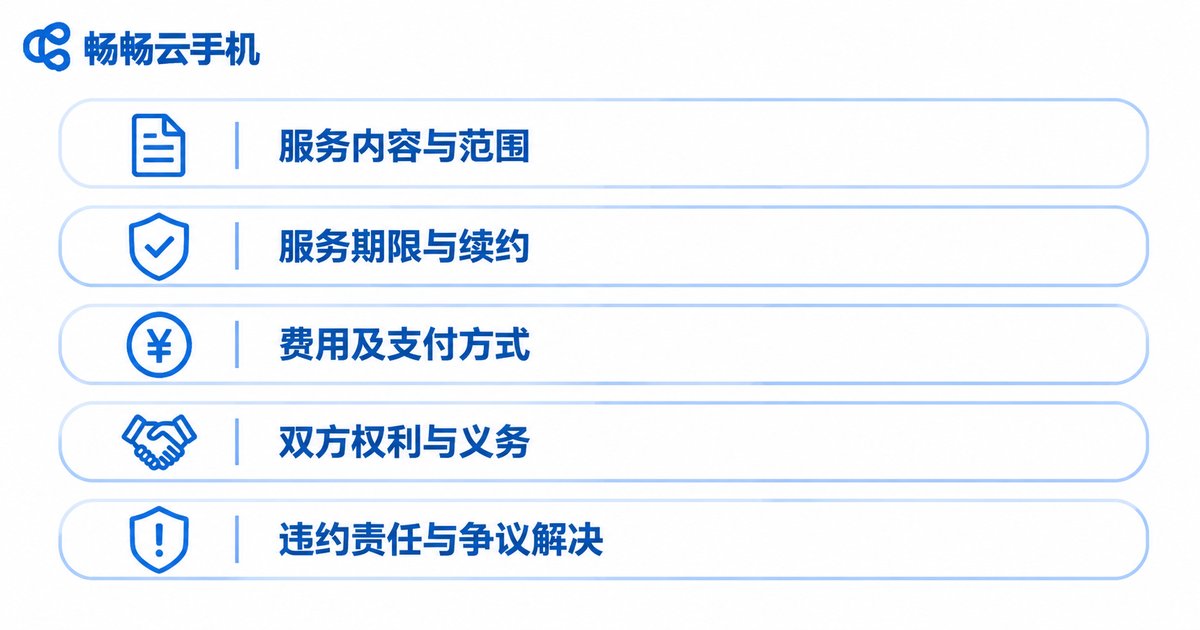
| Key clause in the agreement | What it actually determines |
|---|---|
| Service start time | Whether billing starts at payment or at first boot |
| Billing cycle and settlement | Daily, monthly or hourly, and how the remainder is prorated |
| Definition of consumed resources | Whether uptime, traffic, storage and dedicated IP usage count as consumption |
| Refund claim window | Whether you can still file after a certain point in time |
| Non-refundable cases | Misuse, bulk registration, risk-control bans and similar |
You do not need to memorise this table. You need to remember one thing: nine out of ten refund disputes can be answered inside these five rows. If your order is still within its validity period, has no violation records and shows very little consumption, the process is usually not hard. Conversely, if the device has been running continuously for many days, has a dedicated IP attached and has generated heavy traffic, then a full refund simply does not fit the logic of the agreement.
How the Refund Amount Is Calculated: Start With the Billing Cycle
This is where expectations most often break down. The user's mental math goes: I bought three months, used one week, so I should get back more than two thirds. The agreement's math often goes: billing is settled monthly, and a cycle that has already started is not split.
Both approaches are reasonable. The only question is which one you signed. So before you submit anything, do one thing: screenshot the billing method, the start time and the number of days used from your order page. Those three items are the strongest evidence you can bring to any conversation — far better than verbal description.
One more note: some providers stipulate in the agreement that refunds are net of resource costs already incurred, and that amount is sometimes not small. Reading carefully before submitting is far more efficient than arguing afterwards.
Four Things to Do Before You Submit a Refund Request
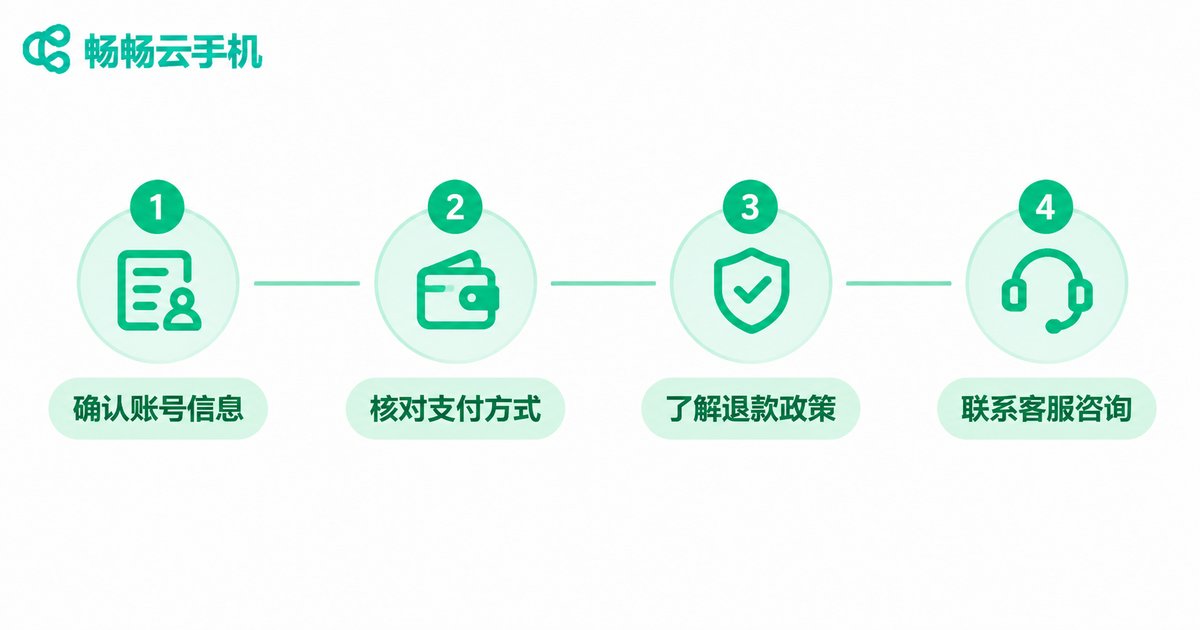
First, find the original agreement. Most platforms keep an entry point on the registration page, order page or help centre. Read it in full, focusing on the refund, termination and liability sections.
Second, verify your order details. Order number, purchase time, plan type and payment method — having all four ready before you submit can save you at least one round of back-and-forth.
Third, clear the data inside your account. If business processes or files are still running on the cloud phone, export them first. Once the account is terminated, data is usually not retained.
Fourth, use official channels. Ticket, live chat or official email — pick one that leaves a record. Chat logs and ticket numbers are your key evidence for follow-up.
To Avoid the Refund Path Entirely, Do This at the Selection Stage
Ultimately, a refund is a remedy, not a routine operation. The genuinely stress-free approach is to read the rules before you activate anything. Here are a few practical tests:
Check whether the agreement is publicly available. A legitimate provider puts its service agreement, billing notes and refund rules somewhere prominent on the official site — you should not have to pay first to see them.
Check the billing granularity. Services that let you start with a day or a week naturally carry lower trial-and-error cost. You do not have to commit three months up front; validate stability on a short cycle first, then decide whether to renew.
Check multi-device management. Services that let you manage devices uniformly from a web console or client tend to be more productised, and their rules tend to be more transparent.
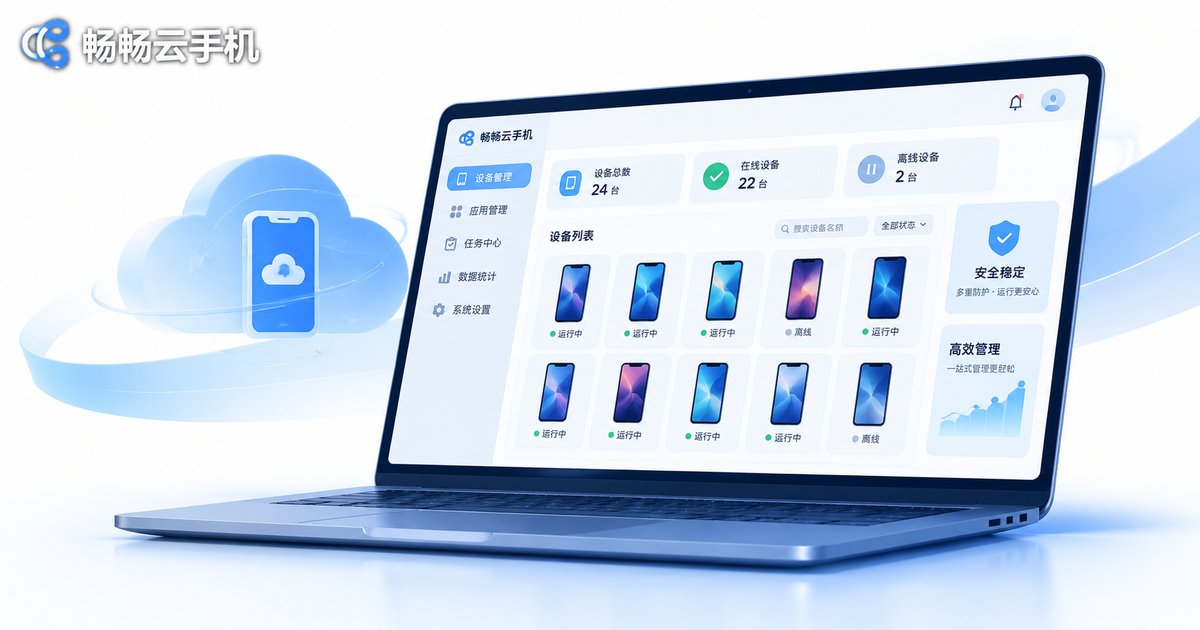
ccloudphone: Putting the Rules Out in the Open
ccloudphone takes a fairly direct approach here — the service agreement, billing notes and refund rules are all published on the official website, so you can read them in full before activation rather than after payment.
On the product side, ccloudphone provides Android virtual devices that run in the cloud, supporting multi-instance management, batch operations and long-running online sessions. Routine actions such as booting, restarting and installing apps can be done from the web console, with no local hardware resources consumed. That form factor suits scenarios where you need to switch between multiple accounts or keep devices online for extended periods.
One clarification: for specific plan specifications, billing methods and refund details, please refer to the service agreement and order page published on the ccloudphone official website. Product offerings may differ between periods, and five minutes spent reading the agreement before ordering is always a better deal than an argument afterwards.
Frequently Asked Questions
Q: Can I still get a refund after a cloud phone has been activated?
Whether you can, and how much, depends on what the service agreement says about billing cycles and consumed resources. Check the refund section of the agreement first, then verify the start time and days used on your order page.
Q: Why did I only get a partial refund?
The usual reasons are a clause stating that billing is settled per cycle and a started cycle is not split, or a deduction for resource costs already incurred. The exact calculation is normally described in the billing notes.
Q: What if I cannot find the agreement I originally ticked?
Look on the registration page, order detail page, help centre or site footer. If it truly cannot be found, open an official ticket and ask support for the agreement link.
Q: Is my data still there after a refund?
Data is usually not retained after account termination, so export or back up anything you need before submitting the request.
Q: How do I avoid going through this again?
Prefer providers with publicly available agreements and short-cycle billing options. Validate stability and compatibility on a small cycle first, then renew for a longer term once confirmed. ccloudphone publishes its agreement and billing notes on the official website — worth reading before you activate.


