
Operations · Engineering · Trends
Hands-on playbooks, product updates and cross-border insights from the CCloudPhone team.
Will Cloud Phone Data Be Lost If You Forget to Renew? Data Retention After Expiration
Forgot to renew your cloud phone? In most cases your data is not deleted immediately. After expiration, the service typically enters a grace or retention period—commonly 7 to 30 days across the industry—during which your apps, files, and settings remain stored in the cloud. Renew within this window and everything is restored as usual; miss it, and the data may be wiped permanently. This article explains how cloud phone data retention works, which types of data are most at risk, and shares practical tips such as auto-renewal, calendar reminders, and regular backups to keep your data safe.
What to Look for in Cloud Phone Reviews? Read the Specs, Avoid the Traps
Cloud phone marketing pages are full of phrases like flagship-grade specs and high-frame-rate gaming, yet the real experience often falls short. This guide breaks down the five things that actually matter when evaluating a cloud phone: whether CPU and RAM are dedicated or shared, true resolution and frame rate, network latency, storage and OS version, and stability under concurrent workloads. You will learn what each spec means in daily use, which claims to distrust, and how to verify everything hands-on. A five-step practical checklist at the end shows you how to test any cloud phone in your own environment before paying, so inflated specs never fool you again.
How to Use a Cloud Phone: Download, Install, and Login Step by Step
This step-by-step guide walks you through the entire cloud phone setup process: how to download the ccloudphone app from official channels, what permissions to allow during installation, key tips for registration and login, and how to choose your first cloud device. You will also learn practical tricks such as running multiple apps, keeping tasks alive in the background, and syncing data across devices. A FAQ section at the end answers the most common beginner questions, so you can get your cloud phone running smoothly in just a few minutes.
Can iPhone Use a Cloud Phone? A Complete Guide to Cloud Phones on iOS
Many people assume cloud phones are only for Android users, but iPhone owners can use them too. This guide explains how a cloud phone works: the Android system runs on remote servers while your iPhone simply streams the screen and your inputs. You will learn the most common iOS use cases, such as playing Android-exclusive games on an iPhone, 24/7 idle farming, running multiple accounts, and saving storage space. Using ChangChang Cloud Phone (ccloudphone) as an example, we walk you through the whole process from registration to entering the cloud desktop in minutes. A practical FAQ at the end answers common questions about lag, jailbreaking, data safety, and pricing.

How Does Cloud Phone AFK Work? Cloud Background Running Explained
Cloud phone AFK works by running a full Android system on ARM servers in a data center, while your physical phone acts only as a remote control and display. App processes, game logic and scheduled tasks all execute inside your cloud instance, so you can close the app, lock the screen or even power off your device while tasks keep running around the clock. This article breaks down the complete pipeline of cloud background running, the infrastructure that keeps sessions stable, how it differs from local AFK, and the scenarios where it makes the most sense.
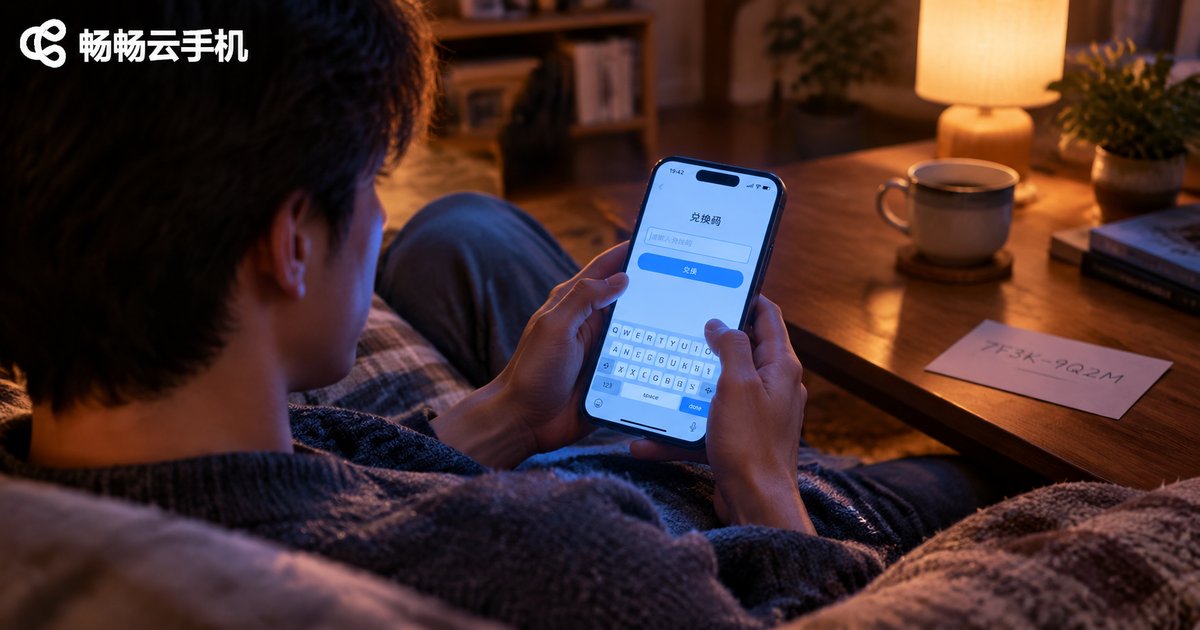
How to Use Cloud Phone Redemption Codes? Time and Membership Redemption Explained
Cloud phone redemption codes are a handy way to claim free usage time and membership benefits without paying. This guide walks you through how to use redemption codes in CCloudPhone step by step: where to find the redemption entrance, how to redeem time codes and membership codes, and how to fix common errors such as invalid codes, already-used codes, expired codes, and benefits that never arrive. You will also find a troubleshooting table of typical error messages, practical tips like one-code-one-use rules and expiration reminders, plus a FAQ answering the questions users ask most. Whether you are a new user holding your first starter code or an existing user wondering why a code will not redeem, this article helps you turn every valid code into real account benefits quickly and safely.
Is Cloud Phone Safe? Will Your Privacy and Account Data Be Leaked?
Worried about putting your accounts and personal data on a cloud phone? This article explains how cloud phones actually work: your data is encrypted in transit and stored in professional data centers, not on your local device. It compares cloud phones with physical phones on privacy protection, highlights the four real risk points (weak passwords, unknown apps, account sharing, untrustworthy providers), and shows how to pick a reliable provider such as ChangChang Cloud Phone (ccloudphone). Practical security habits and answers to the most common questions help you use a cloud phone with total confidence.
Do Permanently Free Cloud Phones Exist? The Truth and Risks of Free Cloud Phones
Cloud phones cost real money to run, so how can anyone offer them for free forever? This article explains the three business models behind 'free' cloud phones: time-limited trials, watch-ads-to-earn-hours, and freemium tiers designed to convert you into a paying user. It then walks through the five most common risks — reduced image quality, long queues at peak hours, forced advertising, account and privacy concerns, and sudden shutdowns that wipe your data. Finally, you get four practical criteria for judging whether a cloud phone is worth keeping, so you can enjoy the convenience of the cloud without paying a hidden price for 'free'.
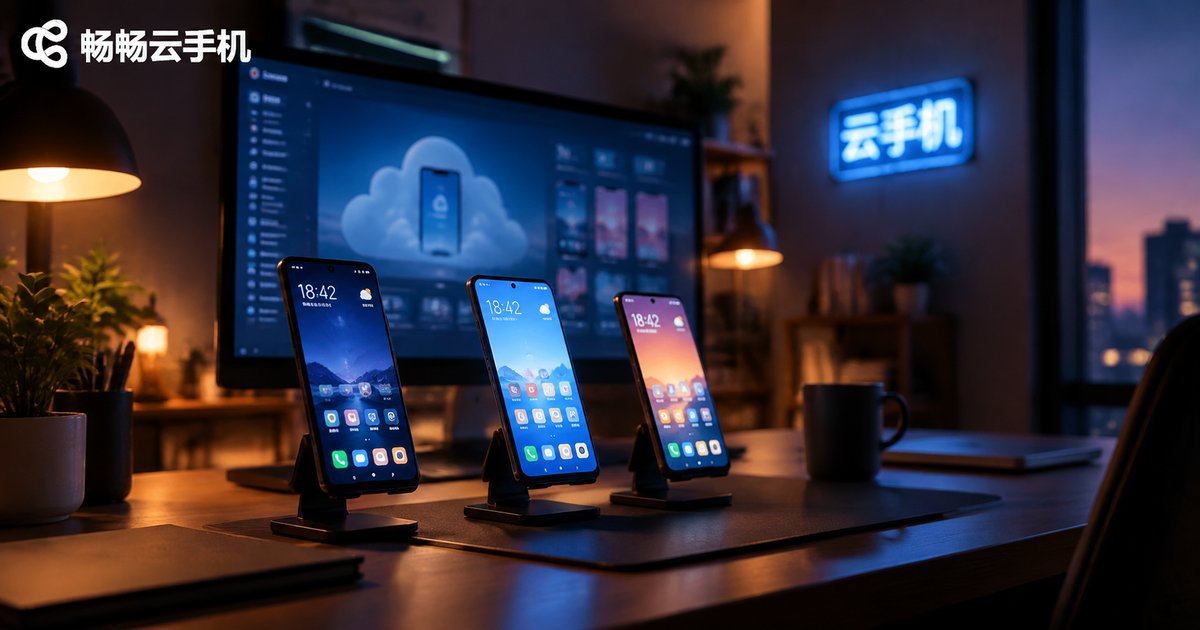
Can Cloud Phones Support Multiple Simultaneous Logins? Shared Account Risks Explained
Can multiple people log into a cloud phone at the same time? The answer depends on which layer you mean: the cloud phone platform account or the app accounts inside each instance. This article explains how simultaneous logins actually work, why two people operating one cloud phone means sharing a single screen, and details five real risks of account sharing: privacy exposure, financial loss, leaked verification codes, platform bans, and unclear responsibility. It also compares shared accounts with independent instances and shows how multi-instance cloud phones, such as ChangChang Cloud Phone (ccloudphone), let each user work in a fully isolated environment. FAQ included.
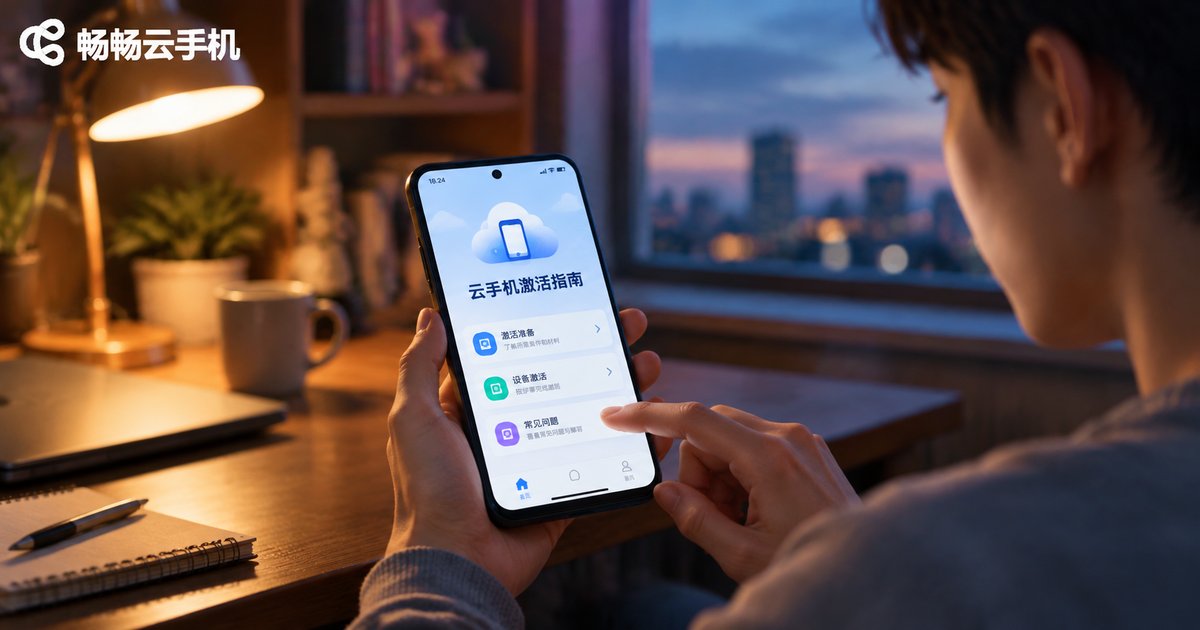
How to Use Your Cloud Phone After Purchase? Activation and Initial Setup Guide
Just purchased a cloud phone and not sure what to do next? This step-by-step guide walks you through the complete activation and initialization process: signing in to your account dashboard, selecting and activating your cloud device, completing first-boot settings such as display quality, network check and notifications, installing apps, and getting familiar with key features like 24/7 background running and file transfer. We also answer the most common beginner questions about device syncing, multi-device login and data safety, so you can get started within minutes and enjoy a smooth cloud phone experience from day one.

Which Cloud Phone Is the Most Stable? How to Choose One for Long-Term AFK Without Disconnects
If you plan to run long-term AFK tasks on a cloud phone, stability matters far more than flashy features. This guide explains the four core indicators of cloud phone stability — uptime, auto-reconnect, server architecture, and network route quality — plus five practical buying tips for choosing a device that stays online around the clock. A comparison table shows how a physical phone, an average cloud phone, and a high-stability cloud phone differ in cost, uptime, recovery, and multi-instance capability. We also share four tips to reduce disconnects, and recommend ccloudphone, a service built on real cloud Android devices with 24/7 availability, automatic recovery, and multi-open management — a dependable choice for gamers and multi-account users.
How to Log Out of a Cloud Phone? Key Tips for Switching Devices
This guide explains how to log out of a cloud phone step by step, and clarifies the real differences between logging out, uninstalling the app, and deleting your account. It also lists the key precautions before signing in on a new device: memorizing your credentials, confirming that cloud data is fully synced, handling running tasks, and downloading the official app. Because a cloud phone stores everything on cloud servers, changing your physical phone does not mean losing games, apps, or progress. The article ends with a practical FAQ covering forgotten passwords, multi-device login rules, and whether you should shut down the cloud phone before logging out, so you can switch devices with complete confidence.