
Which Cloud Phone Doesn't Lag? Bandwidth and RAM Are What Matter — Specs Are Just Reference
Where Cloud Phone Lag Really Comes From
When people shop for a cloud phone, the first thing they look at is the spec sheet: how many CPU cores, how many gigabytes of RAM, which model. Then they actually use it and discover that two cloud phones with nearly identical numbers can feel completely different — one glides like a local device, the other takes three seconds to respond to a single tap.
The reason is simple: the smoothness of a cloud phone is really about how fast the picture travels from the cloud to your screen. On that path, only two things truly bottleneck the experience — bandwidth and memory. CPU and OS version only start to matter once those two are already good enough.
Factor One: Bandwidth Decides Whether the Picture Keeps Up
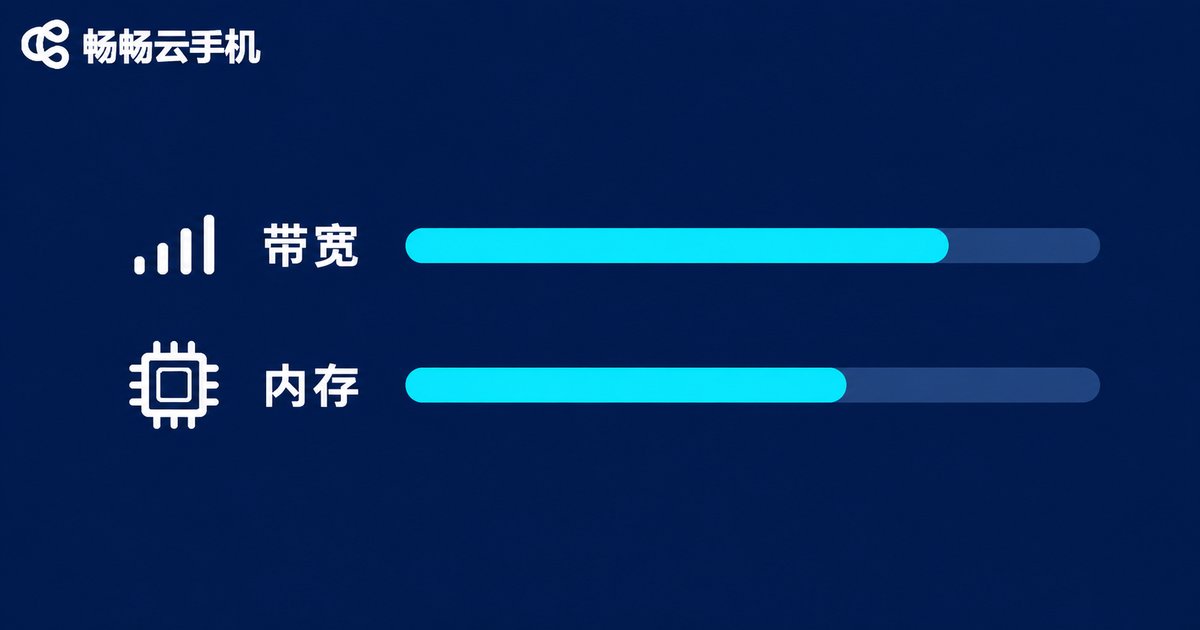
Bandwidth is like a water pipe. If the pipe is narrow, higher pressure will not make the water flow faster. A cloud phone encodes its screen in real time and streams it to your device, so when bandwidth runs short, the picture blurs, stutters, and lags.
When bandwidth is insufficient, you usually see these three symptoms:
- Swiping outruns the screen: your finger reaches the edge while the image is still catching up
- Pixelated, blocky visuals: bitrate gets squeezed to save traffic
- Noticeable input delay: you tap a skill and it fires half a second later
So do not judge bandwidth by the words high definition on a marketing page. Bandwidth that is genuinely sufficient still holds its frame rate during evening peaks, with multiple instances open, and after hours of background running.
Factor Two: Memory Decides How Many Apps You Can Run and How Long
If bandwidth governs whether things look smooth, memory governs how much you can fit inside.
When memory is short, the picture often stays clean, but more annoying problems appear:
- Apps get killed the moment they go to the background, so overnight game sessions drop offline
- Open two or three accounts and they start fighting over resources
- Launching a heavy game means staring at a loading bar
The conclusion is straightforward: if you only run one lightweight app at a time, memory demands are modest. But if you need multiple instances, long unattended sessions, or heavy games, memory is a hard threshold you cannot cut corners on.
Spec Sheets Are Only a Reference — Real Testing Is the Answer
The biggest problem with a spec sheet is that it tells you the ceiling, not the everyday reality. Two devices both claim high definition, yet one holds steady at peak hours while the other turns into a slideshow within ten minutes.
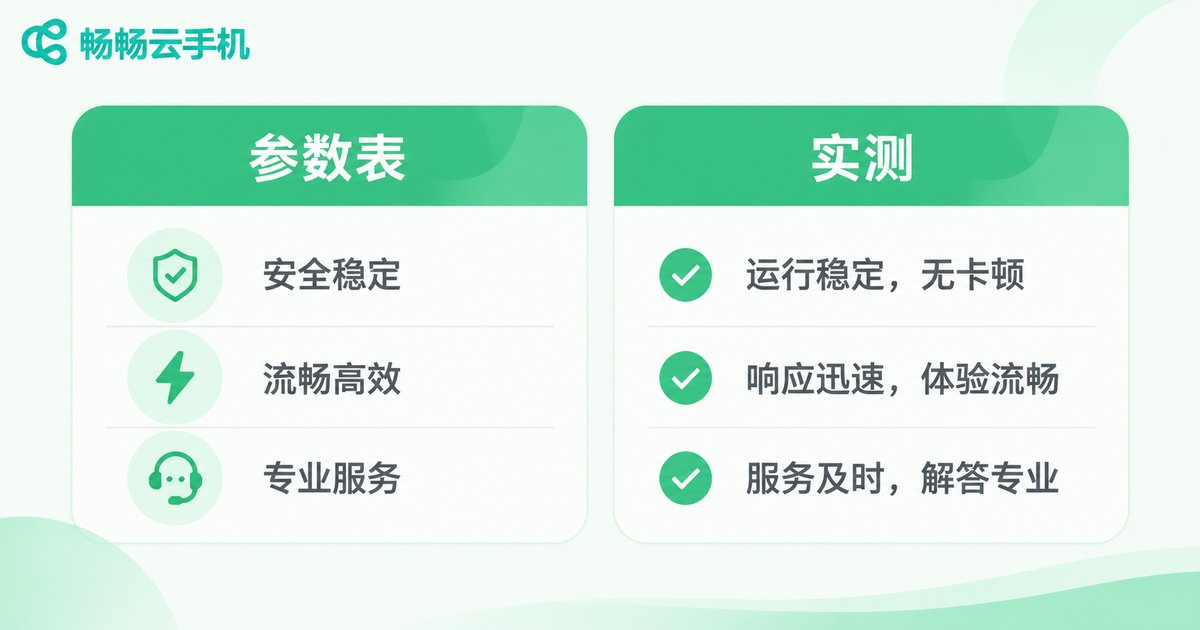
| Item | What the spec sheet tells you | What real use tells you |
|---|---|---|
| Bandwidth | Claims high definition | Whether it drops frames at peak hours and whether swiping keeps up |
| Memory | How many GB are listed | Whether multiple instances kill each other and whether sessions stay online |
| CPU | Cores and threads | Whether heavy games hold a stable frame rate |
| Stability | Rarely mentioned | Whether a 24-hour session stays connected |
Specs are the ticket in; real testing is the report card. That is why experienced users skip the spec sheet and simply run the apps they actually use.
How to Pick a Cloud Phone That Truly Does Not Lag
Turn those two factors into an actionable checklist and it comes down to three steps:
Step one: check the bandwidth guarantee. The key is not the peak number but whether it stays steady at busy hours and whether multiple instances drop frames together. Ask whether there is a dedicated transmission channel and whether screen encoding has been optimized.
Step two: check the memory configuration. Decide your use case first: a single background app, two instances for daily use, or several instances running games. Your use case determines the memory tier — do not overpay for a ceiling you will never reach, and do not compromise on the one spec that matters.
Step three: check long-session stability. The whole value of a cloud phone is staying online. Whether it can run for dozens of hours without disconnecting matters far more than a benchmark score.
Take ccloudphone as an example. Its approach is to put the resources in the cloud: apps and the system run on a cloud ARM architecture, while your local device only displays the picture and sends back your input. That keeps local hardware requirements low, so even older phones can handle it, and it supports multiple instances plus long online sessions for scenarios that need to stay connected. For current configurations and available features, check the official site and choose the tier that matches your use case.
Frequently Asked Questions
Q: Is cloud phone lag caused by a weak local phone?
Not entirely. The cloud renders and encodes the picture, and your device mainly decodes and displays it. Very old hardware can affect decoding, but most lag comes from insufficient bandwidth or tight memory on the cloud side.
Q: Which matters more, bandwidth or memory?
It depends on your use case. If watching the screen and keeping input responsive matters most — streaming video, action games — prioritize bandwidth. If multiple instances and long unattended sessions matter most, prioritize memory. If both are tight, the experience will definitely suffer.
Q: Do higher specs always mean less lag?
No. Specs describe the ceiling. Real experience also depends on the transmission path, encoding optimization, and resource scheduling. Two devices with identical specs can perform very differently in practice.
Q: How can I quickly tell whether a cloud phone lags?
Do not rely on a demo. Run your own everyday apps and watch three things: whether swiping keeps up at peak hours, whether two instances kill each other, and whether a multi-hour session stays connected.
Q: Who is ccloudphone suitable for?
It suits users who need apps to stay online for long periods, who need multiple instances, or whose local phone is modest but who still want smooth access to Android apps. For supported models and features, refer to the official site.


