

Which Cloud Phone Is Both Cheap and Good? Cheap and Good Often Conflict — Learn to Trade Off
The Short Answer: Cheap and Good Rarely Peak Together
Search for “which cloud phone is good and cheap” and you'll find endless results, with prices from a few dollars a month to dozens. But anyone who has used one for a while knows there is almost always an invisible line between price and experience: the cheapest ones stutter, drop connections and blur the screen; the smoothest ones make you hesitate at the bill.
This isn't vendors being unfair — it's the cost structure of the cloud phone business. Once you understand where the money goes, you stop bouncing between “ultra-cheap monthly plan” and “flagship specs.”
Where Does the Money for a Cloud Phone Actually Go?
A cloud phone isn't just an app. It's a real Android device running in a data center. Every dollar you pay maps to a few core costs:
| Cost Item | What It Affects | The Price of Saving |
|---|---|---|
| CPU / GPU power | Game frame rate, app launch speed | Shared compute, obvious lag at peak hours |
| Memory and storage | How many apps you can run, how much you can install | Small memory, crashes when multi-instancing |
| Network bandwidth | Screen latency, clarity | Throttling, compressed visuals, sluggish input |
| Data center and operations | Stability, uptime | Frequent reboots and random disconnects |
So when a cloud phone looks suspiciously cheap, ask one question: which of these did it cut? The answer usually shows up in your daily experience.
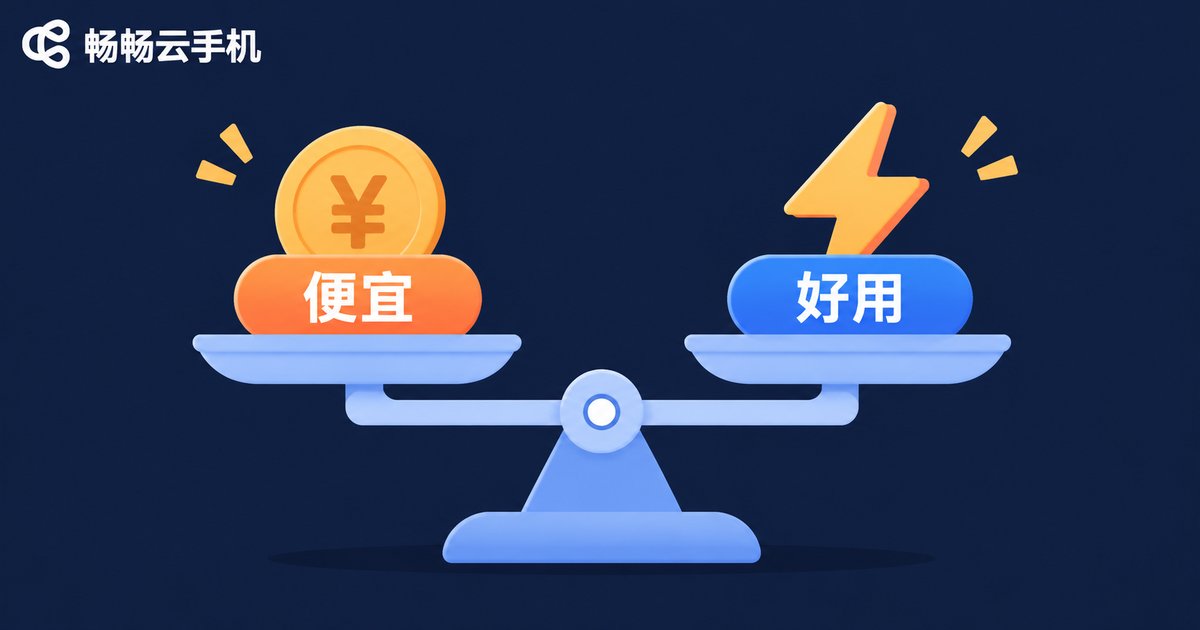
Four Common Traps of Cheap Cloud Phones
Trap 1: Shared compute, peak-hour slowdowns. Low-cost plans often split one physical machine among many users. It feels fine off-peak, but once everyone logs on in the evening, frame rates start roller-coastering.
Trap 2: Heavy image compression. To save bandwidth, the picture gets mushy — text is hard to read, game details become guesswork, and long sessions strain your eyes.
Trap 3: Inflated multi-instance claims. The marketing says “multi-instance support,” but three or four instances start fighting for resources, and every switch takes seconds.
Trap 4: Hidden fees. The base price is low, but extra instances cost more, more storage costs more, and stability costs more. The final bill isn't cheap at all.
What Hard Metrics Should a Good Cloud Phone Meet?
Set price aside, and judging a cloud phone comes down to a few hard metrics:
Stability — can it stay online for long stretches without dropping? That's the baseline. Latency — does input feel responsive? High latency makes even a cheap plan unusable. Visual clarity — can you read interface text and see detail clearly? Multi-instance capability — are resources isolated per instance, or do they drag each other down? Support — when something breaks, is there someone to help, and how fast?
The first three decide your daily mood; the last two decide whether you panic when trouble hits.
How to Trade Off: Choose by Scenario, Not by Price Tag
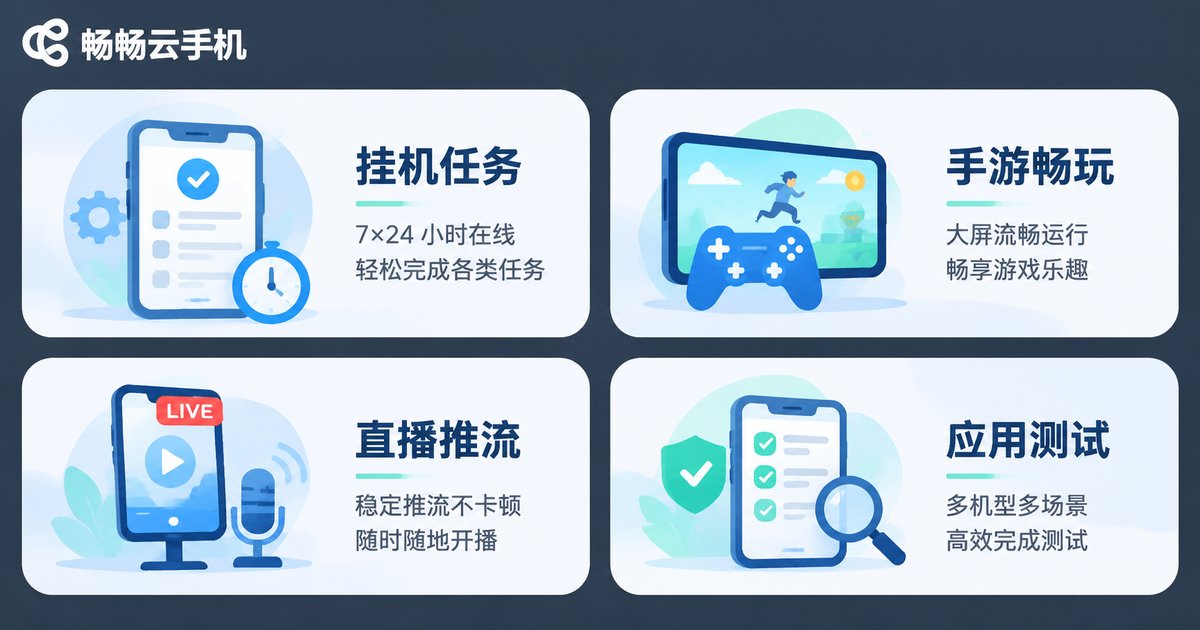
Instead of obsessing over “which is cheapest,” figure out what you actually use a cloud phone for. Different scenarios are sensitive to performance in very different ways:
| Scenario | What Matters Most | Trade-off Advice |
|---|---|---|
| Idle tasks, check-ins, account farming | Stability, uptime | An entry-level plan can work — just confirm it won't drop |
| Mobile game multi-instancing | Compute, frame rate, instance isolation | Don't skimp on compute; lag hits your returns directly |
| Live streaming, short-video operations | Clarity, bandwidth, latency | Prioritize sharp visuals and smooth playback |
| App testing, office demos | Clean system, data isolation | Pick a clean environment you can reset anytime |
In one sentence: don't save money on performance-hungry scenarios, and don't overspend on pure idle tasks.
ccloudphone: Handing the Trade-off Back to You
If you'd rather not choose between “cheap but clumsy” and “smooth but pricey,” take a look at ccloudphone. It provides a real Android environment running in the cloud — your local device can be off or offline and the cloud phone keeps running, which suits scenarios that need long uptime.
On configuration, ccloudphone offers multiple tiers so you can pick according to your actual workload instead of paying for performance you'll never use. Common features such as multi-instance management and batch operations are available too; for the latest details on supported configurations, check the official website.
At the end of the day, a good cloud phone shouldn't make you do math every day, and a cheap one shouldn't make you reboot every day. Finding the point that just matches your needs is the real bargain.
FAQ
Q1: Can a cloud phone really replace a physical phone?
It depends on the use case. For idle tasks, multi-instancing, testing and long-running online jobs, a cloud phone is more convenient than a physical device. For photography, calls and heavy local interaction, a physical phone is still irreplaceable.
Q2: Why are some cloud phones only a few dollars a month?
Usually because of shared compute, limited bandwidth, compressed visuals or very low base specs. That's fine for lightweight tasks, but don't expect it to run demanding games smoothly.
Q3: Will a cloud phone suddenly lag or disconnect?
That depends directly on the provider's data center quality and resource scheduling. Look at stability reputation when choosing, not just the price list.
Q4: Is more multi-instancing always better?
No. The number of instances should match your actual needs and the configuration of each instance. Chasing quantity blindly usually means every instance lags.
Q5: How do I judge whether a cloud phone is worth it?
First define your core scenario, then look at how it performs on stability, latency and visual clarity. Price is the numerator; experience is the denominator.


