

Which Cloud Phone Offers the Best Value? Multiply Price by Usable Hours Before You Buy
Cheap Is Not Always Cheaper
When people shop for a cloud phone, the first thing they check is the monthly price. The cheaper plan wins by default. But what really decides whether you got a good deal is not the sticker price — it is how much you pay for every hour that actually works.
A low-priced cloud phone that stutters, drops connections and needs constant restarts may only be usable half the time. Once you run the numbers, its cost per usable hour is often higher than a slightly pricier but stable option. You end up paying more money and more attention at the same time.
Three Steps to the Real Unit Price
No special tools needed — a pen and one minute are enough:
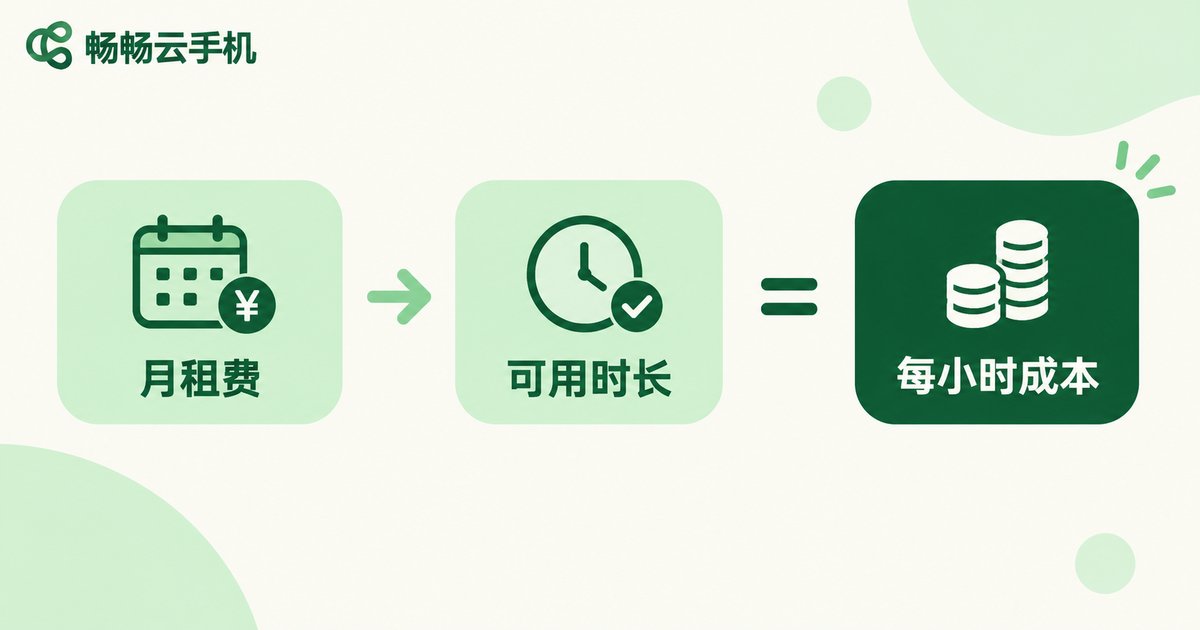
Step 1: Write down the monthly fee. Include the plan price and any required add-ons to get your true monthly spend.
Step 2: Estimate usable hours per day. Note the word usable, not powered on. Subtract time lost to lag, queueing, reconnects and reruns after an interrupted task.
Step 3: Divide. The formula is simple:
Cost per usable hour = Monthly fee ÷ (Usable hours per day × 30)That number is the only unit price worth comparing across providers.
The Gap in One Table
Here is a worked example to show the method (the numbers illustrate the calculation only and are not quotes for any specific product):
| Plan | Monthly fee | Usable hours per day | Usable hours per month | Cost per usable hour |
|---|---|---|---|---|
| Plan A | 25 | about 14 | 420 | about 0.060 |
| Plan B | 40 | about 24 | 720 | about 0.056 |
Plan B costs 60 percent more per month yet delivers a lower cost per hour. There is only one reason: Plan B makes the usable hours count. That is exactly why price and usable time must be evaluated together.
Four Hidden Costs People Forget
Beyond cost per hour, four more items belong in the calculation:
1. Rerun cost. When a task breaks midway, progress resets to zero — and redoing it doubles the time.
2. Babysitting cost. If someone has to watch for disconnects, you have effectively hired a caretaker for the device.
3. Migration cost. Switching devices means reconfiguring the environment, logging in again and reinstalling apps.
4. Time-window cost. Some tasks are time-sensitive; missing the window means missing the return.
Added together, these four often outweigh the difference in monthly fees.
Measure Cost per Task, Not per Device
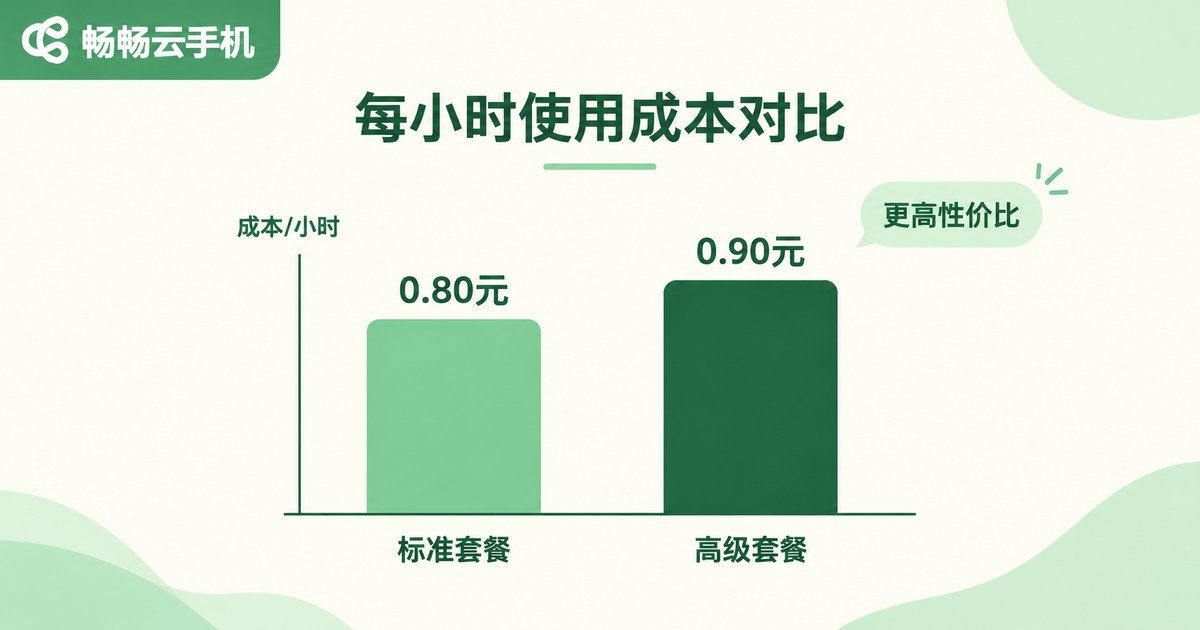
A smarter comparison changes the unit from one device per month to one completed task. If running 100 tasks takes Plan A three days and Plan B one and a half days, Plan B is effectively half the cost — even if its monthly fee is higher.
In other words: value equals the total money and time it takes to finish the same job.
How CcloudPhone Approaches It
CcloudPhone (ccloudphone) takes a straightforward view: instead of competing on the sticker price, make stable uptime and usable compute solid, so the cost per hour users calculate actually works out in their favor.
Its features map directly onto the math above:
Stable online runtime: long-running cloud sessions reduce disconnects and reconnects, so usable hours get closer to the advertised hours.
Switch anytime: operate from a browser instead of being tied to one machine, which lowers the babysitting cost.
Choose by workload: different configurations match different task intensity, so light tasks do not pay for heavy specs and heavy tasks are not slowed down by light ones.
For current configurations and pricing, always refer to the official CcloudPhone website, and run the formula above before you order.

A Four-Point Checklist Before You Order
1. Calculate cost per hour. Monthly fee ÷ (usable hours per day × 30).
2. Ask about usable time. How large is the gap between advertised and actual usable hours?
3. Estimate the cost of one rerun. How long does a restart set you back?
4. Start small. Run your workflow on a lighter configuration first, then scale up.
FAQ
Q: Is a lower monthly fee always better value?
Not necessarily. Look at cost per usable hour, which is the monthly fee divided by actual usable hours. A cheap plan that lags and disconnects often ends up costing more.
Q: How do I estimate usable hours?
Watch for two or three days and log the time your tasks are genuinely running. Subtract queueing, lag, reconnects and reruns, and you get a realistic estimate.
Q: Is a higher configuration always more cost-effective?
It depends on workload. Overpaying for light tasks wastes money, while underpowered specs slow heavy tasks down. Both raise your cost per hour. Match the configuration to the task.
Q: Why count time as a cost?
Because tasks are time-sensitive. Finishing the same job in half the time halves the cost and gets you the result sooner.
Q: What scenarios suit CcloudPhone?
Long-running online sessions, parallel multi-device work, and users who want to switch devices freely. Refer to the official website for configuration guidance.


