
Key Traits of a Good Cloud Phone: Fast Boot, Few Disconnects, No Queuing — Don't Miss a Single One
Why These Three Metrics Decide Whether a Cloud Phone Is Actually Good
When people shop for a cloud phone, the first thing they look at is usually the spec sheet: how many CPU cores, how much RAM, what resolution. Those matter, of course. But after weeks of daily use, what really shapes your mood comes down to three other things — how long you wait for it to boot, whether it suddenly disconnects on you, and whether you have to queue to get in during peak hours. Specs are paper strength; these three are the real experience.
Let's break each one down: what it means, how to judge it, and why none of them can be skipped.
1. Fast Boot: Wait Time Directly Determines How Often You Use It
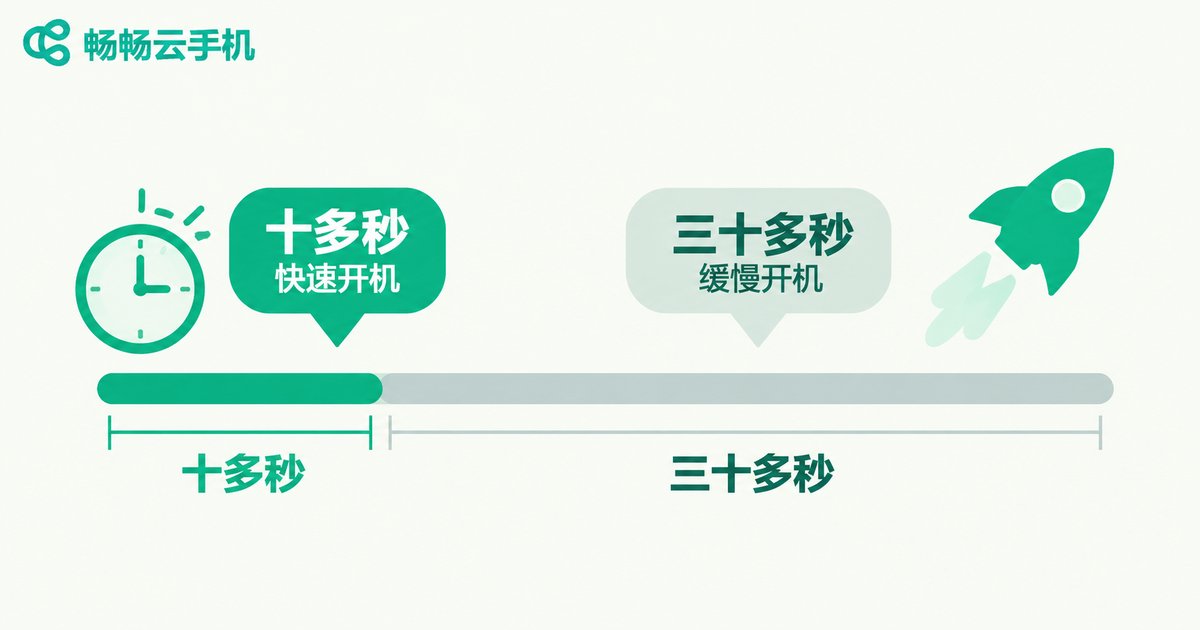
Booting a cloud phone is essentially the cloud allocating a virtual device for you and starting up the system. That process involves resource scheduling, image loading, and system initialization. A well-built product gets you from clicking start to seeing the desktop in about ten to twenty seconds. A mediocre one might make you wait half a minute or more, and occasionally freeze on the loading screen.
Don't underestimate that ten-second gap. If you only use it once in a while, you won't notice. But if you spin up several devices a day for multi-accounting, idle running, or testing, an extra twenty seconds each time adds up to more than ten minutes wasted every day. A cloud phone with fast boot feels like operating a real phone, not applying for a device.
The test is simple: on your first trial, time it. From clicking start to the desktop being fully usable (not just visible but unresponsive) — that's your real boot speed. Try a few times and see how much it fluctuates.
2. Few Disconnects: Stability Is the Lifeline of a Cloud Phone
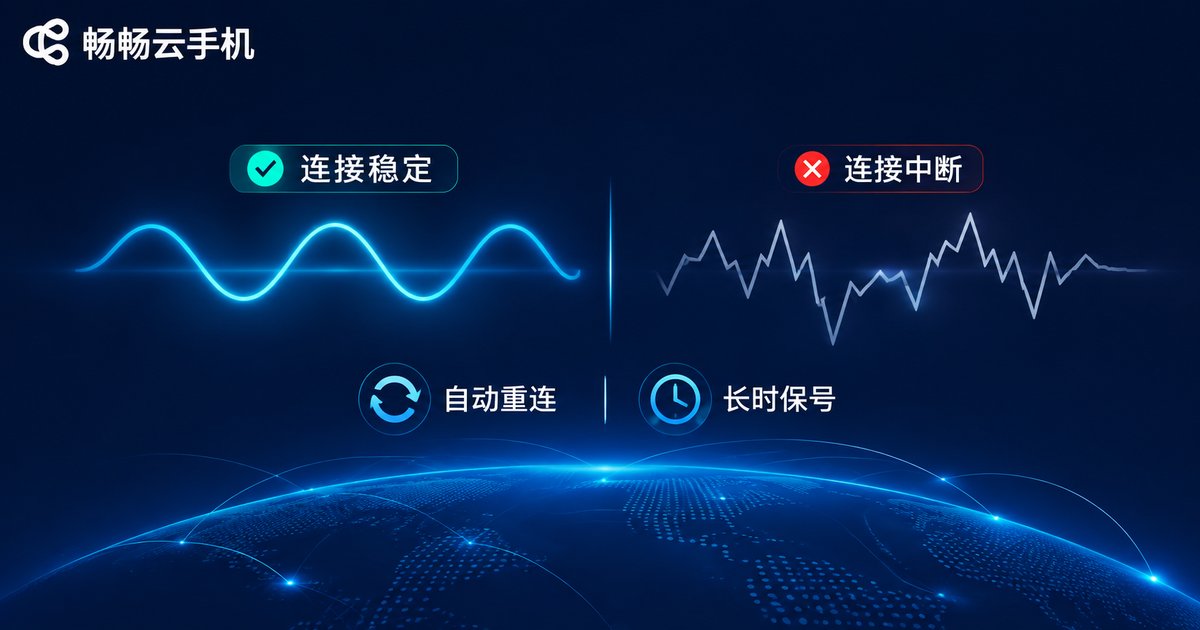
Every operation on a cloud phone depends on the network connection. Once that link breaks, whatever is running may stop — games drop, scripts halt, file transfers fail. What's worse, some disconnects are silent: the interface still looks alive, but the connection to the cloud is already gone. You think your task is running; it stopped long ago.
A stable cloud phone usually shows a few traits:
Long session retention: it can idle for hours or overnight without constant reconnecting.
Automatic recovery: after a brief network hiccup, the client reconnects to the same session and the task continues uninterrupted.
Synced display and input: no taps that do nothing, no multi-second input lag.
A low-tech way to test stability: start a long-running task on one device, then leave it alone. Come back an hour or two later and check the status. If it's still running normally, session retention is solid.
3. No Queuing: A Direct Reflection of Resource Scheduling
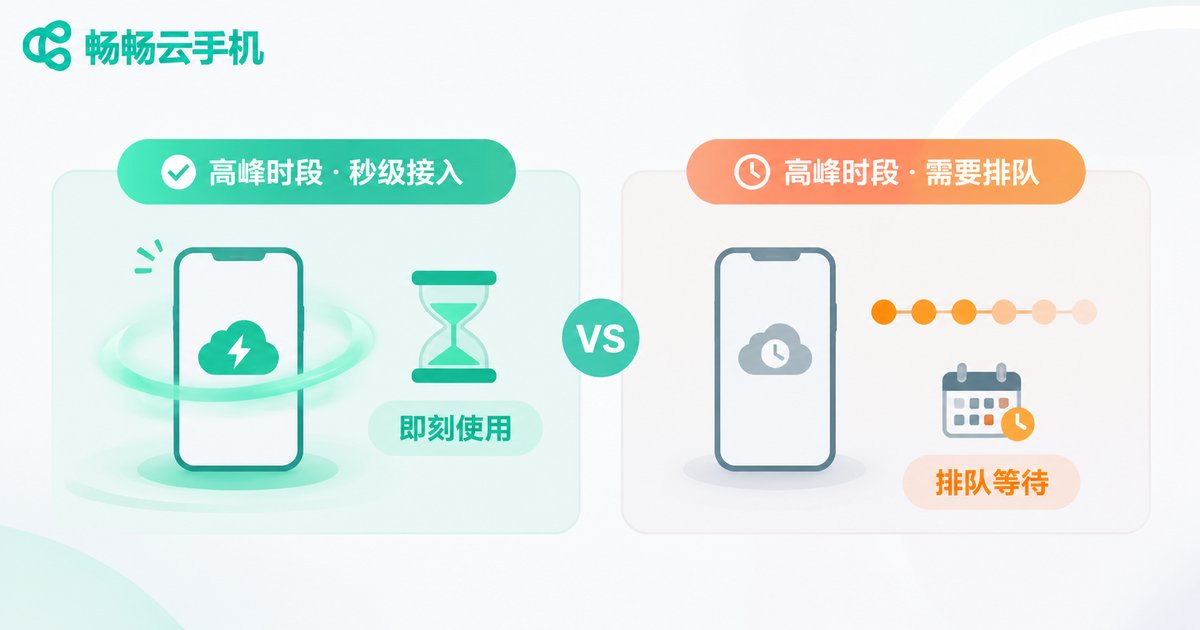
Queuing is the most overlooked problem among cloud phone users, and it hits the experience hard. Between 8 and 11 p.m. is peak time. If the provider's cloud resources fall short, you get messages like device is queued for startup or resources are tight, please wait. You're pumped and ready to work — and you're stuck on a queue screen.
No queuing comes down to the provider's resource reserves and scheduling capability. A platform with ample resources can deliver instant-on access even at peak hours; a resource-strapped platform can only ask users to shift their schedules. For scenarios that require fixed timing — scheduled tasks, live-stream support, team collaboration — queuing is almost fatal.
How to test: deliberately try it during evening peak hours and compare boot speed with daytime. If the difference is dramatic, resource scheduling is under pressure.
4. Read the Three Together for the Full Picture
These three traits aren't isolated — together they form the baseline experience of a cloud phone. Fast but unstable, and you're on edge the whole time. Stable but slow, and every boot is a small ordeal. Fast and stable but queuing at peak hours, and it all falls apart.
| Dimension | What Good Looks Like | What Bad Looks Like | Real Impact |
|---|---|---|---|
| Boot speed | Desktop in ten to twenty seconds, ready to use | Half a minute or more, stuck on loading | Affects usage frequency and mood |
| Connection stability | Hours of idle running without drops, auto-reconnect | Frequent drops, tasks interrupted midway | Affects task completion and data safety |
| Resource scheduling | Instant access at peak hours, no waiting | Evening queues, resource-tight warnings | Affects time-sensitive scenarios |
5. Beyond These Three, What Else Is Worth Checking
Once the basics pass, take a look at these areas:
Visual quality and smoothness: is the image clear, does input feel responsive? This directly shapes how it feels to use.
App compatibility: do your everyday apps install and run properly, or do they crash and show black screens?
Multi-device management: when you need to manage several devices at once, are batch operations and grouping convenient?
Data security: is cloud data isolated and protected, and is it fully wiped when a device is reset?
Support responsiveness: when something goes wrong, can you reach a person quickly, or are you stuck reading help docs?
6. ccloudphone: Getting the Basics Right First
ccloudphone is a cloud-based virtual phone service built on ARM architecture. It runs Android on cloud servers, and you operate it remotely through a client. Its product philosophy is clear: nail the three fundamentals — boot speed, connection stability, and resource scheduling — before talking about anything else.
In practice, ccloudphone supports managing multiple devices online at the same time, making it suitable for game idling, running multiple app instances, mobile productivity, and automated testing. Because devices run in the cloud, your local hardware specs don't limit the experience — older phones, tablets, and computers can all operate smoothly.
If you're shopping for a cloud phone, test it the way described above: time the boot, idle-test the stability, and check for queuing at peak hours. Only when all three pass is it worth committing to long term. For more information, visit the official ccloudphone site at ccloudphone.com.

Frequently Asked Questions
Q: How long should a cloud phone take to boot?
A: A well-optimized product usually reaches an operable desktop within ten to twenty seconds. If it regularly takes over thirty seconds or hangs on the loading screen, there are issues with resource scheduling or system optimization.
Q: Why do cloud phones disconnect?
A: Common causes include network fluctuations, high server load in the cloud, and connection timeouts between client and server. Good products include auto-reconnect, so a brief hiccup restores the original session without interrupting the task.
Q: Is queuing at peak hours normal?
A: Occasional queuing is understandable, but if you queue at the same time every day, the provider's resource reserves aren't keeping up with its user base. Choosing a platform with ample resources avoids this.
Q: Can I use a cloud phone if my local device is low-spec?
A: Yes. Computing and storage happen in the cloud; your local device only displays the image and transmits input commands, so local specs don't need to be high.
Q: How do I judge whether a cloud phone is worth long-term use?
A: Test it in three steps: first, time the boot speed; second, run a long task to check stability; third, try it during evening peak hours to see if you have to queue. If all three satisfy you, then consider long-term use.


