
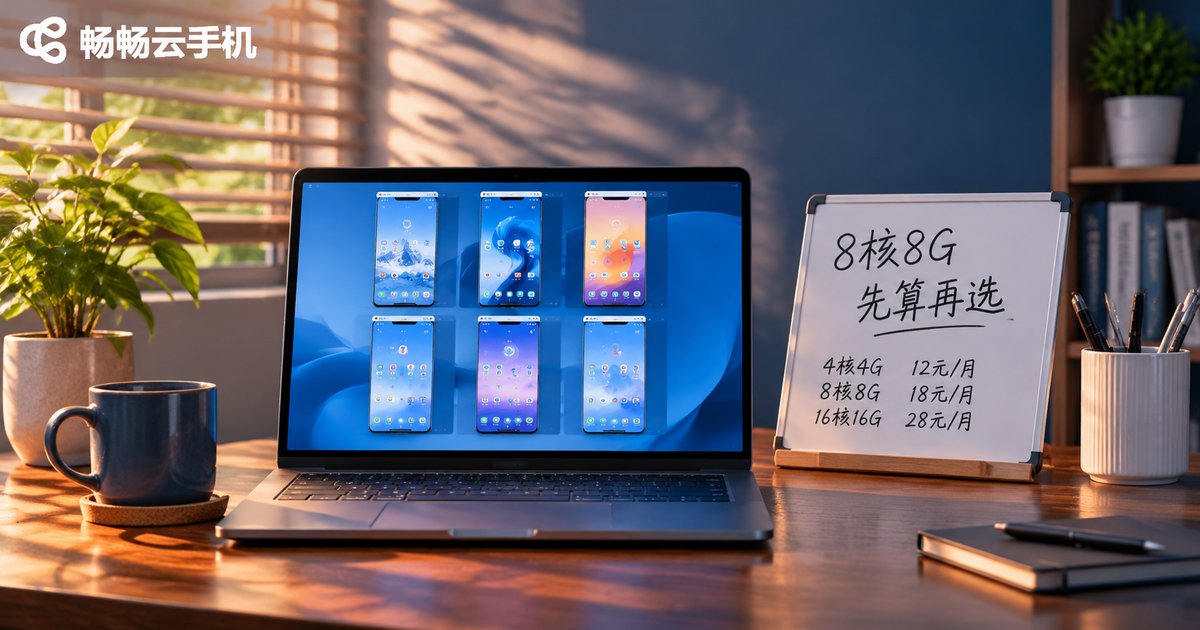
Which 8-Core 8GB Cloud Phone Should You Choose? Calculate Multi-Open Count and Cost First
Why "8-Core 8GB" Is Not the First Question to Ask
People searching for an 8-core 8GB cloud phone recommendation usually start from an assumption: the higher the spec, the better. But cloud phones are rented per device. Your real bill is not decided by the spec of a single device — it is decided by spec × device count. Running the same 10 accounts on 10 low-spec devices versus 3 high-spec devices can produce a monthly bill that differs by almost double.
So the right order is: count your multi-open needs → calculate the total price → then choose the spec. The spec is a middle variable, not the starting point.
Step 1: Work Out How Many Accounts You Actually Run
Start with a list. Write down every account that needs to stay online long-term, then sort them into three tiers by workload. The core formula is a single line:
Cloud phones needed = total accounts ÷ accounts one device can carry reliably
| Account type | Suggested load per device | Why |
|---|---|---|
| Light idle tasks (check-ins, farming, background keep-alive) | 3–5 accounts | Barely touches CPU, mainly memory-bound |
| Mid-level operation (social account warming, content distribution) | 2–3 accounts | Frequent switching and media uploads |
| Heavy tasks (game multi-open, live streaming) | 1–2 accounts | Real-time rendering, heavy CPU and memory pressure |
Example: you have 12 social accounts to maintain, which is mid-level operation. At 3 accounts per device, you need 4 devices. Those 4 devices are your real requirement — not 12. Get this step wrong and every price comparison afterwards is meaningless.

Step 2: Calculate the Price, Not Just the Per-Device Fee
The cost formula is also a single line: total monthly cost = monthly fee per device × device count.
Many people are drawn in by a cheap per-device fee, open 20 low-spec devices, and end up paying more than they would for 8 high-spec ones. The only meaningful comparison puts three typical plans side by side:
| Plan | Devices × spec | Relative cost | Best for |
|---|---|---|---|
| A: many low-spec devices | 8 × 4-core 4GB | 100 (baseline) | Many accounts, all light work |
| B: fewer high-spec devices | 4 × 8-core 8GB | About 110–140 | Few accounts, heavy and stability-critical work |
| C: hybrid setup | 2 × 8-core 8GB + 4 × 4-core 4GB | About 105–115 | Main accounts and minor accounts separated |
Replace the relative cost with live pricing from the official site when you fill this in. The usual conclusion: if you run few accounts but heavy workloads, 8-core 8GB actually saves money — fewer devices means lower management overhead and fewer hidden losses from lag and freezes.

Step 3: Who 8-Core 8GB Is Really For
8-core 8GB sits in the mid-to-high tier of cloud phones. Whether it is worth it comes down to three things:
1. Do you run heavy tasks at the same time? Game multi-open, live streaming and video previews are hard-bottlenecked by CPU and memory. Low-spec devices drop frames and add latency.
2. Do you care about stability? Running many accounts on low-spec devices often leads to one device freezing and needing a manual restart — a real time cost over weeks and months.
3. Is your account count actually high? With only 3–5 accounts, 8-core 8GB is a sensible pick. If you need to run 30 accounts, a hybrid setup is usually more economical.
What Else to Check Beyond Specs
Specs are just numbers on paper. What shapes your day-to-day experience is the platform itself: whether cloud devices stay online 24/7, whether multiple devices can be managed in one place, whether switching devices forces a re-login, whether batch operations are smooth, and whether accounts keep running after your local machine shuts down or loses connection.
ccloudphone provides a cloud-based Android runtime where accounts stay online in the cloud — your local device is only a control window, so shutting down or disconnecting does not interrupt the session. It supports unified management and batch operations across multiple cloud phones, with configuration tiers you can choose according to your needs. Before you buy, check the official site for currently available configurations and live pricing, then run the formula above — it will be more accurate than any recommendation list.

FAQ
Q1: How many accounts can one 8-core 8GB cloud phone run?
It depends on workload weight. Light idle tasks: 3–5 accounts. Mid-level operation: 2–3 accounts. Game multi-open or live streaming: 1–2 accounts. Run a small trial for a week and watch for lag before finalising your device count.
Q2: Why not just buy the highest spec?
Because cloud phones are billed per device and high-spec devices cost more each. If all your accounts do light work, most of that extra spend is wasted. Conversely, when you run few accounts with heavy workloads, high spec is the cheaper option.
Q3: How do I estimate multi-open count without getting it wrong?
Use the lower bound of the per-device load. For mid-level operation, count 2 accounts per device instead of 3 and keep some headroom. Once things run smoothly, you can consider consolidating devices.
Q4: Do I need to keep my local computer on?
No. Cloud phones run on cloud servers. Your local device is only a control window, so accounts keep running after you close your computer.
Q5: Do prices change often?
Pricing for each configuration tier is shown live on the official site. Before ordering, calculate your device count with the formula above, then check the official pricing to work out your total monthly cost instead of comparing per-device fees alone.


