
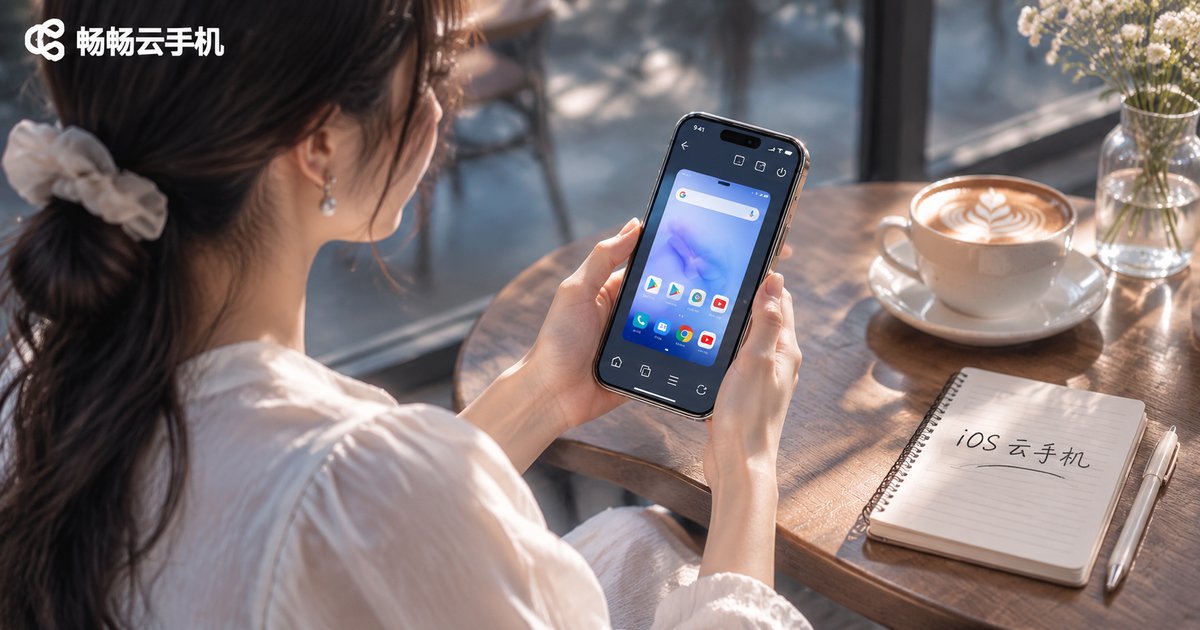
Are There Free Cloud Phones for iOS? Understand Apple's Restrictions First
The short answer: most free cloud phones on iOS are not the kind of free you imagine
They exist, but the vast majority are free within limits — a trial of a few minutes to a few hours, a fixed free window each day, watching ads for extra time, or queuing for a low-spec machine. A truly free, unlimited cloud phone on iOS is almost impossible to find. The reason is simple: a cloud phone is a real Android device running in a data center, and power, bandwidth and servers all cost money. No provider can give that away forever.
More importantly, when you look for a cloud phone on iPhone, the first problem to solve is whether it works at all, not whether it is free. Apple has a completely different set of rules from Android, and without understanding them you can download ten apps and still not get one running.
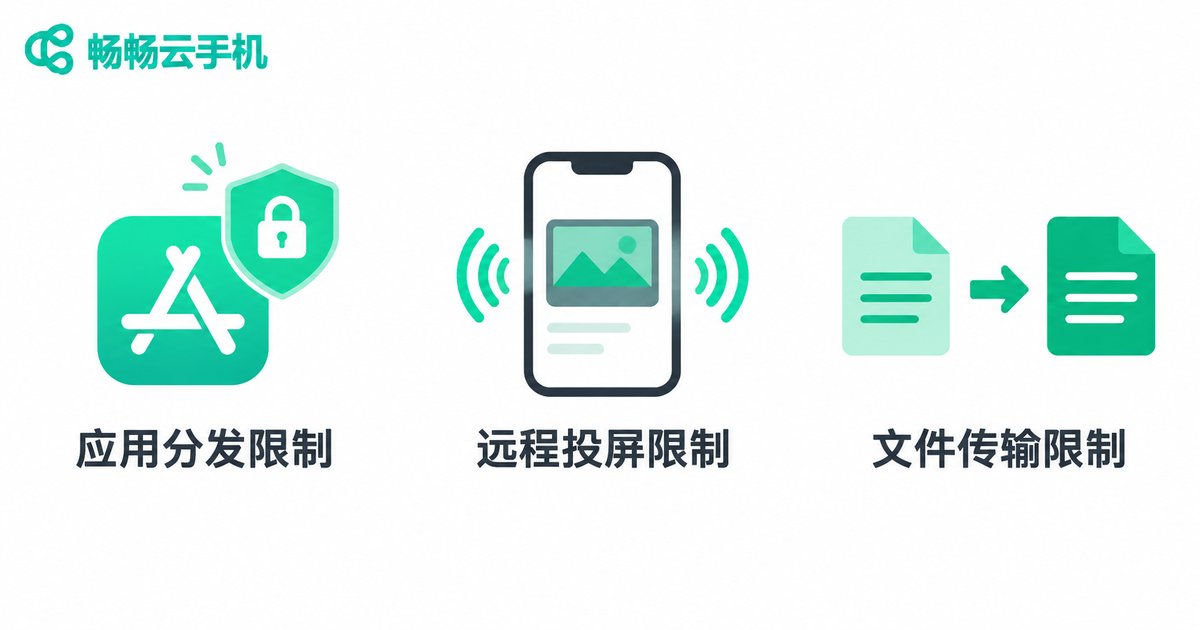
Three Apple restrictions to understand before talking about free
Restriction one: an iPhone cannot run Android apps natively. A cloud phone is essentially an Android device running in a remote data center, and your iPhone is just the remote control — the screen is streamed to you and your taps are sent back. The upside is that it does not care which phone OS you use. The cost is that the entire experience depends on your network: when the connection wobbles, the screen wobbles with it.
Restriction two: App Store review standards. Cloud phone apps involve virtual devices and app distribution, which makes review relatively strict. Many providers simply ship Android or desktop clients only and let iOS users go through the web. So if you cannot find a brand in the App Store, it does not mean the service does not exist — check whether it offers a web client first.
Restriction three: iOS background and file handling. Apps get suspended easily when sent to the background, which matters if you want to keep something running for hours. Uploads and downloads go through Photos and the Files app rather than an Android-style folder tree, so first-time users often wonder why transferring one file feels so roundabout.
| Item | iPhone (iOS) | Android phone |
|---|---|---|
| Client type | Mostly web, some native apps | Full official apps |
| Where apps are installed | In the cloud, no local storage used | In the cloud, no local storage used |
| Long unattended sessions | Limited by background rules; web or desktop recommended | More forgiving |
| File transfer | Routed through Photos and Files | Drag and drop or direct folders |
| Free resources | Mostly trials | Trials plus more campaigns |
The four shapes of free you will actually encounter
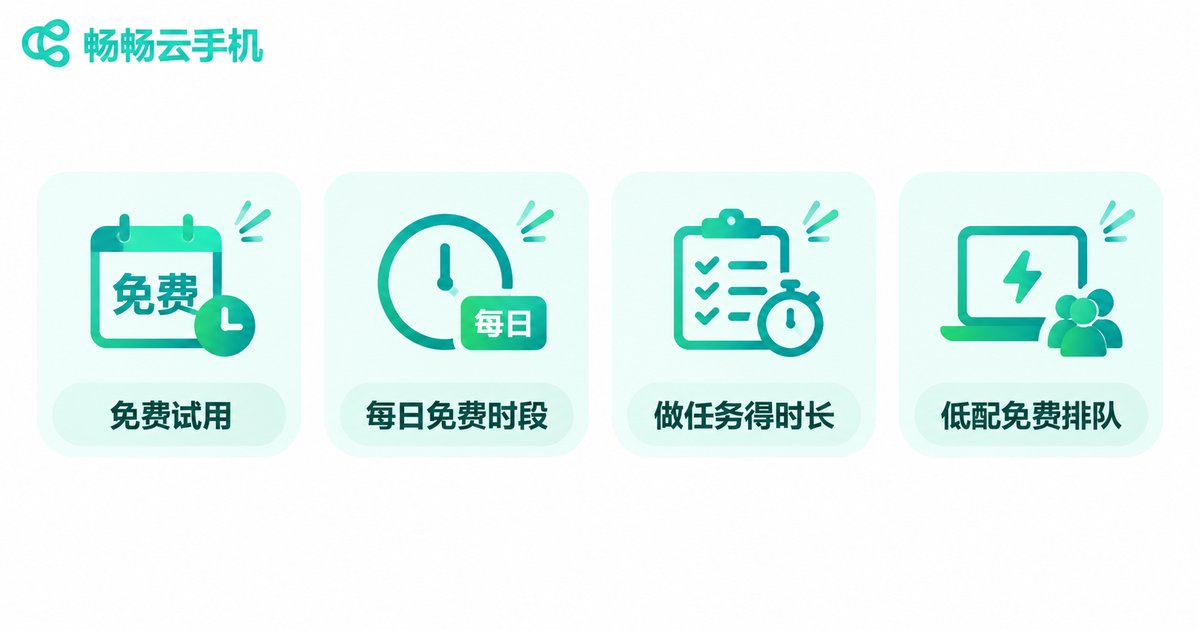
Once the restrictions are clear, the free question becomes much easier to reason about. Most free offers fall into one of four categories:
| Free model | Typical traits | Best for |
|---|---|---|
| Free trial | A block of trial time after signup, usually full spec | Verifying whether your app actually runs |
| Daily free window | Free during fixed hours, wait for the next slot after that | Short, non-continuous use |
| Tasks for time | Watch ads, check in, complete tasks to earn minutes | Budget-sensitive users with spare time |
| Low-spec free queue | Weak hardware, waiting lines, may be reclaimed anytime | Casual testing where stability does not matter |
All four are usable, but none of them suits long-term, stable use. If you need to keep a game online, run scripts, or manage multiple accounts, a free quota rarely survives one full work cycle.
The most reliable ways to use a cloud phone on iPhone
Option one: go straight to the web client. Open the provider's web console in Safari and add the page to your home screen. It feels close to a native app, sidesteps App Store limitations entirely, and is currently the smoothest path for iOS users.
Option two: an official iOS app. If a provider offers one, verify where it comes from. Do not casually approve configuration profiles from unknown sources, and be extra careful with anything requesting device management permissions.
Option three: desktop first, phone as a monitor. Run the heavy work on a computer and use your iPhone only to check status. This avoids background limits and saves mobile data.
Do not fixate on the word free — compare these four things instead
Is the specification enough? CPU cores, memory and storage decide what you can run at once. Choosing on price alone often means paying in lag and wasted time.
Network latency. Cloud phones are sensitive to latency, and closer data centers feel better. Use your trial time to test how responsive taps feel.
Multi-instance management. If you need several devices, batch boot, grouping and synchronized operation matter far more than saving a few coins.
Data and account security. Cloud devices often hold account credentials, so check whether the provider offers instance isolation, login verification and encryption.
ccloudphone: how iOS users get started
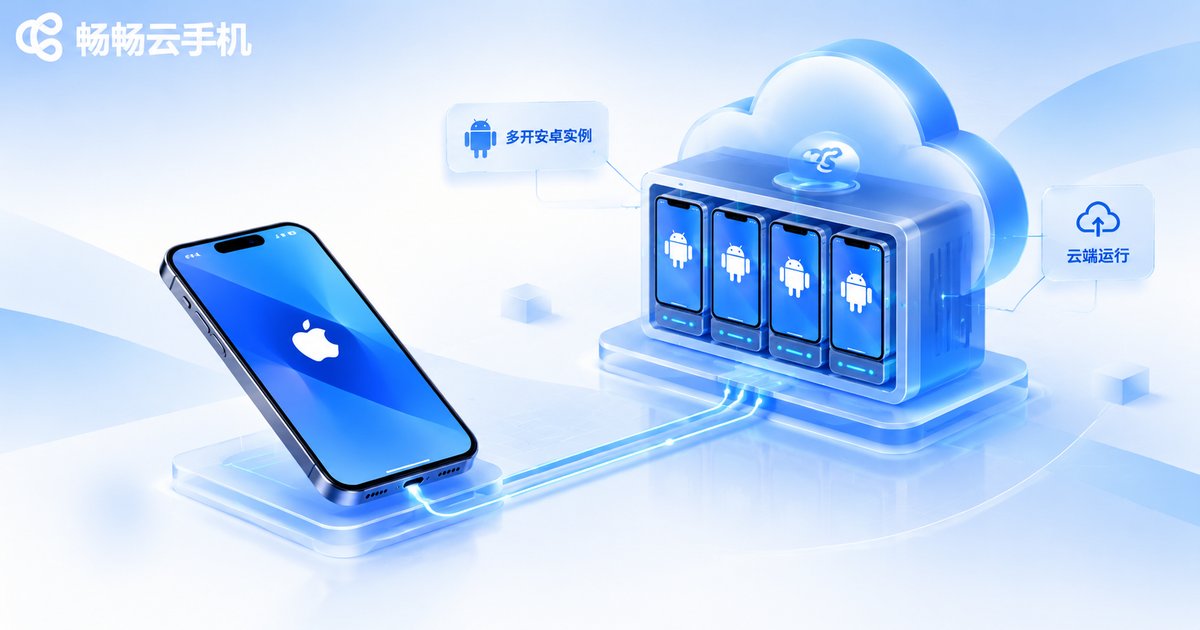
If you would rather not trial-and-error your way through a dozen free apps, you can start with ccloudphone. What makes it friendly for iOS users is web console access — open it in Safari on your iPhone and you are inside a cloud Android instance. No jailbreak, no configuration profiles, and once you add it to your home screen it feels close to a native app.
Cloud instances run 24 hours a day. Your iPhone can lock its screen, switch apps, or even power off, and the remote device keeps working; open it again and you see the latest state. For anyone who needs long unattended sessions without heating up and draining their own phone, this is the real value of a cloud phone.
On the multi-instance side, ccloudphone lets you manage several cloud devices in one place, with grouping and batch operations in a single interface — far cleaner than juggling a pile of free accounts. For exact device specifications, plans and trial policy, check what ccloudphone publishes on its official site and pick according to your actual workload rather than going straight for the highest tier.
FAQ
Q: Is an iOS cloud phone really completely free?
Fully free and unlimited options are rare. Most are trials, limited free windows, or low-spec queues. They are good for validating a need; for long-term use, a paid plan from a reputable provider is more realistic.
Q: Will a cloud phone be laggy on iPhone?
Lag depends mainly on network latency and cloud specification. Test on Wi-Fi first and focus on the delay between your tap and the screen response.
Q: Do I need to jailbreak or install a configuration profile?
No. The web console is the safest route — just open it in Safari. If you install an app, confirm its source and be careful about device management permissions.
Q: Is data in the cloud secure?
Choose providers with instance isolation and login verification, use unique passwords for important accounts, and avoid storing sensitive information inside cloud devices.
Q: What happens to my cloud data when a free trial ends?
Rules differ between providers. Export and back up anything important in advance, and check the official retention policy for details.
Q: Can Android phones use the same cloud phone service?
Yes, and with more client options. The same account works across iPhone, Android and desktop, and switching devices does not stop the cloud instance.
Final thoughts
Back to the original question: are there free cloud phones for iOS? Yes, but free is the doorway, not the destination. Apple's three restrictions mean you first need a stable way to connect to a cloud device before the price even matters. Use a trial to test latency, specification and responsiveness, confirm it fits your actual scenario, and then decide whether to commit — that is far less effort than blindly downloading ten free apps from the App Store.


