

How to Find a Free Cloud Phone for iOS? Three Channels, Three Different Pitfalls
First, Let's Be Clear About What a 'Free Cloud Phone' on iOS Really Is
A cloud phone is essentially a virtual phone running on a data-center server. You control it remotely through an app or a web browser. It doesn't take up storage on your iPhone or drain its battery — and even if you power your iPhone off, it keeps running in the cloud.
For iOS users, this solves a few very real problems: iPhones can't run duplicate instances of an app, can't keep a game running for hours on end, and aren't great for installing tools from uncertain sources.
But the word 'free' in the cloud phone industry usually means something more complicated than you'd expect. The vast majority of so-called free offers are 'limited-time trials' or 'free with restricted features' — not a cloud device you can use indefinitely at no cost. The three channels below are the ones iOS users try most often, and where the pitfalls pile up the fastest.
Channel 1: Searching 'Free Cloud Phone' Directly in the App Store
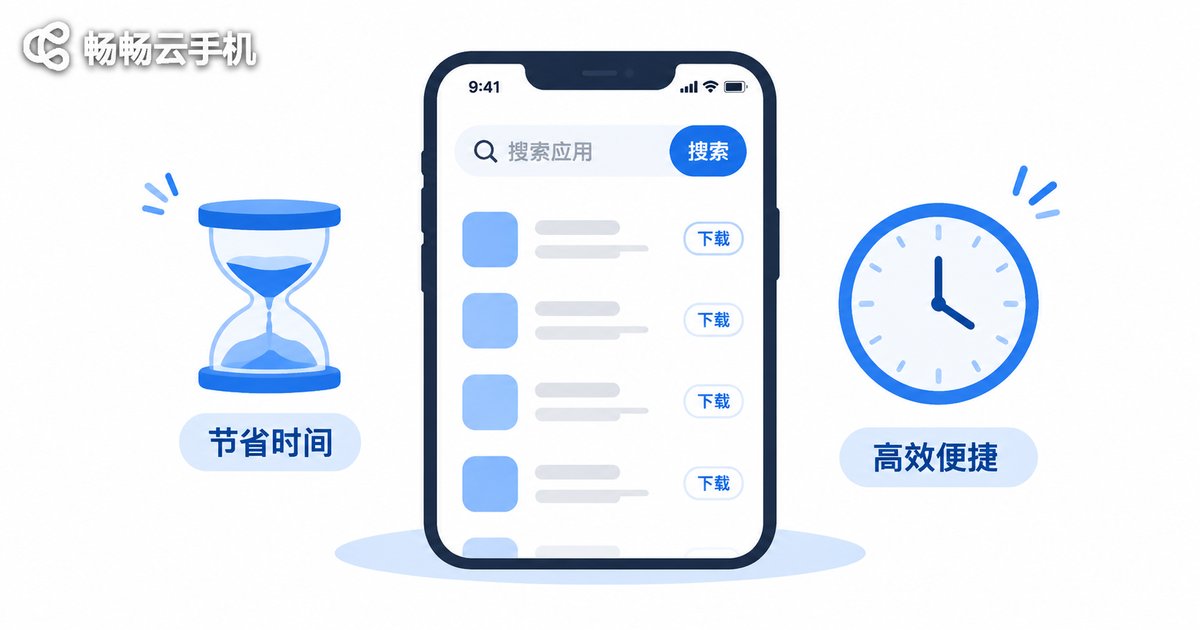
This is the most intuitive approach, and the first step most people take. Open the App Store, type in the keyword, and a string of results appears — similar icons, similar names, all with 'cloud phone' in them. You download, register, go in, and find that it works... just not for long.
There are three main traps here:
Trap 1: The free minutes are buried in the fine print. Many listings advertise a 'free trial', but what that actually means is a handful of minutes per day, or a small block of time granted at first registration that stops once it runs out. You thought you downloaded a free tool; you actually downloaded a countdown timer.
Trap 2: The free tier is painfully limited. Common restrictions include single-instance only, compressed image quality, queuing during peak hours, and automatic disconnection after a period of background inactivity. For the core use case of leaving something running unattended, a disconnect means all that time was wasted.
Trap 3: In-app purchase pop-ups everywhere. One when you enter, one ten minutes later, one more before you exit. It's not your money being drained — it's your patience.
To be fair, the App Store channel itself is relatively safe. At least the apps have been reviewed, so nothing truly outrageous gets through. Its pitfall is the expectation gap, not a security problem.
Channel 2: The 'Insider Channels' on Social Platforms, Forums and Short-Video Comment Sections
When the App Store doesn't deliver, many people move on to social platforms, forums, group chats and short-video comment sections in search of 'free cloud phone shares' or 'insider trial accounts'. There's a lot of information in these places, and occasionally you really do find something useful — but the type of pitfall changes completely.
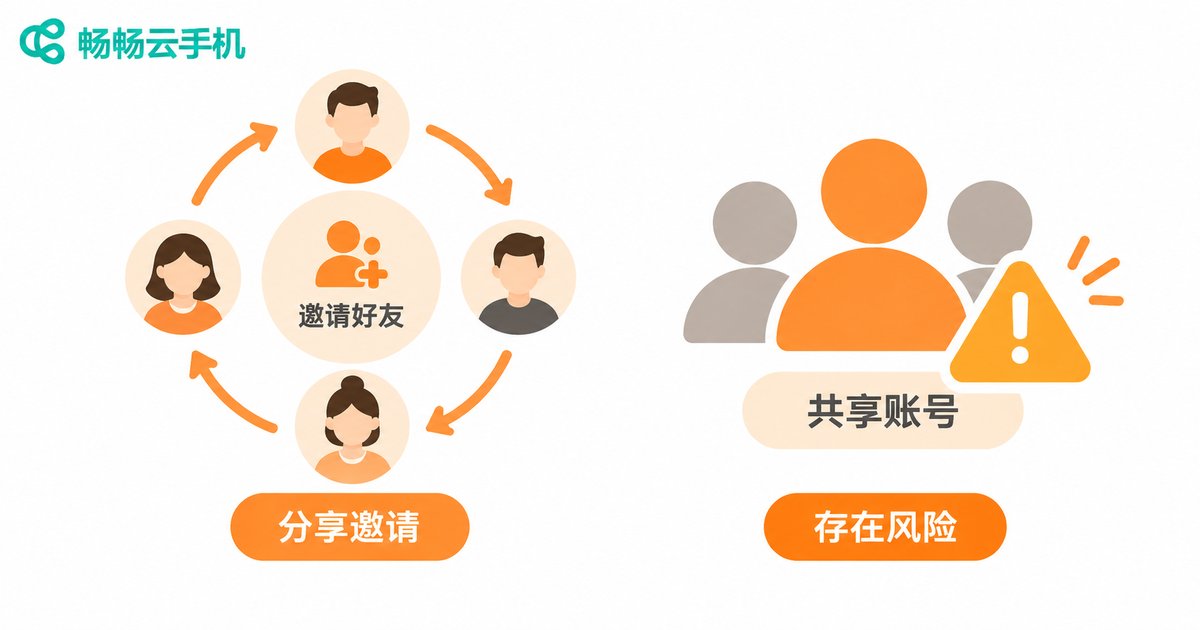
Trap 1: Referral-style 'free'. You're given an invite code and asked to bring in a few more people; only once you've hit the target do you get your hours. In the end you've become an unpaid promoter, and you've barely used the cloud phone at all.
Trap 2: Shared accounts that kick you off at any moment. So-called 'free accounts' are often shared by dozens of people. You just get your task running, and someone else logs in and pushes you offline. And your data sits in someone else's hands.
Trap 3: Installation packages of unknown origin. Someone posts a cloud-drive link or a shortened URL in the comments. What you download is a configuration profile that requires you to manually trust a certificate, or an enterprise-signed app. Once that's installed, your contacts, photos and account credentials can all be exposed. Installing apps from outside the App Store on iOS carries far more risk than on Android.
Trap 4: Outdated information. That 'free' post you found might be two years old. The link is dead, or the service changed its rules long ago.
Channel 3: 'Free Cloud Phone Websites' Found Through Web Search
Then there's another category: the various 'free cloud phone' landing pages that rank near the top of search engines. The pages look polished, sign-up comes with a free gift, and it all seems very appealing.
Trap 1: Easy to register, annoying to verify. Some want a phone number, some want real-name verification, and others require you to bind a payment method before your 'free quota' can be activated. Many people click through the card-binding step without really paying attention.
Trap 2: Automatic renewal once the free quota runs out. This is the one to watch most carefully. If you don't cancel in time after the free period ends, you may roll straight into a paid billing cycle. Before you register, read the billing rules and the cancellation process carefully.
Trap 3: A disjointed web experience. Some services work fine on a desktop browser but offer only a stripped-down web wrapper on iPhone — high touch latency, poor landscape adaptation, and a miserable experience for anything long-running.
All Three Channels' Pitfalls in One Table
| Channel | Main pitfalls | Security risk | Best for |
|---|---|---|---|
| App Store search | Limited free minutes, cut-down features, frequent purchase pop-ups | Low | People who just want a quick feel for it |
| Social platforms / forums | Referral schemes, shared accounts that kick you off, unknown install packages | Medium to high | People with time to tinker and a good eye for scams |
| Web search landing pages | Card binding to activate, auto-renewal, poor web-wrapper experience | Medium | People willing to read the terms carefully |
A Quick Self-Check Checklist
Before you hit 'register', ask yourself four questions:
1. How long is the free period, exactly? Does it reset daily, or is it a one-off?
2. Does the free tier force queuing, limit multiple instances, or disconnect in the background?
3. Do I need to bind a payment method? Where's the cancellation path?
4. Was this app installed from the App Store, or from some cloud-drive link?
If you can answer all four, you're unlikely to fall into a trap. If you can't, don't rush to install it.
Instead of Chasing 'Free', Look for 'Rules Written Clearly'
After going around in circles, you'll realize the real cost isn't the money — it's the time you spend and the security of your accounts. The value of a stable cloud phone lies in the fact that it doesn't drop offline, it doesn't make you queue, and your data stays in your own hands.
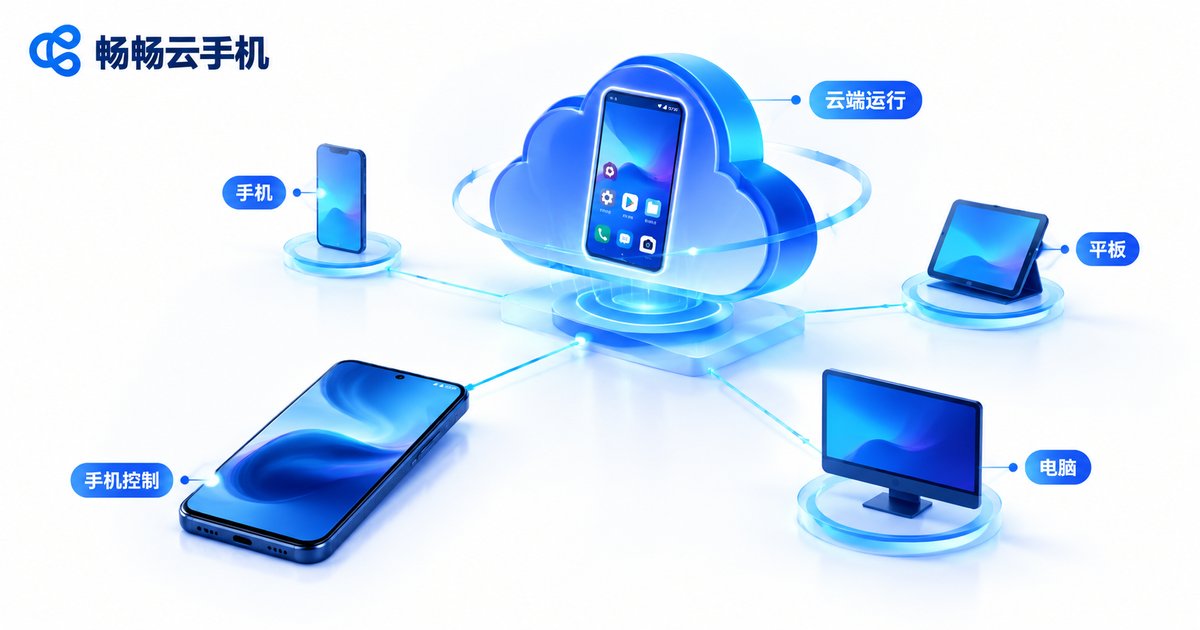
If you genuinely need a solution that works long term, it's worth looking at CCloudPhone (ccloudphone). Its positioning is clear: run the phone in the cloud, connect from iOS, Android or a computer, and use none of your local memory or battery. Lock your iPhone screen and your cloud tasks keep running as usual. For users who need to keep games or apps running for long stretches, or manage multiple accounts, that's what really matters beyond the word 'free'.
As for what configurations are available and how billing works, the official site explains it more clearly than any 'insider channel' ever will. Go straight to the official documentation instead of hunting for answers in comment sections.
Frequently Asked Questions
Q: Are there truly free cloud phones on iOS?
A: Yes, but they're almost all 'limited-time free' or 'free with restricted features'. A service that costs nothing at all, has no time limit, and stays stable for long-running tasks is nearly nonexistent, because cloud servers themselves cost money. The realistic approach is to treat free as a trial and decide afterwards whether it's worth paying for.
Q: Is it safe to install a non-App Store cloud phone app on iPhone?
A: The risk is noticeably higher. These apps usually require you to manually trust a certificate, and if that certificate is misused, the app can end up with more access than you'd expect. Unless you fully trust the source, it's better to choose a legitimate app listed on the App Store.
Q: Why do free cloud phones keep disconnecting?
A: The usual reasons are resource queuing and background keep-alive policies. Free users are typically placed in a lower-priority resource pool, have to queue during peak hours, and get their session reclaimed after a period of inactivity. That's the worst possible outcome for long-running tasks, so pay close attention to stability documentation when choosing a service.
Q: Does a cloud phone use up my iPhone's storage and battery?
A: Very little. The computing and storage happen in the cloud; your iPhone only displays the screen and transmits input commands. So the impact on local memory, battery and heat is far smaller than running the app directly on your phone.
Q: How can I tell whether a cloud phone service is trustworthy?
A: Look at three things: first, whether the official site clearly states its billing rules and cancellation process; second, whether the client is downloaded from an official channel; third, whether there's clear documentation on stability and data storage. A service that's transparent on all three points is one you can safely look into.


