

How Secure Is a Cloud Phone? Breaking It Down Into Accounts, Data and Privacy
First, the Short Answer: Cloud Phone Security Has Three Layers
When most people first hear about cloud phones, the immediate reaction is: “Everything lives in the cloud — is that safe?” It is a fair question, but the answer cannot be reduced to a simple yes or no.
Cloud phone security can actually be split into three fairly independent layers: account security, data security and privacy protection. Each layer has different risk sources and different defenses. Only by looking at them separately can you judge whether a cloud phone fits your own use case.
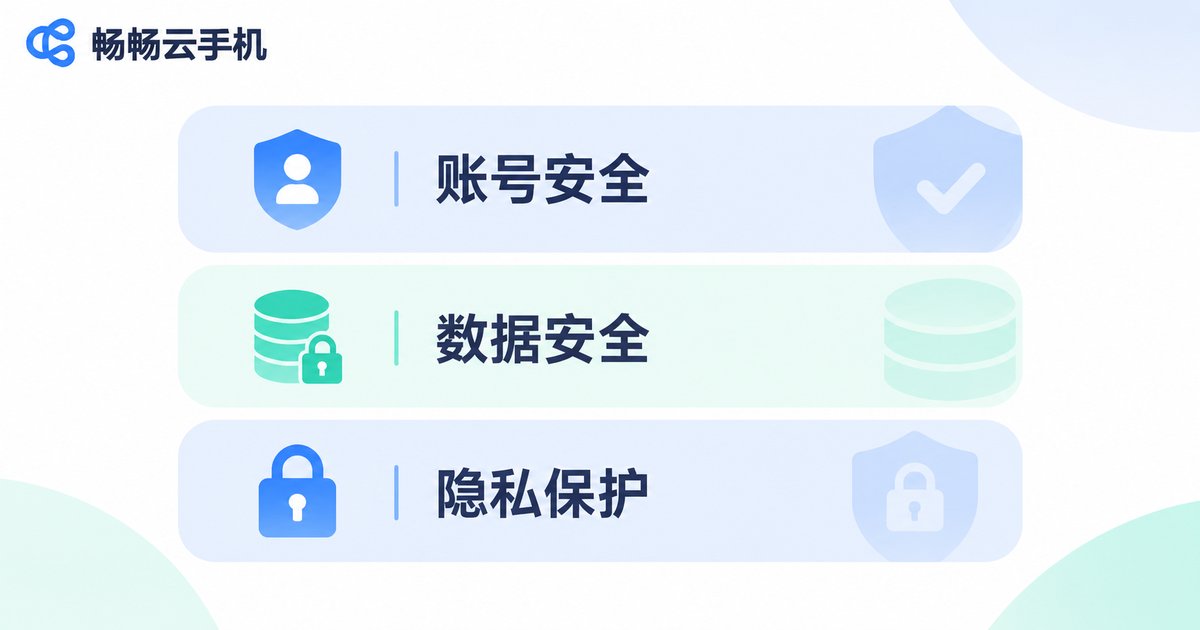
Layer One: Account Security — Who Holds the Login Credentials
The account layer is the foundation of everything else. The account you use to log in to a cloud phone works just like any other cloud service account, and the core risks come from three things: leaked passwords, logins from unfamiliar locations, and shared accounts.
To judge whether a cloud phone service is solid at the account layer, look at a few details:
· Does it support changing your password and binding a phone number or email?
· Does it notify you of unusual devices or logins?
· Is your cloud phone instance tightly bound to your account, so that someone holding an instance ID still cannot take it over?
One more reminder: you are the first line of defense for your own account. Do not reuse the password from other platforms, and do not lend your account to others. No cloud provider can do that part for you.
Layer Two: Data Security — How Data Is Protected in Transit and at Rest
The data layer is about two things: how data travels, and where it lives.
First, transmission. A cloud phone works by running apps on a cloud server, encoding the screen into a video stream sent to your display, and sending your taps and swipes back up. This process is normally protected by an encrypted channel, so the screen and your input are not intercepted on public networks.
Then, storage. Apps, files and chat history inside a cloud phone actually live in the cloud, while your local device only displays the picture. That brings a very practical benefit: if your phone is lost, dropped or replaced, everything in the cloud phone is still there — just log in and continue. That is hard to achieve with a local phone.
On the flip side, because your data sits with the provider, the provider's operational standards and data management practices matter a lot. Choosing a provider with a stable operating track record is worth more of your time than simply comparing prices.
Layer Three: Privacy Protection — Separating Device Identity From Real Identity
The privacy layer is the most overlooked, yet for many people it is the most important one.
A core value of cloud phones is this: it is a device that is not “you”. Device model, system version, device identifiers and similar signals all come from a virtual cloud environment rather than the physical phone in your hand. For users who manage multiple accounts, test apps, or simply do not want certain apps reading their real device information, that isolation is exactly what they need.
But watch out for a common misunderstanding: privacy isolation is not invisibility. Information you actively enter inside the cloud phone, and photos you upload, are still your data. A cloud phone changes your “device identity”, not “who you are”. Treat it as a buffer layer, not a cloak of invisibility, and your expectations will stay realistic.
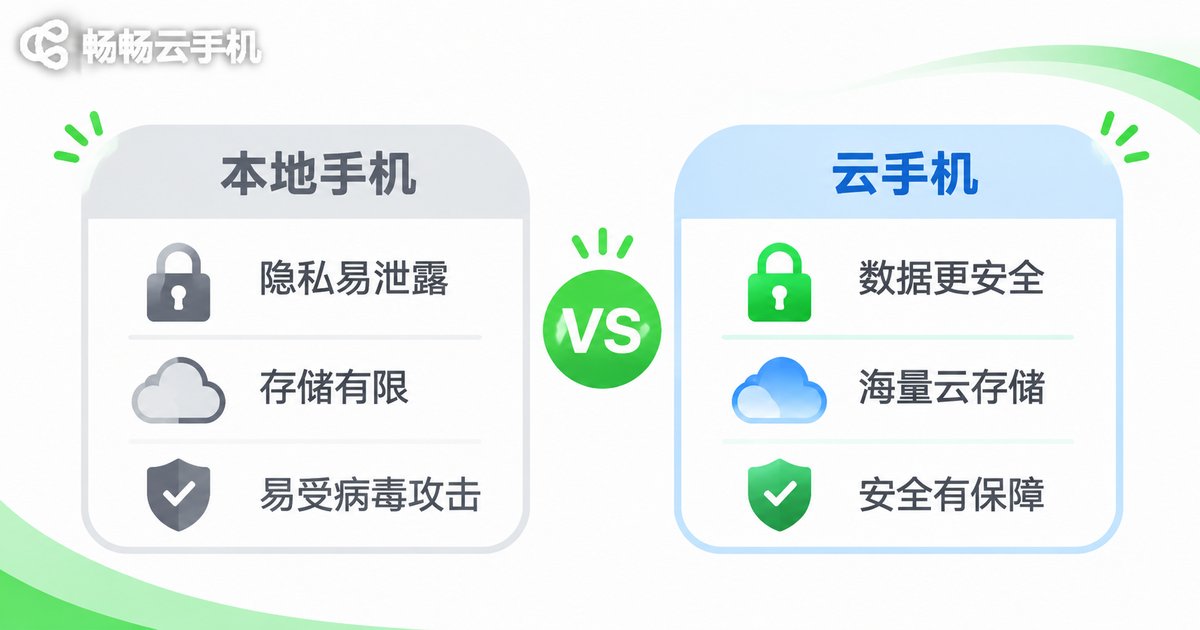
One Table: Local Phone vs Cloud Phone
| Security Dimension | Local Phone | Cloud Phone |
|---|---|---|
| Data after device loss | Lost together with the device | Stays in the cloud, usable on a new device |
| Device identifiers | Real device information | Virtual cloud device information |
| Multi-account isolation | Switching back and forth on one device | Multiple instances run independently |
| Local storage usage | Takes up phone storage | Almost no local storage used |
| Credential management | Your responsibility | Your responsibility (equally important) |
The table reveals one key point: cloud phones do have natural advantages at the device and data layers, but at the account layer, responsibility always stays with the user. That is exactly why the three tips below are worth reading carefully.
How ccloudphone Approaches Security
ccloudphone provides an Android virtual phone that runs in the cloud. Users operate it remotely over the network, while the local device mainly displays the screen and sends input back. Mapped against the three layers above:
· Account layer: cloud phone instances are bound to the user's account, and each user enters their own instance after logging in; different instances stay independent of one another.
· Data layer: apps and data run on cloud servers, no complete local copy is kept on the device, and you can continue after logging in from a different device.
· Privacy layer: the cloud phone has its own virtual device environment, separated from the user's physical device information.
To be objective: security in any cloud service is decided jointly by provider protection and user habits. Even the best architecture will fail with weak passwords and casually shared accounts.
Three Practical Tips You Can Use Right Away
1. Set a unique, strong password for your cloud phone account. Do not reuse the same password as your social or payment accounts. If one platform leaks, the others will not fall with it.
2. Move sensitive operations into the cloud phone. Multi-account management, app testing, anything that needs an isolated device environment — keep those activities in the cloud so they neither occupy nor contaminate your physical phone.
3. Check your instances and logins regularly. Every so often, review which instances are under your name and whether there have been any unusual logins, and deal with anything unfamiliar promptly.
Frequently Asked Questions
Q: Can the provider see the data inside my cloud phone?
Cloud phone data runs on cloud servers, so the provider technically has operational access. That is why choosing a provider with a stable track record and transparent rules matters. At the same time, keep your own account passwords and payment details under separate, careful management.
Q: Does using a cloud phone make me completely anonymous?
No. A cloud phone isolates your “device identity”, but what you actively enter and upload inside it is still your data. It is a buffer layer, not a cloak of invisibility.
Q: If I lose my local phone, is everything in the cloud phone still there?
Yes. Cloud phone data is stored in the cloud, so you can log in from another device and continue. This is a genuine data-security advantage of cloud phones.
Q: Which is safer, a cloud phone or a local phone?
There is no absolute answer — it depends on which risk worries you. If you are concerned about losing data with a lost device, or need isolated device environments for multiple accounts, a cloud phone has the edge. If you are concerned about account theft, both depend on your own password habits.
Q: Do ordinary users need a cloud phone?
If you only chat, watch videos and take photos day to day, a local phone is entirely enough. Cloud phones真正 show their value when you need multi-account management, app testing, long-running online sessions, or want to separate certain activities from your physical device environment.


