

How to Register for a Cloud Phone: Email or Phone Number, Both Paths Work
Registering for a Cloud Phone: There Are Only Two Paths
Many people get stuck at the very first step with cloud phones: registration. You open the official website, see two entry points — register with email and register with phone number — and you're not sure which one to click, or whether picking the wrong one will cause problems.
Here's the short answer: both paths work, and there is no functional difference between them. Your registration method only affects how you log in later and how you recover your account. It has nothing to do with what kind of cloud phone you get, how many you can run, or how well they perform.
Let's break both paths down so you know exactly which one fits you.
First, Understand What You're Actually Registering
A cloud phone isn't an app installed on your own device. It's a virtual phone running in the cloud. The device in your hand works more like a remote control — you connect over the network to operate that cloud-based phone.
So registering a cloud phone account essentially means creating an account with the provider, which is used to do three things:
- Identify who you are and separate your cloud phones from everyone else's
- Store the devices, configurations, and data you've set up
- Serve as your login credential so you can get back in from any device or network
Once you see it that way, it's clear: email and phone number are just two different identity labels. The account itself is the same thing.
Path One: Email Registration — For People Who Don't Want to Share a Phone Number
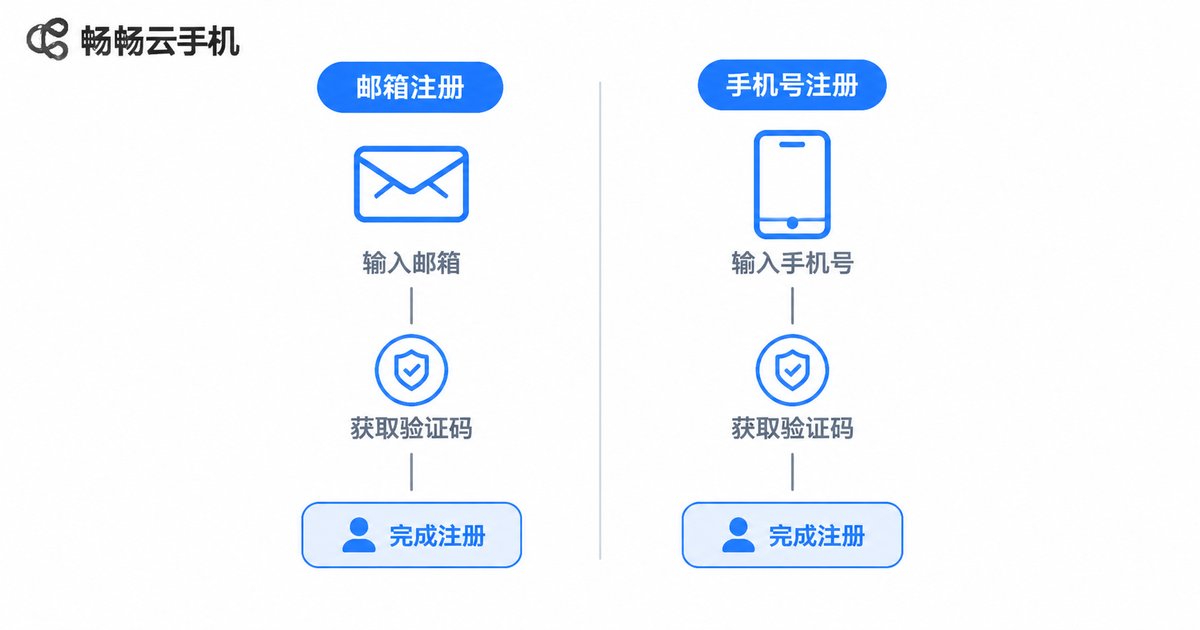
The email registration flow usually looks like this:
- Go to the cloud phone provider's official website and click Sign up
- Choose email registration and enter an address that can reliably receive mail
- Set a password — mix letters, numbers, and symbols, 8+ characters recommended
- Open your inbox, find the verification email, and click the link
- Return to the site and log in — you're registered
Who is this for?
- People who don't want to hand their phone number to every platform
- People with multiple devices who want one account to manage everything
- People who change phone numbers or carriers often
- People running cross-border operations who need a long-term stable account
What to watch out for
Use an email address you'll actually keep. Avoid temporary inboxes, and avoid a company email that gets deactivated when you leave the job. Plenty of people register and forget, then discover their email is long gone when they need to reset a password — which makes things harder, not easier.
Path Two: Phone Number Registration — For People Who Want Speed
Phone number registration is shorter:
- Open the official website and click Sign up
- Choose phone number registration and enter your number
- Click Get code and wait for the SMS
- Enter the 6-digit verification code
- Set your password and finish
Who is this for?
- People who want the fastest possible signup and don't want to wait on email
- People with their phone in hand who can receive an SMS right away
- People who worry about forgetting passwords and prefer SMS recovery
- People who mostly operate from a mobile device
What to watch out for
SMS codes sometimes lag — usually 30 seconds to a minute. If nothing arrives, first check whether your phone's security app filtered it into spam, then double-check the number you typed. Also, if you plan to cancel this phone number later, remember to update the contact info linked to your account beforehand.
Which Path Should You Choose? One Table Says It All
| Factor | Email Registration | Phone Number Registration |
|---|---|---|
| Speed | Wait for email, about 1–3 minutes | SMS usually arrives in seconds to a minute |
| Privacy | Higher — no phone number exposed | Requires providing a phone number |
| Password recovery | Reset via email link | Reset via SMS code |
| Impact of changing contact | Must rebind a new email | Must rebind a new phone number |
| Best for | Privacy-conscious, long-term users | Efficiency-focused users with phone nearby |
If you're still undecided, here's a simple test: whichever contact method you'll still be using five years from now is the one to register with.
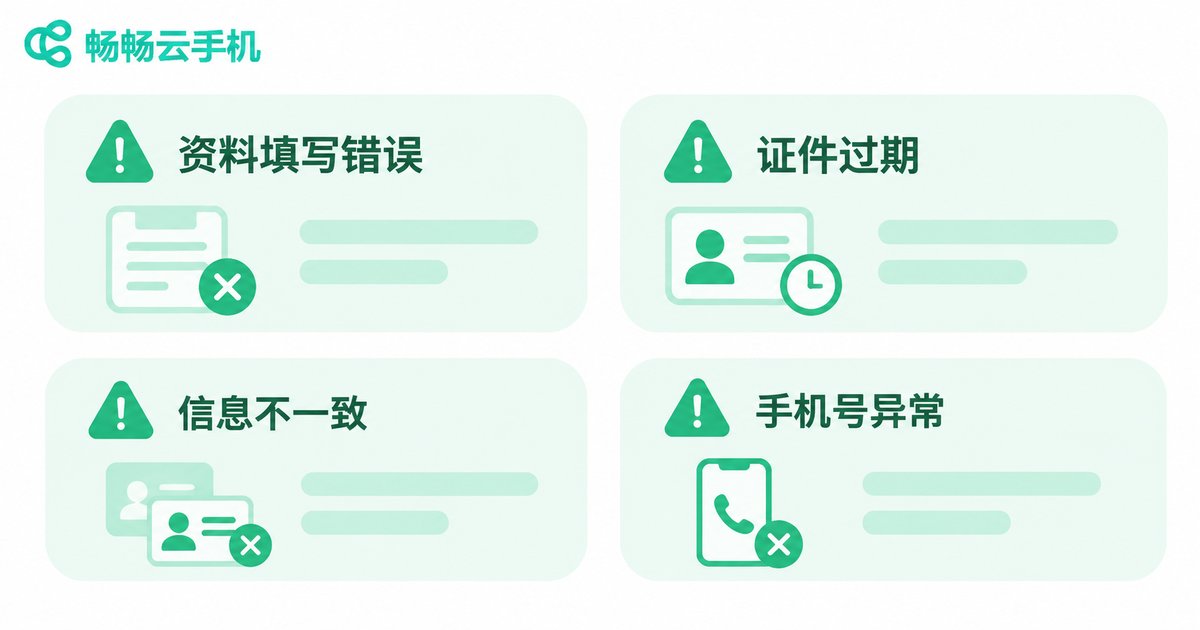
The 4 Most Common Registration Mistakes
1. Setting a careless password
Your cloud phone account may hold your apps, data, and business information. Don't use your birthday or the last six digits of your phone number.
2. Registering with a temporary email
Temporary inboxes expire within days. Once your account needs verification, you may never get back in.
3. Clicking Get code repeatedly
Hammering the button triggers rate limits and actually slows things down. Click once and wait a minute.
4. Not adding a backup contact method
Many platforms let you bind both an email and a phone number. Adding the second one right after signup gives you a fallback.
A Walkthrough Using ccloudphone
Take ccloudphone as an example. Its registration supports both email and phone number, and the flow matches what's described above:
- Visit the ccloudphone official website
- Click the sign-up button on the page
- Choose either email or phone number
- Fill in your details and complete verification
- Log in to the console and select a cloud phone configuration as needed
After registering, you land in a management dashboard where you can see the cloud phone devices you've activated, their running status, and basic settings. The whole process happens in your browser — no extra client download required.
One reminder: registration is only the first step. What really determines your experience is the configuration and network environment you choose afterward. The registration method itself makes no performance difference.

FAQ
Q: Can I bind both an email and a phone number?
Most platforms let you add the other contact method in account settings. Check your provider's dashboard for specifics. Once bound, either method can be used to log in or recover your password.
Q: It says this email or phone number is already registered — what now?
That means the contact method has been used before. Try Forgot password first. If it isn't yours, simply register with a different contact method.
Q: I'm not receiving the verification email. What should I do?
Check your spam folder first, then confirm the address is spelled correctly. If you're using a corporate inbox, check whether external mail is being blocked. If it still doesn't arrive, wait a few minutes and try again.
Q: Can I change my registration method later?
You can usually add or change bound contact info in account settings, though the primary account identifier may not be directly changeable. It's best to register with a contact method you'll keep long term.
Q: Does registration cost anything?
Creating an account is free. Whether you pay depends on the services and configurations you choose afterward.
Q: How many cloud phones can one account run?
That depends on the platform's rules and the configuration you select. Once registered, you can see the available range in the console.


