

How to Run a Cloud Phone Project: Requirements, Configuration, Trial and Cost Evaluation
A cloud phone project rarely fails because the monthly price per instance is a few dollars too high. It fails because the team skipped four basic questions: what the phones must actually do, which configuration fits, how to prove stability before scaling, and what the real total cost looks like. The method below can be completed in about a week.
1. Turn requirements into a checklist you can verify
A cloud phone is simply an Android instance running in a data centre: remotely controllable, manageable in batches and online around the clock. So start from the work, not from the price tag.
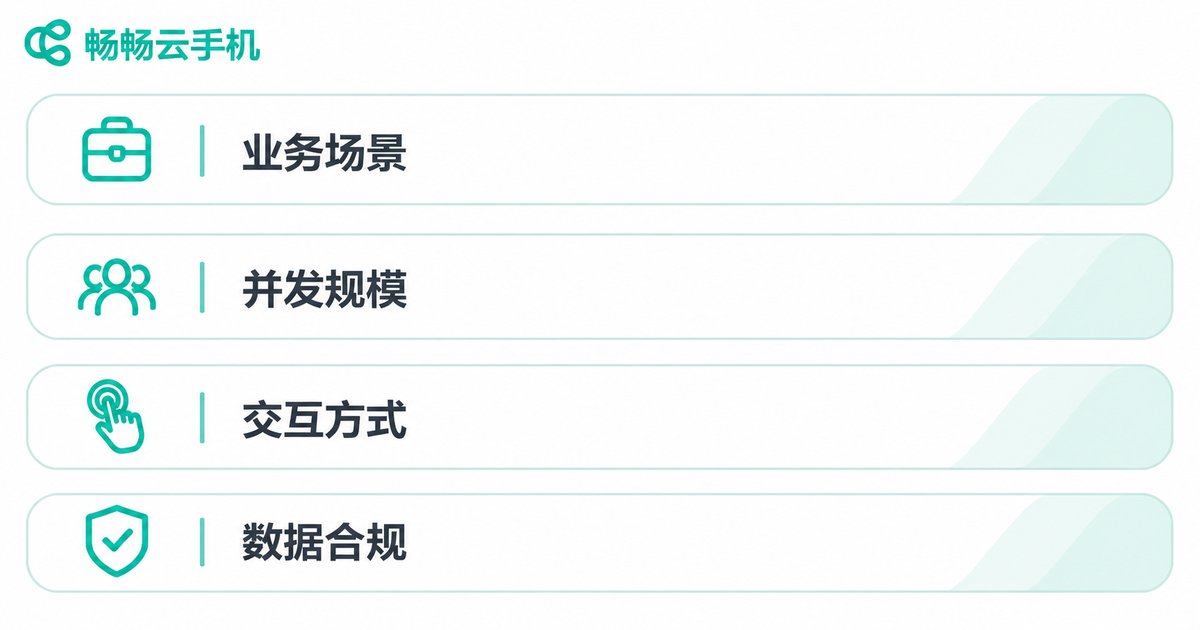
Business scenario. Social media multi-account operations, game idling and multi-boxing, app compatibility testing, live streaming interaction, cross-border store management, automation scripts, enterprise mobile access. Each one stresses a platform very differently.
Concurrency. How many instances run at the same time, what the peak looks like, and whether you need hourly elastic scaling.
Interaction model. Manual remote control only, or synchronized group control, batch installation, ADB/API access and scheduled tasks.
Data and compliance. Where account and business data lives, whether you need dedicated IPs, and which regions your nodes must cover.
Put these four items into a table and mark each one as must-have, nice-to-have or not needed. Every later decision, from configuration to trial scoring, should map back to that table.
2. Choosing a configuration: four dimensions are enough
With cloud phones, benchmark scores matter less than stability, manageability and compatibility.
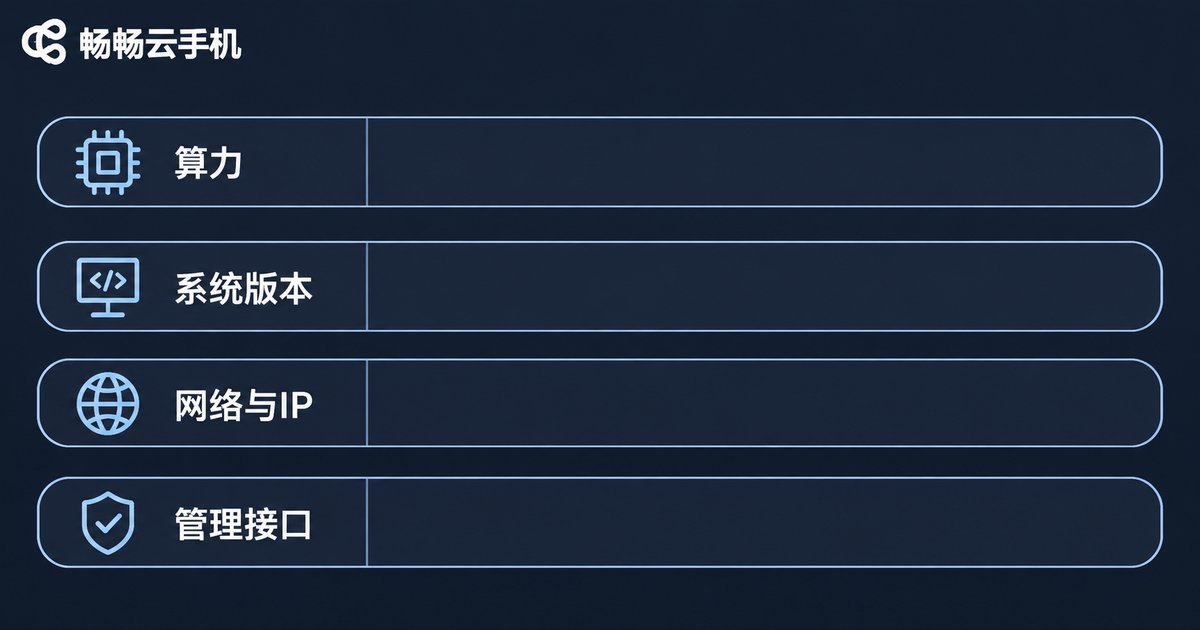
Compute. CPU cores, memory and storage decide how heavy your workload can be. Light social messaging work usually starts at 2 cores and 2 GB; game idling, live streaming and video apps want 4 cores and 4 GB or more; running several heavy apps in parallel pushes you higher again. Estimate storage from real app size plus cache, not from the headline number.
Android version. Your OS image must cover the minimum version your target apps require. Legacy apps may only run on Android 7 or 9, while newer ones may demand Android 11 or above, so a mixed fleet is often the practical answer.
Network and IP. Look at node regions, bandwidth, dedicated IP availability and reconnect behaviour. For cross-border or localised business, node location changes the experience directly.
Management and APIs. Web and desktop control, batch power-on, image cloning, group management, file upload, ADB/API access. This dimension decides your labour cost later far more than a small difference in instance price.
| Use case | Suggested configuration | What to examine closely |
|---|---|---|
| Social multi-account, messaging | From 2 cores / 2 GB | Multi-instance stability, IP isolation, batch login |
| Game idling and multi-boxing | From 4 cores / 4 GB | Rendering capability, long sessions without disconnects |
| App testing and compatibility | Mixed OS versions | Android version coverage, ADB/API, snapshot restore |
| Live streaming and video apps | From 4 cores / 6 GB | Bandwidth, latency, video encoding |
| Automation scripts and batch jobs | Based on script load | API capability, scheduled tasks, batch deployment speed |
3. The trial phase: five metrics that decide go or no-go
A trial is not about whether an instance boots. Take three to five instances, run the smallest complete version of your real workflow and observe for at least three days. Record these five metrics:
1. Startup and responsiveness. How long from click to usable, and whether input latency stays consistent.
2. Stability. Number of disconnects, restarts and app crashes over 72 continuous hours.
3. Batch efficiency. How long it takes to power on 10 or 50 instances at once, and the success rate of batch app installation.
4. Compatibility. Whether your target apps log in, receive push notifications and access location, camera or microphone where the business needs them.
5. Support response. Average response time on tickets or chat, and whether issues can be traced to a specific instance.
Turn these into a scorecard and decide on scale-up after the trial, not on gut feeling.
4. Cost evaluation: total cost of ownership, not unit price
The monthly cost of cloud phones has at least four parts: instance fees, network and IP fees, management tool or API fees, and labour. Most overruns come from labour, not from machines.
Monthly total = instance price x number of instances x 30 days
              + extra IP / bandwidth fees
              + management platform or API fees
              + operations labour (people x days x daily cost)
              + rework cost (migration, rebuilding, account loss)
Always compare cost per account or cost per task: monthly all-in cost per account, or cost per execution of an automation job. The larger the fleet, the more management efficiency outweighs a small price difference. A platform that supports image cloning and batch deployment is often worth more than a few dollars saved per instance.

5. Managing at scale: let the platform handle repetition
Going from 10 instances to 100 forces a change in management style. Confirm early whether the platform supports instance groups and tags, one-click image or environment cloning, batch installation and batch execution, scheduled tasks, operation logs and role-based permissions. Using these features lifts the number of instances one person can manage, and that is the most frequently overlooked variable in cost evaluation.
If your team would rather not build the environment itself, consider a service such as ccloudphone, which provides cloud Android instances that can be created and managed from a web or desktop client, with batch operations, image cloning, group management and API access for social operations, game multi-boxing, app testing and automation tasks. For specific device tiers, node regions and features, check the official site ccloudphone.com, and start with a small trial before scaling up.
6. A practical rollout order
1. Write the requirement checklist. 2. Set configuration tiers per scenario. 3. Trial two or three providers at small scale. 4. Score them on the five metrics. 5. Calculate cost per task. 6. Launch a small batch. 7. Scale on demand once stable. Keep records at every step so you do not repeat the same mistakes when you grow.
FAQ
Q1: How is a cloud phone different from controlling a rack of physical phones?
Cloud phones run on servers in a data centre, so there is no hardware to buy, instances are provisioned on demand, management is remote, and cloning plus elastic scaling are straightforward. Physical devices need higher upfront investment but still make sense for scenarios that depend on real hardware. The right choice depends on your use case and scale.
Q2: How many instances should a new project start with?
Start with three to five instances to complete the smallest version of your workflow. Validate stability, compatibility and batch management efficiency, then scale gradually based on real output instead of committing a large budget upfront.
Q3: Is a higher configuration always better?
No. Configuration should match the app workload; using high-end tiers for light tasks only raises cost. Measure how much work one instance can carry reliably, then pick the tier.
Q4: How do I judge whether the cost is reasonable?
Do not look only at the monthly fee per instance. Calculate the all-in cost per account or per task, including IPs, management tooling and labour, then compare it with alternatives.
Q5: Which metric is most often ignored during a trial?
Batch efficiency. One instance running smoothly does not mean 50 run smoothly together. The success rate and time needed for batch power-on and batch installation directly determine your later labour cost.


