
Operations · Engineering · Trends
Hands-on playbooks, product updates and cross-border insights from the CCloudPhone team.
How to Choose a Cloud Phone Without Pitfalls: Real-World Comparison of Device Creation Speed and Idle Stability
Choosing a cloud phone is rarely about the feature list — it is about how fast you can create a device and whether it stays online while you sleep. In this hands-on comparison, we measured device creation speed and ran a 72-hour non-stop idle stability test across a local emulator, a traditional cloud phone service, and ChangChang Cloud Phone (ccloudphone) under the same network conditions. You will see real timing data, disconnection logs, five practical criteria for judging any cloud phone platform, and a low-risk way to validate a service before you scale up your whole device fleet.
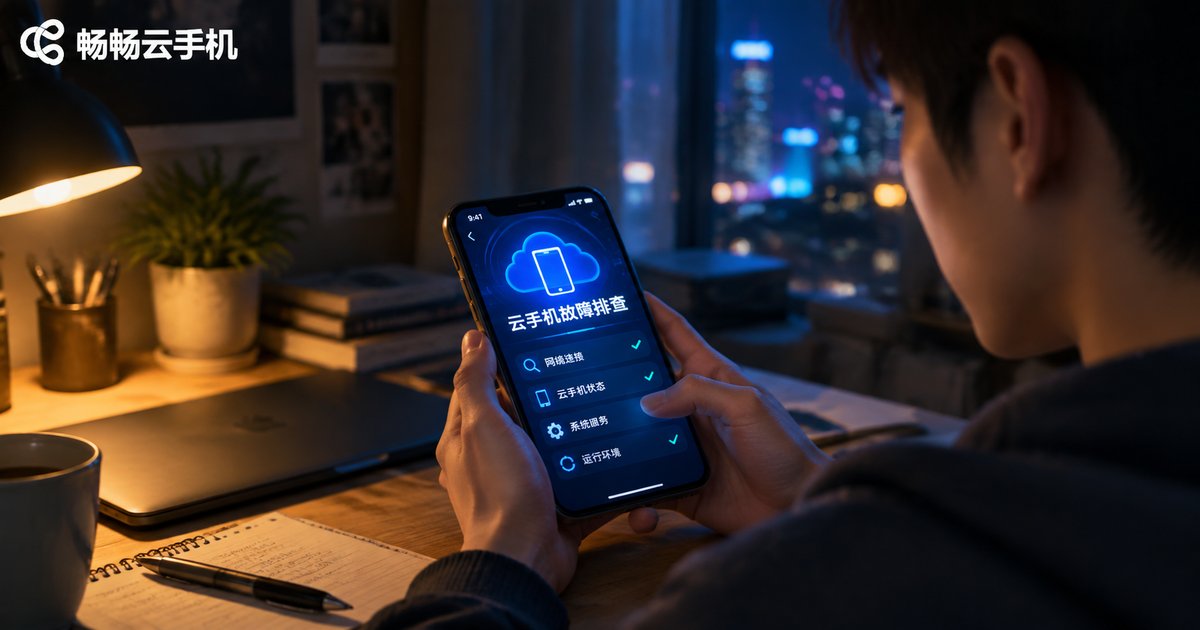
Cloud Phone Troubleshooting: The Complete Guide to Fixing Disconnection, Lag, and Black Screen Issues
Disconnection, lag, and black screens are the three most common cloud phone problems, and most of them can be fixed on your own. This guide walks you through diagnosing each issue from three angles: local network, device settings, and cloud server status. Inside, you will find clear cause-and-solution tables for sudden disconnections, a simple method to tell local lag from cloud-side lag, and a three-step fix for black screens, plus daily prevention tips to keep everything running smoothly. We also explain how CCloudPhone delivers stable, around-the-clock cloud performance with responsive customer support, so you spend less time troubleshooting and more time getting things done.

Cloud Phone Data Backup and Migration Guide: How to Export and Restore Your Account Environment
This guide walks you through the complete process of cloud phone data backup and migration. You will learn how to sort your data into three categories—account credentials, app data, and environment settings—follow four practical steps to export your account environment, and restore everything on a new device in minutes. The article also lists the most common migration pitfalls and how to avoid them, and explains how ChangChang Cloud Phone (ccloudphone) helps you manage cloud-based account environments with less effort, so nothing is lost when you switch devices.
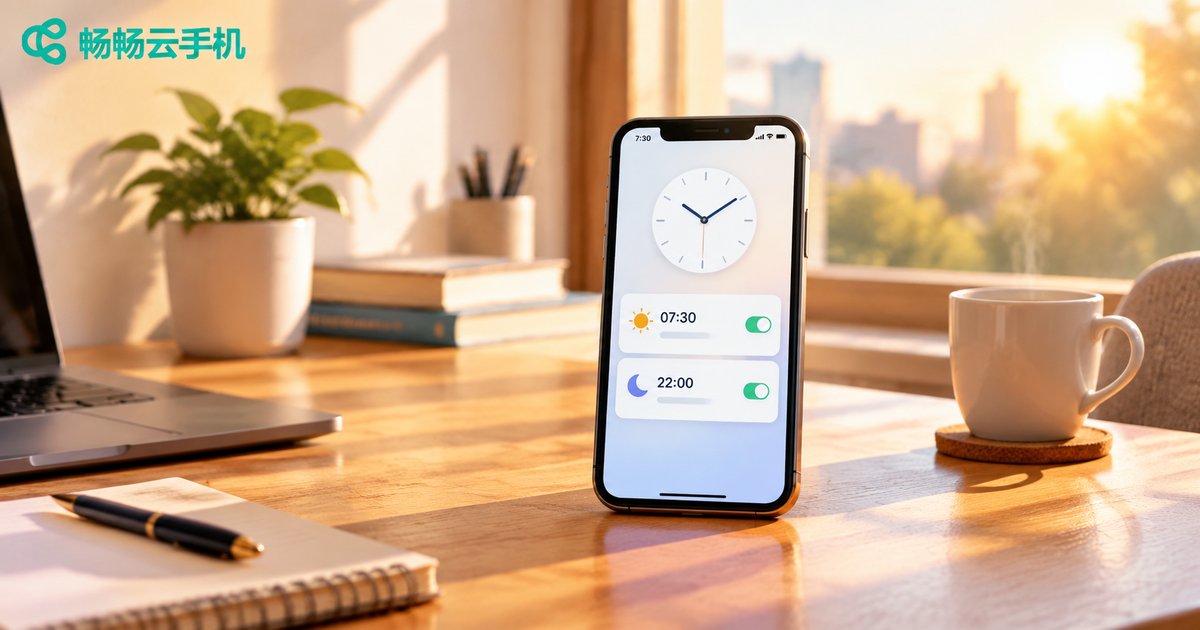
How to Set Up Scheduled Tasks on Cloud Phones: Complete Guide to Automating App Operations
Cloud phone scheduled tasks allow your device to power on, launch apps, and shut down automatically at preset times, enabling true hands-free automation. This complete guide walks you through setting up scheduled tasks on CCloudPhone step by step, covering the most popular use cases such as daily game check-ins, app keep-alive, and batch operations across multiple devices. You will also learn practical tips for keeping automation stable, see a side-by-side comparison between manual operation and scheduled tasks, and find answers to frequently asked questions. Whether you manage one cloud phone or dozens, this tutorial helps you save time, avoid missed daily rewards, and keep your apps running around the clock.

How to Adjust Cloud Phone Resolution? A Tutorial on Balancing Picture Quality and Performance
Cloud phone resolution directly affects picture clarity, running smoothness, and data consumption. This tutorial explains the relationship between resolution and performance, then walks you through the complete steps of adjusting resolution in ccloudphone. You will also find recommended settings for different scenarios — AFK farming, everyday use, mobile gaming, and video streaming — plus practical tips on frame rate, network stability, and in-game graphics. Whether you want a sharper picture or smoother gameplay, this guide helps you find the perfect balance between visual quality and performance, so your cloud phone looks great and runs flawlessly at the same time.

How to Use Cloud Phone API: Developer Integration Tutorial with Code Examples
This guide walks developers through the complete process of integrating a cloud phone API, from obtaining API credentials and token authentication to creating instances, running batch operations, capturing screenshots, and installing apps. Each step comes with ready-to-run Python code examples, plus a troubleshooting table for common HTTP errors such as 401 and 429. Whether you are building automated testing, device farm management, or multi-account workflows, this tutorial helps you connect to a cloud phone API quickly and avoid the pitfalls most beginners run into.

How to Build a Cloud Phone Group Control System: A From-Scratch Multi-Device Management Tutorial
This beginner-friendly tutorial explains how to build a cloud phone group control system from scratch. It starts with the concept and advantages of cloud phone group control, then covers three preparations: defining your use case, estimating device count, and securing a stable network. Using ChangChang Cloud Phone (ccloudphone) as an example, it demonstrates the full setup in four steps — registering and creating devices, entering the group control panel, executing batch operations, and organizing devices into groups. A comparison between physical phone farms and cloud phone group control helps readers decide, followed by daily management tips, pitfalls to avoid, and FAQ, enabling anyone to master multi-device management without writing a single line of code.

What Does Cloud Phone AFK Mean? How It Works and How to Set It Up
Cloud phone AFK means handing long-running game or app tasks to a virtual Android phone running on cloud servers, so your physical device can be switched off while everything keeps running. This article explains in plain language what cloud phone AFK is and how it works, compares it with leaving a local phone on overnight, and walks you through the full setup with ChangChang Cloud Phone (ccloudphone) — from registration and creating an instance to installing apps and enabling auto tasks. It also answers common questions about ban risks, data usage, and multi-account management, helping you start cloud-based AFK farming safely and efficiently.

How to Get a Free Cloud Phone Trial: New User Tutorial & Pitfall Avoidance Guide
This guide walks you through claiming a free cloud phone trial in five simple steps: registering an account, finding the trial entrance, choosing a device, installing your apps, and exploring key features. You also get a 5-point testing checklist covering smoothness, stability, compatibility, multi-instance performance, and usability. On top of that, we list the 6 most common traps for new users — hidden auto-renewal, 'free' trials that demand payment first, downgraded trial devices, unbacked-up data, unclear device limits, and unsafe cracked tools — so you can trial with confidence. Finally, we recommend Changchang Cloud Phone (ccloudphone), where new users can claim a free trial right after registration.
How to Choose a Cloud Phone in 2026: A Complete Guide to Hardware Specs and Performance
Choosing a cloud phone in 2026 takes more than comparing prices. This guide breaks down every core hardware parameter — CPU cores and single-core performance, GPU rendering, RAM, storage, and network latency — and explains what each means for real-world use. You will find a scenario-based configuration table covering daily messaging, AFK mobile gaming, heavy gaming, and studio batch operations, plus a simple three-step test to verify true performance before you commit. We also explain why ccloudphone is a solid starting point, with device tiers from entry-level to high performance. Read on and match the right configuration to your needs in minutes.
Cloud Phone vs. Emulator: Technical Principles and Use Cases Explained
Cloud phones and Android emulators both let you run mobile apps on another device, but they work in fundamentally different ways. An emulator creates a virtual Android device on your own computer, so performance depends entirely on your local hardware. A cloud phone runs Android on remote servers and streams the screen to you, shifting all the computing work to the cloud. This article compares the two across technical principles, performance, multi-instance capability, cost and typical use cases, helping you decide which one fits gaming, testing, automation or always-on scenarios.
Cloud Phone Multi-Instance Tutorial: How to Run Multiple Apps on One Device
This tutorial walks you through cloud phone multi-instance configuration step by step. Learn how multi-opening works, how cloud phones compare with PC emulators, and how to prepare, create multiple instances, install apps, and manage them with group control. Using CCloudPhone as an example, you will run several independent Android environments on one device, keep multiple accounts online, and let tasks run in the cloud around the clock. No high-end hardware is required. A FAQ section at the end answers common questions about instance limits, battery use, and data isolation.