
Operations · Engineering · Trends
Hands-on playbooks, product updates and cross-border insights from the CCloudPhone team.
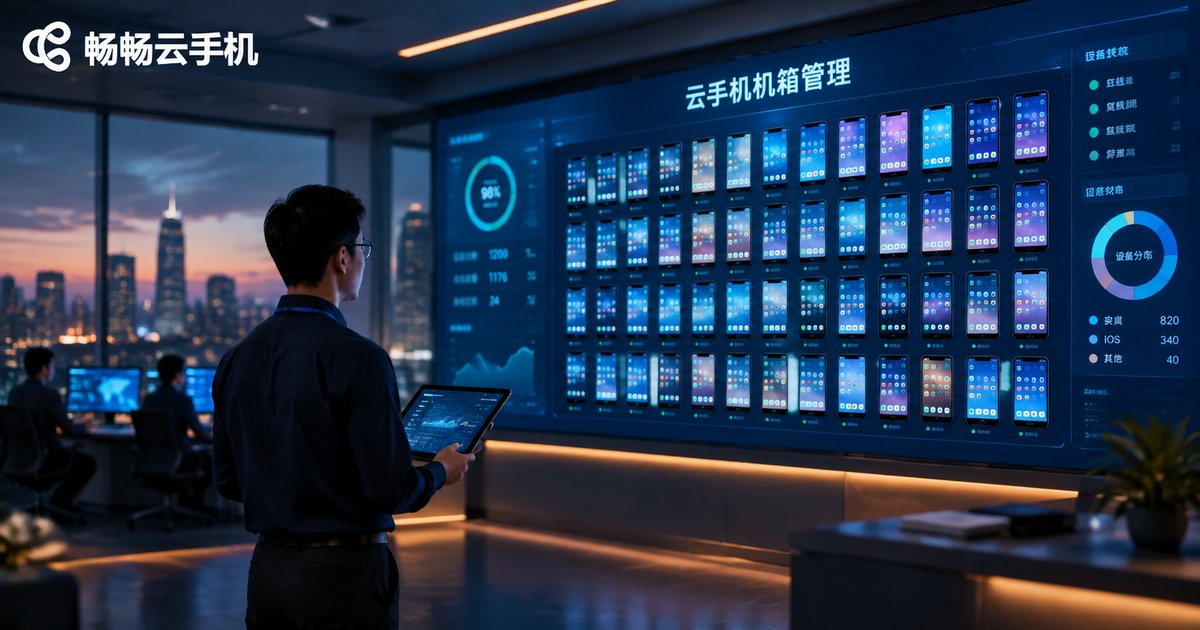
What Is Cloud Phone Chassis Management? A Complete Guide to Enterprise Batch Deployment and Configuration
Cloud phone chassis management is the backbone of running cloud phones at enterprise scale. It covers instance grouping, template cloning, bulk app distribution, permission control, and real-time monitoring. This article explains what chassis management actually means, why businesses managing dozens or hundreds of cloud phone instances need it, and breaks down six core configuration methods for batch deployment: bulk creation with smart grouping, template configuration and one-click cloning, bulk app distribution, unified parameter delivery, sub-account permissions, and monitoring with alerts. Using ChangChang Cloud Phone (ccloudphone) as an example, it also provides a five-step practical workflow, plus a comparison of manual operation versus batch management, helping teams build an efficient, repeatable, and compliant cloud phone operation system.
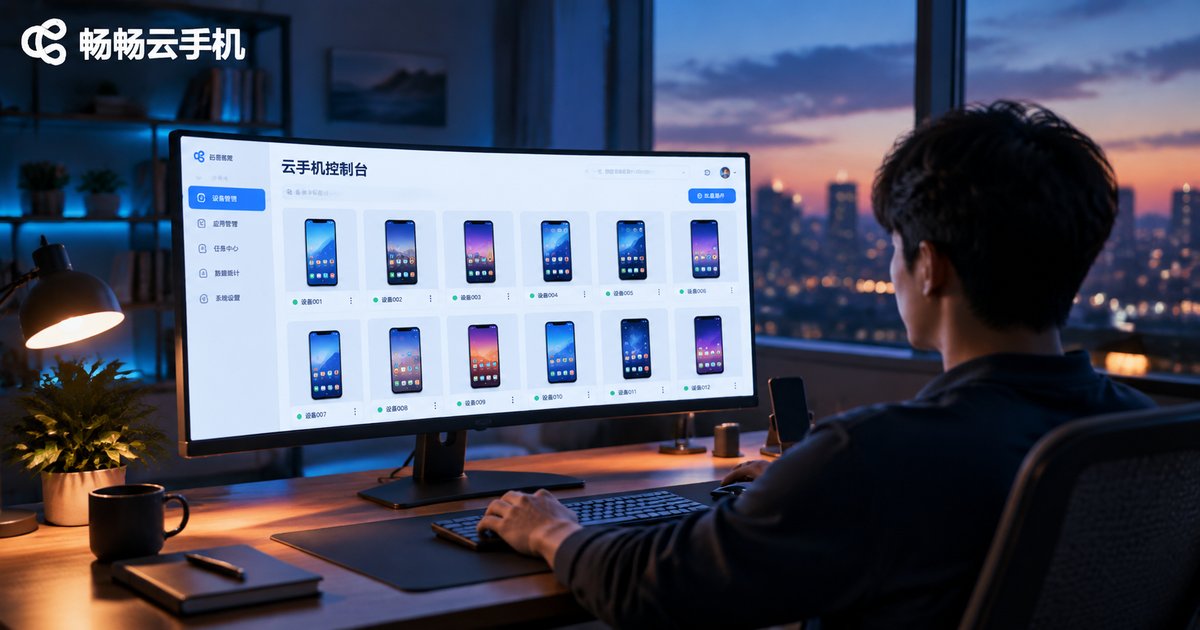
How to Use a Cloud Phone Console: Resource Management and Instance Allocation Guide
This hands-on tutorial walks you through the core operations of a cloud phone console, including resource overview, group management, instance creation, and batch allocation. Whether you are a beginner exploring cloud phones for the first time or a power user managing dozens of devices, you will learn how to organize your fleet with groups, create and assign instances efficiently, and keep your resources healthy with a simple weekly routine. The guide also compares common usage scenarios for game multi-boxing, testing, and backup devices. A FAQ section at the end helps you avoid common pitfalls and get the most out of your console.
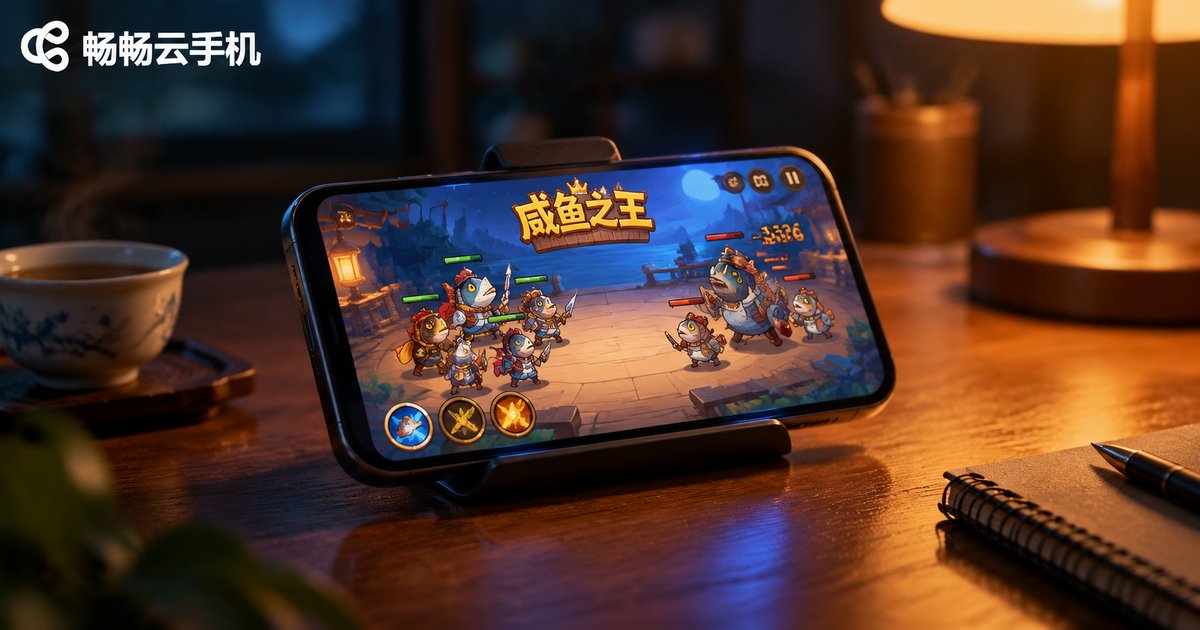
Which Idle Games Are Best for a Cloud Phone? My Xianyu Zhiwang Hosting Experience
Idle games reward time above all else, and a cloud phone provides a 24/7 online environment without draining your own battery or data. This article rounds up the idle games best suited to cloud phone hosting — Xianyu Zhiwang (King of Salted Fish), AFK Arena, Super Snail, Immortal Taoists and Gumballs & Dungeons — and shares a hands-on hosting experience with Xianyu Zhiwang on ChangChang Cloud Phone: how to arrange daily quests, tower climbing, salt jar collection and legion activities, plus practical AFK tips, so the repetitive routines run in the cloud while you keep the fun parts for yourself.
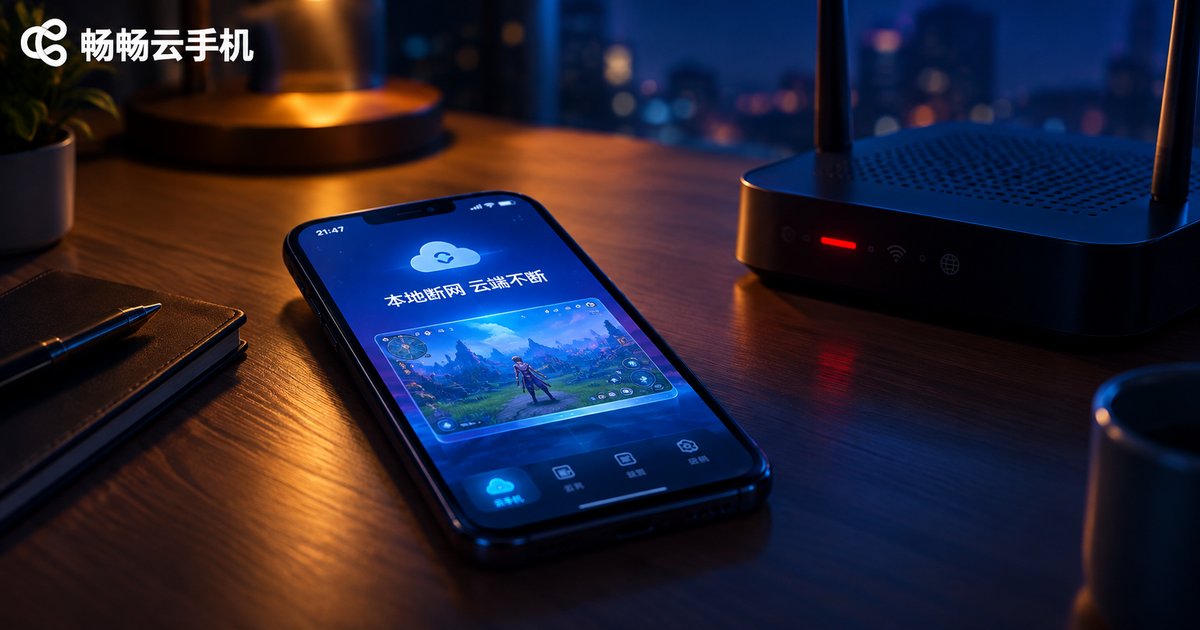
Does Local Network Disconnection Interrupt Cloud Phone AFK Tasks? A Connection Stability Test Report
Many users worry that losing internet on their local device will interrupt tasks running on a cloud phone. This report puts that concern to the test with real-world experiments: disconnecting Wi-Fi, enabling airplane mode, force-closing the app, powering off the local phone, and simulating weak networks. The results are clear: because cloud phones actually run on servers in a data center, your AFK tasks keep running no matter what happens to your local connection. The local device is just a window into the cloud. We also break down the factors that genuinely affect cloud phone stability and share practical tips to keep your tasks running smoothly around the clock.
Does Cloud Phone Group Control Cost Extra? A Guide to Avoiding Hidden Package Fees
Worried that group control on a cloud phone might cost extra? You are not alone — unclear billing is one of the biggest concerns for anyone managing multiple cloud devices. This guide explains the three common pricing models for cloud phone group control, exposes typical hidden charges such as device-count overages, bandwidth throttling, automation surcharges, and renewal price hikes, and compares transparent services with hidden-fee services in a clear table. You will also get a practical pre-purchase checklist covering group control, device limits, renewal terms, feature boundaries, and billing options. Use it to spot tricky billing tactics early and choose a transparent cloud phone service where group control does not cost extra.

Are Basic Cloud Phone Plans Enough for 3D Games? Real Performance Across Configurations
Can a basic cloud phone plan really handle 3D games? This guide answers with real test data: MOBA titles run at a playable 40-55 fps on entry-level plans, racing games fluctuate between 30-45 fps, while open-world blockbusters struggle at 20-30 fps. We break down the four specs that matter most — CPU cores, RAM, GPU rendering power, and network quality — then compare entry, mid, and high-tier configurations across three game genres, plus a practical three-step method for choosing the right plan.
Cloud Phone Setup Speed Test: How Big Is the Time Gap From Ordering to Ready to Use?
How long does it actually take from paying for a cloud phone to using it? In this hands-on speed test, we recorded every stage of the provisioning process: order confirmation, device allocation, system boot, and reaching an operational home screen. A single device was ready in about 1-3 minutes; batches of 5 took around 4 minutes and 10 devices about 6 minutes. We break down the four key factors that influence setup speed, including data-center capacity, system image, local network, and peak-hour congestion, and share practical tips like off-peak provisioning and preparing your configuration in advance to minimize waiting time.
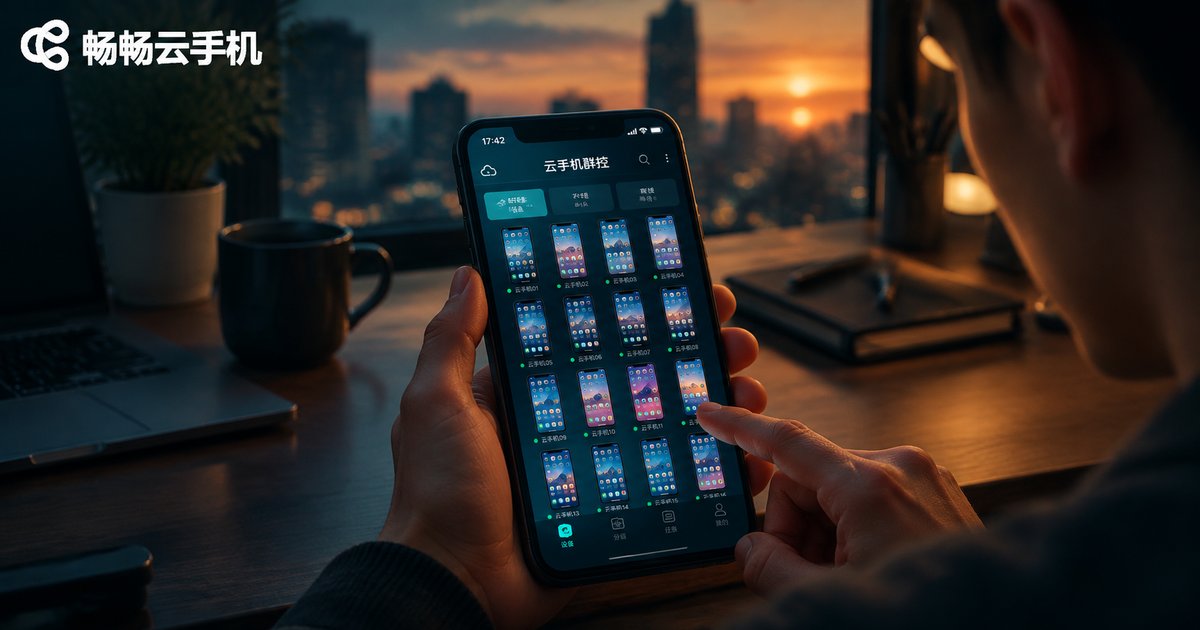
How to Use Cloud Phone Group Control: Remotely Batch-Control Multiple Devices from Your Phone
Cloud phone group control lets you remotely batch-control multiple devices from a single phone: the devices run in the cloud, so there is no need to buy or rack physical handsets. This article explains how group control works and where it shines, then walks you through a complete tutorial using ccloudphone — registering and logging in, creating devices in batches, installing apps in batches, issuing batch commands, and organizing devices into groups. You will also find practical tips on network stability, device grouping, and operation pacing, plus answers to frequently asked questions, so you can get started with multi-device management quickly and confidently.
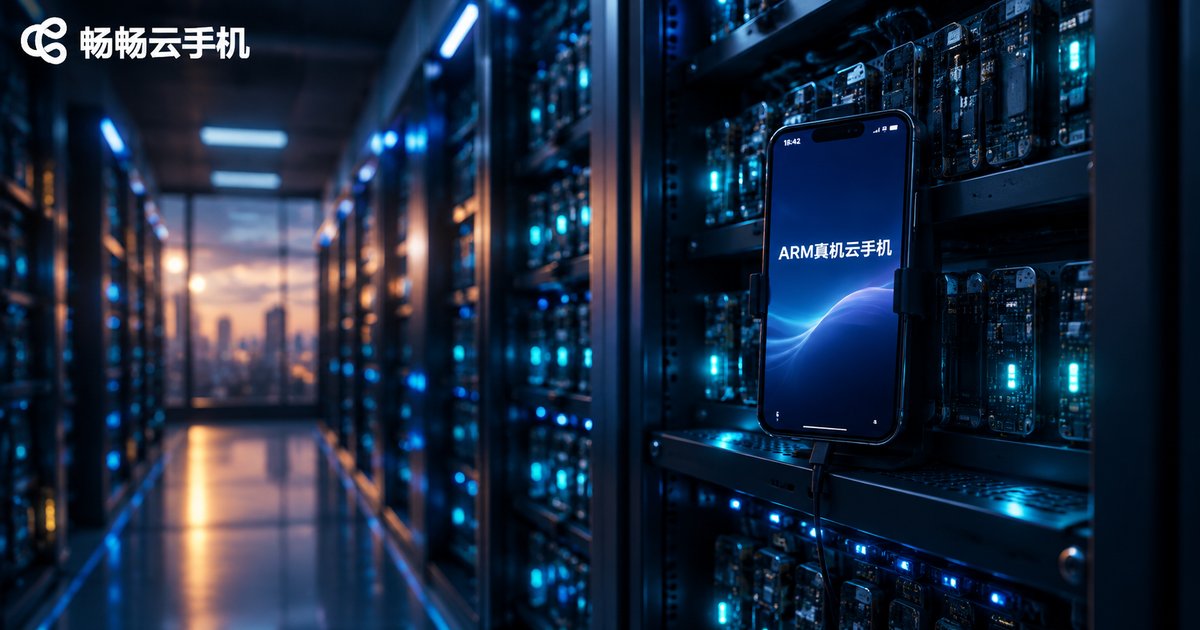
Cloud Phone ARM Boards vs Virtualization: An In-Depth Comparison of Device Authenticity
Cloud phones generally rely on one of two underlying approaches: ARM boards or virtualization. The ARM board approach installs real phone motherboards in data centers, offering native CPU architecture and genuine hardware fingerprints, so apps and risk-control systems treat the device like a physical phone. Virtualization, by contrast, simulates Android on x86 servers—cheaper to scale, but device characteristics are easier to detect as fake. This article breaks down the differences in architecture, device fingerprints, app compatibility, gaming risk control, and long-running stability, with a clear comparison table. Whether you game, run multiple accounts, or keep tasks online around the clock, understanding this gap helps you avoid bans, crashes, and wasted time.
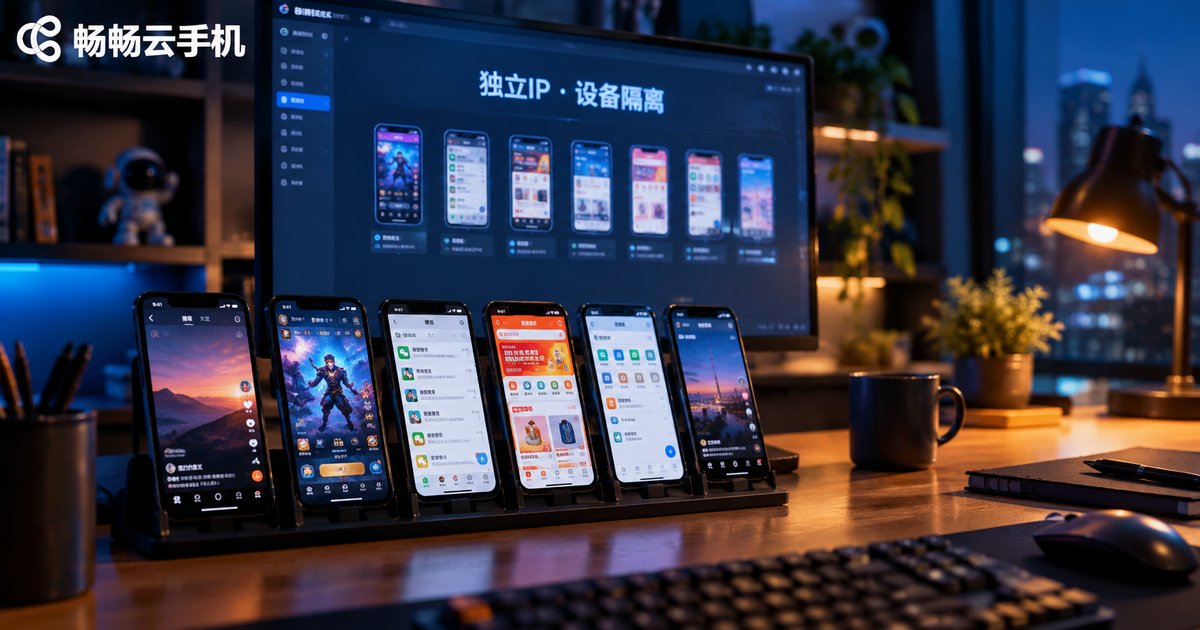
How to Configure Cloud Phone Multi-Open Anti-Association: A Complete Guide to Independent IP and Device Isolation
Account linking is the biggest risk when running multiple accounts on cloud phones. This guide explains the three signals platforms use to link accounts — IP address, device fingerprint and behavior patterns — and walks you through a complete anti-association setup: one account per cloud phone, a dedicated static IP for each instance, fully isolated device parameters, and separated app environments and operating habits. You will also learn how to implement the whole workflow with ChangChang Cloud Phone (ccloudphone), from provisioning instances to assigning IPs and device profiles, plus a checklist of common mistakes and a practical FAQ, so every account looks and behaves like a genuinely independent device and user.
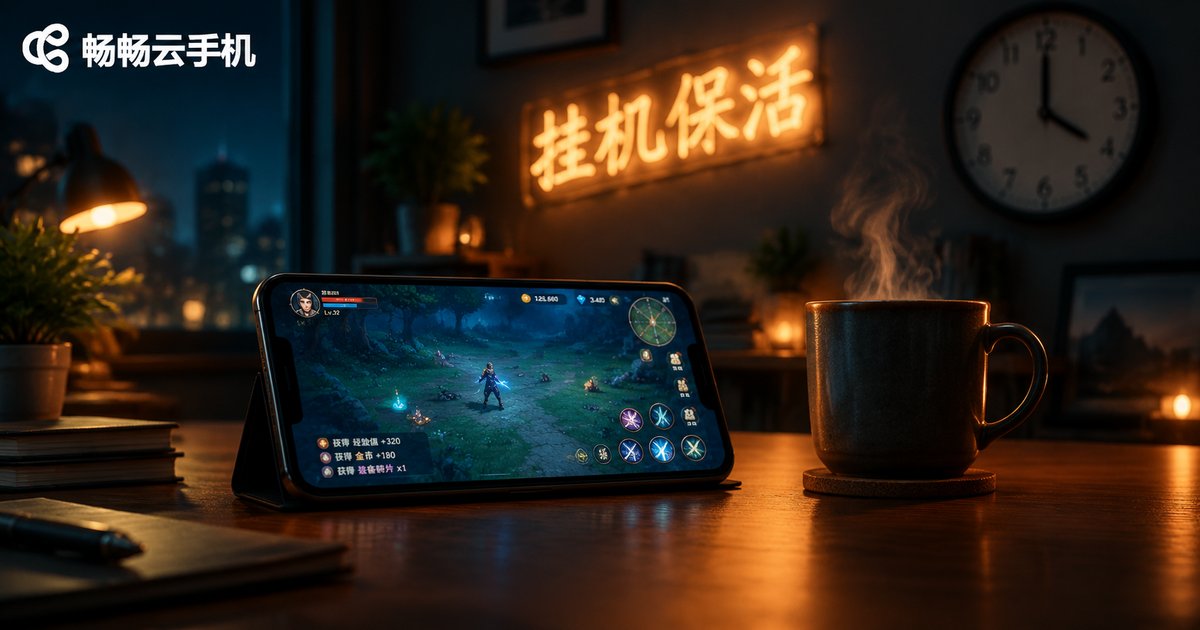
How to Keep Cloud Phone Tasks Alive: Scheduled Restart and Process Guardian Setup Guide
Cloud phone idle tasks often stop because of low memory, app crashes, or network drops. This guide walks you through a complete keep-alive setup: start with basics such as background permissions and running fewer apps, then schedule a daily restart during off-peak hours to reset system state, and add a process guardian that automatically relaunches an app seconds after it crashes. Together, these two layers keep game farming and multi-app tasks running around the clock. The article also includes a practical checklist, a comparison table to help you pick the right method, and answers to frequently asked questions about cloud phone keep-alive.
Cloud Phone vs Emulator: In-Depth Performance Comparison of ARM Native and X86 Translation
Cloud phones and emulators may look similar, but their underlying architectures are fundamentally different. An emulator runs on your PC's X86 chip and translates ARM instructions in real time, which introduces performance overhead and compatibility risks. A cloud phone runs on native ARM servers in the cloud, executing apps without any translation at all. This article compares the two across five key dimensions — instruction efficiency, graphics rendering, app compatibility, stability, and multi-instance capability — explains why ARM native environments face fewer restrictions and run more reliably, and offers practical advice on which option fits your scenario, from casual PC gaming to 24/7 cloud automation.