
Cloud Phone Performance Testing: Startup, Latency, Image Quality and Multi-Instance Metrics
Why Cloud Phones Need Performance Testing
With a physical phone you can walk into a store and try it out. With a cloud phone you only see the spec sheet saying eight cores, large memory, HD quality. None of that is wrong, but whether those parts add up to a smooth experience can only be answered by real measurement.
Only four metrics really matter: startup speed, input latency, image quality and multi-instance capacity. Below we take each one apart — what the normal range looks like, how to test it yourself, and at what point you should stop considering a device.
Metric 1: Startup Speed — Look Beyond the Boot Time
Startup has three stages, and most people only measure the first one before drawing conclusions.
Stage one, instance wake-up. From tapping the cloud phone to seeing the desktop, 5 to 15 seconds is a normal range.
Stage two, app cold start. From tapping an app icon to full load, this stage is dominated by storage read and write, and it is often where the real time goes.
Stage three, reaching the app home screen. Loading resources, signing in, getting to the main page — this depends far more on server-side scheduling than on your local network.
Testing is simple: grab a stopwatch and run the same instance three times, then average the results. If the three runs differ wildly — 8 seconds, then 35 seconds — the resource scheduling is unstable, and inconsistent beats consistently slow for ruining your day.
Metric 2: Latency — Know Which Latency You Are Measuring
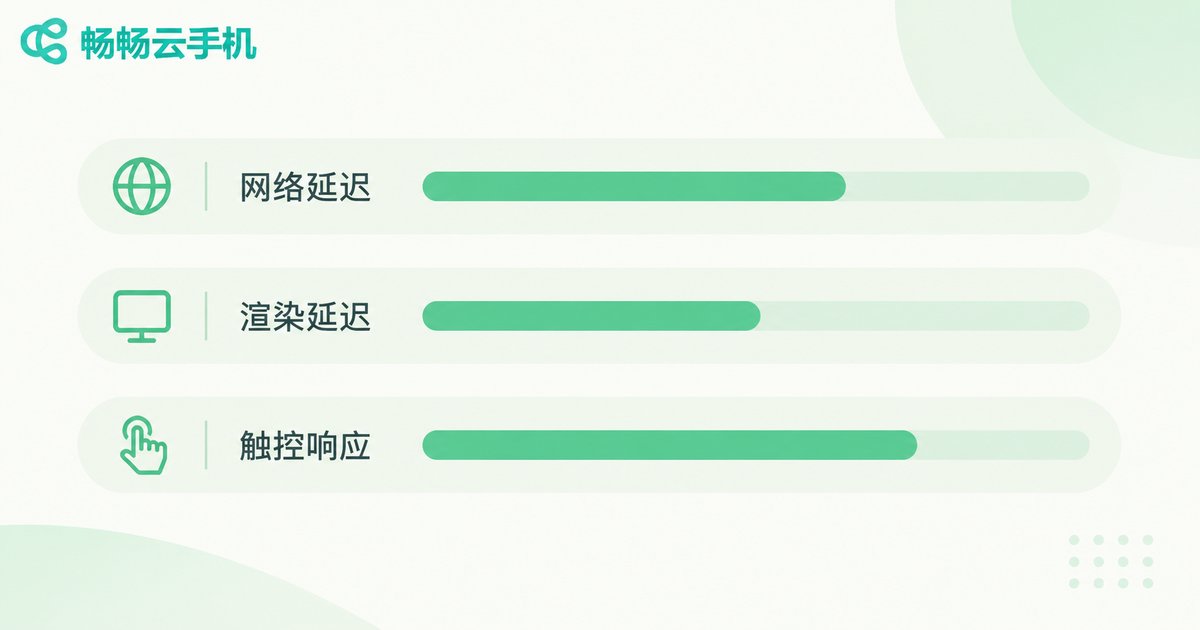
When things feel laggy, most people blame the network. In reality there are at least three layers of latency, each with a different cause and a different fix.
| Latency type | Typical reference range | What you notice when it is exceeded |
|---|---|---|
| Network round-trip | 20 to 60 ms | Above 100 ms, taps feel clearly delayed |
| Rendering latency | 1 to 3 frames | Smearing while swiping, image trails your finger |
| Touch input return | 30 to 80 ms | Feels like you have to tap twice |
To test it yourself, open a drawing or sketching app inside the cloud phone and draw fast circles with your finger. If the line clearly trails behind your finger, input return latency is high. If the line keeps up but the whole image stutters, that is frame-rate jitter rather than latency. The two need very different fixes, so do not mix them up.
Metric 3: Image Quality — High Resolution Is Not the Same as Clarity
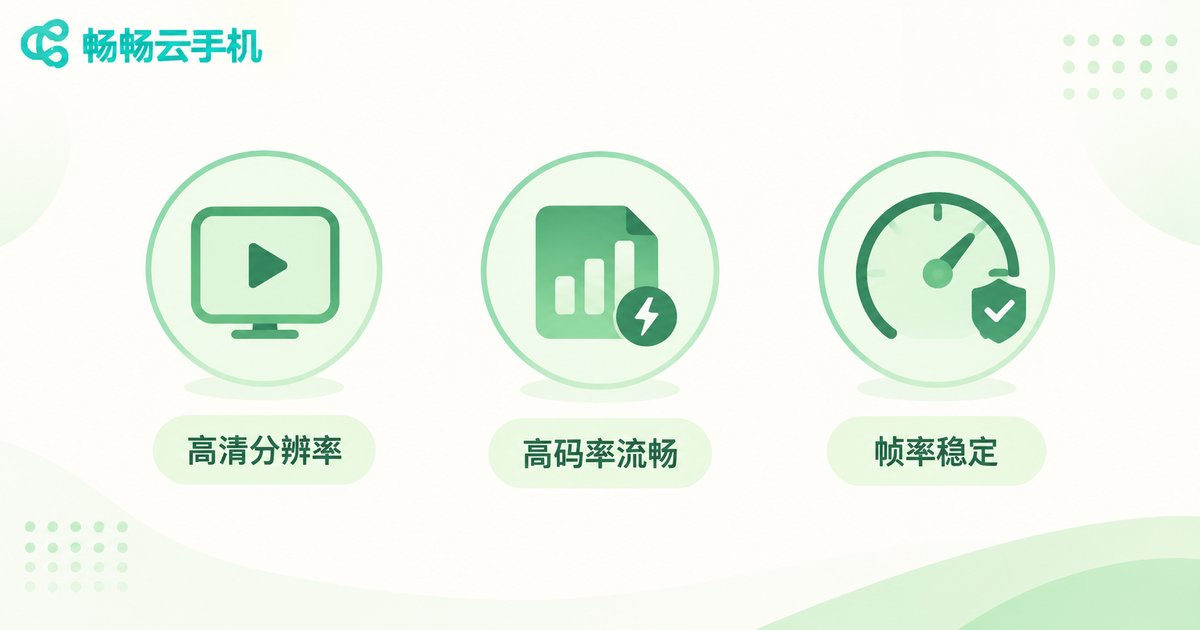
What actually determines how it looks is bitrate and frame-rate stability, two hidden parameters. Two instances can both claim 1080P, but the one running at 2 Mbps falls apart into blocks the moment the picture moves. Give it enough bitrate and a slightly lower resolution looks better.
Judge quality in three places: the edges of static text — crisp or blurry; fast swiping — any blocky mosaic; dark scenes — large color patches or banding. Pass all three and the quality is genuinely good. The resolution printed on a spec page tells you almost nothing.
Metric 4: Multi-Instance — The Real Stress Test
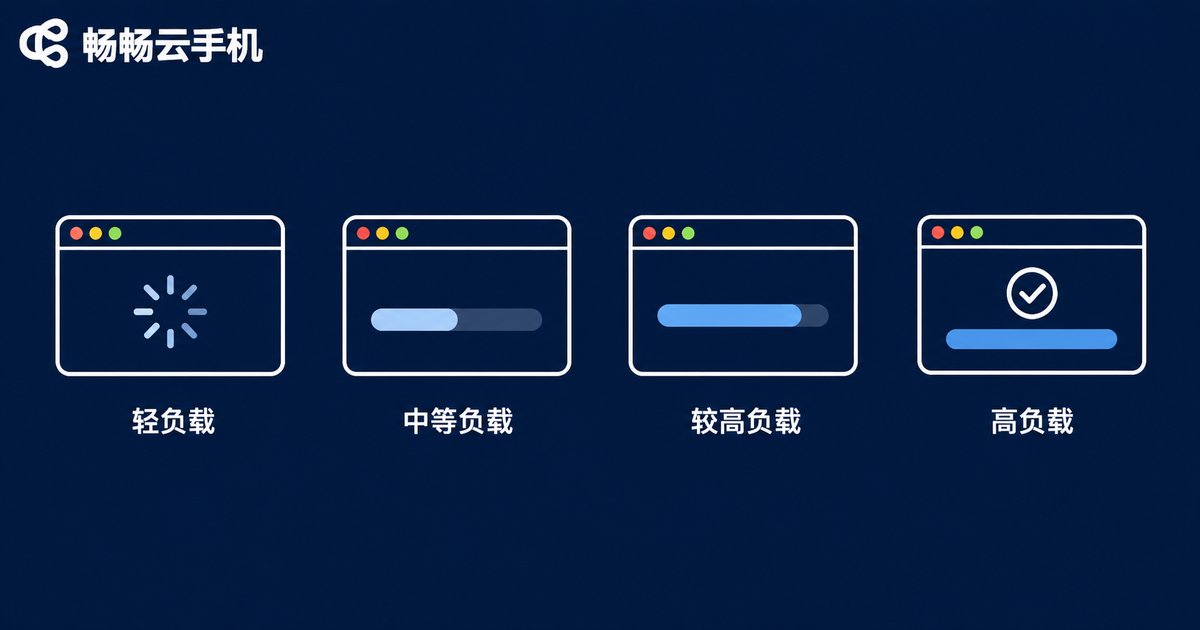
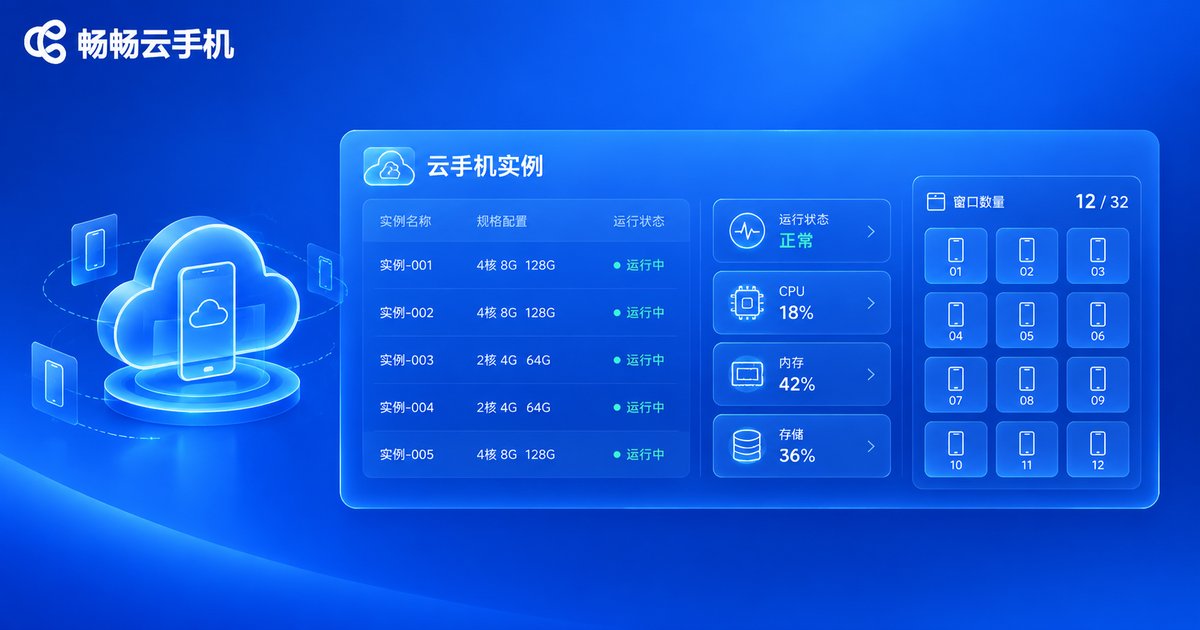
Multi-instance is not about how many windows you can open. What matters is how much performance each window still has while the others are running. A single instance feels great, then the fifth window starts dragging the rest down — the most common and most overlooked problem.
Here is a typical reference set. Results vary a lot by app, so use it for comparison only:
| Concurrent windows | Resource pressure | Per-window smoothness | Overall verdict |
|---|---|---|---|
| 1 | Light | Stable, full frame rate | Very smooth |
| 3 | Moderate | Near full frame rate | Basically smooth |
| 5 | High | Occasional dropped frames | Usable, slight lag when switching |
| 8+ | Near saturation | Noticeable drops and jitter | Stuttery, reduce the count |
While testing, keep watching: if the instance stays near saturation for a long stretch and frame rate falls into obvious stutter territory, that window count has exceeded what the instance can actually carry. Adding more windows only drags everything down and lowers total throughput.
Run a Complete Test Yourself in Ten Minutes
No special tools needed. Just go through this sequence:
Step one: enter the same instance three times in a row and note how long the desktop takes to appear.
Step two: open a sketching app and draw fast circles for ten seconds to judge finger tracking.
Step three: play an HD video full screen and watch for blur during fast cuts.
Step four: open windows up to your target count, run them together for ten minutes, and watch smoothness and switching speed.
Step five: record everything in one table, then repeat the next day for comparison.
The key is repeating the exact same actions, so numbers from different instances and different times are actually comparable. Save the checklist as a note template and just fill in the blanks.
Using These Metrics to Choose a Cloud Phone
Once you know how to measure, you have a basis for choosing. Take CcloudPhone (ccloudphone) as an example: it publishes instance specifications and how many concurrent windows each tier supports on its official site, so you can work out how many apps you need to run at once and then look up the matching tier — instead of ordering first and finding out by trial and error.
Keep one principle in mind: decide how many windows you need open at the same time first, then work backwards to the configuration. If two windows are enough, do not chase the top tier — idle capacity you paid for is still waste. Conversely, if five windows will run near saturation for hours, leave a tier of headroom so the experience stays stable.
Frequently Asked Questions
Q: Is slow startup always the cloud phone's fault?
Not necessarily. Check whether it is the instance wake-up or the app cold start that is slow. The first depends on server scheduling; the second depends far more on app size and storage performance. Test again with a lighter app and you can tell which is responsible.
Q: What latency counts as acceptable?
As a rule of thumb, if circles drawn in a sketching app keep up with your finger without obvious trailing, latency is in a usable range. If your workload is especially response-sensitive, trust your own hands rather than any single number.
Q: Can image quality be adjusted?
Most cloud phones offer quality settings so you can trade smoothness for sharpness. Prioritize smoothness on an ordinary connection and raise clarity when the network is stable — more practical than always maxing out quality.
Q: Is more multi-instance always better?
No. The value of multi-instance is that every window keeps running properly, not the raw count. Size the count to your actual workload and keep some headroom; that is the more economical approach.
Q: How often should I test?
Once before first use, then periodically, or whenever things start feeling sluggish. With your own historical numbers, an abnormal change stands out immediately.


