

Cloud Phone Testing Platform: Instance Management, App Testing, and Result Logging
Why QA Teams Are Moving to Cloud Phones
Before a mobile app ships, the biggest headache for testers is usually the lack of devices. The same code can behave completely differently across brands, OS versions, and screen resolutions. Buying physical devices is expensive, maintaining them is a chore, and queueing for them kills throughput. A cloud phone testing platform moves those devices into the cloud, so you can open a browser and remotely operate a real Android device.
This article focuses on the three core parts of the workflow: instance management, application testing, and result logging, so your team can build a testing process that actually works.
1. Instance Management: Treat Test Devices as a Resource
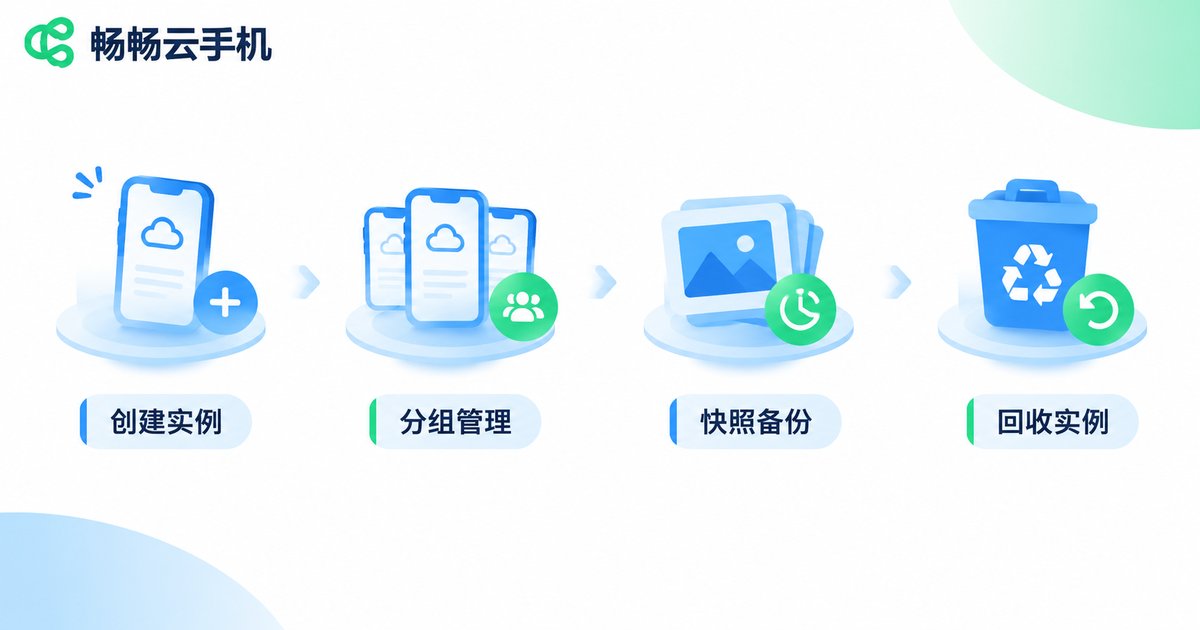
A cloud phone is essentially an Android instance running in the cloud. Instance management means creating, grouping, allocating, resetting, and recycling these virtual devices. Do it well, and it is like having dozens of test phones on demand.
Batch creation and grouping
Create instance groups per project. For example, a payment regression group might get five instances across different resolutions, while a short-video group gets three high-refresh-rate instances. Once grouped, team members request by group instead of fighting over individual devices.
Templated configurations
Bake common device specs, OS versions, and preinstalled apps into templates. New instances can be spun up with one click, saving a lot of repetitive setup time.
Snapshots and resets
Take a clean snapshot before testing, then roll back with one click afterwards. The instance returns to its initial state instantly. That is far faster and far less error-prone than manually uninstalling apps, clearing caches, and factory resetting.
Status dashboards
Who is using what, for how long, and how many instances are idle should all be visible in one place. Once resources are visible, complaints about not having enough devices usually drop by half.
2. Application Testing: Compatibility and Functional Verification in the Cloud
Once instances are ready, the next step is installing builds and running real test cases. The common test types look like this.
Compatibility testing: distribute the same build across instances with different resolutions and Android versions, and watch closely for the usual trouble spots such as cold start, page rendering, permission dialogs, and keyboard interaction.
Functional regression: run core business flows such as login, checkout, payment, and push notifications over and over. Paired with automation scripts, these can run unattended overnight.
Weak network and long-duration runs: the cloud lets you simulate poor network conditions and keep instances running for hours or longer. This is how you catch memory leaks, background processes being killed, and reconnection bugs that only surface after prolonged use.
Multi-person collaboration: developers, testers, and product managers can all watch the same instance at the same time, so reproducing an issue no longer requires sending screenshots back and forth.
3. Result Logging: Make Every Test Traceable
Finishing a test is not the end. Conclusions need to be captured. A complete cloud phone testing workflow usually records evidence in these places:
- Operation logs: who did what to which instance, and when
- Screenshots and screen recordings: the moment of a crash or an abnormal page can be preserved directly
- Runtime logs: app output, system errors, and crash stack traces
- Test reports: pass rates by test case, with device details and reproduction steps
The value of logging is not just having evidence. It means that when the same problem shows up a second time, the team can locate it quickly instead of starting the investigation from scratch.
| Dimension | Traditional physical device testing | Cloud phone testing platform |
|---|---|---|
| Device access | Long procurement cycle, high cost | On-demand, available immediately |
| Device coverage | Limited by budget, usually a few units | Multiple instance groups with varied specs at once |
| Environment consistency | Easily polluted by manual operations | Snapshot rollback, reproducible environments |
| Parallelism | Queueing and taking turns | Many instances running in parallel |
| Result retention | Depends on manual organization | Logs, screenshots, and reports captured automatically |

4. How to Actually Roll This Out
Do not try to cover every device model on day one. A steadier approach is three steps: first, lock down three to five high-frequency test scenarios and assign an instance group to each; second, script the most repetitive test cases so they run automatically in the cloud; third, hook the results into the collaboration tools your team already uses so everyone can see the status.
Once the process runs smoothly, gradually expand device coverage. That way, if something breaks midway, the blast radius stays manageable.
5. What to Look for When Choosing a Provider
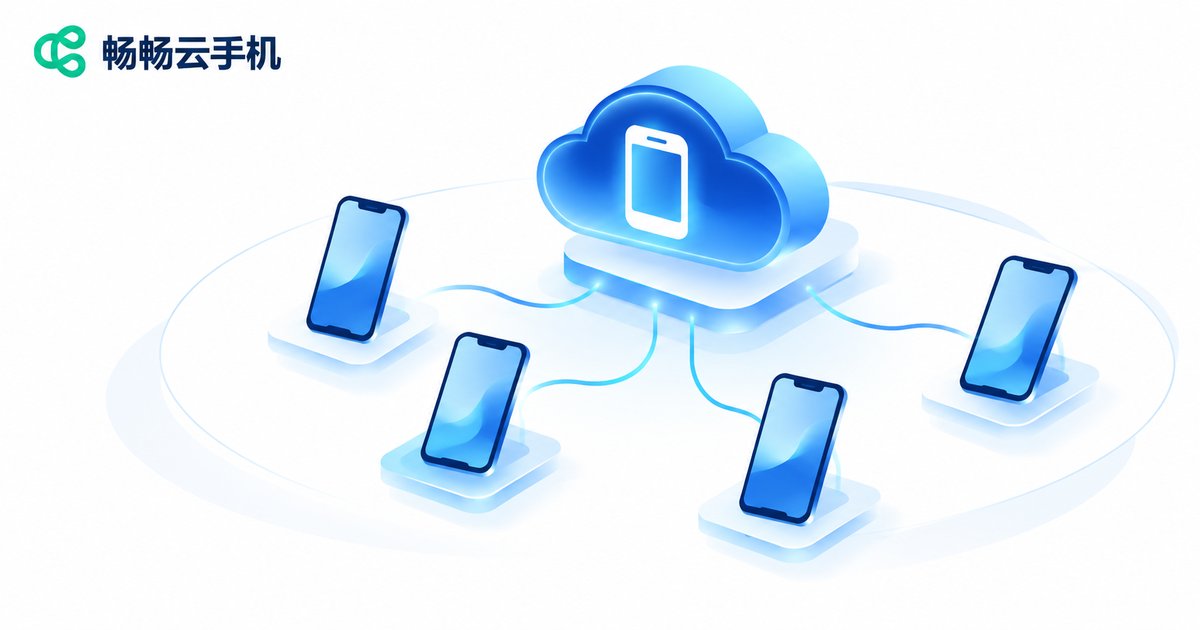
If your team wants to get started quickly, consider ccloudphone. It provides Android instances running in the cloud and supports remote operation through a web interface, which suits scenarios that need multiple devices testing in parallel. When evaluating providers, focus on these points: whether instances stay online reliably over long periods, whether remote interaction latency is acceptable, whether batch management and configuration reuse are supported, and whether data and account isolation between instances is clear.
For the specific configurations and capabilities available, check the official website for the latest details, then size your investment based on your team's actual testing volume rather than maxing everything out at once.
Frequently Asked Questions
Q: Can cloud phone testing fully replace physical devices?
In most cases it covers the bulk of functional and compatibility verification. If your app relies on deep hardware-specific capabilities, run the main flows in the cloud and use physical devices for spot checks. The combination is more reliable.
Q: Will parallel tests interfere with each other?
As long as each instance is independent and you lock the starting environment with a snapshot beforehand, parallel runs will not affect one another. Isolation between instances is the key.
Q: Is instance management necessary for small teams?
Yes, though the granularity can be coarser. Even two groups are far more efficient than having everyone share one device and wait in line.
Q: Does result logging have to be automated?
Manual recording works early on. But as soon as test cases start repeating, automation pays off fast, because the time spent compiling reports by hand is usually underestimated.
Q: How do I know if cloud phone latency is good enough?
Run real business scenarios first and focus on how scrolling, typing, and page transitions feel, not just on raw numbers.


