
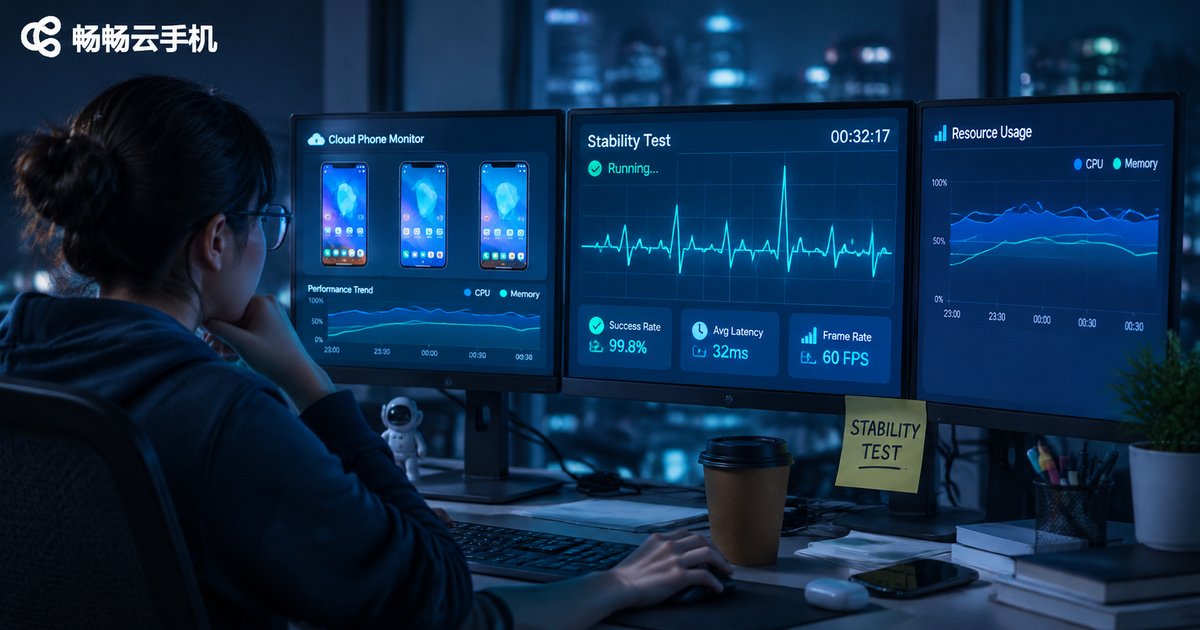
Cloud Phone Stability Testing: Short-Run, Long-Run and Peak-Hour Observations
Why Stability Is the First Metric for a Cloud Phone
When choosing a cloud phone, most people look at specs, visual quality and price first, because those numbers are easy to compare at a glance. But what really decides whether daily use feels smooth is something that never appears on a spec sheet: stability. A cloud phone can run for ten minutes without dropping — that is easy. Running for three days straight without issues is harder. Doing it at 8 or 9 p.m. when everyone is online is harder still.
Stability cannot be judged from specs. It has to be tested. The good news is that you do not need professional equipment — a normal computer and a clear observation checklist are enough. Below, we break testing into three layers: short-run, long-run and peak-hour.
Short-Run Testing: A 30-Minute Quick Check
The point of a short-run test is not to prove how stable a device is, but to rule out obvious problems quickly. If a cloud phone stutters, goes black or refuses to connect within half an hour, there is no reason to run the long test.
Work through this sequence:
- Startup and connection: time how long it takes from clicking start to the screen appearing. Anything over a minute deserves attention.
- Cold app launch: open two or three common apps and check whether the first screen loads smoothly or freezes on a blank page.
- Scrolling and input: scroll lists continuously and type quickly to feel how closely the screen follows your finger and how input latency behaves.
- Visual quality: check dynamic scenes for obvious blur, color blocks or mosaic artifacts, and whether audio stays in sync.
- Background and return: send an app to the background and bring it back to see whether it reloads or disconnects.
After this round, you can usually filter out products with clearly poor experience. Passing the 30-minute test does not prove stability, but failing it is a strong reason to walk away.

Long-Run Testing: 72 Hours of Continuous Operation
Long-run testing is where stability reveals itself. Many problems do not appear in the first ten minutes; they surface after ten-plus hours — memory usage climbing, the screen getting slower, a sudden disconnection, lost state after reconnecting.
Several details matter during a long-run test:
- Keep a realistic rhythm: do not leave it fully idle, and do not push it to maximum load. Simulating normal use — keeping apps running, switching, short interactions — is closer to reality.
- Record at intervals: log memory usage, perceived frame rate and disconnections every 4 to 6 hours. A table is far more reliable than memory.
- Watch reconnection: deliberately cut the network for tens of seconds and restore it, then see whether it reconnects automatically and returns to the same screen.
- Notice heat and battery on your own device: if your local device gets noticeably hot, decoding pressure is high, and long sessions will suffer.
72 hours is a practical window: it covers different network conditions day and night without stretching the test too long. If you need round-the-clock operation, extend it to a week before drawing conclusions.
Peak-Hour Observations: 8 p.m. to 11 p.m.
Many users test fine during the day and then complain about lag at night. The reason is simple: evening peak hours are when resources are tightest. Many users are online at the same time, and pressure rises on both network links and server scheduling.
During peak hours, focus on three things:
- Does latency rise noticeably: compare with 3 p.m. If latency doubles at night, scheduling capacity is stretched.
- Does the screen drop frames: action apps are most likely to show tearing or stutter during peak times.
- Are there queues or connection failures: this is often the most direct signal.
The judgment criterion is simple: compare peak-hour behavior with normal-hour behavior. The smaller the gap, the more solid the underlying scheduling.
| Test type | Suggested duration | What to watch | Common issues |
|---|---|---|---|
| Short-run | 30 minutes | Startup speed, launching, scroll responsiveness | Black screen, input lag, blurry blocks |
| Long-run | 72 hours | Memory change, disconnection, reconnection | Slowing over time, lost state |
| Peak-hour | 8 p.m. to 11 p.m. | Latency, frame drops, connection success | Queues, frozen screen |

Why Test Results Often Point to ccloudphone
Once you finish all three layers, you will find that what truly separates products is not benchmark scores, but whether someone keeps maintaining resource scheduling behind the scenes. ccloudphone's performance during long sessions and peak hours reflects effort spent on things that are hard to see: stable instance operation, automatic reconnection after a drop, and responsive controls even at busy times.
For ordinary users, the most practical advice is this: do not judge from a marketing page alone. Run the checklist yourself. Spend half an hour on the short test, leave it running overnight for the long test, and take ten minutes during peak hours to compare. Write the data down, and the conclusion becomes obvious.

FAQ
Q: If a cloud phone passes the short-run test, does that mean it is stable?
Not quite. The short-run test only rules out obvious problems. Real stability depends on long-run and peak-hour performance; all three matter.
Q: Must the long-run test go the full 72 hours?
72 hours is a practical window that covers day-night network differences. For light use, 24 continuous hours can already reveal a trend; for round-the-clock operation, extend it to a week.
Q: Is peak-hour lag always the cloud phone's fault?
Not necessarily — local network conditions matter too. Run a side-by-side comparison with your local network at the same time. If both lag, it is probably the network; if local is fine but the cloud phone lags, scheduling is the more likely cause.
Q: What data should I record during testing?
Startup time, perceived input latency, memory usage changes, and the number of disconnections with reconnection success. These four are enough to support a judgment.
Q: Why test specifically during evening peak hours?
Because many stability problems only appear when resources are tight and cannot be reproduced at other times. Peak-hour behavior reflects the real level of service.


