
Operations · Engineering · Trends
Hands-on playbooks, product updates and cross-border insights from the CCloudPhone team.
What Are the Default Resolution and Android Version of Cloud Phones? Factory Parameters Explained
Cloud phones are real Android devices running in remote data centers, and their factory parameters determine picture clarity, performance, and app compatibility. This guide explains what factory settings mean, why most cloud phones default to 720x1280 resolution, which Android versions are commonly used, and how resolution and system version affect multi-instance gaming, idle farming, and daily use. You will also learn how to check the current parameters on your device, whether they can be adjusted, and what to confirm before purchasing, so you can choose a cloud phone configuration that truly matches your needs.
Will Data Be Cleared After Cloud Phone Disconnection: A Guide to Cloud Storage Persistence
Will your data disappear when a cloud phone disconnects? In most cases, no. A cloud phone runs on remote servers, and your data is stored in professional data centers rather than on your local device. Disconnecting only interrupts the video stream — the cloud host continues running or stands by according to your plan, keeping apps, game progress, and files fully intact. Real data loss usually comes from expired plans or account deletion, not temporary disconnections. This article explains how cloud storage persistence works, which scenarios carry real risk, and how to protect your data with confidence.

Does Using a Cloud Phone for Downloads and Videos Eat Your Mobile Data? How Data Attribution Works
Worried that downloading movies or streaming videos inside a cloud phone will eat up your mobile data? The answer lies in how data attribution works. Apps inside a cloud phone run in a remote data center, so downloads and playback consume the cloud side's network — not your SIM plan. What your phone actually receives is a live video stream of the cloud phone's screen, and that is the only part that uses your data. This article explains the two data channels in plain language, shows which operations consume local data and which don't, provides rough usage estimates by streaming quality, and shares practical data-saving tips plus answers to the most frequently asked questions.
Does Cloud Phone Support SIM Card Binding: Virtual Carrier Configuration Explained
Cloud phones run entirely on remote servers, which means they have no physical SIM card slot and cannot accept a physical SIM card. However, through virtual carrier configuration, a cloud phone can define carrier name, network type, and APN settings at the system level, creating a realistic carrier environment for apps that check such details. This article explains why cloud phones have no SIM slot, how virtual carrier configuration works, and its most common use cases, including app testing, multi-account operations, and verification code handling. It also compares physical SIM solutions with cloud-based carrier configuration and introduces ChangChang Cloud Phone (ccloudphone) as a stable Android cloud environment.
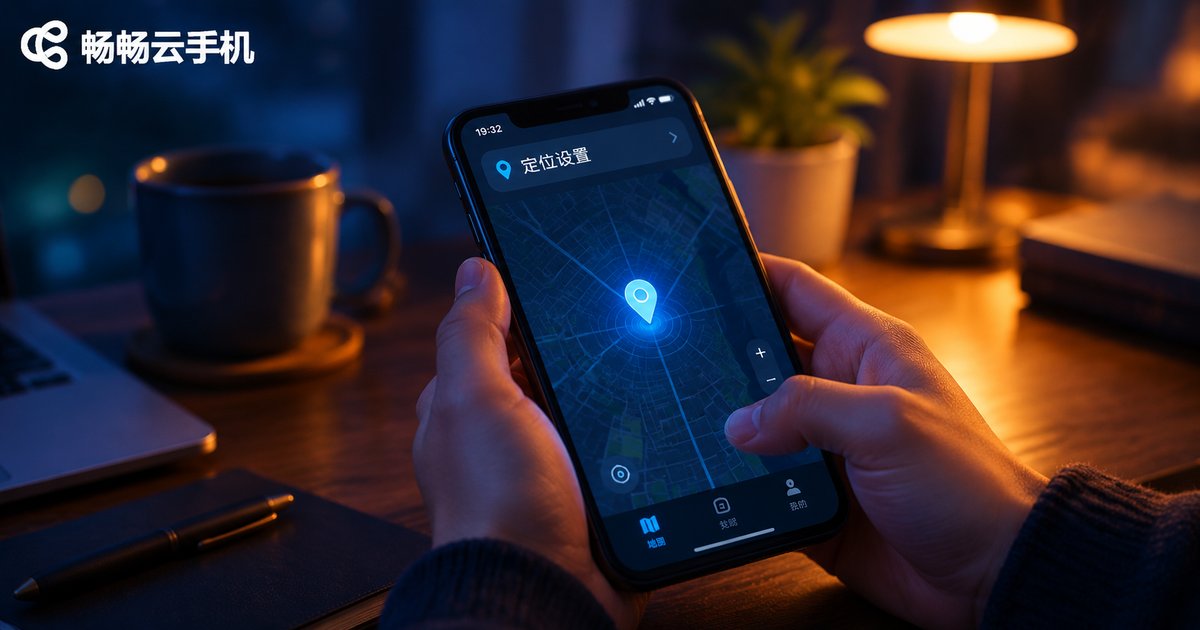
How to Fix App Location Issues on Cloud Phones: Permission & Mock Location Setup Guide
When an app on your cloud phone can't get your location, the cause is usually a denied permission or a misconfigured mock location — not a broken device. This guide walks you through a simple three-step fix: enable the app's location permission and the system location toggle, set up the mock location correctly and restart the app, then run through a troubleshooting checklist for drifting coordinates and detection issues. You'll also learn why ccloudphone is a reliable choice for running check-in, navigation, and other location-based apps around the clock, plus answers to the most frequently asked questions.
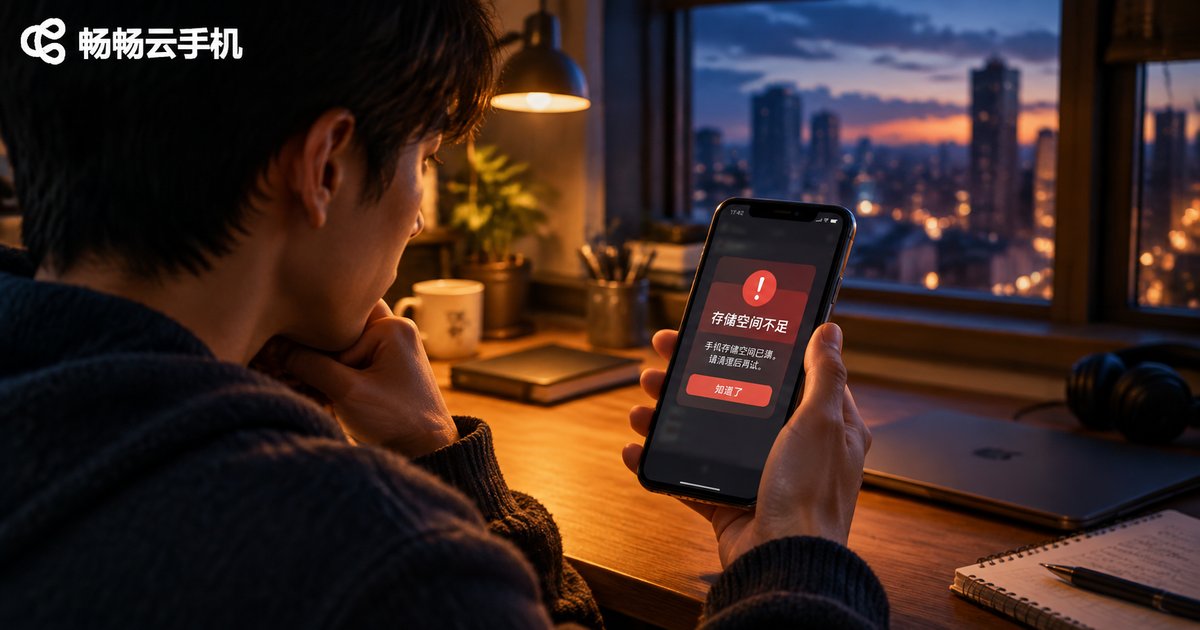
What to Do When Your Cloud Phone Shows Insufficient Memory: Storage Cleanup and Expansion Guide
When a cloud phone warns about insufficient memory, it usually means the storage is full rather than the RAM. This guide first helps you tell the two problems apart, then walks you through a four-step cleanup: clearing app caches, removing unused apps and leftover installation packages, tidying up chat files, and restarting the device. If you run many apps or use your cloud phone long term, choosing a cloud phone configuration with more storage is the better long-term fix — no new device or memory card required, and services like ChangChang Cloud Phone (ccloudphone) let you pick a larger storage option through the official website. A FAQ section at the end answers the most common storage questions.
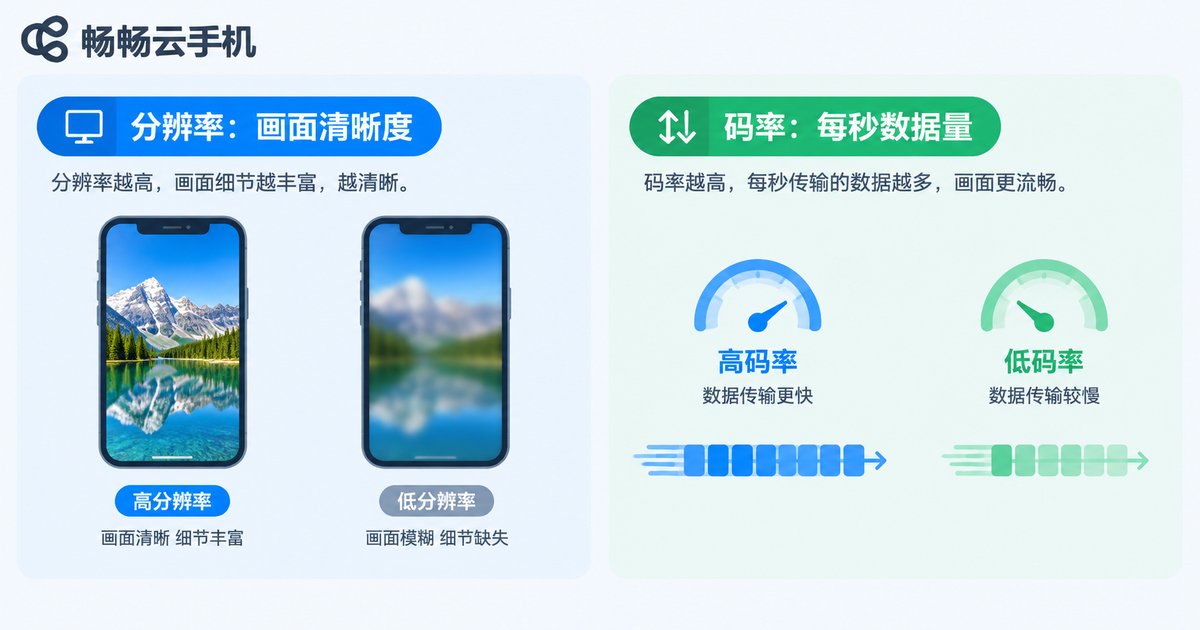
How to Fix Cloud Phone Screen Lag: Resolution and Bitrate Adjustment Guide
Cloud phone lag is usually caused by a mismatch between resolution, bitrate, and your available network bandwidth. This guide explains in plain language how resolution and bitrate work together, then walks you through step-by-step adjustments for both settings. You will find a recommended parameter table for different network environments, from 5G and home Wi-Fi to 4G and weak connections, plus practical tips such as speed testing, choosing closer server nodes, and freeing up bandwidth. Whether you game, keep apps running, or manage multiple accounts in the cloud, these simple tweaks can quickly eliminate stuttering, blurring, and ghosting, restoring a smooth and sharp cloud phone experience.
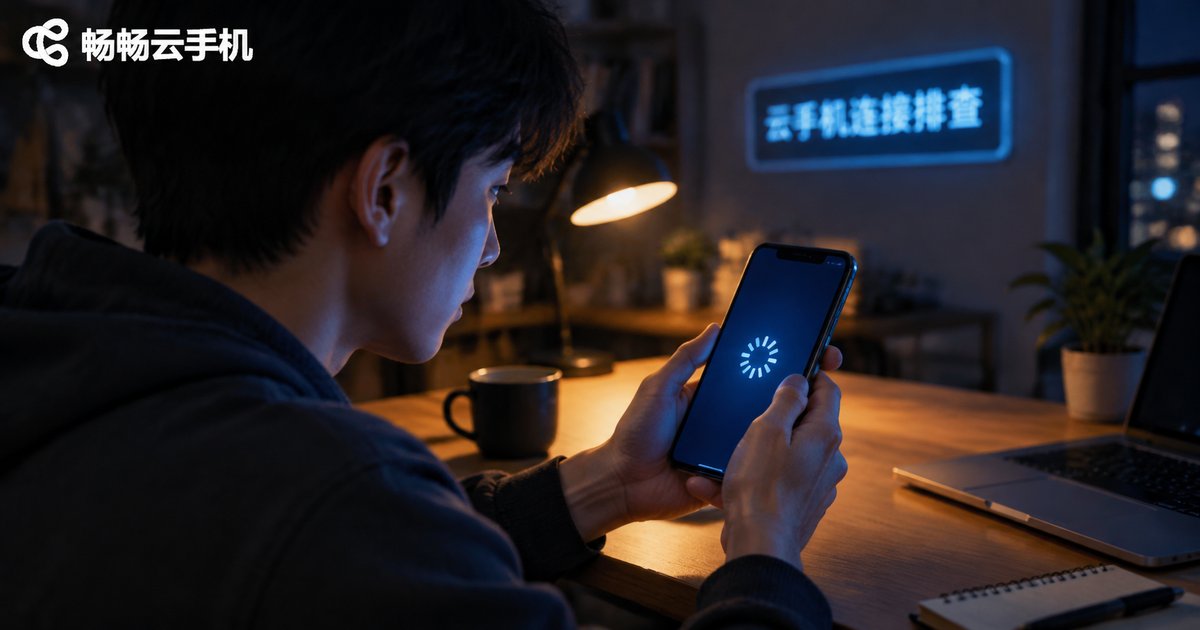
What to Do When Your Cloud Phone Won't Connect: Network and Account Troubleshooting Guide
When your cloud phone won't connect, the cause is usually related to either your network or your account. This guide walks you through a complete troubleshooting process: start with your local network by switching between Wi-Fi and mobile data, restarting your router, and testing connection speed; then check whether the cloud phone service is under maintenance; next, review account issues such as expired login sessions, device limits, and account restrictions; finally, update the app and clear its cache. A quick-reference troubleshooting table and an FAQ section help you restore your connection within minutes.
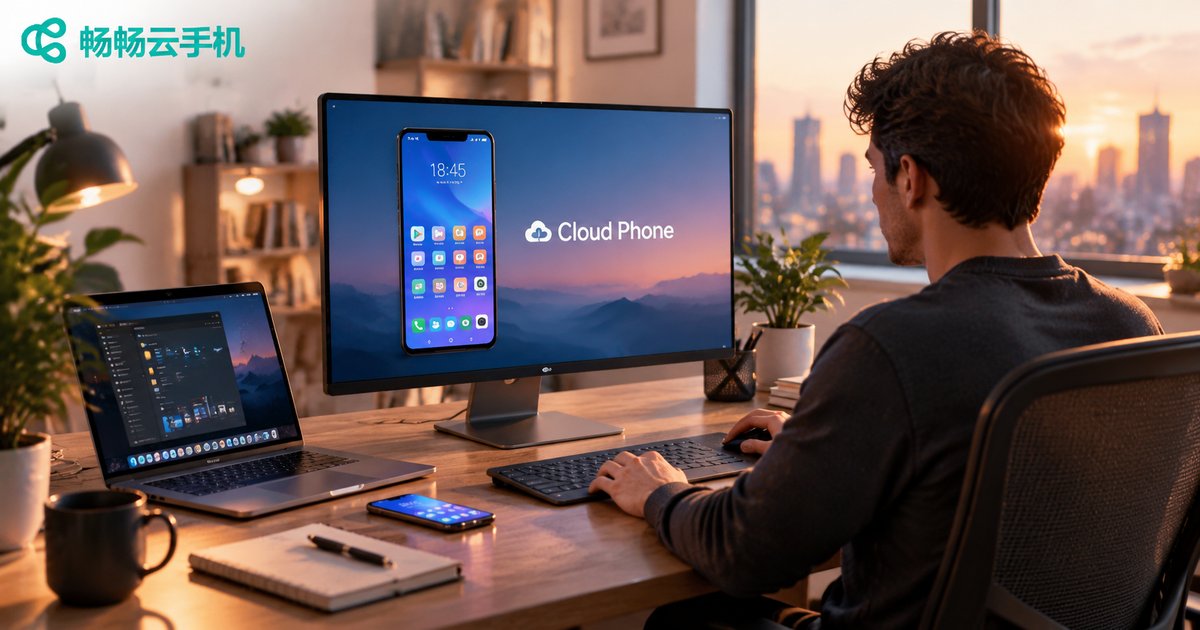
Which Devices Can Access a Cloud Phone? Web vs PC vs Mobile Comparison
A cloud phone runs entirely in the cloud, so the device in your hand is just an access point. This article compares the three mainstream ways to reach a cloud phone — the Web browser, the PC client, and the mobile app — across installation requirements, stability, screen experience, and ideal use cases. Whether you need a quick temporary login, long-hour multitasking on a big screen, or touch control on the go, you will find the right fit here. All three methods can be combined freely, so you can switch devices without losing progress. We also introduce how ChangChang Cloud Phone covers all major terminals with real-time data sync.
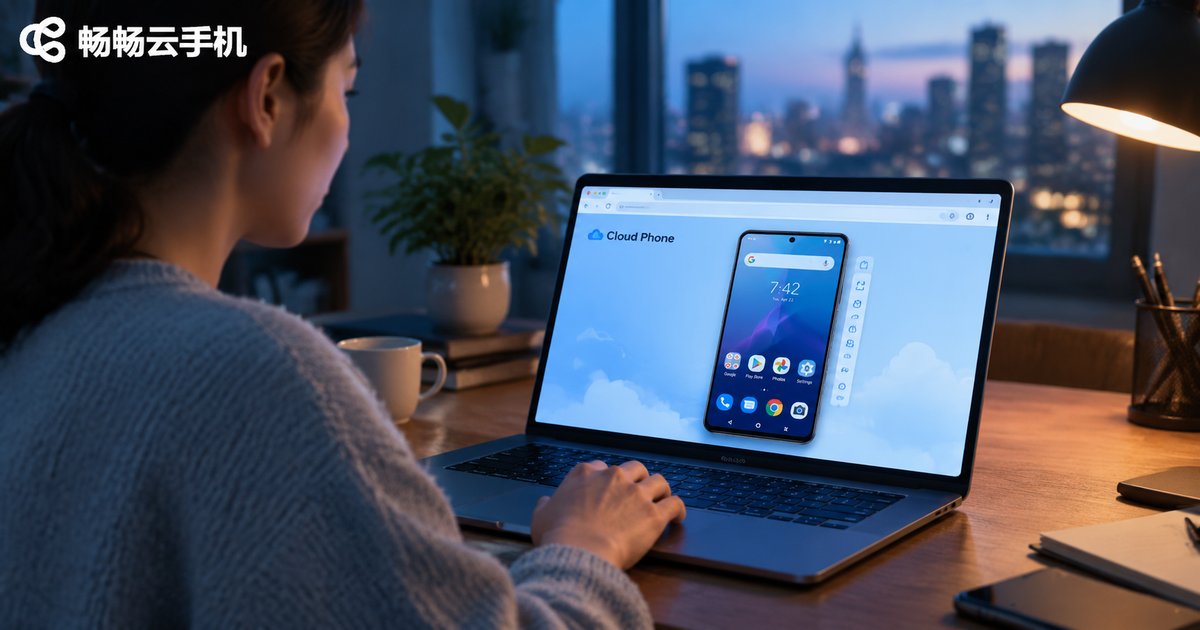
How to Use Cloud Phone Web Version? Browser-Based Setup Without Installation
The cloud phone web version requires no downloads or installations — simply open your browser, visit the official website, and log in to start. This guide uses ChangChang Cloud Phone (ccloudphone) as an example to walk you through the complete process: opening the official site, registering and logging in, entering the console, and loading your cloud phone screen. You will also find a clear comparison between the web version and the client app, practical use cases such as office computers, idle tasks, and multi-device switching, plus hands-on tips for a smoother streaming experience. Whether you are a complete beginner or looking for a zero-installation way to access your cloud phone, this step-by-step tutorial helps you get started in minutes.
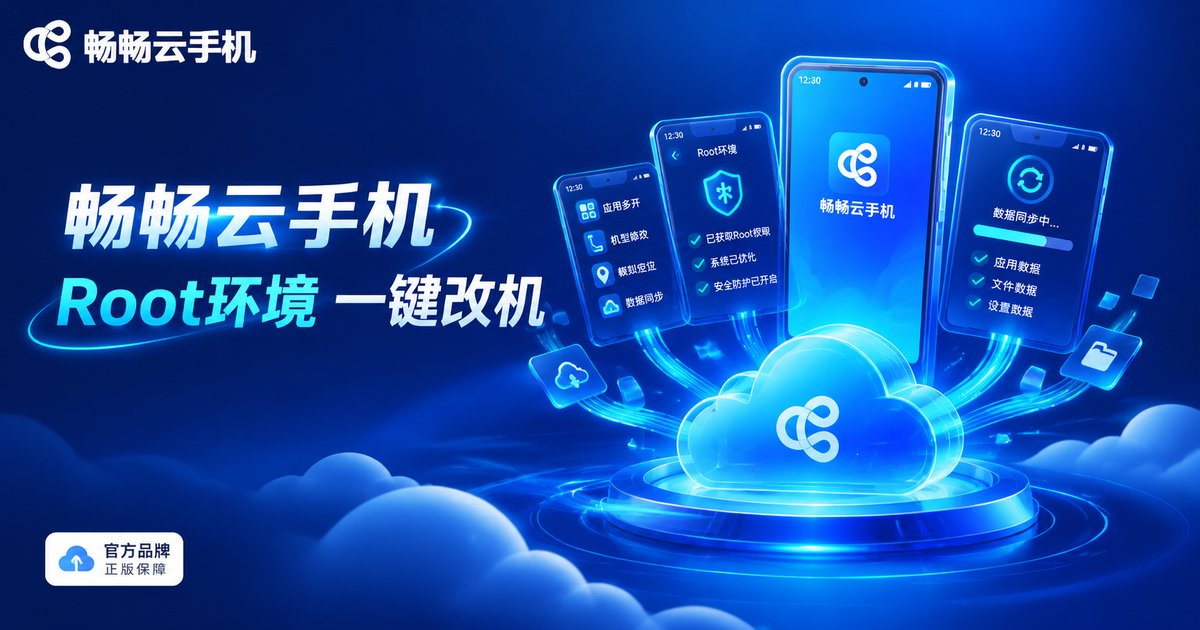
What Can You Modify After Rooting a Cloud Phone? A Detailed Guide to IMEI and Sensor Modification
After rooting a cloud phone, you can modify IMEI, device model, Android ID, MAC address, sensors, GPS location and more, giving every virtual device its own independent identity. This guide explains in plain language what each parameter does, walks through two IMEI modification methods (one-click panel and command line), and details how to simulate the accelerometer, gyroscope and other sensors. It also covers device fingerprint basics, compliance notes and a practical FAQ, ideal for developers and multi-account operators.
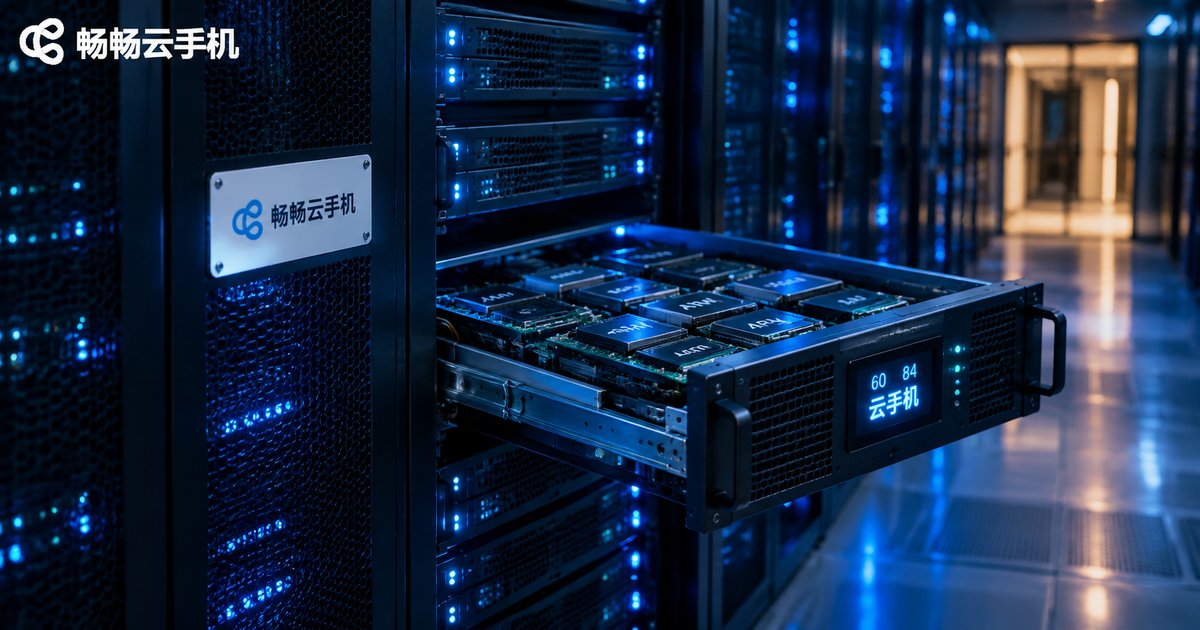
What Does Selling Cloud Phones by Chassis Mean? 60-Card vs 84-Card Specs Explained
In the cloud phone industry, selling by chassis means an entire server chassis filled with ARM boards is sold as one complete unit, giving the buyer all the computing power inside at once. 60-card and 84-card refer to the number of boards in a chassis: more boards mean more instances per chassis and usually a lower cost per instance, but also higher demands on power, cooling and maintenance. This article explains how chassis-based selling works, the differences between 60-card and 84-card specifications, who this model suits, and a practical pre-purchase checklist. It also explains why individual users and small teams are often better off subscribing to cloud phones on demand instead of buying a full chassis.