
Operations · Engineering · Trends
Hands-on playbooks, product updates and cross-border insights from the CCloudPhone team.
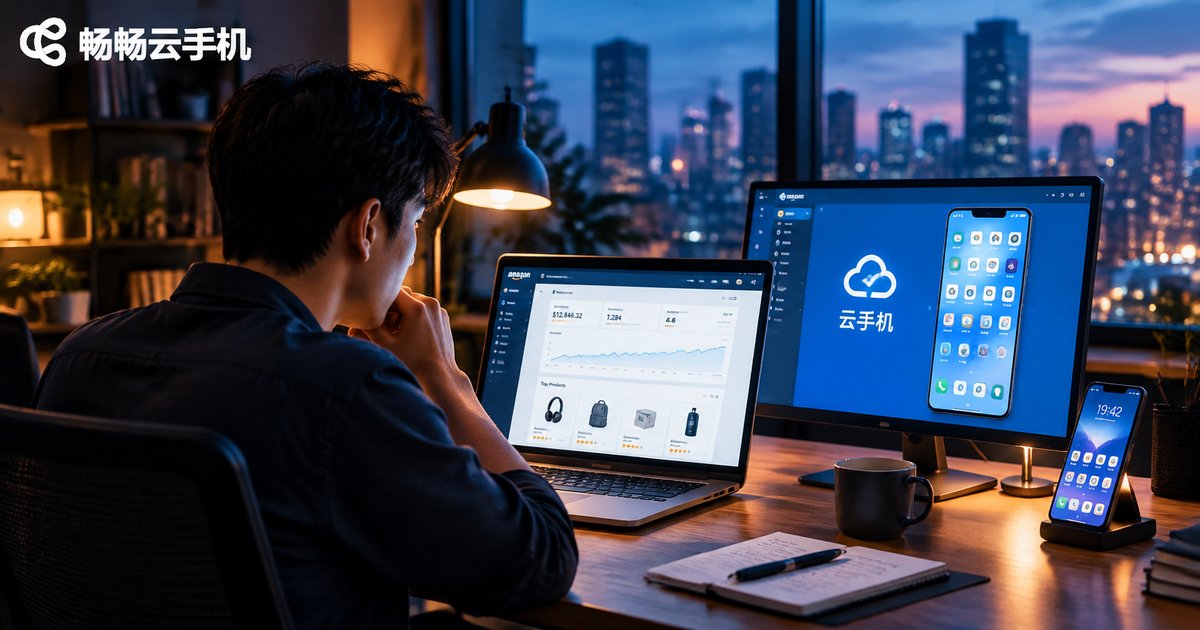
Why Cloud Phones Are Becoming a Must-Have for Cross-Border E-Commerce: The Platform Risk-Control Migration Trend
Platform risk-control systems in cross-border e-commerce are migrating from IP-based checks to device fingerprinting and behavior analysis, making multi-account operations riskier than ever. This article breaks down the three core detection dimensions (device fingerprint, network environment and behavior patterns) and explains why the industry is moving from faked environments to real ones. It also shows how cloud phones, with independent device environments, 24/7 cloud uptime and batch management at a fraction of hardware cost, have evolved from an optional tool into essential infrastructure for sellers running store matrices on Amazon, TikTok Shop, Shopee and beyond, closing with practical buying advice and an FAQ.

Cloud Phone Mobile vs Desktop Fingerprint: Understanding Device Signal Differences
Mobile and desktop devices expose two completely different sets of signals to platforms: a mobile fingerprint is built around touch screens, sensors, and apps, while a desktop fingerprint is based on a mouse, a large screen, and a browser. This article uses a clear comparison table to break down the core differences between the two, explains why mixing fingerprints can trigger risk control, and shows how ChangChang Cloud Phone delivers a genuinely mobile fingerprint through a real Android system running in the cloud. By keeping your account environment fixed on a cloud phone, you get independent devices for multiple accounts and stable, consistent device signals over time.
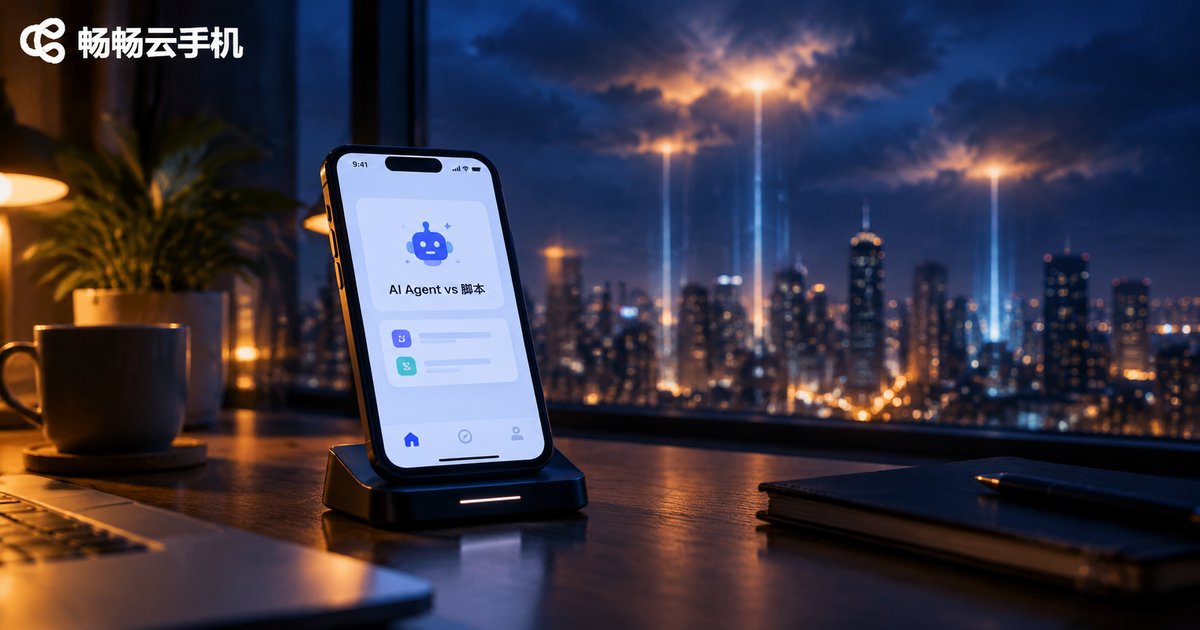
AI Agent vs Script for Cloud Phone AFK: A Behavior Comparison
When it comes to AFK on a cloud phone, scripts and AI Agents behave in fundamentally different ways. A script blindly replays hardcoded taps and coordinates, freezing the moment the interface changes. An AI Agent actually reads the screen, understands your goal, breaks the task into steps, handles popups and disconnects on its own, and mimics human-like timing. This article compares their behavior across eight dimensions and explains which one fits which scenario, plus why running either on a cloud phone delivers the most stable 24/7 idle farming experience.
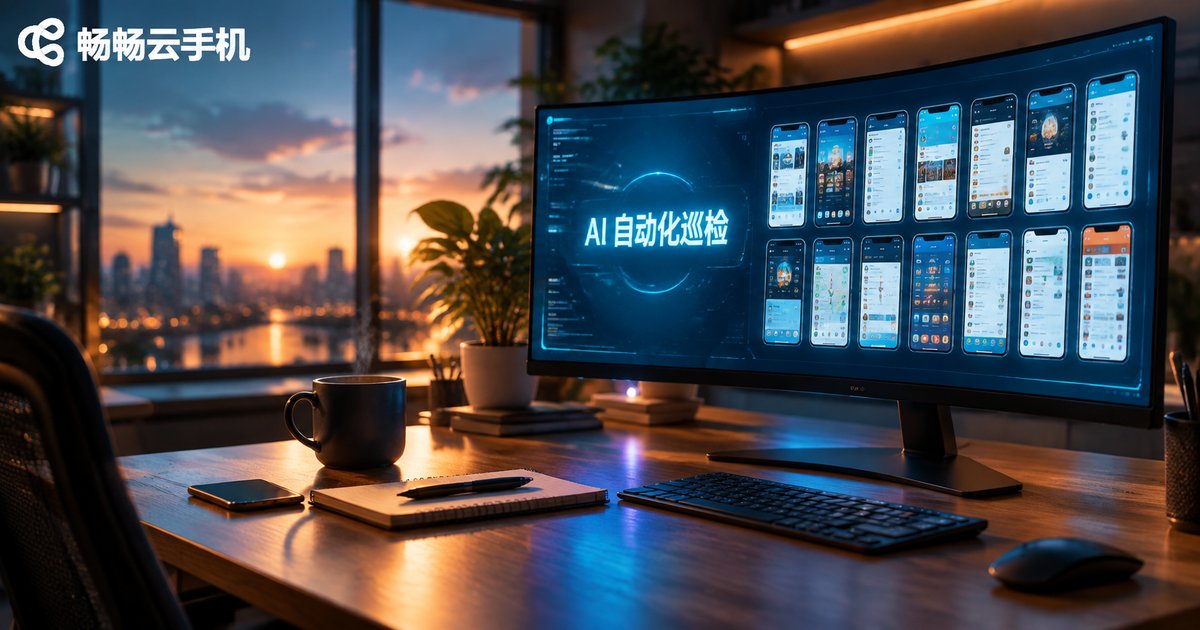
What Repetitive Tasks Can Cloud Phone AI Automation Replace? An Inspection Case Study
Daily check-ins, routine screenshots, message replies, crash recovery—these repetitive tasks consume a huge amount of time for cloud phone users. This article outlines six types of repetitive operations best handed over to AI automation, and shares an inspection case study from a mobile gaming studio managing 50 cloud phones. By automating screenshots, app health checks, and auto-restarts, the team cut daily manual inspection from over two hours to a ten-minute review, and reduced anomaly detection time from hours to under 30 minutes. A three-step guide to building your own automated inspection system and practical FAQs are included at the end.
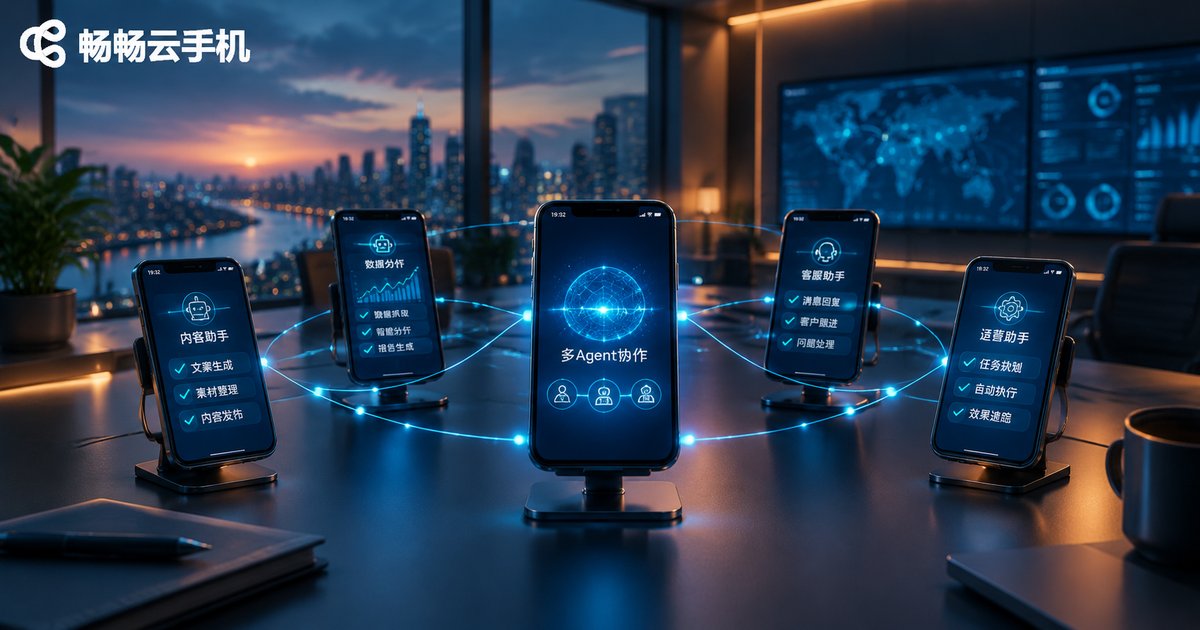
Do Cloud Phone AI Agents Support Multi-Agent Collaboration? Coordination Mechanisms Explained
Yes — AI Agents on cloud phones fully support multi-agent collaboration, and the cloud phone architecture is ideally suited to it. This article explains the three most common collaboration patterns in cloud phone scenarios — orchestrator-worker, pipeline, and parallel partitioning — and breaks down the four core coordination mechanisms: task decomposition, message passing, shared state, and conflict resolution. You will also learn why independent instances, true parallelism, and 24/7 availability make cloud phones the perfect foundation for agent teamwork, and how to build a stable multi-agent system with ChangChang Cloud Phone (ccloudphone).
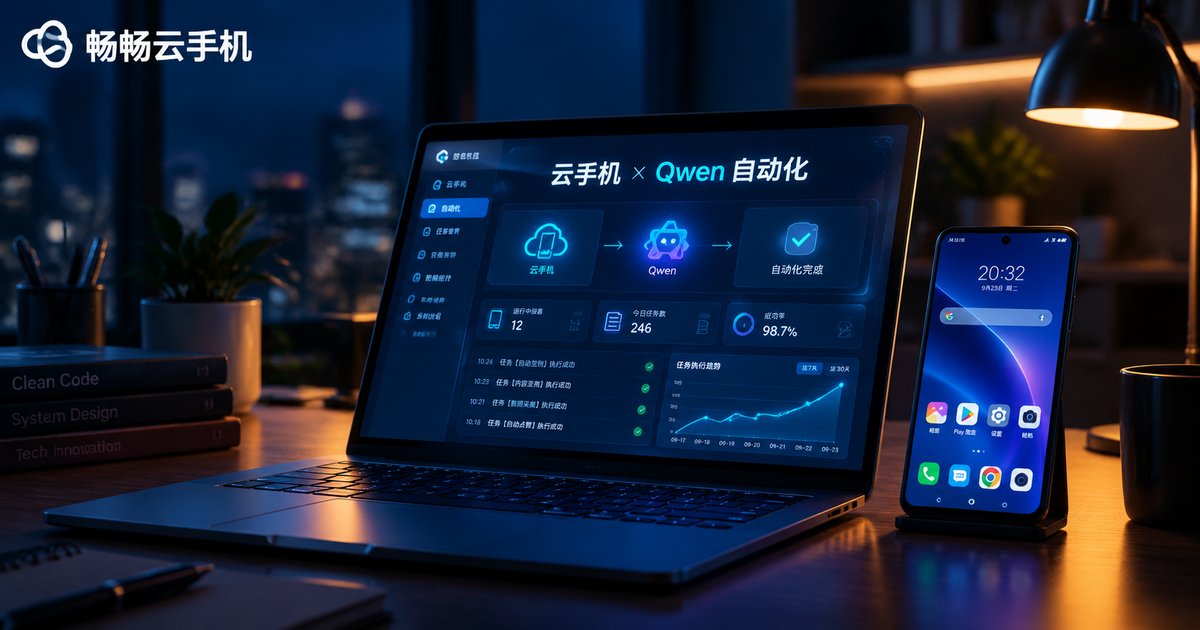
How to Use LLM-Driven Automation on Cloud Phones! Qwen Integration Tutorial
Traditional mobile scripts break the moment an app interface changes. This hands-on tutorial shows you how to connect the Qwen large language model to a ccloudphone cloud phone instance and build a true screenshot-decide-execute automation loop. You will learn how to get a Qwen API key, connect to your cloud phone over ADB, and run a copy-paste Python example that lets the model look at the screen and decide the next tap. The guide also covers four high-value use cases, five stability and cost-saving tips, and a FAQ, so your cloud phone can work for you around the clock without occupying any real device.

What Is a Cloud Phone AI Automation Sandbox? How the Data-Never-Leaves-Cloud Mechanism Works
A cloud phone AI automation sandbox runs AI scripts and scheduled tasks inside isolated virtual phones hosted in remote datacenters. Commands execute in a closed loop in the cloud, while account credentials, screenshots and logs stay in encrypted cloud storage instead of landing on your local device. This article breaks down how the sandbox works, the mechanisms that keep data from ever leaving the cloud, how it compares with local script solutions, and the scenarios that benefit most, from batch account operations to scheduled publishing and app testing, plus practical tips for choosing a service.
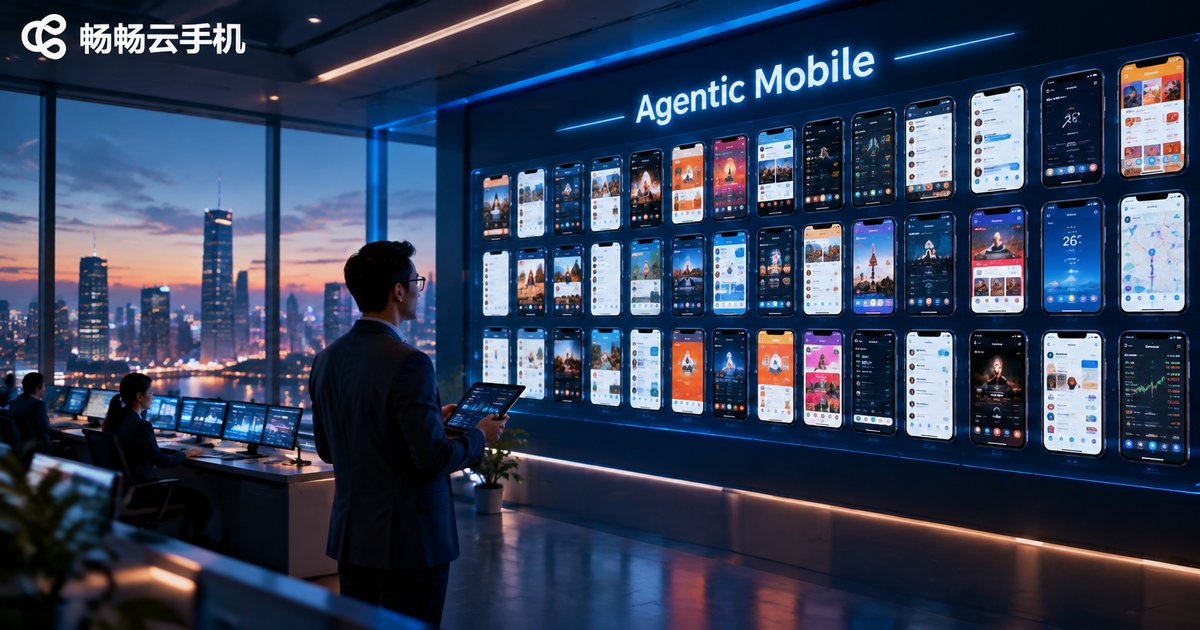
What Can Agentic Mobile on Cloud Phones Do? Enterprise Automation Scenarios Explained
Agentic Mobile brings AI agents to cloud phones, enabling autonomous mobile operations around the clock without human supervision. Instead of rigid scripts, agents can read the screen, understand tasks, and adapt to pop-ups and exceptions on their own. This article breaks down four core capabilities - always-on operation, batch parallel execution, task orchestration, and isolated environments - and analyzes five enterprise automation scenarios: social media matrix operations, app automated testing, e-commerce and private-domain operations, short video distribution, and data collection and monitoring. It also compares cloud phones with physical device farms and PC emulators, and outlines a three-step path for enterprises to land Agentic Mobile quickly with ChangChang Cloud Phone (ccloudphone).
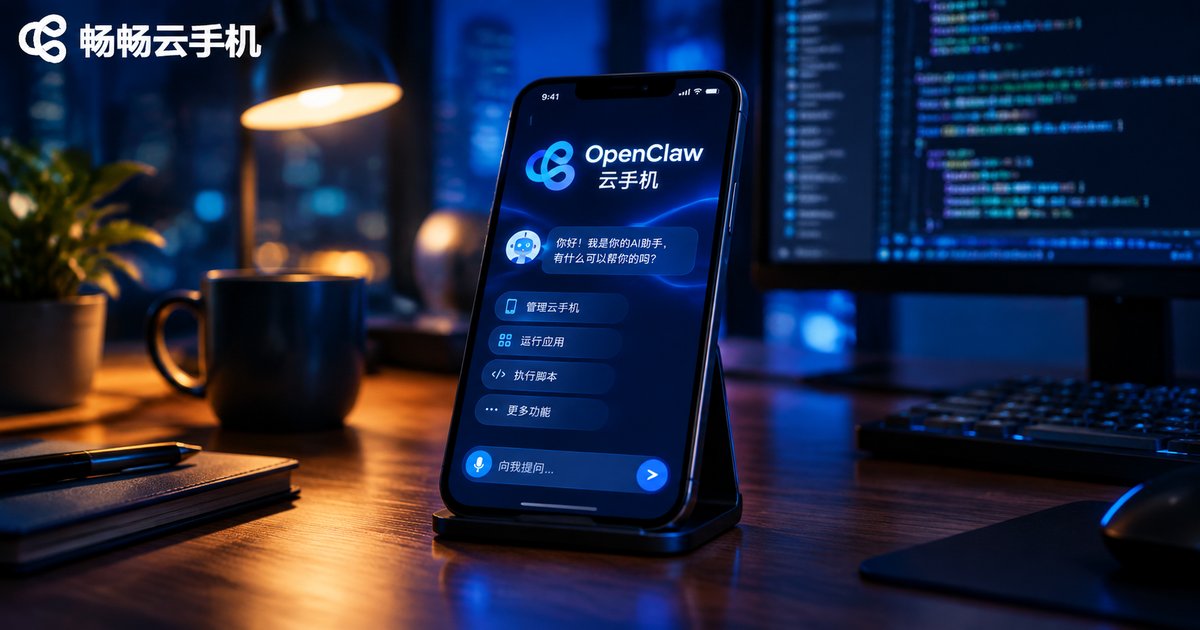
How to Deploy an OpenClaw Agent on a Cloud Phone: AI Automation Integration Workflow
This step-by-step guide shows you how to deploy an OpenClaw AI agent on a cloud phone and turn it into a digital worker that stays online around the clock. It covers why a cloud phone beats a personal device for hosting agents, what to prepare before deployment, and a complete five-step workflow: setting up a terminal, installing Node.js, installing OpenClaw, running the onboarding wizard, and starting the gateway. You will also find practical AI automation scenarios such as scheduled reports, auto replies, in-app automation, and keyword monitoring, plus tips for scaling from a single agent to a full fleet.
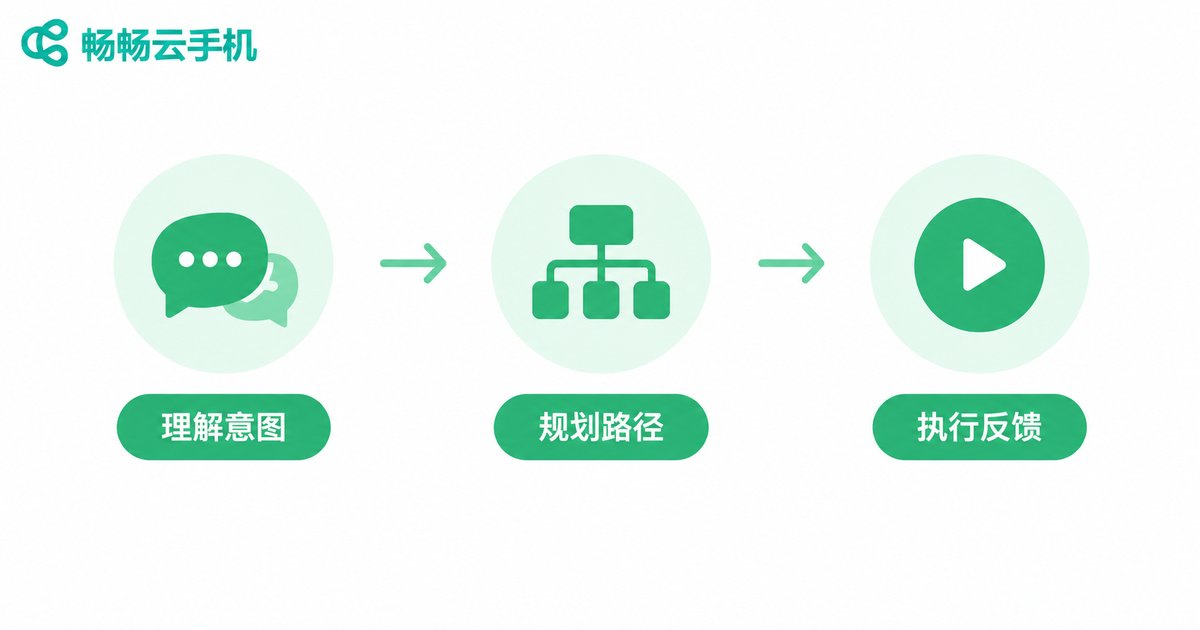
What Is a Cloud Phone AI Agent? A Tutorial for Natural Language Driven Automated Tasks
A cloud phone AI Agent is an intelligent assistant that lives inside your cloud phone: you describe what you want in plain language, and it plans the steps, opens the right apps, and completes repetitive tasks such as daily check-ins, game farming, and scheduled posting entirely on its own. This guide explains in simple terms how a cloud phone AI Agent understands and executes your commands, compares which tasks are worth automating, and walks you through a step-by-step tutorial for launching natural language driven automated tasks on ChangChang Cloud Phone (ccloudphone). You will also find four practical tips for writing clearer instructions, a look at why cloud phones are the ideal home for AI agents, and answers to the most frequently asked questions.

Can Cloud Phones Run All Android Apps? A Hands-On Compatibility Checklist
Can a cloud phone run every Android app? Based on hands-on tests of more than 40 popular apps, this guide delivers a practical compatibility checklist across six categories: social and chat, short video, mobile gaming, productivity, finance, and lifestyle services. You will learn why cloud phones behave almost like real ARM devices, which apps tend to fail — including banking apps with strict security checks, NFC-dependent features, and a few games with anti-cheat detection — and how to work around these limits. The article also explains the three core technologies behind cloud phone compatibility and provides a simple three-step method to test any app yourself before committing to a cloud phone service.
Cloud Phone vs Cloud Gaming: Full System vs Streaming Comparison
Cloud phones and cloud gaming sound similar, but they solve different problems. A cloud phone is a complete Android system running in the cloud: you can install any app, manage multiple accounts, and keep tasks running 24/7 even when your own device is offline. Cloud gaming, on the other hand, streams a game's video output to your screen and only lets you play titles in its library. This article breaks down the differences across architecture, functionality, use cases, and network requirements, and helps you decide which service fits your needs.