
Operations · Engineering · Trends
Hands-on playbooks, product updates and cross-border insights from the CCloudPhone team.
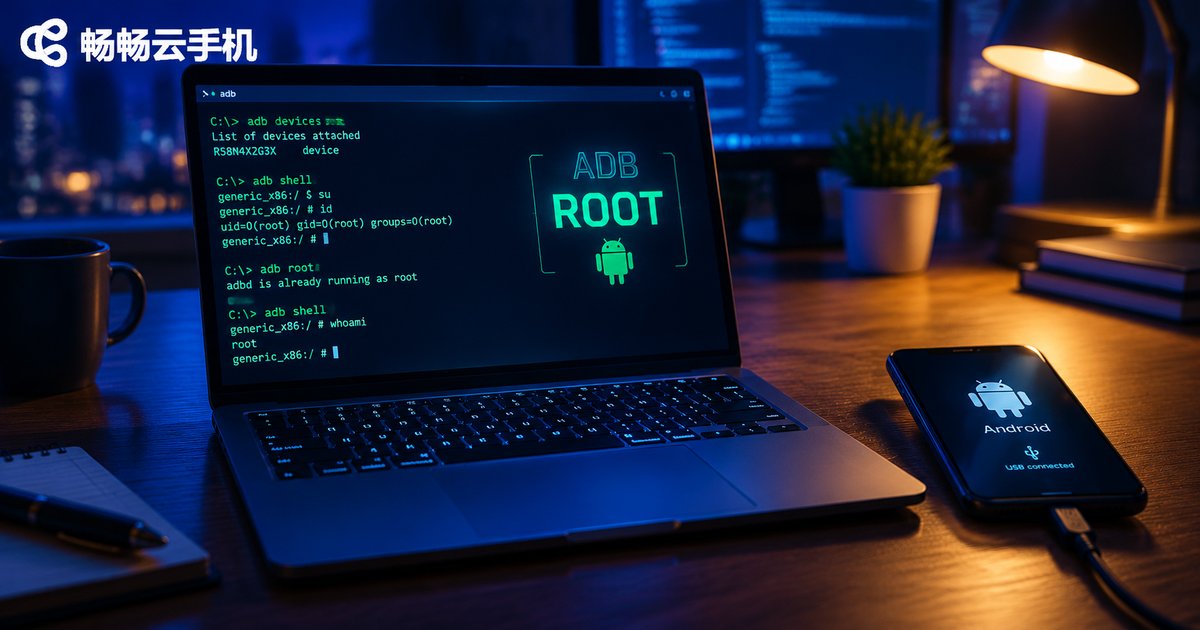
Does a Cloud Phone Have Root Access After ADB Connection? remount Explained
Ran adb connect to your cloud phone, typed adb remount, and got 'remount failed: Operation not permitted'? You are not alone. A successful ADB connection only gives you a shell user, not root. This guide explains the relationship between ADB and root access, shows you how to check root status with id and adb root, breaks down what remount actually does to the /system partition, and walks through the most common error messages. It also introduces ChangChang Cloud Phone (ccloudphone), a cloud phone service with built-in root and ADB support, so developers can perform system-level operations without flashing anything.
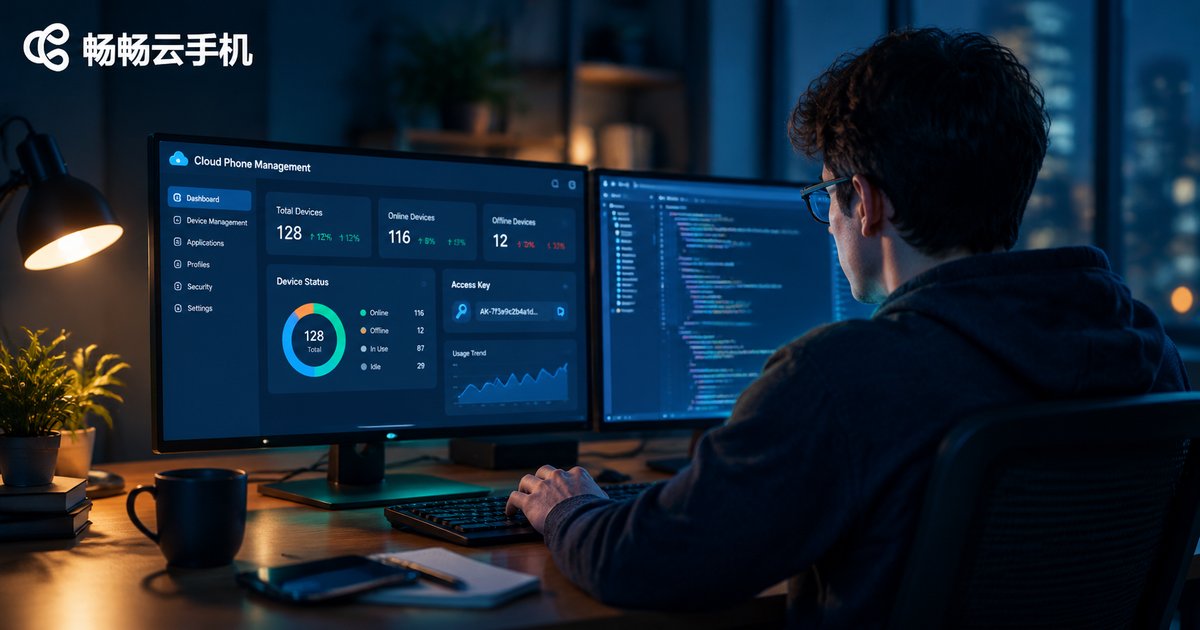
How to Get Cloud Phone Access Key and Secret Key: API Authentication Guide
This guide explains how to get your cloud phone Access Key and Secret Key and how signature-based access authentication actually works. You will learn the exact steps — logging into the console, creating a key pair, and safely storing your Secret Key — along with a practical Python example of signing requests and five essential key-security tips. Using CCloudPhone as a walkthrough example, you can finish authentication within minutes and start calling cloud phone APIs for automation, multi-instance control, and batch device management with confidence. It also covers the most common pitfalls, such as signature errors and leaked keys, so your integration runs smoothly from day one.
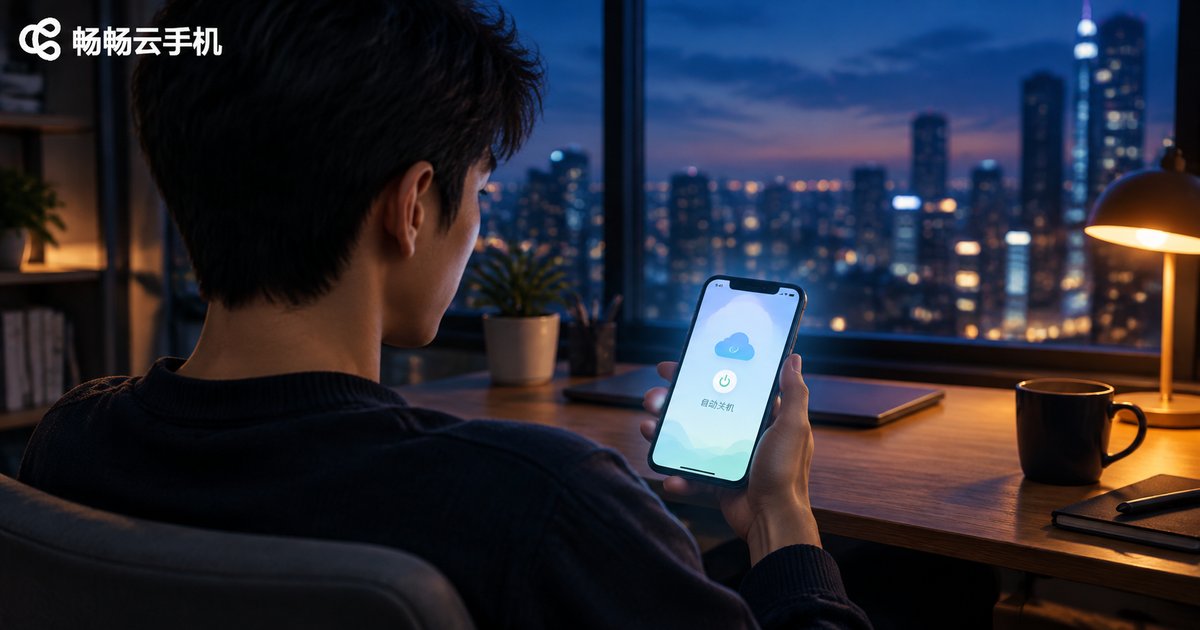
How to Set Up Auto-Shutdown for Idle Cloud Phones? HarmonyOS Cloud Phone Configuration Guide
Idle auto-shutdown lets a cloud phone power down automatically after a set period with no operation or task, saving battery, mobile data and cloud resources. This guide walks you through configuring idle auto-shutdown on a HarmonyOS cloud phone step by step: enabling scheduled shutdown inside the cloud phone app, granting the app background-running permissions in HarmonyOS settings, and removing deep sleep restrictions so shutdown tasks execute reliably. You will also learn how to balance idle-detection time with automation tasks, keep your data safe after a shutdown, and troubleshoot tasks that fail to trigger. A practical FAQ at the end answers the questions beginners ask most. If you are looking for a dependable service, CCloud Phone (ccloudphone) offers a simple, stable experience for multi-device management and app automation.
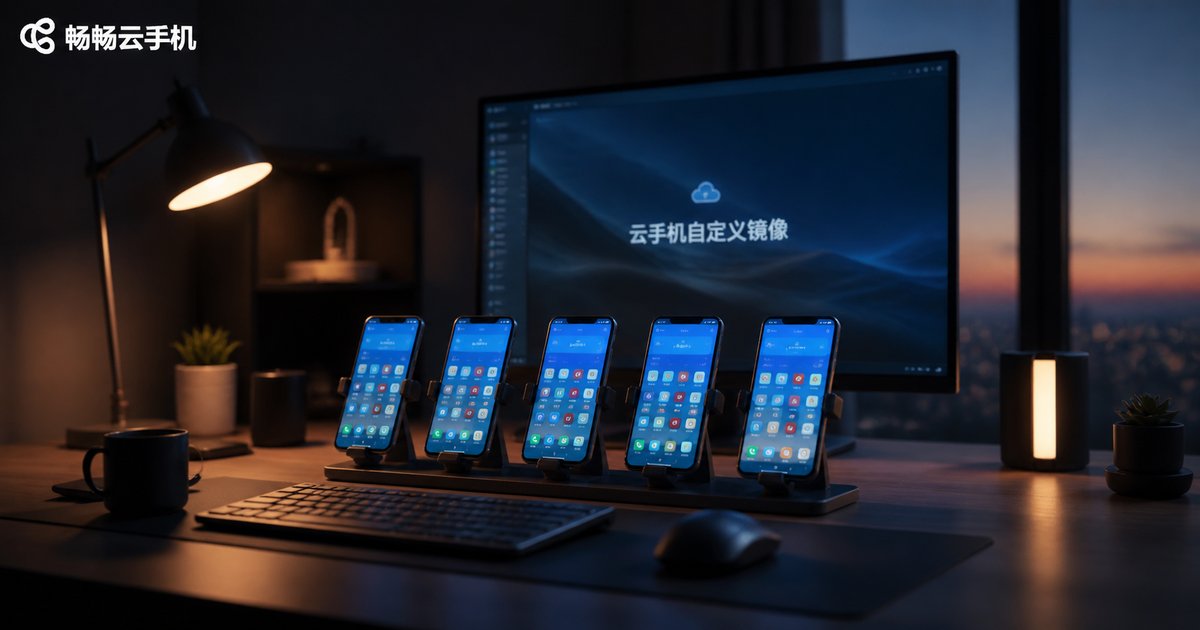
How to Use Cloud Phone Custom Images: App and Whitelist Configuration Tutorial
A custom image is the core of efficient cloud phone management: you pack a fully configured master device into a template, then clone it onto new devices in one click. This guide explains in plain language how to create an image, preload apps, and configure an app whitelist, and compares manual setup with image-based deployment. It also covers image updating habits, includes a comparison table, and answers frequently asked questions, making it a practical reference for multi-account users, studio teams, and IT administrators.

Is Cloud Phone Data Safe? Cloud Container Isolation and Pixel Streaming Explained
Worried about putting your accounts and game data on a cloud phone? This article explains, in plain language, the two technologies that keep cloud phones safe: cloud container isolation and pixel streaming. Every cloud phone runs in its own sandbox with separate storage, so instances cannot see each other's data. Your local device only receives an encrypted, video-like stream of pixels and sends back tap commands, so no apps or business data ever touch your phone. We also share a practical checklist for choosing a trustworthy provider, daily habits that reduce risk, and answers to the most frequently asked questions about cloud phone security.

What Is a Cloud Phone Edge Computing Solution? The Impact of ARM Server Costs
A cloud phone edge computing solution deploys Android cloud instances on ARM server clusters located in edge nodes close to users, instead of a few distant central data centers. This article explains in plain language what edge computing means for cloud phones, walks through the three-layer architecture, and shows why ARM servers beat x86 in compatibility, power efficiency, and cost per instance. It also breaks down the four major cost components—hardware, power and cooling, bandwidth, and operations—and analyzes how edge deployment raises some fixed costs while lowering bandwidth and churn costs, before sharing three practical optimization strategies.

What Is 15-Minute Billing for Cloud Phones? A Flexible Usage Cost Analysis
15-minute billing is a flexible pay-as-you-go model for cloud phones: usage is measured in 15-minute units and you only pay for the time you actually use. This article explains how the billing works, compares it with monthly subscriptions, and runs cost estimates for light, moderate, and heavy users so you can see which option saves more money. It also shares practical tips for elastic usage, such as shutting down instances promptly and matching billing modes to your usage patterns, so your cloud phone budget stays lean.
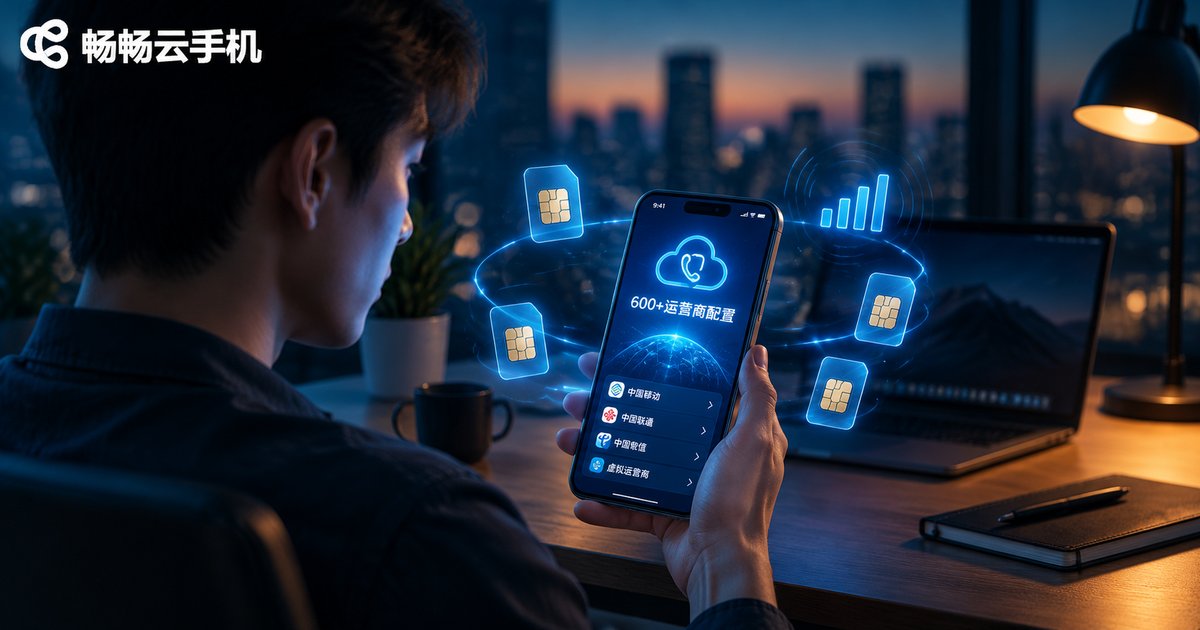
How Many SIM Carrier Configurations Do Cloud Phones Support? A Deep Dive into 600+ Carriers
Carrier configuration is one of the key factors that determine how realistic a cloud phone's device environment feels to the apps running on it. This article takes a deep dive into the 600+ carrier configurations feature, explaining how it covers China's four major carriers, mainstream international carriers, and long-tail regional carriers. You will learn a simple four-step configuration process, see a side-by-side comparison of devices with and without carrier information, and explore the scenarios that benefit most, from cross-border social media operations and multi-instance gaming to app testing and matrix account management. Finally, we explain why ChangChang Cloud Phone (ccloudphone) is a solid choice for users who need flexible, realistic carrier environments.
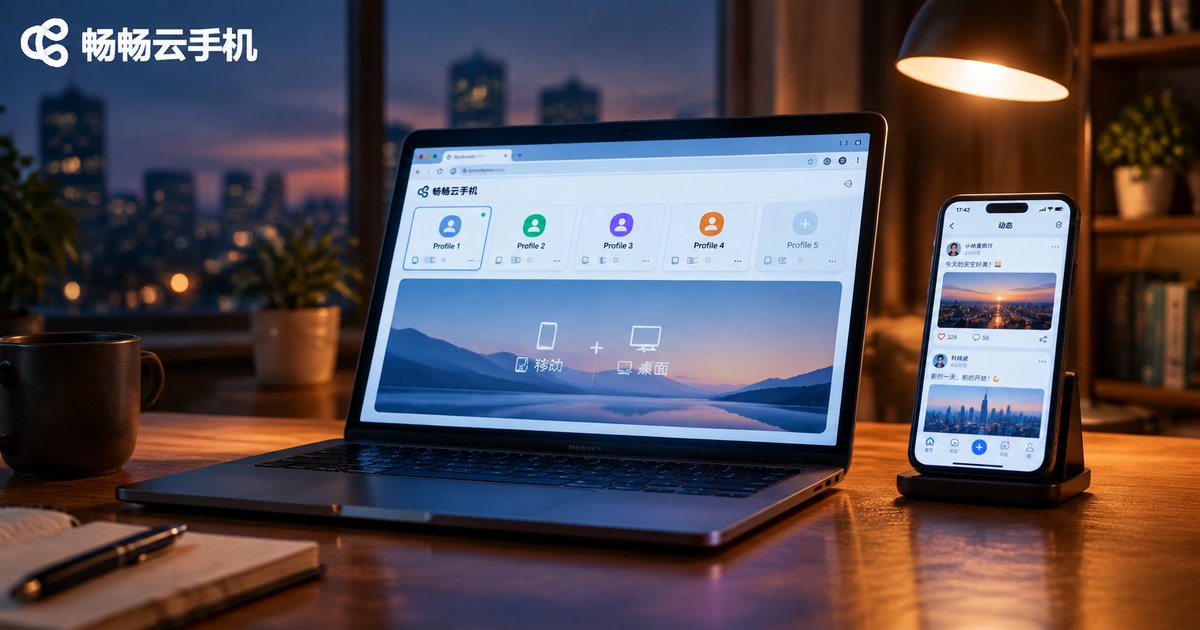
How to Combine Cloud Phones with Fingerprint Browsers: A Mobile + Desktop Solution
A fingerprint browser excels at simulating desktop web environments, while a cloud phone provides a real Android mobile environment — only together do they cover an account's full footprint across web and app. This article breaks down the division of labor between cloud phones and fingerprint browsers, presents three practical combo setups (split by platform, split by task, and unified environment pools), and walks you through a five-step process to build a stable multi-account environment. You will also find a comparison table, a pitfall-avoidance checklist, and practical advice on using ccloudphone as the mobile side of your stack. Whether you run cross-border e-commerce, social media matrices, or app testing, this mobile-plus-desktop combo helps every account stay consistent, independent, and safe on both ends.

How to Use Cloud Phones for TikTok Shop Operations: Scenario Adaptation Analysis
Running a TikTok Shop means juggling multiple accounts, repetitive daily tasks, and traffic that never sleeps. Doing all of this on physical phones is expensive and hard to scale. This guide breaks down how a cloud phone fits into real TikTok Shop operations across four scenarios: multi-account matrix management, 24/7 livestream and store coverage, batch content publishing and engagement, and team collaboration with centralized asset control. You will also find a scenario adaptation table covering the startup, growth, and maturity stages, practical tips on choosing a reliable cloud phone provider, and clear answers to common questions. If you want to cut hardware costs, keep accounts stable, and free your team to focus on work that actually drives sales, start here.

What Is Cloud Phone Device Fingerprint Batch Consistency? A Risk Control Comparison
Device fingerprint batch consistency is a common risk control issue for cloud phone users: when many instances share the same model, system parameters, and hardware identifiers, platforms identify them as one batch of mass-operated devices. This article explains in plain language why cloud phones are prone to batch consistency, how risk control systems cluster similar fingerprints and correlate behavior, and how detection actually works. A comparison table shows the differences between consistent batch devices and differentiated independent devices in registration pass rate, account lifespan, and typical risk triggers. Practical tips, such as choosing services with isolated device parameters like ccloudphone, staggering operations, and keeping environments stable, help you run multiple accounts more safely.
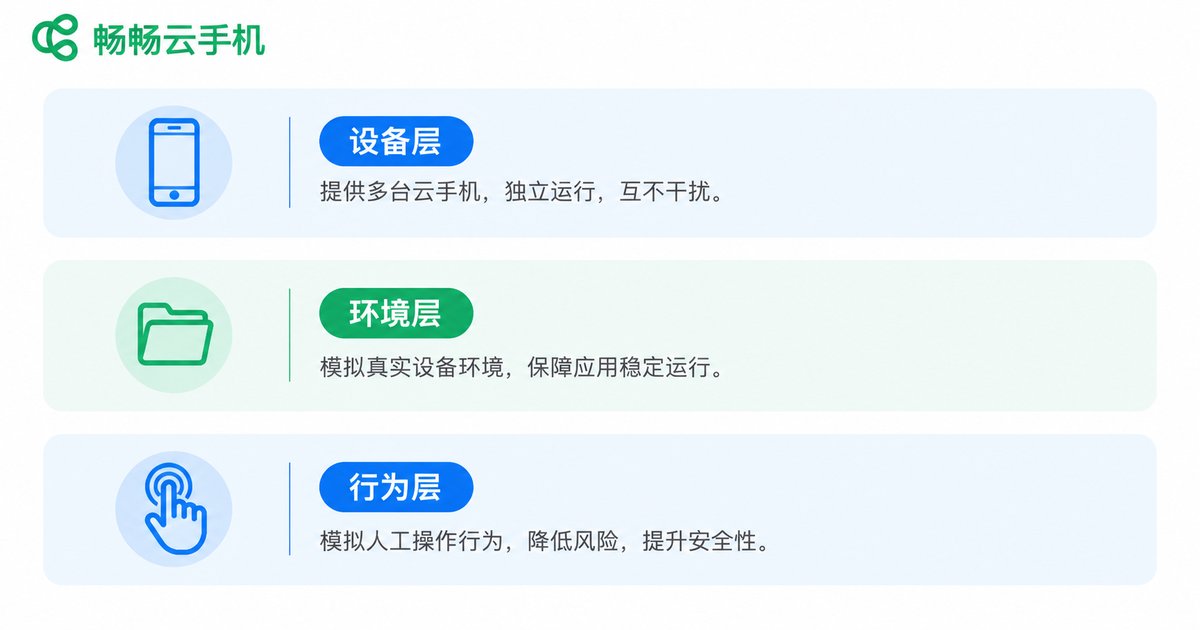
Cloud Phones for Mobile Account Isolation: Value and Alternatives
Account linking is the biggest hidden risk in multi-account operations. This article explains the three layers of mobile account isolation—device, environment, and behavior—and shows how cloud phones build a one-phone-one-account setup with independent environments that reduces risk-control triggers at the source. It also analyzes common alternatives, including multiple physical phones, app cloning, Android emulators, and device-spoofing tools, comparing them on isolation strength, cost, scalability, and management efficiency. Whether you run social media matrices, e-commerce stores, or game alt accounts, you will learn which approach fits your scale and budget, and how to pick a reliable cloud phone service for long-term, stable operations.