

What Is a Cloud Phone? Put Simply, It's Moving a Whole Phone to Run in the Cloud
In One Sentence: What Exactly Is a Cloud Phone?
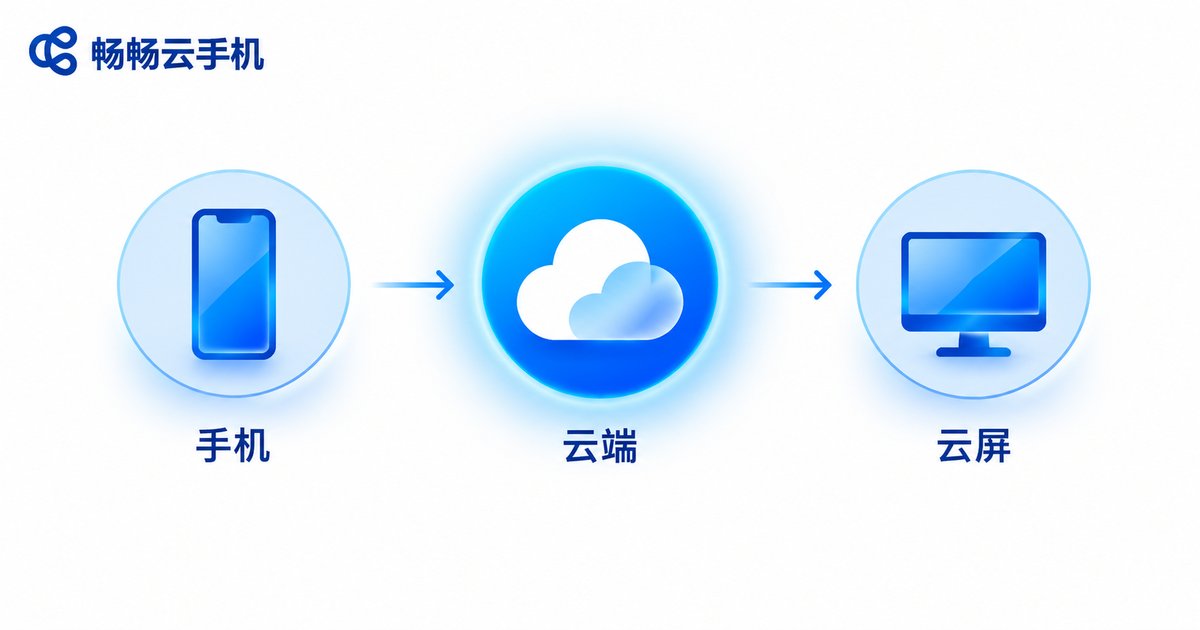
The first time most people hear the term “cloud phone,” the reaction is: is this just another buzzword? The truth is simple — a cloud phone means moving an entire phone into the cloud to run. The phone, tablet, or computer in your hand only does two things in this setup: display the picture and send your taps.
The phone that actually does the work isn't on your desk — it's in a cloud data center. It boots up there, installs apps, runs games, and stores data. On your side, you simply view its screen over the network and tap on it. It works much like a video call: the person is far away, but the picture is right in front of you.
How Do You Actually Move a Phone to the Cloud?
Break it down, and a cloud phone is really just three pieces.
The first piece is the cloud “host.” A cloud provider fills its data centers with servers, and each server can be split into many virtual phone instances. Every instance has its own system, its own storage, and its own runtime environment, with no interference between them — like separate apartments in one building.
The second piece is network transmission. The cloud phone's screen is encoded and compressed in real time and sent over the network to your device. Every tap you make on screen is sent back to the cloud in real time. When that round trip is fast enough, using it feels just like holding a real phone.
The third piece is the device in your hand. A phone, a tablet, or a computer will do. As long as it can connect to the internet and display a picture, it can act as the remote control for your cloud phone. That's also why older, lower-spec devices can run a cloud phone smoothly.
How Is a Cloud Phone Different from a Physical Phone or a PC Emulator?
These three are often lumped together, but the differences are significant. One table makes it clear:
| Comparison | Cloud phone | Physical phone | PC emulator |
|---|---|---|---|
| Where it runs | Cloud data center | In your hand | Inside your computer |
| Local resource usage | Almost none | All of it | Uses your PC's CPU and RAM |
| Keeps running after your device is off | Yes | No | No |
| Multi-instance capability | Many at once | Limited by hardware | Slows down quickly |
| Migration when switching devices | None — just log in | Reinstall everything | Reconfigure everything |
In short: a physical phone does the work and carries the burden itself, an emulator borrows your computer's muscle, and a cloud phone does the work for you while you simply watch the results.
What Can You Actually Use a Cloud Phone For?
Once you understand the principle, the use cases become obvious. Anything that needs “a phone kept running for a long time without tying up your own phone” is a good fit.
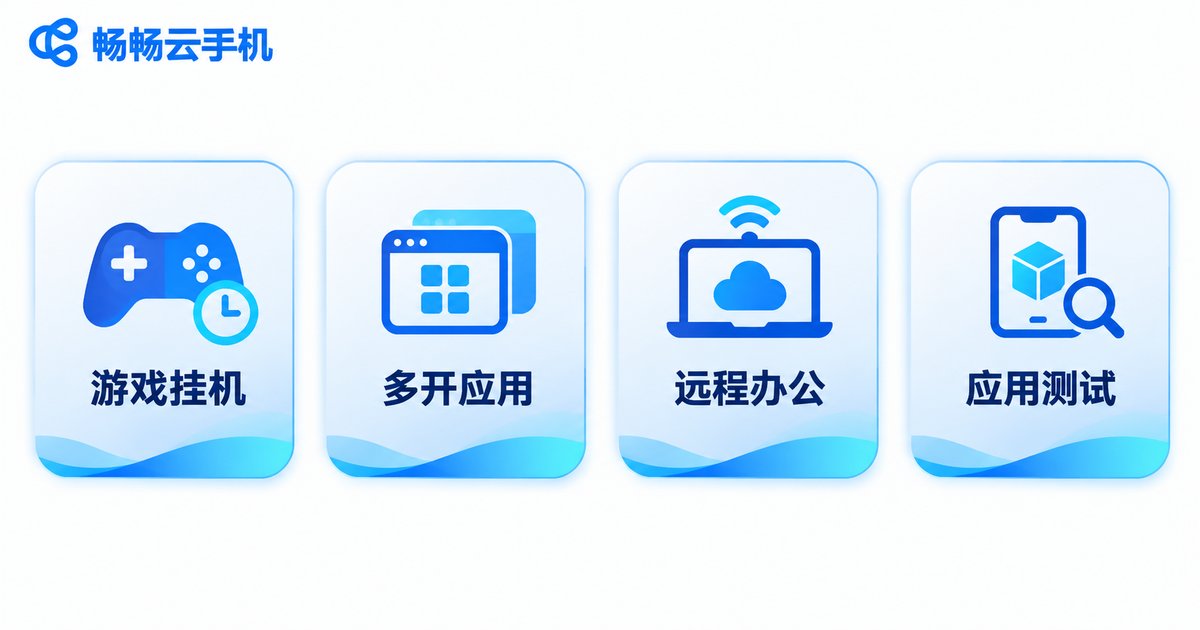
Game idling. Many mobile games require long online sessions to farm resources. Let a cloud phone handle it while your own phone makes calls and watches videos as usual — and you don't have to worry about power or connection drops overnight.
Multiple app instances. A work account, a personal account, a shop account — one cloud phone per account, no interference, and no switching back and forth on your real device.
Remote work and remote assistance. Log into your cloud phone from a tablet or laptop when you're out, and handle the things only a phone can do — without carrying a spare handset around.
App testing and demos. Developers need environments on different system versions. A cloud phone lets you spin up a clean instance in moments and release it when testing is done, with no fuss on local hardware.
Why Doesn't a Cloud Phone Feel Laggy?
Many people worry: if the picture travels over the network, won't it lag? The key lies in where the computing power sits.
Computing, rendering, and storage all happen on cloud servers, and that “host” is usually far more powerful than an ordinary phone. Your local device only decodes the picture and uploads your taps, so the load on it is light. That's why even a several-year-old phone or a thin-and-light laptop handles it comfortably.
Network quality does affect the experience, of course. When the connection is stable, input lag stays low; when the network fluctuates, the picture may briefly blur. That's exactly why you should check a provider's routes and node coverage when choosing a cloud phone service.
What to Look For When Choosing a Cloud Phone
There are plenty of cloud phone services out there. You don't need to chase flashy marketing — just focus on a few hard requirements.
First, stability. Staying online for long stretches without dropping matters more than a moment of smoothness. Second, multi-instance capability. Can you open as many as you need, and is managing them convenient? Third, access methods. Can you log in from a phone, tablet, and computer, and does your data stay put when you switch devices? Fourth, local device requirements. A good cloud phone service shouldn't force you to buy a new phone.
If you want a hassle-free option, take a look at CCloudPhone (ccloudphone). It runs an entire phone in the cloud while your local device only handles display and control, so even modest hardware works smoothly. It supports multiple cloud phones online at the same time, with switching and management handled in a single interface. And you can access it from phones, tablets, and computers alike — just log in and pick up where you left off, with no environment to reconfigure.

Frequently Asked Questions
Q: Do I need a high-end phone to use a cloud phone?
No. All the computing happens in the cloud, and your local device mainly displays the picture and sends your taps. Ordinary phones, older phones, and thin-and-light laptops all work.
Q: Where is the data in my cloud phone stored?
In the virtual phone allocated to you in the cloud, separate from your local device. Log in from another device and your data is still in that same cloud phone.
Q: If my phone is locked or turned off, does the cloud phone keep running?
Yes. The cloud phone runs in a data center and is independent of whether your local device is powered on — which is exactly why it suits idling tasks.
Q: Is a cloud phone the same thing as an emulator on my computer?
No. An emulator simulates a phone environment inside your computer and consumes your PC's CPU and RAM. A cloud phone is a phone environment running remotely and takes almost nothing from your local device.
Q: Does a cloud phone require a very fast network?
It requires a stable connection. The more stable the network, the smoother the sync between picture and input. Ordinary home broadband and a reliable mobile connection are usually enough.
Q: Is a cloud phone hard to use for the first time?
Not at all. The interface looks like an ordinary phone — open apps, swipe the screen, and it feels just like using the phone you already have.


