
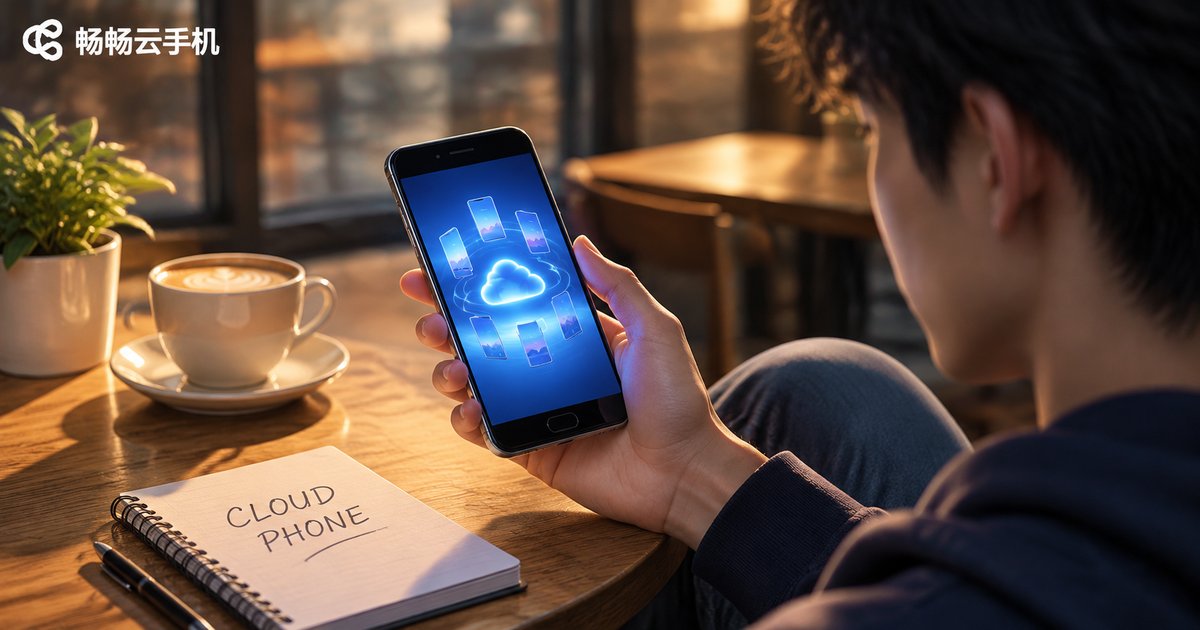
What Is a Cloud Phone? The Difference From a Real Phone in One Sentence — It Doesn't Take Up Your Phone's Storage
In One Sentence: What Exactly Is a Cloud Phone?
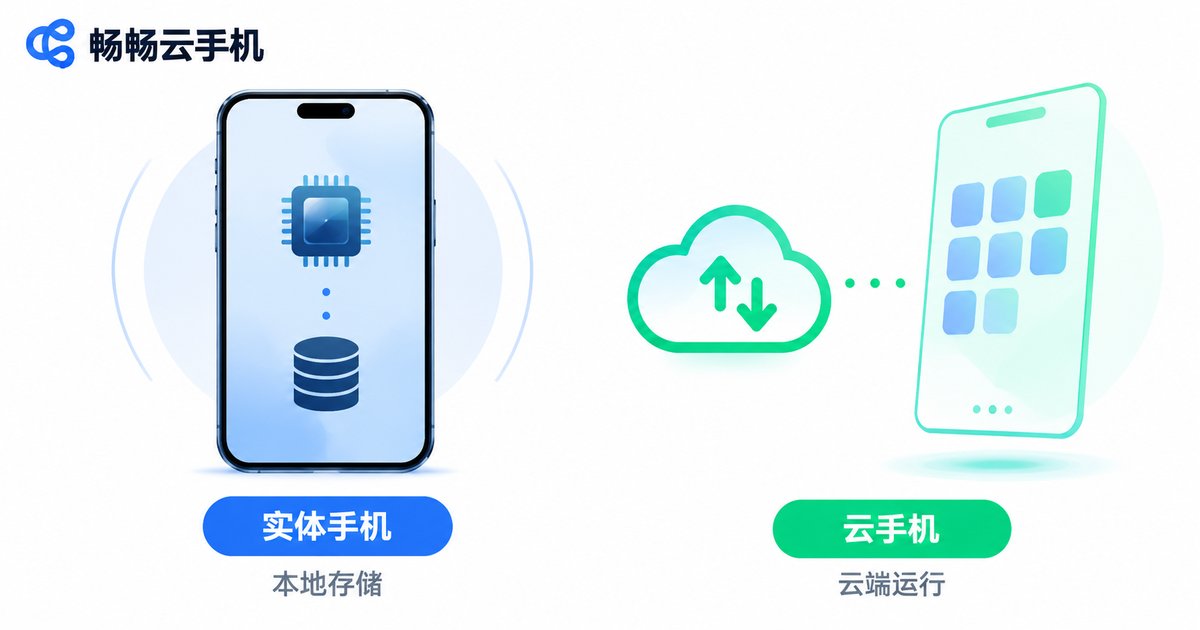
Put simply, a cloud phone is a virtual phone that runs in the cloud. It has no physical body — the processor, memory and storage all live on servers in a data center. The phone, tablet or laptop in your hand acts only as a remote control: you open the client, connect, see the screen and tap around, while the actual computing and storage happen in a machine room far away.
So the difference from a real phone comes down to one sentence: with a real phone, the computing power and storage are in your hand; with a cloud phone, they are in the cloud. That is exactly why it does not eat up your local storage.
Cloud Phone vs. Real Phone: What Is the Difference?
Many people hearing about cloud phones for the first time assume it is some kind of online drive, or just a remote-control app. It is neither. The table below puts the core differences side by side.
| Item | Real phone | Cloud phone |
|---|---|---|
| Where the hardware is | In your hand | On cloud servers |
| Local storage used | Apps, photos and cache all take space | Almost none — only a small client app |
| Local battery drain | Heavy for gaming and long idle sessions | Very low — computing happens in the cloud |
| Runs after you power off | Stops immediately | Can stay online 24/7 |
| Number of instances | Limited by hardware, usually 1–2 | Several at the same time |
| Device wear | Heat and aging under long load | No wear on your local device |
Why Does It Not Take Up Your Phone Storage?
This is the most overlooked — and most practical — point about cloud phones.
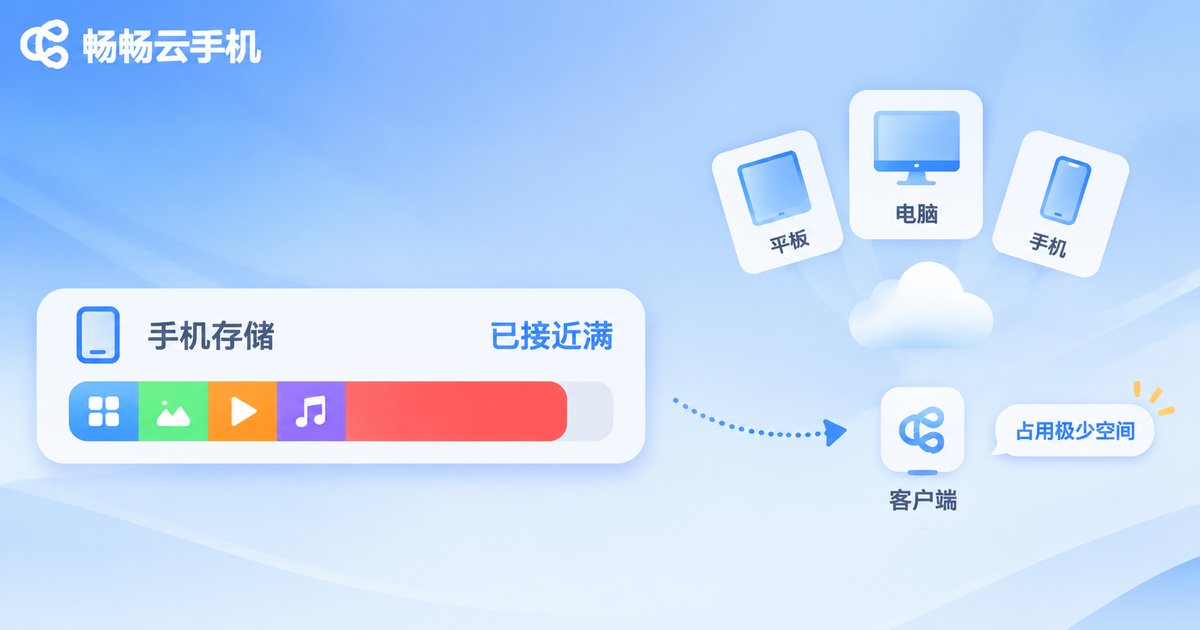
On a normal phone, installing one large game can take several gigabytes, and with cache, screenshots and screen recordings, a 128GB device fills up fast. The logic of a cloud phone is different: the apps are installed on the virtual machine in the cloud, the data is stored in the cloud, and all you keep locally is a small client app of a few dozen megabytes.
In other words, the precious storage on your phone only handles “display” and “input” — not “running” and “storing”. The same old phone that could barely run one game locally can host several cloud devices at once while staying smooth and cool.
What Are Cloud Phones Actually Used For?
Once you understand how it works, the use cases become obvious. The most common ones are:
- Running multiple app accounts and long idle sessions: e-commerce support accounts, social media accounts and game alt accounts can each run on a separate cloud phone without interfering with each other, and your local phone stays cool.
- Idle gaming and multi-account management: the game stays online 24 hours a day in the cloud, so turning off your own phone does not interrupt progress.
- Mobile work and compatibility testing: developers who need to test different models and system versions can spin up cloud phones on demand instead of buying stacks of real devices.
- Privacy isolation: move rarely used but necessary apps to the cloud and keep your local phone cleaner.
- Giving old devices a second life: a phone or tablet from a few years ago can run new apps smoothly once connected to a cloud phone.
How to Choose a Reliable Cloud Phone
Cloud phone services vary a lot in quality. When choosing one, focus on these five points:
1. Stability: can it stay online for long periods without dropping? This is the lifeline of a cloud phone.
2. Smoothness: screen latency and how responsive the controls feel directly shape your experience.
3. Data security: is cloud data isolated, and are account credentials protected?
4. Compatibility: do mainstream Android apps install and run properly?
5. Support: can you reach a real person quickly when something goes wrong?
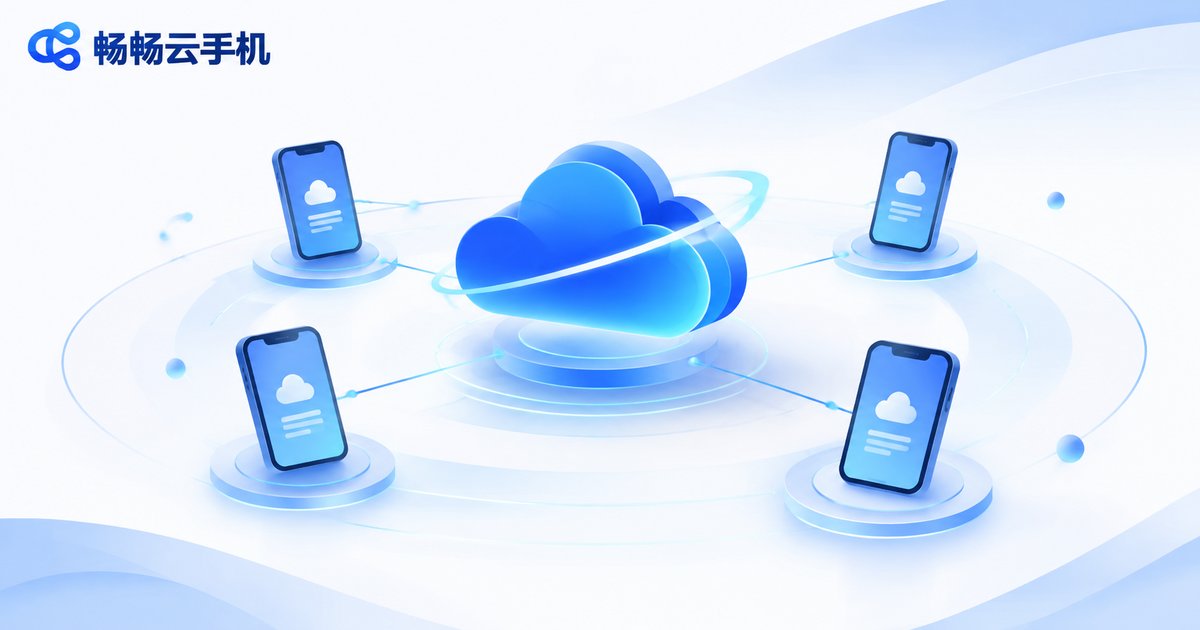
If you are looking for a stable, easy-to-use cloud phone, take a look at ccloudphone. It runs a full Android system on cloud servers, so users simply connect through a client — no local storage used, no local battery drain, and multiple cloud devices can stay online at the same time. For current device configurations, plans and how to get started, check the official ccloudphone website, as the published information there is authoritative.
Frequently Asked Questions
Q1: Are cloud phones free?
Most cloud phone services charge by configuration and duration, since you are essentially renting cloud resources. For ccloudphone pricing and plans, please refer to the official website.
Q2: Will a cloud phone be laggy?
Smoothness depends on your network and the provider's server quality. On a normal broadband or 5G connection, latency on mainstream cloud phones is acceptable; on a poor network you will notice some delay.
Q3: If I turn off my own phone, do apps on the cloud phone keep running?
Yes. The cloud phone runs on a remote server, so closing your local client or powering off your own phone does not take the cloud device offline. That is exactly why many people use it for idle tasks.
Q4: Is data on a cloud phone safe?
Reputable providers apply data isolation and access control. Choose a provider with a clear privacy policy and a solid track record, and keep your own account credentials safe.
Q5: Can my old phone run a cloud phone?
Yes. Cloud phones have very low requirements for the local device — as long as you can install the client and stay connected, even a phone from several years ago will work smoothly.
Q6: Can a cloud phone fully replace a real phone?
Not entirely. Photography, calls and mobile payments rely on physical hardware, so a real phone remains irreplaceable there. A cloud phone is more like adding a few “cloud clones” to your real phone, to offload processing pressure and extend online time.


