
How Good Is a Cloud Phone Really? My 3-Month Review With Pros and Cons
Bottom Line First: A Cloud Phone Isn't Magic, but It Solves a Very Specific Problem
I started using a cloud phone seriously three months ago, and the reason was pretty ordinary — my four-year-old handset would heat up, stutter and drain battery the moment I opened two apps at once. A friend suggested I try a cloud phone and put the heavy lifting somewhere else.
Three months later, here's my verdict: a cloud phone isn't a replacement, it's an extra phone. It won't make your main device stronger, but it can take a chunk of the heavy, battery-hungry work off its shoulders. The upsides are very real, and so are the downsides. I'll lay out both and let you decide.
Why I Started Using One Three Months Ago
My needs were nothing exotic: I wanted one device to keep a few apps running long-term, without tying up my main phone during the workday, and without hearing it buzz on the desk all evening. The old handset still booted fine, but its battery couldn't survive a full day online.
The logic of a cloud phone is simple: the system runs on a server in the cloud, and the device in your hand is just a screen plus a remote control. Apps run in the cloud and store their data there; your phone only sends your taps up and pulls the picture down. Local performance, battery and storage stop being the bottleneck.
Pro 1: Old Devices Can Handle Heavy Work
This is the most immediate payoff. My old phone would crawl when running demanding apps locally, but once connected through a cloud phone, smoothness jumped up a clear notch — because the machine doing the actual computing wasn't the one in my hand.
In other words, the age of your device gets flattened out. An old phone, a tablet, a thin laptop — as long as it connects reliably and can display the画面, the experience gap is small.
Pro 2: Multi-Account Setups Don't Eat Local Resources
Running several apps at once used to mean heat, dropped frames, background processes fighting over memory, and a battery bar that fell a notch every half hour. With a cloud phone, the local device only handles video decoding and network transfer, so the load is far lighter — after two or three hours of continuous use, the body stays merely warm.
For someone who relies on their main phone to get work done during the day, this matters more than raw performance: my primary device's battery and smoothness are preserved.
Pro 3: Data Lives in the Cloud, So Switching Devices Is Painless
I changed phones once during these three months. In the past, that meant logins, migrations and reconfiguring everything. This time I installed the client on the new phone, signed in, and the cloud device appeared exactly as I left it — apps, data and login states all intact.
The device becomes an entrance, not a warehouse — that's the most underrated part of the cloud phone experience.
Pro 4: Always Online, Even When You're Not
Cloud instances run on demand, so as long as the configuration exists, it keeps going. I'd shut down my local phone and disconnect Wi-Fi at night, open it the next morning, and whatever was running in the cloud was still running, with no gap in progress.
For tasks that need long unattended sessions, scheduled execution or cross-timezone handling, this is close to essential.
Con 1: Everything Rests on Your Network
This is the biggest soft spot, hands down. In subway tunnels, elevators and weak-signal corners, the picture blurs, stutters or briefly disconnects. A local phone without signal can still play offline games; a cloud phone without signal is a brick.
In my experience: on Wi-Fi or stable 4G/5G it feels great, but if you're constantly on the move or your network is poor, it gets frustrating fast.
Con 2: Touch Latency Is Real and Takes Getting Used To
Between your finger and the response there's an extra loop: upload, cloud processing, download. Everyday tapping, swiping and browsing feel fine, but fast repeated taps, precise dragging and rhythm-based actions do show the delay.
My adjustment period was about two weeks. It's not unusable — it just can't be compared to a local flagship in feel.
Con 3: Compressed Visuals, Not Ideal for Video
The picture is encoded and compressed before it reaches you, so fine detail, color and shadow all take a hit. It's plenty for reading, browsing and interface work, but if you're picky about image quality or love watching HD video on your phone, a cloud phone will clearly lag behind local playback.
Con 4: Not Every App Welcomes a Cloud Phone
Some apps inspect the runtime environment and may trigger extra verification — or even limit certain features — when they detect a cloud device. I hit this two or three times in three months. Most cases were resolved through the normal verification flow, but it does require a bit of patience.
Con 5: Over Time, It's an Ongoing Cost
A local phone is a one-time purchase that amortizes to very little over three years. A cloud phone is billed by usage time and configuration, so the longer you use it and the higher the spec, the more it adds up. It's closer to renting than buying — do that math up front.
The Difference at a Glance: Local Phone vs. Cloud Phone
| Dimension | Local Phone | Cloud Phone |
|---|---|---|
| Performance ceiling | Set by hardware, degrades with age | Set by cloud configuration, adjustable anytime |
| Network dependence | Almost none | Heavy; poor networks hurt badly |
| Touch latency | Essentially imperceptible | Slight delay, needs adaptation |
| Visual quality | Native quality | Compressed, minor detail loss |
| Heat and battery drain | Noticeable under load | Low local load, device stays cool |
| Uptime | Limited by battery and network | Can stay online long-term |
| Data migration | Reconfigure on every new device | Sign in and it's back |
| Cost structure | One-time purchase | Ongoing fee by usage and spec |
My Honest Verdict After Three Months: Who It Suits, Who It Doesn't
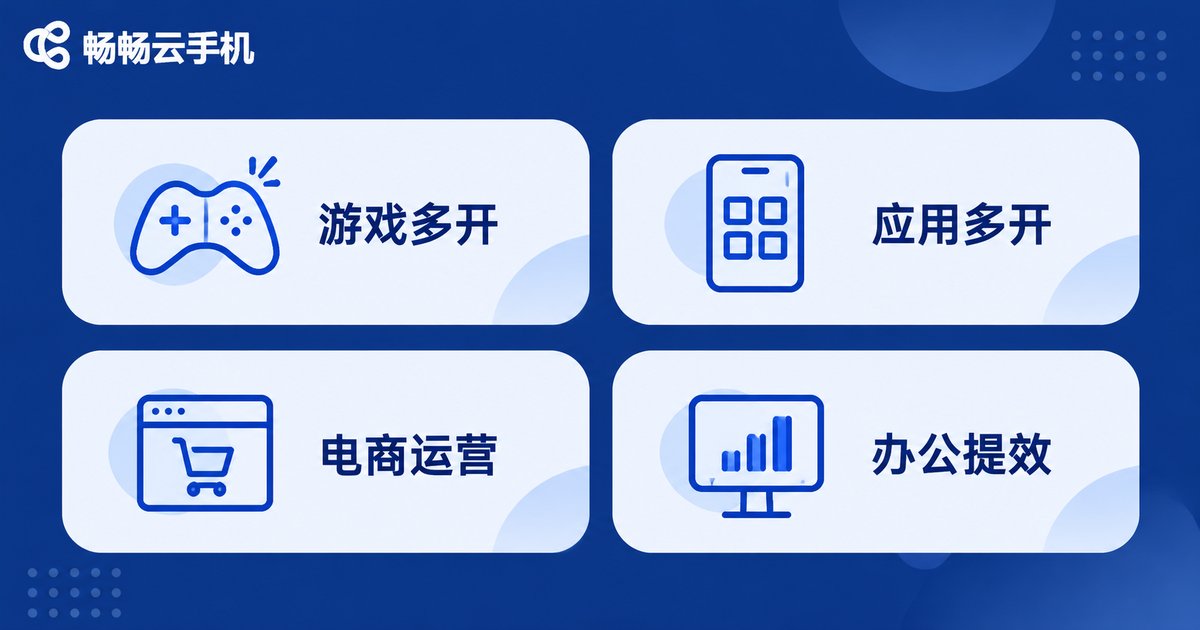
It suits you if: your device is aging but you still want to run heavy apps; you need multiple instances or long unattended sessions; your main phone's battery is stretched thin and you don't want background tasks dragging it down; you switch devices often and hate migrating data.
It suits you less if: your network is unstable; you're extremely sensitive to touch feel; your main use is HD video or heavy action games; you'd only use it occasionally, in which case a local device is simpler.
There's also a middle ground: treat it as a second phone rather than a replacement for your main one. That's the usage pattern I settled into after three months.
How I Chose a Cloud Phone, and Why I Stayed With ccloudphone
I tried a few options over these three months and eventually settled on ccloudphone. Looking back, only four things really mattered to me — and none of them were spec-sheet numbers:
One, connection stability. The core of the cloud phone experience is staying connected without interruption. If that fails, nothing else counts.
Two, responsive controls. How well latency is handled decides whether you can use it as a daily tool rather than a toy.
Three, configurable specs. Not everyone needs the top tier. Being able to pick a spec that matches your actual use means you're not paying for performance you'll never touch.
Four, smooth multi-device access. Phone, tablet and computer all reaching the same cloud device, with no data shuffling back and forth — that's what a cloud phone is supposed to feel like.
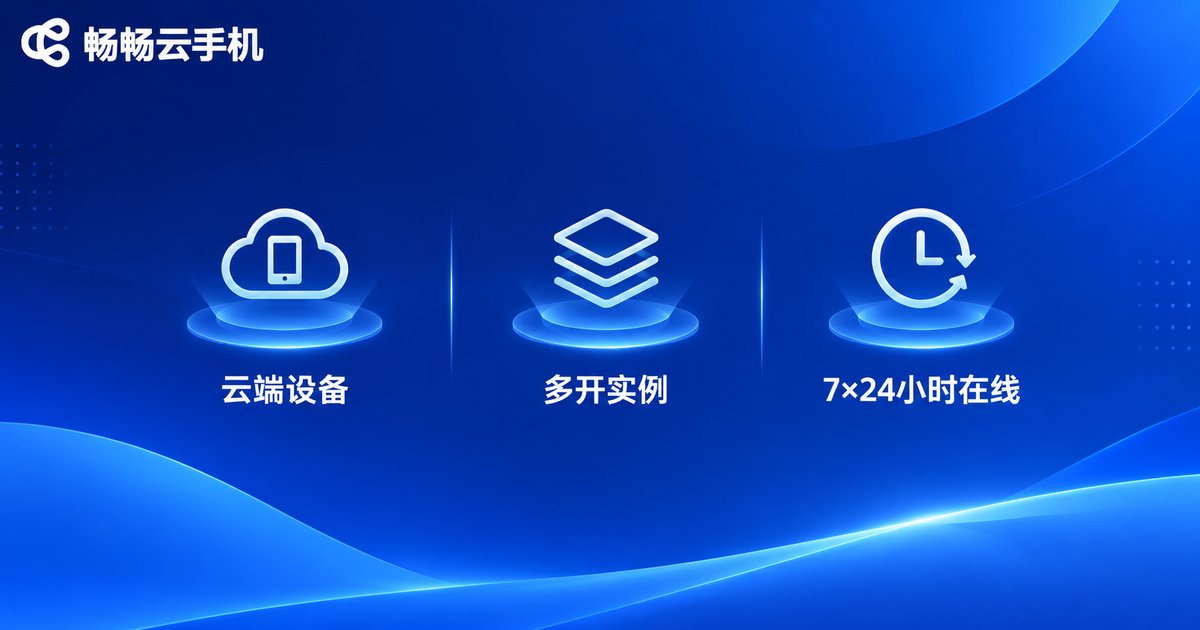
ccloudphone fits my habits on all four points: it runs an Android environment in the cloud while your local device just handles display and input; it supports managing multiple instances with easy switching; and phones, tablets and computers can all connect to the same cloud device. For current configuration options and how to get started, check the official site — it will be more accurate than anything I describe here.
Frequently Asked Questions
Q: Does a cloud phone use a lot of data?
It does consume data, depending on your visual quality settings and session length. Wi-Fi is recommended for daily use; on mobile data, lowering the quality setting will save a fair amount.
Q: Can a cloud phone completely replace my current phone?
Not yet. It works best as a second device handling unattended sessions, multiple instances and long uptime. Calls, photography and mobile payments are strongly local by nature, and a local phone still does those better.
Q: Is my data safe on a cloud phone?
Your data lives in the cloud rather than on your device, so account protection matters more: use a strong password, enable two-factor verification, and avoid staying logged in on shared devices. When choosing a provider, read their official documentation on data and privacy first.
Q: Can an old phone serve as the screen for a cloud phone?
Yes — that's one of the core values. As long as the old device connects reliably, can install the client and decodes video smoothly, the real workload sits in the cloud, so device age barely matters.
Q: After three months, will you keep using it?
Yes. But my usage is very specific: it's now a permanently online second phone handling unattended sessions, multiple instances and cross-device sync, while my main phone sticks to daily life. That division of labor is the most comfortable setup I found over three months.


