

Cloud Phone Marketing Scenarios: Multi-Instance Management, Content Publishing and Risk Boundaries
What a Cloud Phone Actually Is, and Why Marketing Teams Adopt It
A cloud phone is essentially an Android device running in the cloud: the system, the apps and the accounts all live on remote servers, and you operate them through a client on your computer or phone. There is no physical handset, so there is nothing to charge, nothing to drop, and no aging phone that slows down your entire content pipeline.
For marketing teams, the value comes down to three things: batch management, remote collaboration and elastic capacity that scales with each project. In theory, a three-person team can keep dozens of devices running day to day.
Multi-Instance Management: Collapsing a Wall of Devices into One List
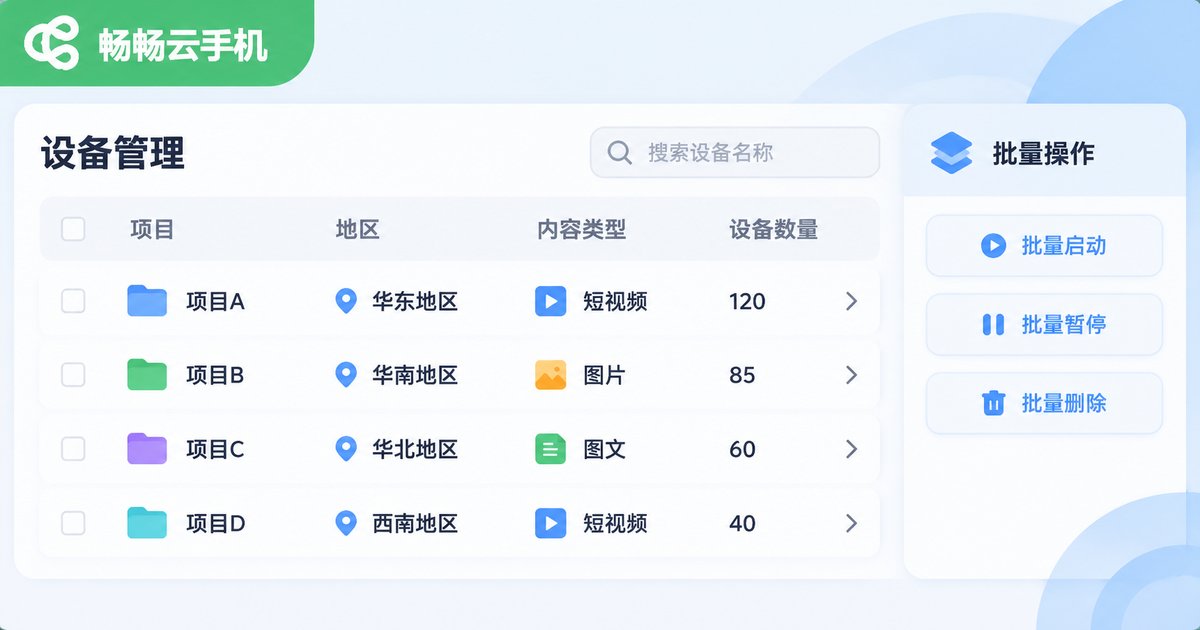
The traditional setup is a row of physical phones, a row of power strips and a wall of sticky notes, where who owns which device depends entirely on memory. A cloud phone console is usually list-based: device groups, batch power-on, batch app installation, batch asset upload, one-click screenshots, plus a free-text note on every device, such as east-region-babycare-03.
A few things that genuinely save time in daily use:
- Grouping: organize by project, region or content type so you never hunt for a device one by one.
- Batch operations: install the same app or change the same setting once, not fifty times.
- Remote collaboration: an operator working from home can log into the same device, with no courier shipping involved.
- Visible status: see at a glance which devices are running and which sit idle, cutting the waste of paying for unused capacity.
Content Publishing: Scale Is Not the Same as Spamming
Once batch capability is in place, the most common mistake is publishing simply because you can. Platforms are not against efficiency; they are against content that is low quality, highly repetitive and obviously machine-generated. A steadier approach usually looks like this:
- One account, one position: every account has a clear audience and content direction instead of chasing whatever is trending.
- Differentiate the output: change titles, covers and opening paragraphs across the same asset pool rather than posting identical copy from dozens of accounts.
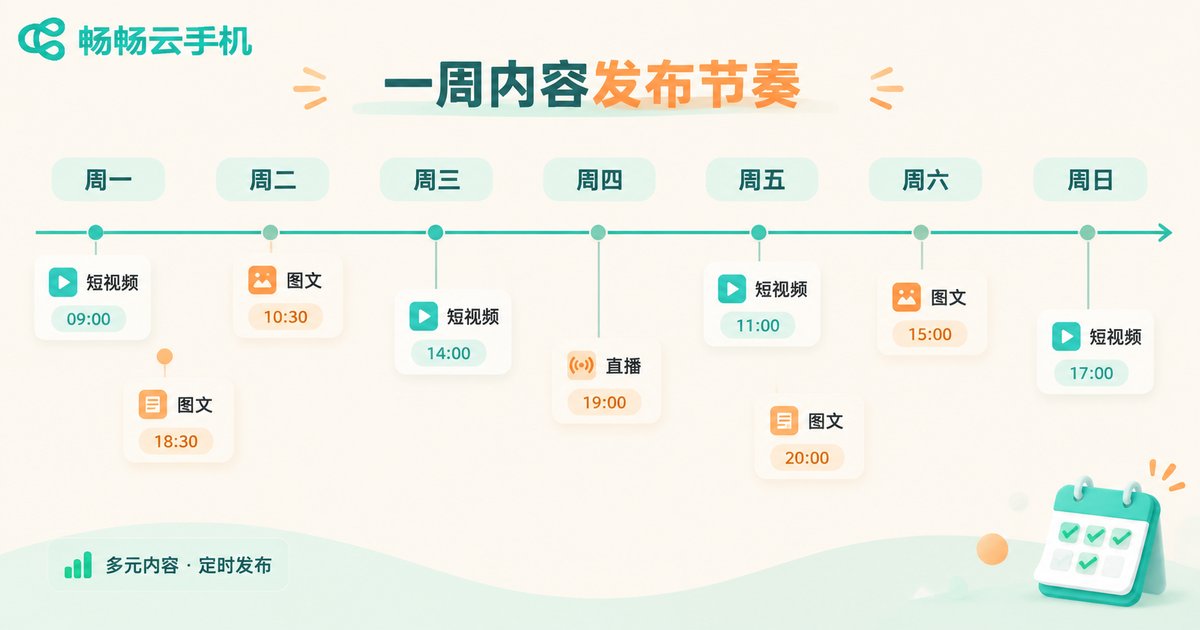
- Leave gaps in the schedule: spread publishing across the day to resemble real usage instead of firing everything at the top of the hour.
- Interact like a person: answer questions in the comments properly instead of pasting template replies.
In other words, a cloud phone solves the efficiency problem. Content quality is still on you.
Risk Boundaries: Lines You Should Not Cross
When using cloud phones for marketing, a few boundaries are worth stating up front so the team does not learn them the hard way.
| Risk area | Common misconception | Safer approach |
|---|---|---|
| Platform rules | Switching devices will avoid penalties | Read the platform guidelines first and publish within them |
| Content compliance | Re-uploading, rewriting or stealing images | Use original or licensed material and keep source records |
| Account ownership | Messy registration data, accounts lost when staff leave | Register and manage account details centrally |
| Data security | Assets and customer data left on shared drives | Tiered permissions, sensitive data stored separately |
| Tool expectations | Treating a cloud phone as a ban-proof shield | It is an efficiency tool and does not change platform logic |
The last row deserves emphasis: a cloud phone does not make violating content compliant. Whether the device sits in the cloud or in your hand has limited impact on how a platform assesses risk. Treating the tool as a get-out-of-jail card usually costs you the accounts themselves.
Cost Comparison: A Physical Device Wall vs Cloud Devices
This table covers the part most teams care about when making a decision. The numbers vary with scale and plan, but the structure of the cost difference is consistent.
| Dimension | Physical device wall | Cloud devices |
|---|---|---|
| Upfront investment | One-off purchase of many handsets and accessories | Provisioned on demand, lower initial burden |
| Maintenance | Charging, cooling, repairs, disposal | Handled on the provider side |
| Scaling speed | Procurement cycles measured in days or weeks | Typically completed in minutes |
| Collaboration | Whoever holds the phone owns the work | Multiple people can log in remotely |
| Idle waste | Devices pile up after a project ends | Add and remove with each project |
How to Choose a Tool: The ccloudphone Example
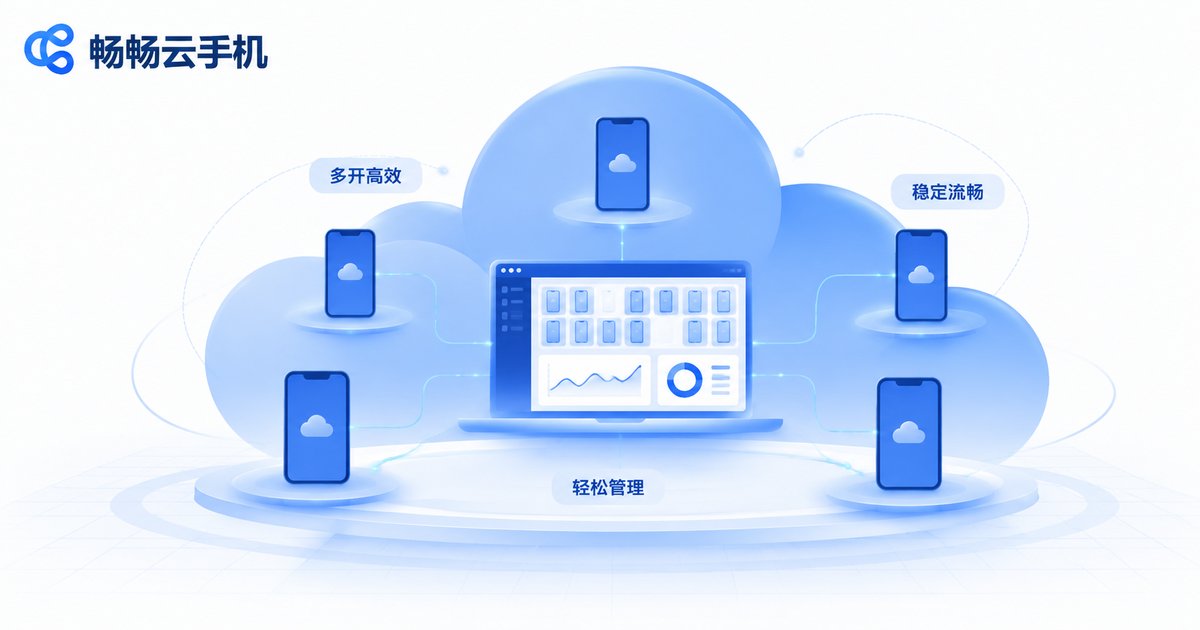
Choosing a cloud phone comes down to three things: stability (does it disconnect often), management efficiency (is the console pleasant to use and are batch operations smooth), and support responsiveness (is anyone there when something breaks). ccloudphone has designed around these areas, providing cloud Android devices together with a management console, which suits content and operations teams that need to maintain several devices at once.
A practical approach is to start with one small project: confirm how smooth the devices are, whether batch operations feel natural and whether collaboration works, and only then decide how many more accounts to move over. For specific configurations and plans, always refer to the latest information on the official website and choose according to your project size.
Frequently Asked Questions
Q: Can cloud phones be used for multi-account operations?
Yes, for managing multiple devices and accounts, provided you follow each platform's account and content rules. A cloud phone offers convenience at the device and management layer; it does not change how platforms assess account behavior.
Q: Does batch publishing make throttling more likely?
Throttling is usually tied to content quality, repetition, account behavior and the authenticity of engagement rather than the publishing method alone. Posting the same asset with a new title dozens of times is a poor idea regardless of the tool.
Q: Is stability different from a physical device?
Stability depends mainly on the provider's resource scheduling. Pay attention to disconnection rates, screen latency and peak-hour experience, and run a small trial before scaling up.
Q: How do we avoid chaos when several people collaborate?
Group devices by project in the console, write clear notes and owners on each device, and agree who operates which group at which time so two people never touch the same account at once.
Q: Does a small team need cloud phones?
If you only run two or three accounts, a physical device or your own phone is enough. The management advantage becomes clear once device count, account count and the number of collaborators all rise together.


