
Cloud Phone Training Scenarios: Account Application, Hands-on Practice, and Issue Logging
Cloud phones solve three small but stubborn problems in training
When teams run cloud phone training, the first obstacle is rarely the curriculum — it is the environment. New hires have no device on hand, older devices run different system versions, and one wrong click during practice can scramble the data with no quick way back. Cloud phones move these headaches to the cloud: everyone receives a virtual device with an identical configuration, a broken practice environment can be reset in seconds, and the trainer can watch every screen at the same time.
That is why a complete cloud phone training program usually revolves around three stages: account application, hands-on practice, and issue logging. Below we break each stage down and give you a workflow you can copy directly.
Stage one: account application — clarify who practices and what they practice
Account application looks like filling in a form, but in a training context it determines whether everything downstream runs smoothly. Treat it as a small permissions design exercise with four key points:
1. Define the roster first. At minimum it should include name, department, role, training batch, and the business module to be practiced. The batch is the critical field — you will filter instances, resets, and issue logs by it later.
2. Apply by batch. Keep every learner in a batch on the same initial environment, so you never end up with one trainee on version A and another on version B, making results impossible to compare.
3. Use readable naming. A pattern such as P2503-zhangsan-01 (batch-name-index) works well. When thirty people are online at once, a clear naming rule saves an enormous amount of back-and-forth.
4. Split permissions into three tiers. Giving each role the right level is safer and easier to manage than a blanket setting.
| Role | Who uses it | Suggested permissions |
|---|---|---|
| Demo account | Observers and business stakeholders | View the screen only, no interaction |
| Practice account | Trainees | Full interaction, may self-reset |
| Admin account | Trainers and training admins | Batch distribute, reset, and reclaim instances |
Stage two: hands-on practice — turn processes into scorable tasks
The biggest risk in training is that people forget everything once the session ends. A far more effective approach is to break the business process into task cards, each stating clearly what to do and what counts as done. Trainees can then self-check, and trainers do not have to guess who has really grasped it.
Design task cards in three escalating levels: follow along (the trainer demonstrates once and trainees mirror the steps to learn the interface), go solo (only the goal is given, no steps, to verify retention), and fix the fault (an exception is deliberately introduced to see whether the trainee can spot and handle it). The third level is the one most often skipped, yet it surfaces the real problems and comes closest to actual working conditions.
Two small habits make practice much more effective: keep every cloud phone in the batch at the same initial state so differences are meaningful, and ask trainees to screenshot key steps as they go. Those screenshots become the raw material for issue logging — far more reliable than memory.
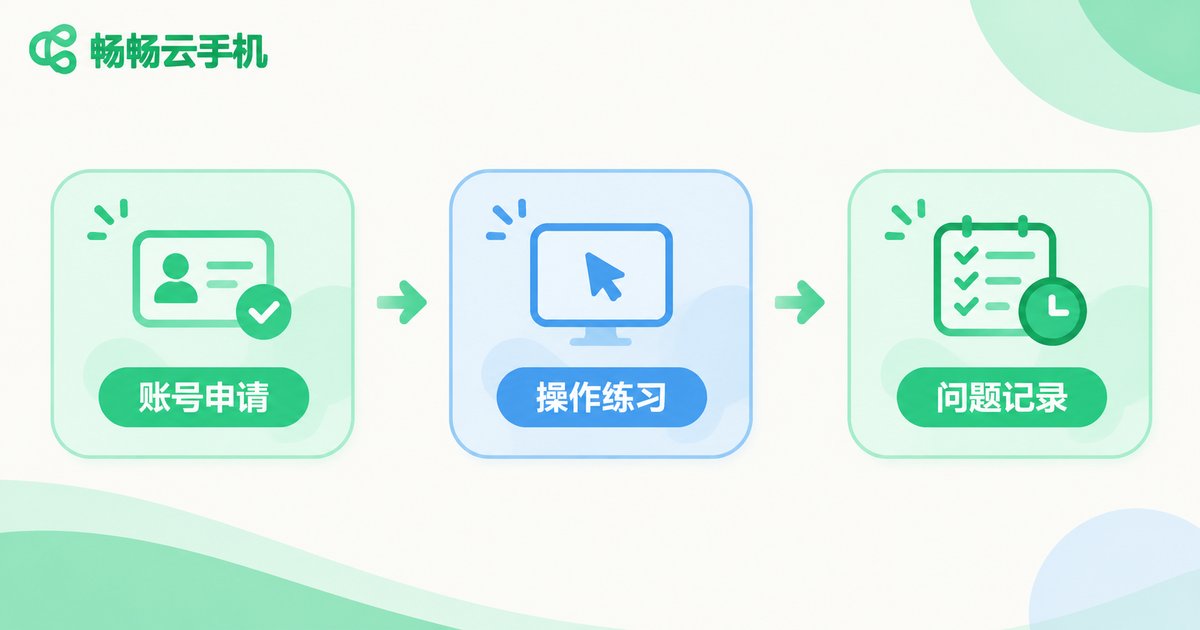
Stage three: issue logging — turn every mistake into course material
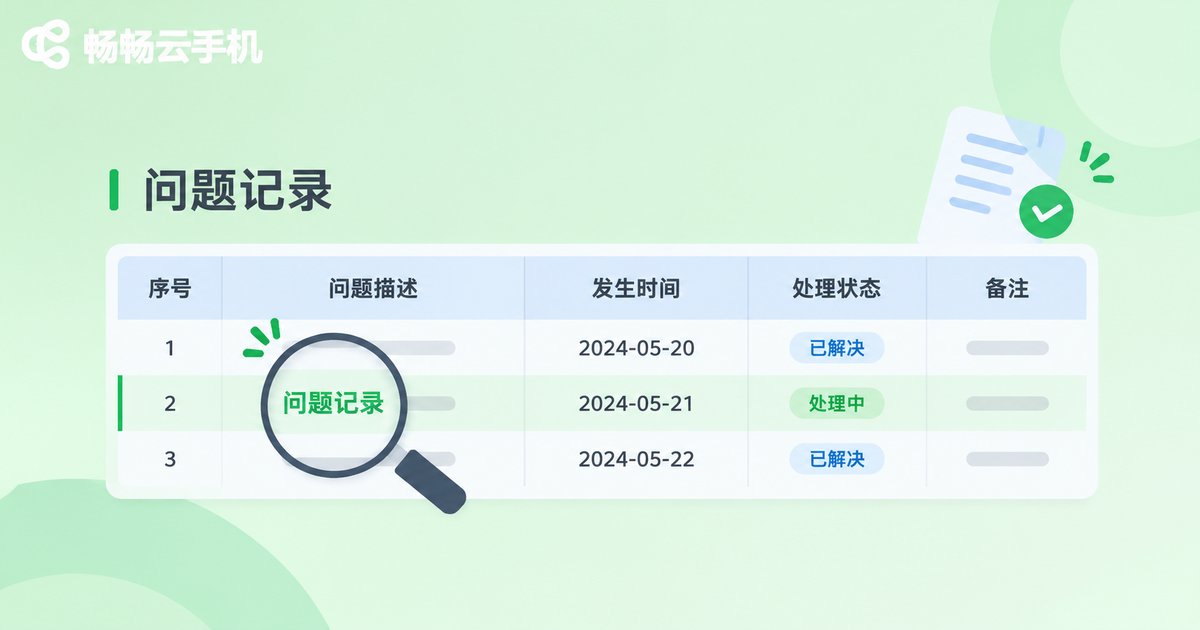
If problems encountered during training are not written down, the next cohort will hit exactly the same ones. Keep a single shared issue log. It does not need many fields, but every entry must be specific enough to reproduce:
Time | Instance ID | Steps taken | Observed behavior | Screenshot or recording | Suspected cause | Resolution | Added to courseware
Follow two rules when logging: record on the spot, never from memory, and record the symptom first, conclusions later. Write down which button was clicked and what appeared on screen; leave root-cause analysis for the group review, so personal guesses do not get written into the log as fact and mislead later investigation.
Keep the review session to about thirty minutes and discuss only three categories: issues that appeared three or more times, issues that block the main workflow, and issues trainees could not resolve themselves. Turn these into an FAQ or quick-reference tips handed out before the next session — it saves a great deal of repeated explanation and makes the courseware better with each round.
Physical devices vs. cloud phones for training
| Dimension | Traditional device training | Cloud phone training |
|---|---|---|
| Environment consistency | Models and OS versions easily diverge | One shared initial state per batch |
| Reset cost | Manual cleanup, time consuming | Unified reset back to baseline |
| Concurrency | Limited by available hardware | Scale up or down by batch |
| Issue reproduction | Relies on verbal recall, details lost | Screenshots and action trails traceable |
| Data isolation | Multiple people on one device, easily mixed | One person per device, no interference |
A training cadence you can adopt as-is
Before class: confirm the roster and batch, complete account applications and permission assignment, prepare task cards and the shared initial environment, and brief trainees on the logging rules.
During class: demonstrate first, then let trainees mirror the steps. Watch their screens throughout and flag problems the moment they appear instead of letting them pile up.
After class: consolidate the day's flags into the issue log, promote high-frequency problems into the courseware, then reset every practice instance so the next batch starts clean.
Why training teams care about management efficiency
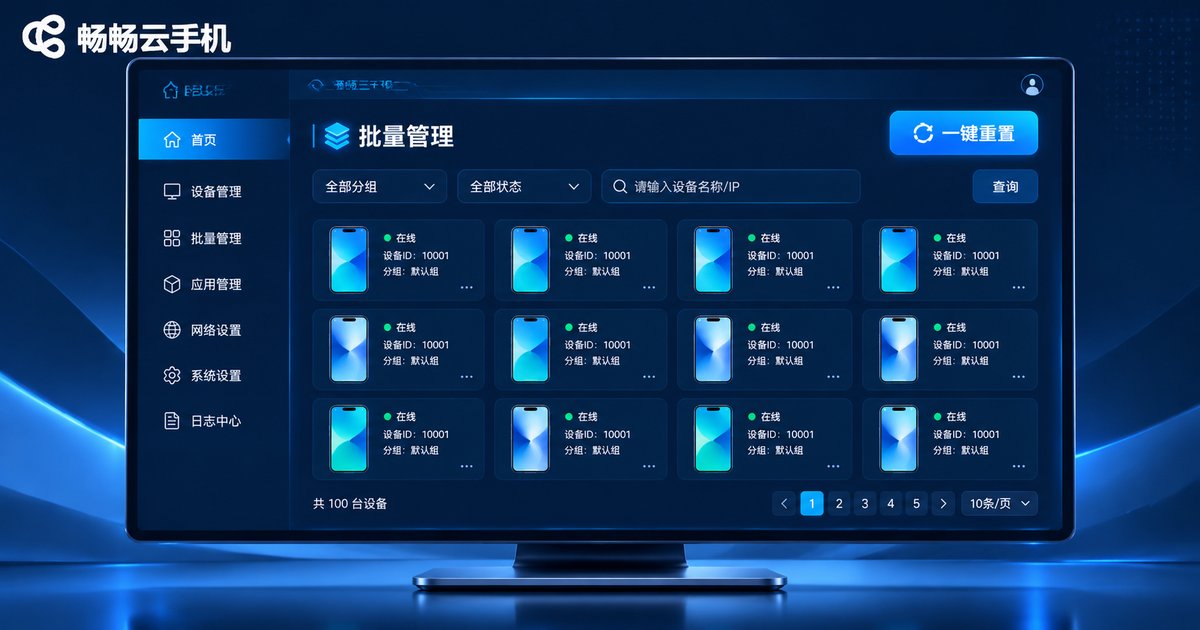
In training scenarios — many people, many devices, constant resets — management efficiency usually matters more than the performance of any single device. ccloudphone runs Android devices in the cloud, so trainees connect remotely from a client while trainers manage instances centrally from the backend. That removes the work of preparing physical handsets one by one and the hassle of collecting and cleaning devices after each session. For the specific models, configurations, and usage details available, check the official ccloudphone website for the latest information and pick a setup that fits your training scale.
Frequently asked questions
Q1: How many cloud phones does one training session need?
Estimate based on the maximum number of people who must operate a device at the same time, then add two or three spares for backup and demonstration. Courses that rotate groups can prepare fewer and reuse them in turns.
Q2: What if a trainee scrambles the practice environment?
This is the most common worry and the least necessary one. Practice accounts can self-reset, and the trainer runs one unified reset after class so the next batch receives a clean environment. Tell trainees up front that they can experiment freely and simply reset if something breaks — it encourages them to actually touch the device.
Q3: Does issue logging have to use a table?
The table is not the point; traceability is. Once the fields are fixed, a spreadsheet or a shared document both work. What matters is that every entry records time, instance, steps, and observed behavior so someone else can reproduce it.
Q4: Can this workflow be used for remote training?
Yes, and it works even more smoothly. Trainees are already operating inside the client, so viewing screens, flagging issues, and saving screenshots all happen naturally without extra recording or screen sharing.
Q5: What should happen to the instances after training ends?
Export the issue log for archiving, then reset or reclaim the instances so devices and permissions return to zero. Apply again by batch when the next cohort starts — clean environments and complete records are what make training quality stable from one round to the next.


