
Cloud Phone Customer Service Scenarios: Multi-Session, Quick Replies, and Operation Logs
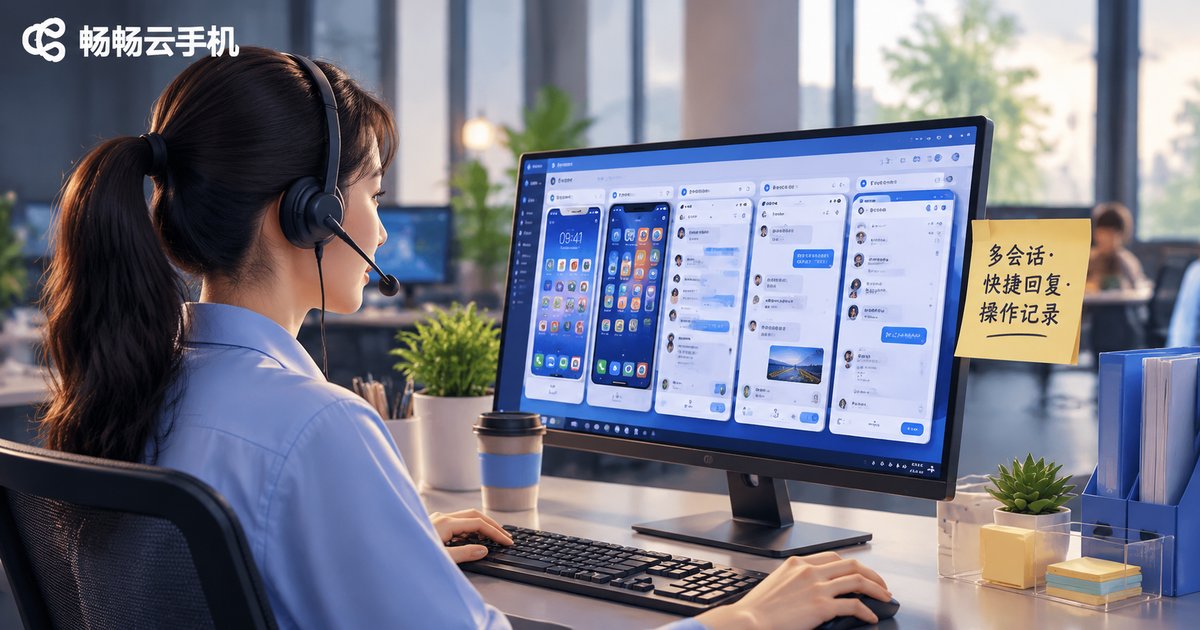
Customer service teams handle inquiries from e-commerce platforms, social media, and online chat systems every day. When one agent logs into multiple accounts and switches between conversations, slow replies, inconsistent scripts, and untraceable records can easily occur. A cloud phone moves the customer service workspace to the cloud, making multi-session handling, quick replies, and operation logs more controllable.
Multi-session: one agent handles multiple accounts
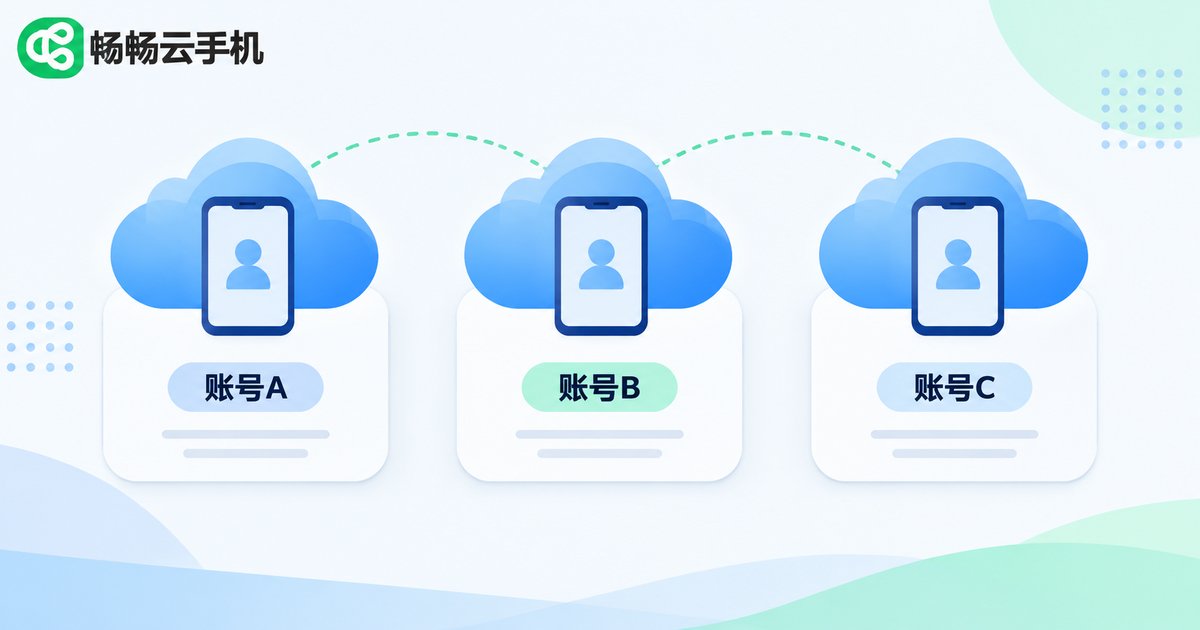
The traditional approach is to prepare multiple physical phones or multi-instance software, which raises device costs and makes account switching inconvenient. A cloud phone runs independent virtual phone environments in the cloud. Agents can access multiple cloud phones through one entry point, with each cloud phone logged into a different account and conversations kept separate. During major promotions, after-sales peaks, or multi-store operations, teams can quickly add cloud environments and assign accounts to different cloud phones for centralized management.
| Comparison | Traditional multi-device | ccloudphone |
|---|---|---|
| Device usage | Requires multiple physical phones | Runs in the cloud, reducing reliance on physical devices |
| Account isolation | Manual switching, easy to mix up | Independent environments on different cloud phones |
| Centralized management | Scattered across devices | View and operate through a unified entry point |
| Scalability | Longer procurement and setup cycle | Add cloud environments on demand, more flexible |
The key to multi-session handling is not stacking windows together, but giving each account a relatively independent and stable running environment. This helps agents avoid mixing up accounts and makes team management clearer.
Quick replies: turn frequent scripts into one-click messages
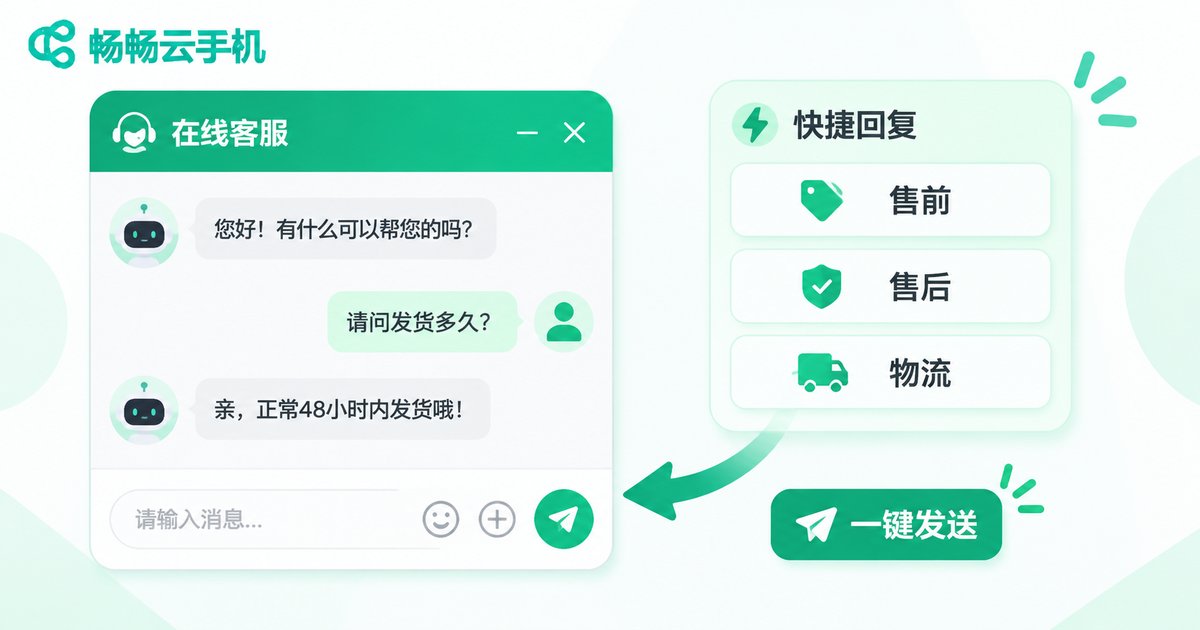
Many customer inquiries are repetitive, such as shipping time, return rules, and how to use discounts. Typing every reply manually slows down response times and can lead to inconsistent scripts. Quick replies let teams organize frequent scripts in advance, categorize them by scenario such as pre-sales, after-sales, logistics, and returns, and call them up with one click during a conversation.
Inside a cloud phone, you can continue to use the quick reply features built into your customer service software, or preset common content with input method phrases or script tools. It is recommended to keep a small number of templates per category and add personalized wording based on the customer's specific situation to avoid mechanical replies.
Operation logs: make every conversation traceable
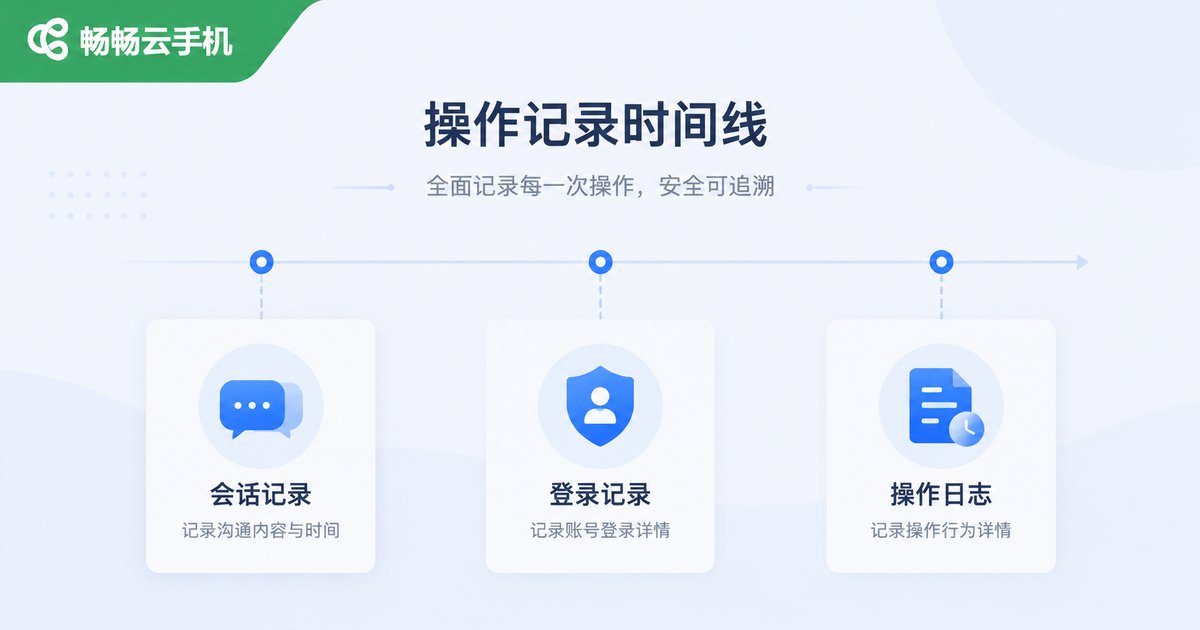
Customer service needs to be fast and traceable. Operation logs usually include conversation content, login records, and key operation logs. The centralized management approach of cloud phones makes it easier for teams to review account usage and provides evidence for quality inspection, training, and dispute handling.
For example, during new employee training, trainees can review conversations from experienced agents; when after-sales disputes arise, the operation process can be sorted out along a timeline; for daily quality inspection, response speed and script compliance across different accounts can be sampled. The value of records lies in helping teams find problems and retain experience, not in adding burden. At the same time, pay attention to customer privacy and internal compliance, and clarify which records to keep, how long to keep them, and who can view them.
Why ccloudphone fits customer service scenarios
ccloudphone provides cloud-based virtual phone environments that support multi-device access and centralized management. Agents can view and operate cloud phones on computers or tablets, reducing reliance on physical devices. For teams that need to maintain multiple accounts at the same time, cloud phones can assign accounts to different cloud environments for easier unified management. For specific configurations and features, please refer to the official ccloudphone website.

FAQ
Q: Will multiple sessions lag when using cloud phones for customer service?
A: Performance depends on the cloud configuration, local network, and customer service software. Choose an appropriate configuration and maintain a stable network; refer to the official ccloudphone website for details.
Q: Can I set up my own quick replies?
A: Yes. Quick replies are usually provided by customer service software or input method tools. You can categorize them by pre-sales, after-sales, logistics, and other scenarios, and call them directly inside the cloud phone.
Q: How long are operation logs kept?
A: Retention depends on the customer service software, cloud phone configuration, and team management policy. Please refer to the official ccloudphone website and establish internal retention rules.
Q: Is there any account association risk when multiple accounts are online at the same time?
A: Cloud phones provide relatively independent cloud environments, but account safety still depends on platform rules and daily operating practices. Follow platform policies and avoid violations.


