
Cloud Phone for Cross-Border Use: Network Environment, Account Security, and Compliance
Why More People Use Cloud Phones for Cross-Border Work
Running a cross-border e-commerce store, managing overseas social accounts, testing games in other regions, or simply wanting to keep a familiar working setup while traveling or studying abroad — all of these run into the same wall: the device in your hand does not match the environment your work requires. Logins get blocked, verification prompts pile up, and juggling a dozen accounts on one phone is simply not workable.
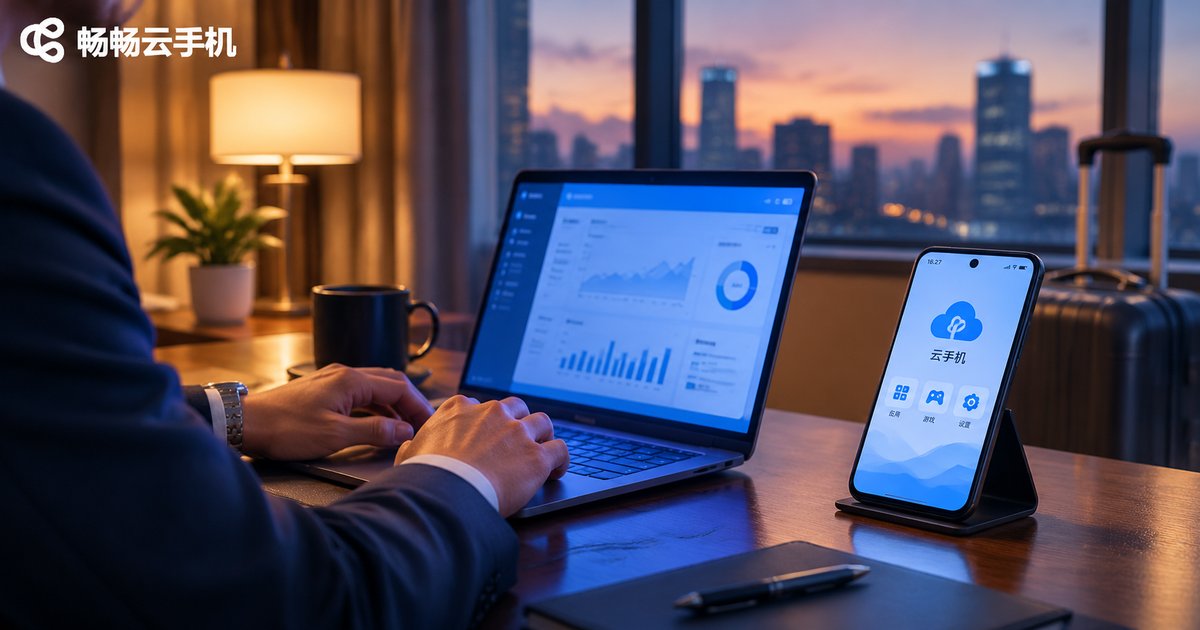
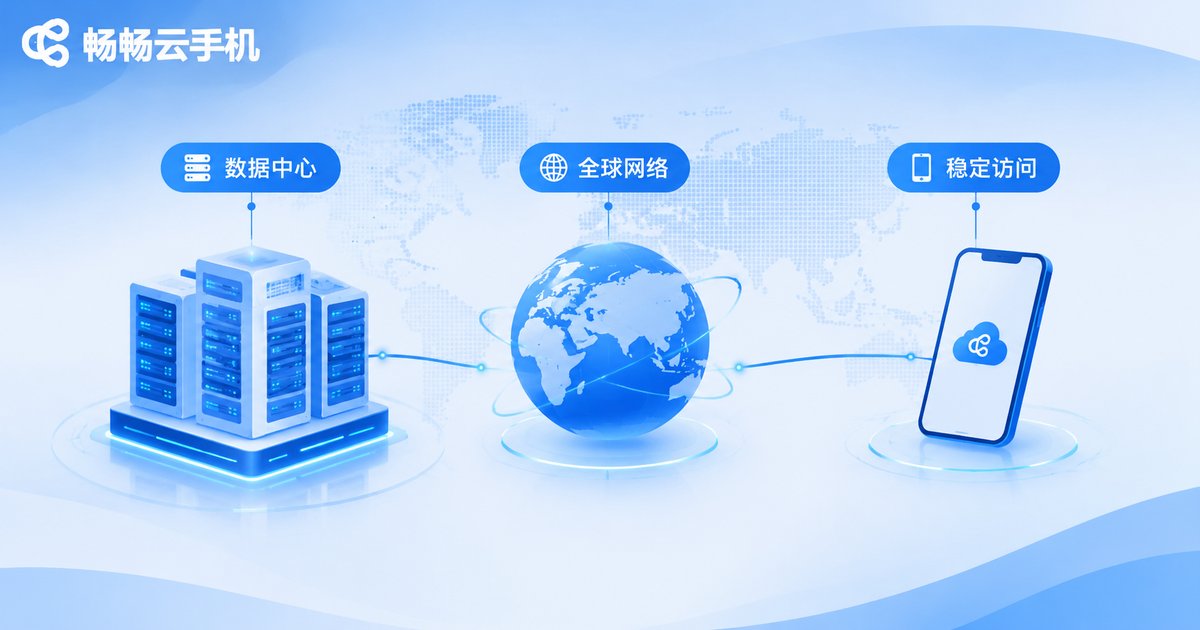
A cloud phone moves that device into a data center. You control an Android device running on a server through your own laptop, tablet, or phone. It is a real device system — it installs apps and signs into accounts — but its physical location and network exit sit in the data center, independent of whatever hardware you happen to be holding.
That is exactly why cross-border users care about cloud phones: the device environment and the network environment can be planned and managed separately. But environments can be planned; responsibility still sits with you. The rest of this article covers three areas: network, account security, and compliance.
Network Environment: Your Exit Line Defines Who You Are
A cloud phone runs in a data center, so how your account appears to a platform depends heavily on that device's network exit. When selecting a cloud phone, look at the network as carefully as you look at the specs.
Three things deserve close attention. The first is stability. Cross-border work usually needs devices online for long stretches; if the line jitters or drops packets, operations break off, long sessions disconnect, and platform risk controls may kick in. The second is where the exit belongs. The location and carrier of the exit should match your business scenario, otherwise the login location will not line up with your content positioning. The third is exit consistency. Keeping one account on one exit for the long run is far safer than switching from one to another every other day.
| Focus | Working on a local device | Working on a cloud device |
|---|---|---|
| Network exit | Follows your local broadband, tied to where you are | Determined by the data center line, can match your scenario |
| Long uptime | Power off, disconnection, or travel breaks it | Hosted in the data center, stays online for long periods |
| Multi-device management | Requires several physical phones, high cost | One terminal can manage multiple cloud devices |
| Environment consistency | Changes as soon as you move | Relatively fixed, easier to maintain over time |
One more point is often overlooked: do not switch exits constantly just to look more local. Many platforms judge accounts by behavior patterns, and three login-location jumps in a single day is itself an anomaly. Stability beats cleverness.
Account Security: Consistent Environment, One Device per Account, Reachable Verification Codes
Account security is never about a single factor. Device, network, and behavior together form the complete picture.
One device per account. Bind each account to one device environment and avoid packing many accounts into one device and switching back and forth. One of the real benefits of a cloud phone is the ability to give every account its own cloud device, with no interference between them.
Keep the environment unchanged. Once an account has matured, avoid changing devices, switching exit lines, or shifting login hours. Stability is itself a security asset.
Make sure verification codes arrive. Two-factor verification protects an account but can also become a headache. When choosing a cloud phone, confirm the device can receive SMS codes normally and complete in-app verification, so your account never gets locked out.
Never put a main account in a shared environment. For team collaboration, tier your permissions, keep operation logs, and make clear who can access which device.
Compliance Reminders: Lines You Should Not Cross
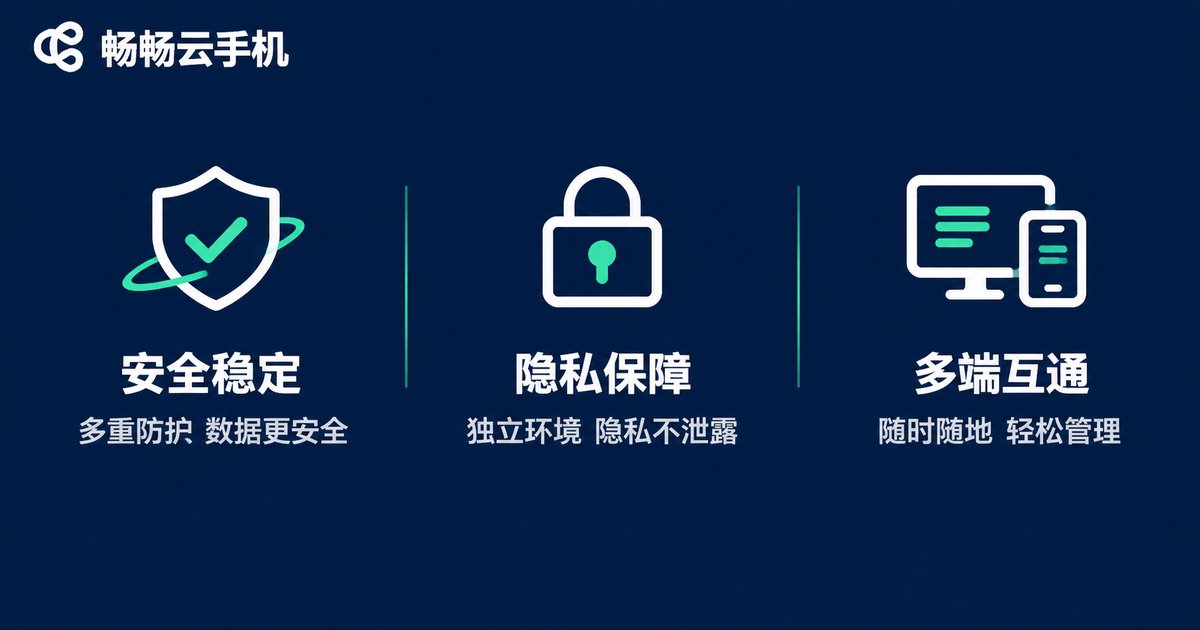
A cloud phone is only a tool. Tools have no stance, but users are responsible for their own actions. This matters even more across borders, because you face three layers of constraint at once: local law, target-market rules, and platform terms.
First, follow the law. Never use a cloud phone for unlawful activity, including but not limited to fake registrations, fraud, intellectual property infringement, or distributing illegal content. Cross-border operations must pay special attention to the regulatory requirements of the target market.
Second, follow platform rules. Multi-account operations are permitted on many platforms, but only within their terms. Bulk registration, fake engagement, or order manipulation through automation is a violation whether or not a cloud phone is involved.
Third, protect personal information. Cloud devices often store large amounts of account credentials and customer data. Permission control, operation logs, and compliant data storage all need to be planned in advance.
Fourth, stay out of grey areas. Any attempt to evade supervision, disguise identity, or bypass real-name requirements is not worth trying. It looks like a shortcut now and a liability later.
Building a Reliable Cross-Border Workspace with ccloudphone
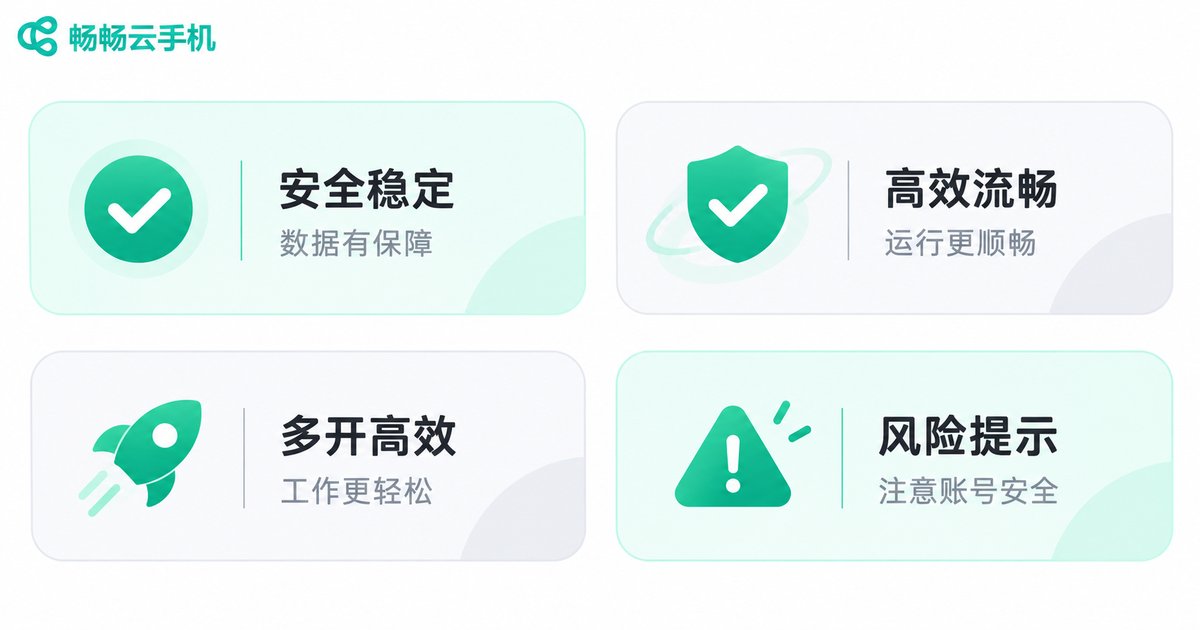
With the risks covered, let us get practical. ccloudphone provides an Android device running in the cloud. You operate it remotely from your own computer, tablet, or phone, while the device itself is hosted in a data center and can stay online for long periods. For cross-border scenarios, it solves three things:
Independent devices. Each cloud device has its own system environment, which makes it easy to assign one device per account instead of crowding many accounts onto one machine.
Always available. If your local device shuts down, changes networks, or you are on the road, the cloud device keeps its state. Pick up where you left off when you return to a computer.
Centralized management. Multiple accounts and devices can be viewed and operated in one interface, and permission handling for team collaboration is clearer.
A practical order of work: plan your account structure first, then the number of devices, and only then the network arrangement. Doing it in reverse usually means rework. And remember — a cloud phone provides the environment and the convenience, but account security and compliant operations remain the responsibility of the user.
Frequently Asked Questions
Q: What is the difference between a cloud phone and a regular emulator?
A: An emulator runs on your own computer and consumes local resources; once the computer is off, it stops. A cloud phone runs on a data center server, and your local device only handles display and input, so the cloud device keeps running after you shut down your computer.
Q: Is it legal to use a cloud phone across borders?
A: A cloud phone is a neutral technical tool, and compliance depends on what you do with it. Normal cross-border e-commerce operations, social content management, and remote work are common uses; unlawful activity is not acceptable with any tool.
Q: How many accounts can one cloud phone hold?
A: Technically more than one, but for account security we recommend one device per account so each account has an independent and stable device environment.
Q: Can the network exit be fixed?
A: That depends on the line options a provider offers. Ask the provider directly about the exit location, stability, and whether it can stay fixed over the long term.
Q: Does using a cloud phone guarantee no platform risk control?
A: Nothing is absolute. Device environment is only one factor; login behavior, content quality, and operation frequency matter just as much. Keeping the environment stable and the behavior natural is more effective than chasing tricks.


