
Cloud Phone Partner Program: Product Specs, Use Cases & Support
A Cloud Phone Partnership Sells More Than a Virtual Device
Most people encountering cloud phones for the first time describe them as “Android emulators running in a data center.” That is not wrong, but it is only half the picture. For resellers and channel partners, cloud phones are a long-term business that depends on service capability. The customer appears to be buying a device that stays online, but what they actually need is a solution that keeps their business running.
This partner guide breaks the topic into three angles: how to read the product specs, where the real use cases are, and what kind of support a vendor should provide. If you are evaluating this market, it works as a framework for both customer conversations and vendor negotiations.
Product Specs: What a Cloud Phone Is Actually Made Of
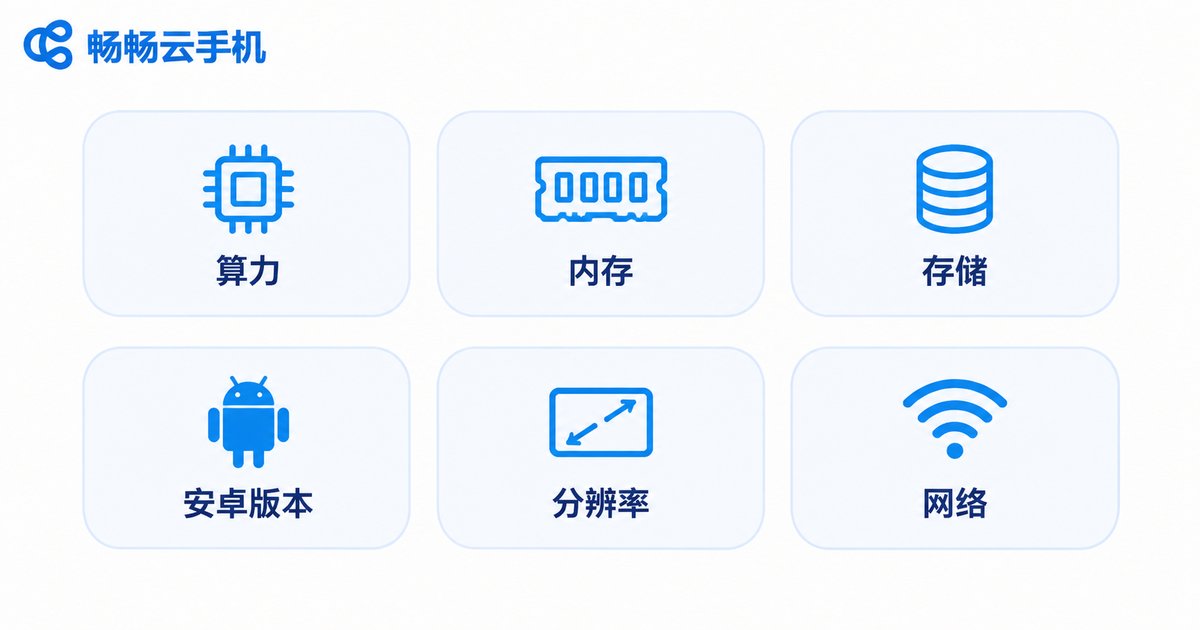
Cloud phone specs do not work like buying a physical handset, where you look at the model number. They are a set of measurable resource metrics. Explain these dimensions clearly and the later conversation about pricing and packages becomes far easier.
| Dimension | What it means | Business impact |
|---|---|---|
| Compute resources | Virtual CPU cores and RAM | How many apps can run at once and whether performance stays smooth |
| Storage | System disk and data disk capacity | How many apps can be installed and how much content can be stored |
| Android version | Available system images | Directly affects app compatibility, especially games and e-commerce apps |
| Resolution and frame rate | Display clarity and streaming frame rate | Affects the viewing quality of live streams and remote operation feel |
| Network environment | Bandwidth, line quality and IP resources | Affects latency, responsiveness and how independent each account environment is |
| Online stability | Ability to run for long periods without crashing | Determines whether hosting-style workloads can truly run unattended |
Of these six, stability is the most underestimated. Customers tend to focus on unit price early on, then discover after a week that devices keep restarting and data goes missing, and end up switching providers anyway. Raising stability early in a partner conversation actually builds trust faster.
Another point worth telling customers: cloud phone specs can be combined per workload. Within the same batch of business, an instance running a heavy app and an instance that only sends and receives messages do not need the same configuration. Sensible mixing saves real money, and this is exactly where a channel partner can add value.
Use Cases: Who Is Actually Buying Cloud Phones
The worst answer in a partner conversation is “it can do anything.” Say that and the customer has no idea what to use it for. The scenarios below have the clearest current demand, and you can map them directly to a customer’s industry.
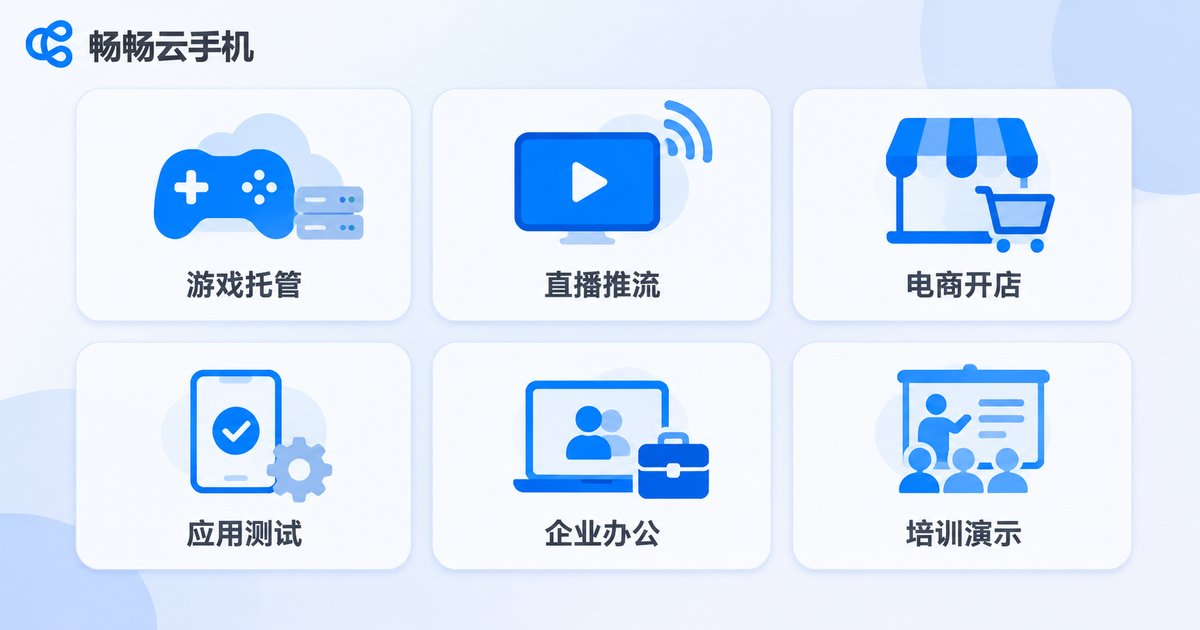
Mobile game hosting and multi-instance play. Players want characters to keep running quests and dailies while they are offline. A cloud phone removes the need for extra physical devices and avoids heat and battery issues. These customers care most about stability and are less price-sensitive.
Short video and live streaming matrices. Operations teams maintaining multiple accounts can manage them centrally on cloud devices, cutting device purchases and workspace costs while keeping content in one place.
Multi-store e-commerce operations. Store backends, customer service tools and order alerts each need their own login environment. Cloud phones provide relatively isolated runtime spaces, which makes management much clearer.
App testing and compatibility validation. Development teams need coverage across Android versions and resolutions. Cloud devices let you spin up a batch of test environments quickly and release them when done, instead of maintaining a shelf of test phones.
Enterprise mobile work and data isolation. Running specific business apps in the cloud while the local device acts only as an access point keeps sensitive data off endpoints and makes management boundaries clearer.
Training and demo environments. When a group of people needs to walk through the same workflow at once, distributing cloud devices is far faster than preparing physical handsets one by one.
Support: A Partnership Does Not End at the Sale
Cloud phones are an ongoing service, and the real questions start after the customer begins using them. When evaluating a vendor, the support system deserves more time than the spec sheet. These are the items usually worth confirming:
| Support area | What to confirm |
|---|---|
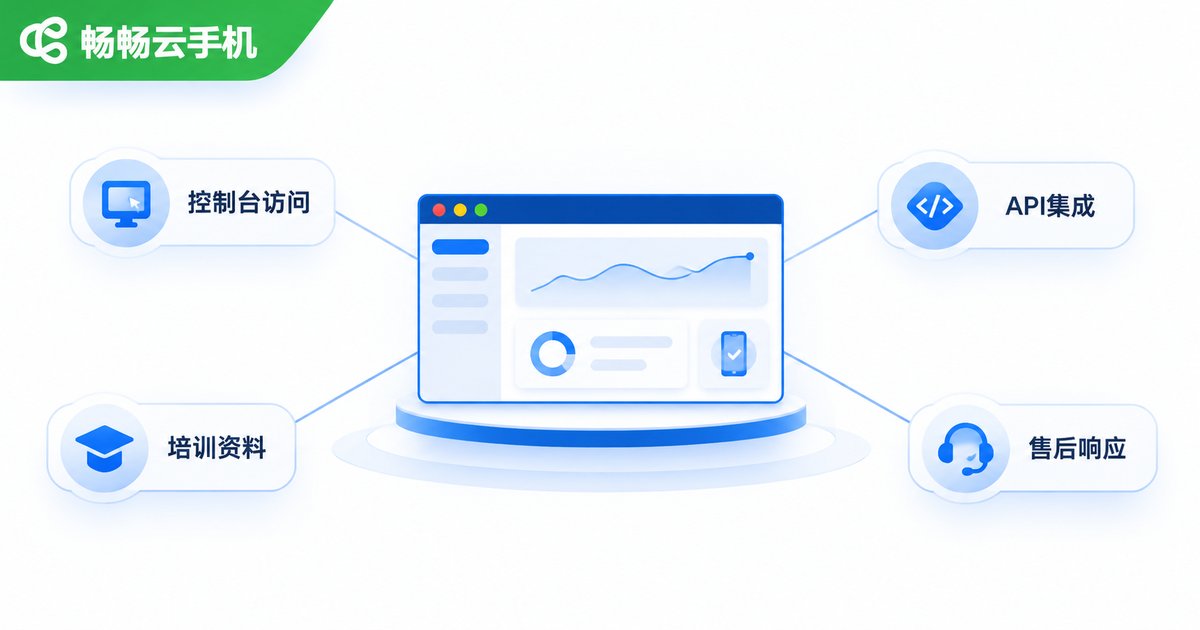
| Provisioning and console | Is there a dedicated management console for bulk provisioning, bulk restarts and bulk app deployment? |
| Technical integration | Are APIs or interface documentation available so customers can connect their own systems? |
| Training and materials | Are product guides and FAQ documents provided so partners can hand them straight to customers? |
| After-sales service | Is the incident channel clearly defined? Who do you contact, and how quickly will you hear back? |
| Billing and reconciliation | How is usage measured, and is the bill clear enough to verify? |
| Trial validation | Can you run a small batch first before scaling up? |
Among these six, “can I start with a small trial batch” is the most practical. A spec sheet can look excellent, but only after running a real workload do you learn whether latency, stability and compatibility actually fit the customer’s business. Before signing anything, validate with one real scenario at small scale, then decide how much to invest.
How to Judge Whether a Cloud Phone Provider Is Worth a Long-Term Partnership
There are plenty of cloud phone providers on the market, and their spec terminology sounds much the same. What actually separates them is stability and response speed, things you can only perceive once you are running. The table below works as a checklist for conversations with any vendor.
| Area | Questions worth asking |
|---|---|
| Device stability | Do devices drop offline during long sessions? Are apps still there after a restart? |
| Concurrency | How many instances can I launch at once? Do bulk operations choke? |
| System versions | Which Android versions are supported? Can I specify the image? |
| Network quality | What is typical latency? Are line options available? |
| Technical support | Which channel do I use when something breaks? Is there a technical contact? |
| Partnership terms | How are channel policy, billing and console permissions arranged? |
On this front, ccloudphone takes a fairly clear position: it targets teams that need long-running, stable cloud devices, offering a bulk management console, multi-instance operation and centralized control, plus interface-based integration with a customer’s own systems. What matters for partners is that device management is exposed as something you can operate directly from a console, so daily operations, bulk deployment and customer delivery do not require building an extra set of tools. For current specification combinations and partnership arrangements, check the official website rather than relying on second-hand information, then model it against your own customer mix.
Onboarding: From First Enquiry to Live Service
Step one: understand your customer mix. Decide whether your customers are mainly gaming, e-commerce or enterprise accounts. Configuration preferences differ sharply between them.
Step two: validate at small scale. Run one or two real workloads and focus on latency, stability and compatibility.
Step three: confirm partnership terms. Settle channel policy, billing, console permissions and support channels in one conversation, rather than patching them after launch.
Step four: set up the console and train your team. Make sure the people handling delivery are comfortable with bulk operations, troubleshooting and answering common questions.
Step five: scale and review. Expand device counts gradually once things are stable, and regularly review which configuration combinations deliver the best value.
Frequently Asked Questions
Q: How is a cloud phone different from running an emulator myself?
An emulator runs on your local computer, consumes its resources, dies with a power cut and is hard to manage in bulk. A cloud phone runs in the cloud, so its online state is independent of your local machine, which suits workloads that must stay online.
Q: Do I need a strong technical team to resell cloud phones?
Day-to-day delivery is console operation and requires no development work. Interface documentation only matters when a customer wants to connect their own systems, and having one colleague comfortable with APIs makes that much easier.
Q: What spec question do customers ask most?
Usually “what configuration do I need to run this app.” Rather than quoting parameters, ask about concurrency, app type and required online hours first, then recommend a combination.
Q: Which apps can run on a cloud phone?
The vast majority of Android apps will run, but requirements for system version, resolution and resource usage vary. Test the specific app before scaling up.
Q: Which support item matters most?
The incident response channel. When nothing is broken, every vendor looks similar. Whether you can reach someone quickly when something fails is what separates them day to day.
Q: How should I get started?
Validate with one small-scale scenario first, then discuss scale and partnership details. That is far safer than committing to a large volume upfront.


