
Operations · Engineering · Trends
Hands-on playbooks, product updates and cross-border insights from the CCloudPhone team.

How to Manage Multiple TikTok Shop Stores: Cloud Phone + Independent IP Anti-Association Guide
Running multiple TikTok Shop stores? The biggest hidden risk is account association—platforms link your stores together and ban them as a group. This guide breaks down the three signals platforms track: device fingerprints, IP addresses, and behavior patterns. It compares three common setups—multi-account switching, one-store-one-phone, and cloud phones with independent IPs—then walks you through a practical five-step workflow to build an isolated environment for every store. You will also learn why cloud phones outperform emulators, how to configure IPs in the right order, and which daily operational details keep your stores from being linked, so you can standardize one store, one environment across your team and scale safely.

Cloud Phone + AI Agent App Automation: New Mobile Automation Workflows Driven by Large Models
Large language models now give AI Agents the ability to read phone screens and make decisions like a human, while cloud phones provide the ideal host environment: always online, elastically scalable, and fully isolated. This article breaks down the perceive-reason-act loop behind AI Agents operating mobile apps, compares cloud phones with physical devices, and shares four practical playbooks covering daily task delegation, content matrix operations, game idle farming, and automated app testing. A minimal Python code example is included, along with an introduction to ChangChang Cloud Phone (ccloudphone) as a stable 24/7 platform for putting mobile automation into production.

What Technology Powers Cloud Phones? Virtualization and ARM Architecture Explained
A cloud phone is not an app on your device — it is a complete Android system running on ARM servers in a remote data center. This article explains its two core technologies in plain language: how virtualization slices one powerful server into many isolated virtual phones, and how the ARM architecture lets Android run natively in the cloud without instruction translation. You will also follow the complete journey of a single tap, see a side-by-side comparison of cloud phones, physical phones and PC emulators, and get clear answers to frequently asked questions.
Cloud Phone vs Cloud PC: Understanding the Essential Differences
Cloud phones and cloud PCs sound similar, but they are fundamentally different products. A cloud phone is an Android system running on remote servers, built for mobile gaming, multi-instance management, and 24/7 app automation. A cloud PC is a Windows desktop in the cloud, designed for office work, design, rendering, and PC games. This article breaks down the essential differences across four dimensions: operating system, hardware architecture, use cases, and control methods, and ends with a practical decision guide to help you choose the right tool for what you actually need to run.
What to Do When Your Cloud Phone Runs Out of Memory? A Practical Cleanup and Expansion Guide
When your cloud phone warns that memory is full, do not rush to replace it. First work out whether you are short on running memory (RAM) or storage space (ROM): lag and crashes usually point to RAM, while failing to install apps points to storage. This guide walks you through five practical cleanup techniques — uninstalling unused apps, clearing caches, emptying download folders, purging game resource packs, and running one-tap system cleanup — then explains how to expand capacity by upgrading your cloud phone configuration on demand. You will also find a comparison table, three prevention habits, and answers to frequently asked questions, so your cloud phone stays fast and clutter-free. Services like ChangChang Cloud Phone (ccloudphone) offer flexible configurations that solve storage anxiety at the root.
How to Choose a Cloud Phone System Version: Android 12 vs 13 vs 14 Compatibility Comparison
When it comes to cloud phones, newer is not always better. Android 12 wins on stability and low resource usage, making it ideal for idle farming and older games. Android 13 balances compatibility and stability, making it the safest mainstream choice. Android 14 is the future-ready platform with the best support for new games and apps. This guide compares all three versions in a clear table covering legacy game compatibility, new app support, stability, and resource usage, then matches each version to real-world scenarios such as multi-account idle farming, everyday gaming, and early adoption of new releases, so you can pick the right system version on CCloudPhone with confidence.
Is Cloud Phone Safe? A Guide to Privacy Protection and Data Isolation
Is a cloud phone really safe? This guide explains, in plain language, how cloud phones protect your privacy through instance-level isolation, storage isolation, and network environment isolation. Learn where your data actually lives, how local-cloud separation keeps sensitive information away from untrusted apps, and how to evaluate a provider's privacy policy, encryption, and account security features. A practical comparison table and an FAQ section help you decide whether moving your accounts and daily workflows to the cloud is the right move — and how to do it with confidence.
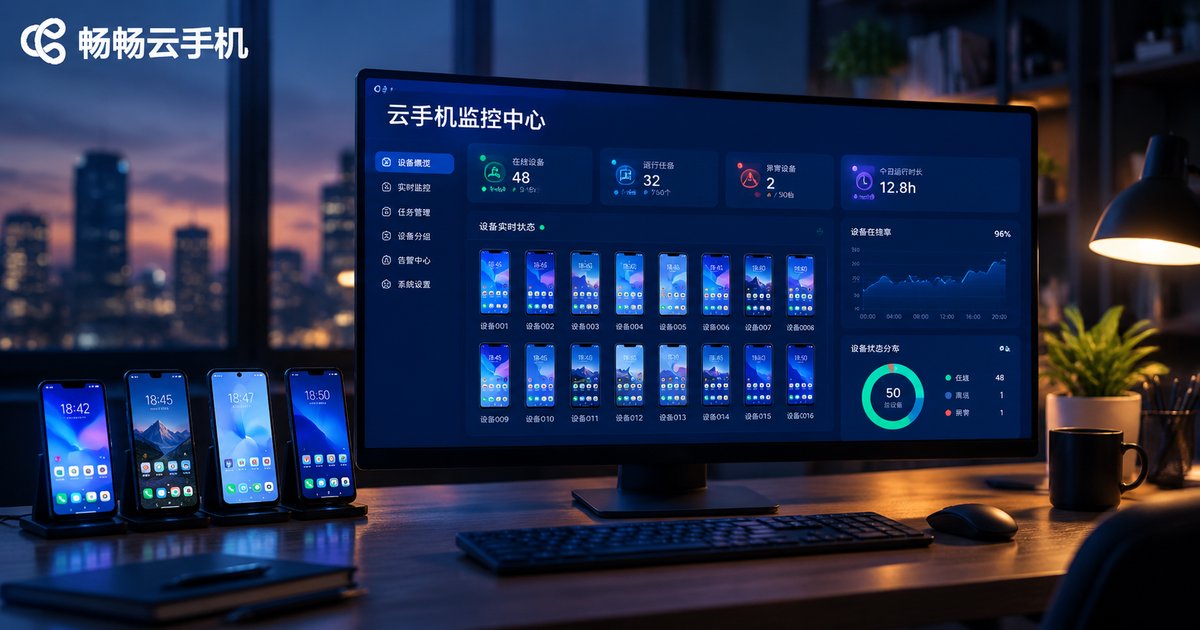
Cloud Phone Monitoring & Alert Setup Guide: Device Status, Resource Usage, and Anomaly Notifications
This guide walks you through setting up monitoring and alerts for cloud phones in three layers: device status, resource usage, and anomaly events. You will learn how to inspect device states such as online, offline, high load, and maintenance; track four key resource metrics including CPU, memory, storage, and data traffic; and configure alert rules built from a monitored target, a trigger condition, and a notification channel. A practical threshold reference table for offline, CPU, memory, and storage alerts is included, along with operational habits like grouping devices, keeping anomaly logs, and reviewing thresholds monthly. Whether you run idle tasks, live streams, or batch account operations, this tutorial helps you detect disconnects early, recover devices quickly, and keep your cloud phone fleet stable around the clock.
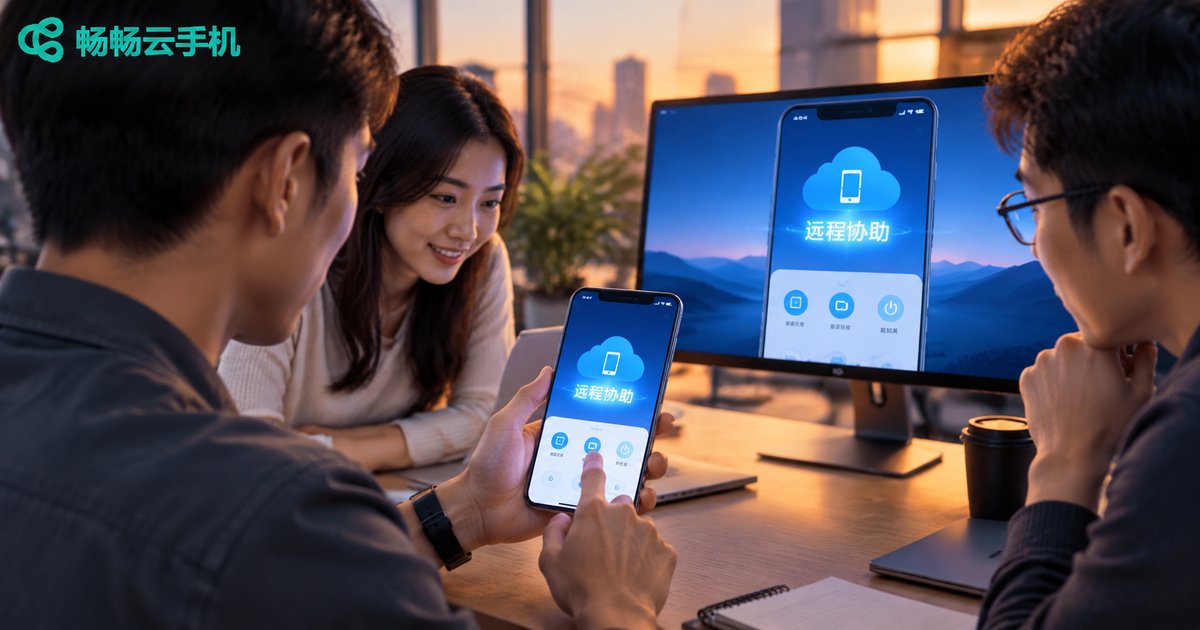
Cloud Phone Remote Assistance Tutorial: Team Collaboration, Screen Sharing, and Permission Assignment
Cloud phones make remote assistance easier than ever: since the device runs in the cloud, team members can access the same cloud phone with proper permissions—no need to disturb the device owner. This tutorial walks you through the entire workflow, from initiating a session and sharing the screen to assigning granular operation permissions. You will also learn how role-based access control keeps accounts safe while boosting team efficiency. A comparison with traditional remote tools and a five-step hands-on guide are included, ideal for game guild managers, social media operators, and app testing teams.
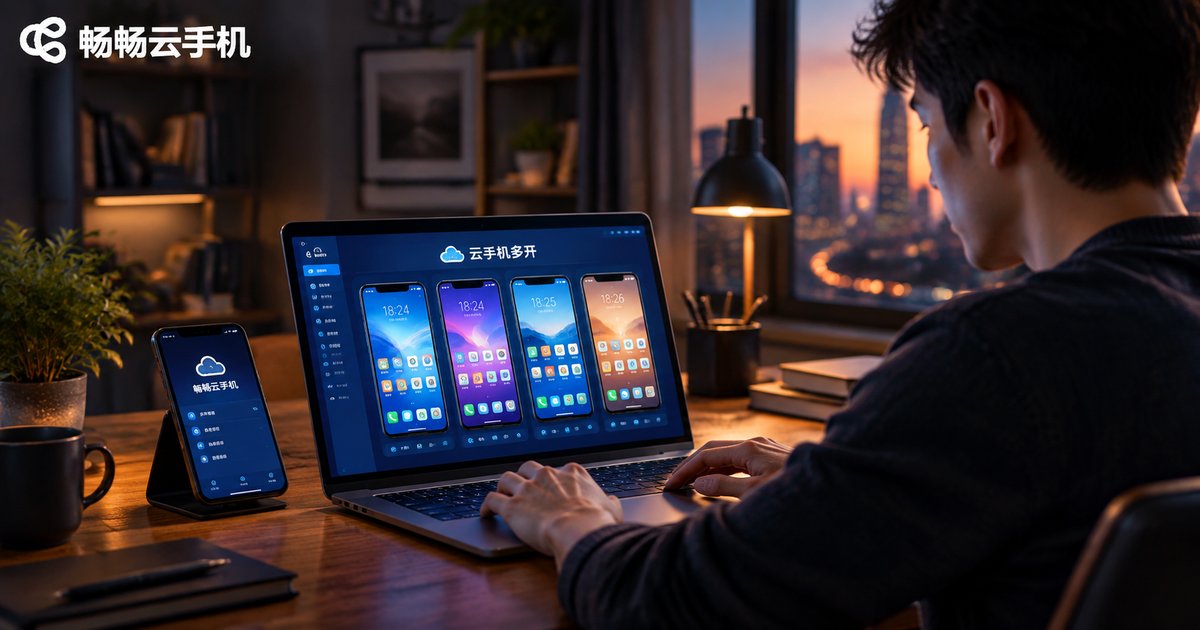
Cloud Phone Multi-Instance Tutorial: Run Multiple Legitimate Business Accounts on One Device
This step-by-step tutorial shows you how to use cloud phone multi-instance technology to run multiple legitimate business accounts simultaneously on a single device. It covers how cloud phone multi-open works, what to prepare before getting started, a five-step setup guide, and compliance best practices for managing multiple accounts. It also recommends ChangChang Cloud Phone (ccloudphone) for its smooth parallel instances and fully isolated environments. With one account bound to one isolated environment, your store, customer service, and content operations can all stay online and run in parallel without extra hardware. Ideal for e-commerce sellers, customer service teams, and social media operators who want to stop switching accounts back and forth.

Cloud Phone for Software Testing: A Tutorial on Building and Running Automated Testing Frameworks
Limited physical devices, severe device fragmentation, and hard-to-maintain test environments are three major pain points for mobile QA teams. Cloud phones offer a practical way out: Android instances running in the cloud can be provisioned in minutes, reset instantly, and driven around the clock by automation. This tutorial walks you through building an automated testing framework on cloud phones step by step, from preparing Python and Appium, connecting to cloud devices over ADB, writing your first UI test script, to running parallel tests across dozens of devices and wiring everything into a continuous integration pipeline. Best practices and a FAQ section are included to help your team scale mobile test automation at low cost.

Cloud Phone MDM Integration Tutorial: Bulk Device Enrollment and Compliance Policy Deployment
This tutorial walks you through the complete process of integrating cloud phones with an enterprise MDM system: pre-integration preparation, a comparison of three bulk enrollment methods, device grouping, configuration and deployment of four major categories of compliance policies, plus ongoing monitoring and auditing. Using CSV bulk import or API integration, enterprises can bring hundreds or thousands of cloud phone instances under unified management, enforcing screen-lock passwords, app whitelists, network restrictions, and data loss prevention with one-click policy deployment.