
Operations · Engineering · Trends
Hands-on playbooks, product updates and cross-border insights from the CCloudPhone team.
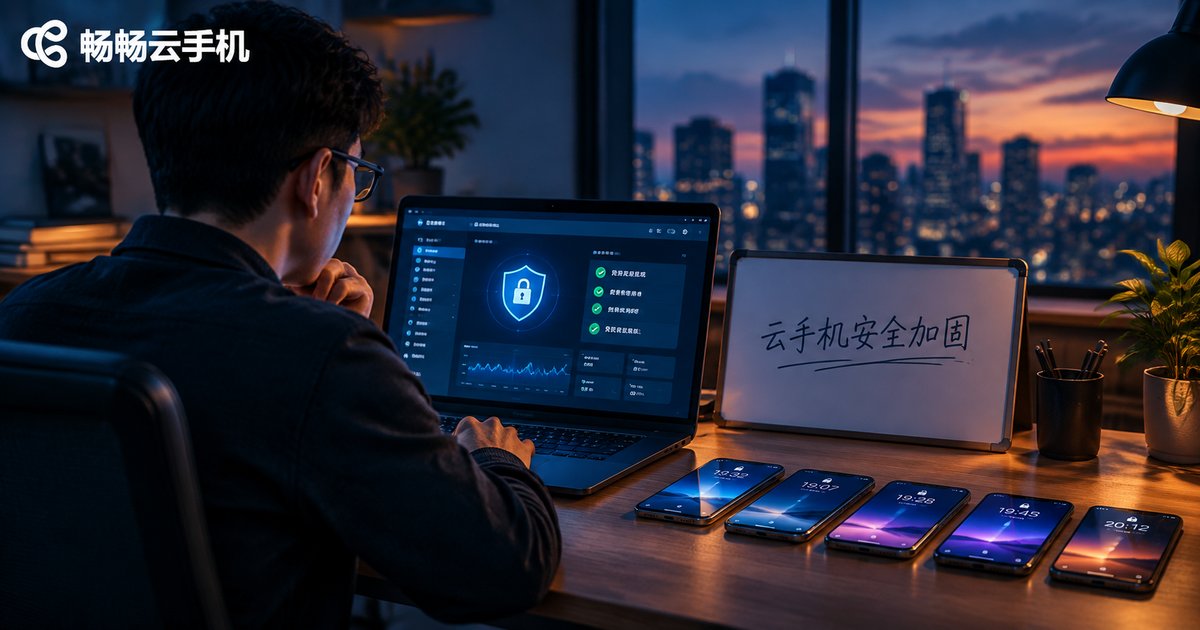
Cloud Phone Security Hardening Tutorial: Password Policies, Operation Audits, and Permission Tier Settings
A cloud phone often concentrates your most valuable assets — game accounts, social media matrices, and store backends — so one leaked password can put the whole business at risk. This tutorial walks you through cloud phone security hardening in three practical steps: building a strong password policy with two-factor authentication, enabling and regularly reviewing operation audit logs to catch suspicious logins early, and applying role-based permission tiers under the principle of least privilege. You will also get a team collaboration security checklist, quarterly self-audit tips, and advice on how ccloudphone's cloud-based architecture and centralized device management help reduce the risks of account takeover and data leakage.

Cloud Phone Performance Optimization Tutorial: Adjusting Resolution, Frame Rate, and Memory for Smoother Gameplay
Is your cloud phone stuttering or dropping frames? This hands-on tutorial walks you through tuning the three core parameters: choosing the right resolution tier for your network, matching frame rate to available bandwidth, and freeing up memory through background cleanup and multi-instance task separation. Three bonus tips — picking the right network, trimming redundant in-game effects, and scheduling idle tasks off-peak — further boost visual smoothness and control responsiveness. Whether you play competitive MOBAs or run 24/7 idle farming, these simple adjustments will make your cloud phone feel noticeably faster, with an FAQ at the end.
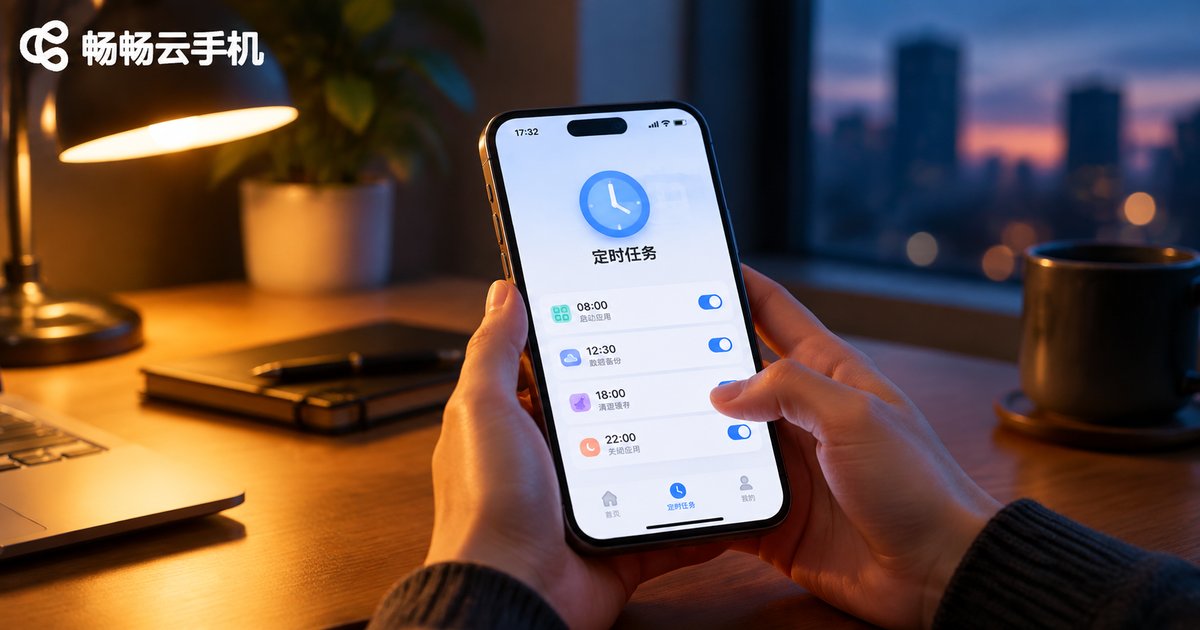
Cloud Phone Scheduled Tasks Tutorial: How to Launch Apps on Schedule and Automate Operations
This tutorial explains how to set up scheduled tasks on a cloud phone, covering the five steps of launching an app at a fixed time, configuring automated operations such as taps and check-ins, and applying practical tips like staggering tasks and leaving time buffers. It compares manual operation with scheduled execution and shows how CCloudPhone keeps tasks running in the cloud even when your local device is powered off. It also answers common questions about offline execution, task limits, and troubleshooting, helping you turn repetitive routines into fully automatic workflows.
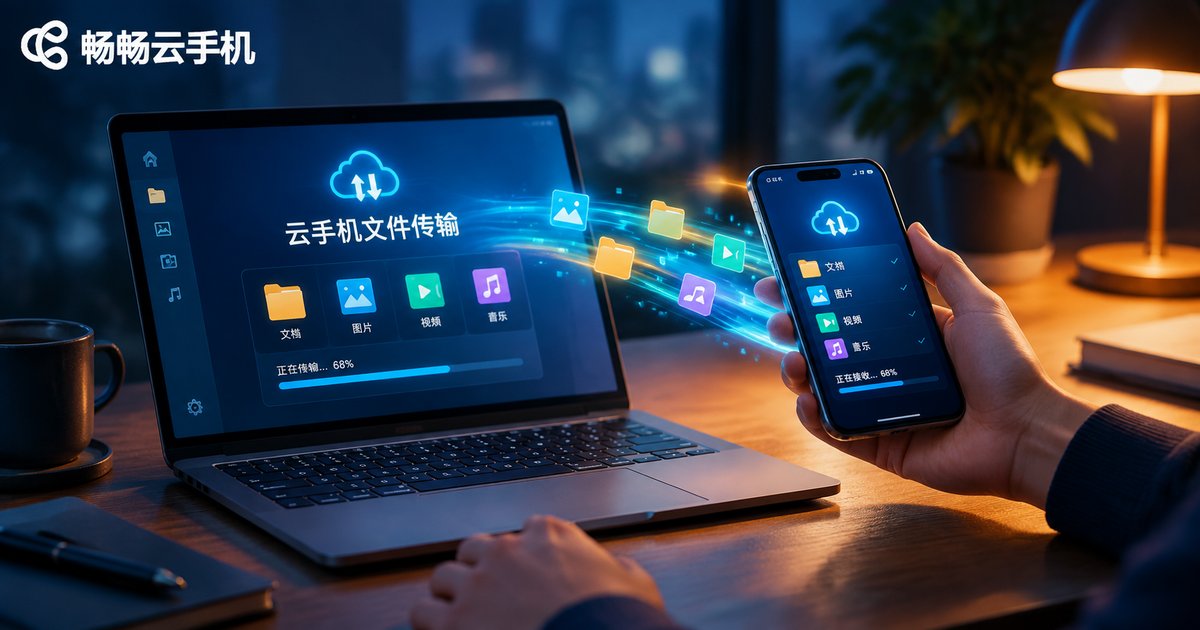
Cloud Phone File Transfer Tutorial: Local-Cloud File Transfer and Batch Upload/Download Guide
This guide explains everything you need to know about cloud phone file transfer: the three most common methods for moving files between your local device and the cloud, step-by-step upload and download instructions, practical tips for batch upload and batch download, and troubleshooting for failed or slow transfers. Whether you need to push APK installers into the cloud phone, export screenshots and recordings back to your computer, or manage large volumes of assets across multiple instances, this tutorial helps you get it done quickly and reliably.
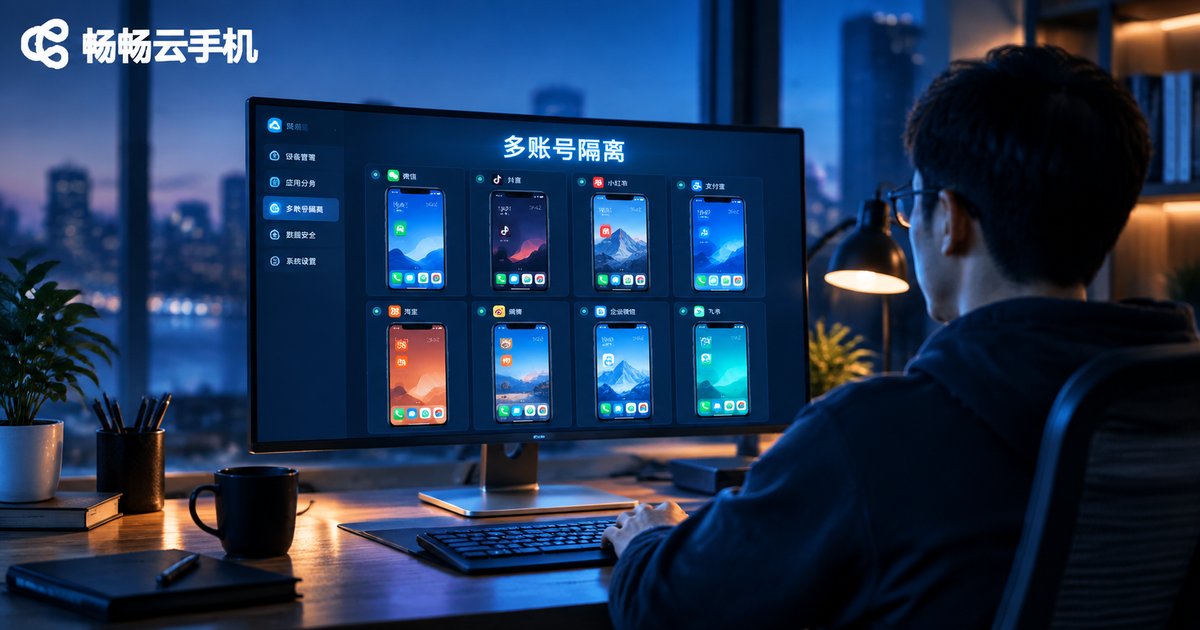
How Cloud Phones Achieve Multi-Account Isolation: Independent Environment + Permission Management Setup Guide
Linked-account bans are the biggest risk of running multiple accounts. This guide explains how cloud phones achieve true isolation with one independent Android environment per account, and how permission management—master and sub-accounts, per-device assignment, and instant revocation—keeps team collaboration safe and orderly. You will find a five-step hands-on setup tutorial, a comparison between physical phones, emulators, and cloud phones, and answers to frequently asked questions. It also shares daily maintenance tips to keep every account environment clean and stable over the long run. Whether you are a solo operator or a small team, this tutorial helps you configure multi-account isolation on cloud phones quickly and correctly.
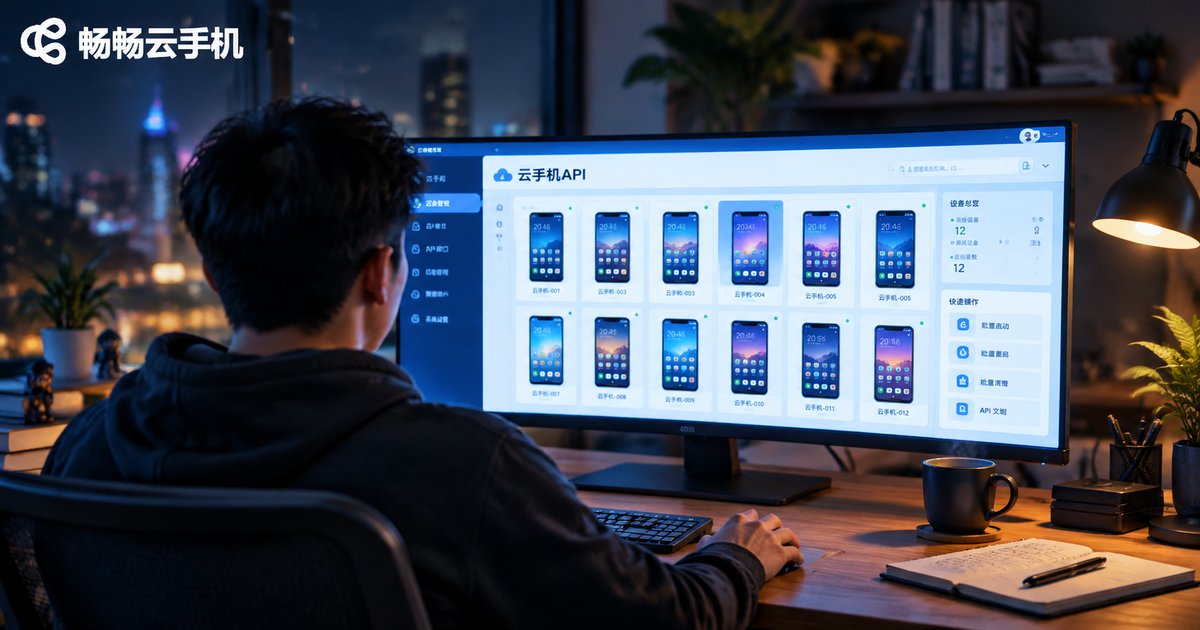
Cloud Phone API Integration Tutorial: Development Guide for Batch Creation, Start/Stop, and Status Query
This hands-on tutorial shows developers how to integrate with a cloud phone platform API step by step. Starting with API credentials and authentication, it demonstrates the three core capabilities every automation workflow needs: batch-creating devices, starting and stopping them in bulk, and querying real-time status. Each section includes concise Python code examples, a status reference table, and practical advice on async task handling. You will also learn how to choose between polling and webhook callbacks, and how to apply production-ready best practices such as rate-limit retries with exponential backoff, idempotency keys, and secure key storage. By the end, you can replace repetitive dashboard clicks with fully automated scripts and manage hundreds of cloud phones with minimal effort.
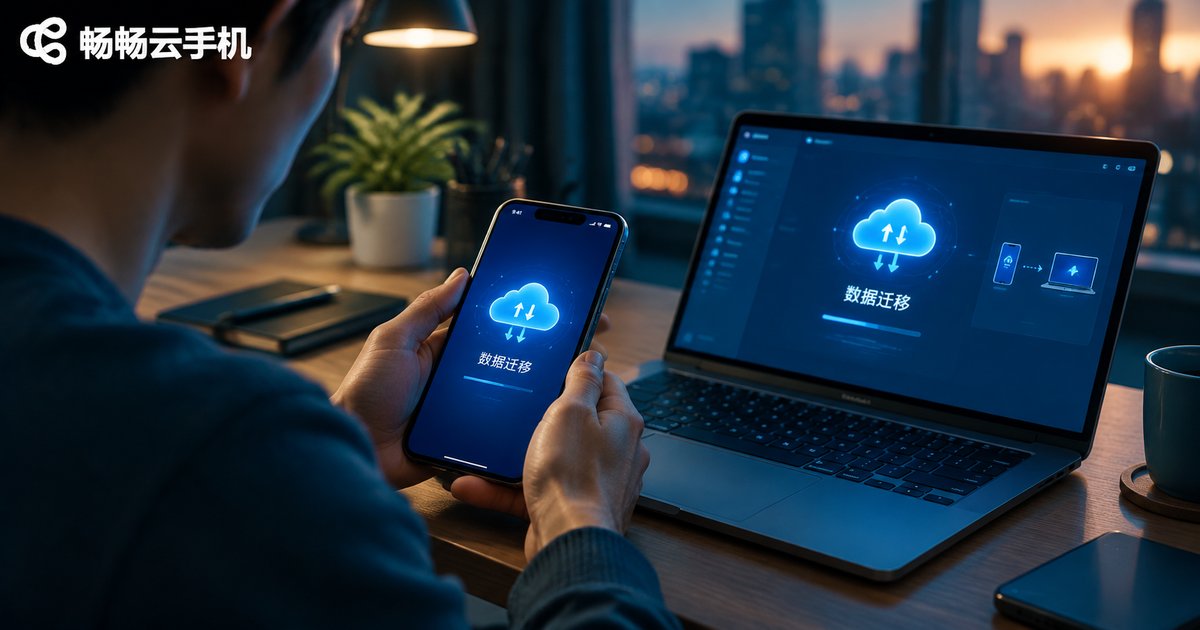
Cloud Phone Data Backup & Migration Guide: Account Environment Export and Cross-Device Recovery
Switching to a new phone or computer and worried about the accounts and data inside your cloud phone? This guide walks you through the complete process of cloud phone data backup and migration, covering the four types of data worth backing up, preparation steps, how to export your account environment, and how to recover everything on a new device. Because cloud phones store data on cloud servers, your environment is decoupled from any physical device, so you can take over seamlessly by signing in with the same account. Practical migration tips and an FAQ section help you avoid data loss and risk-control issues along the way.
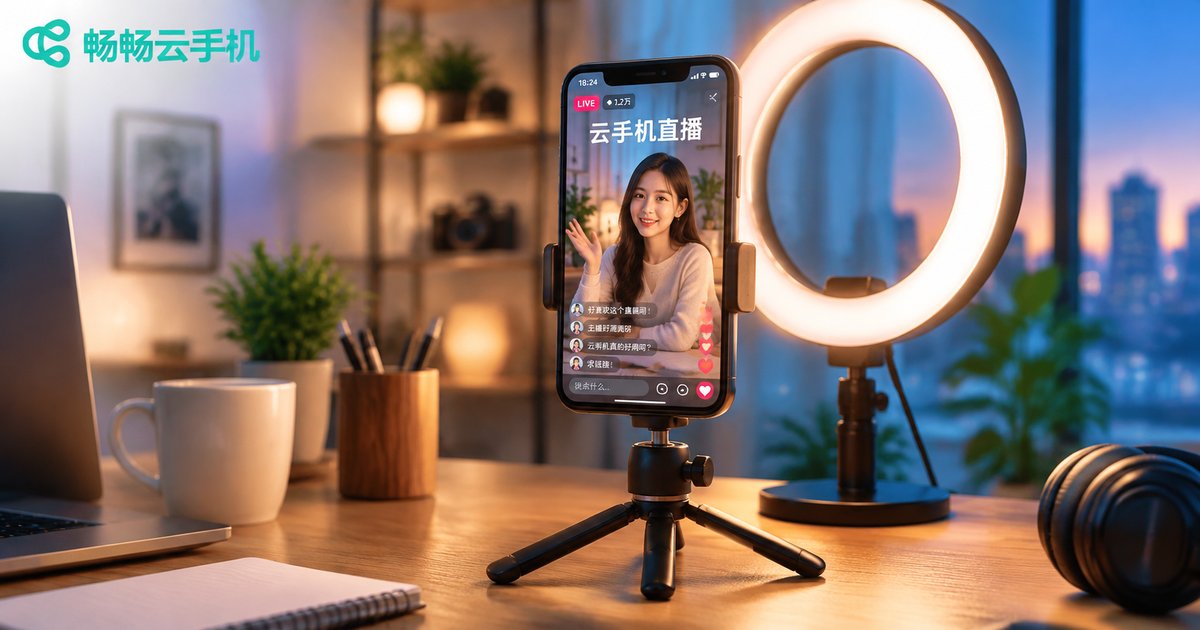
Cloud Phone Live Streaming Setup Tutorial: Multi-Platform Compliant Broadcasting and Quality Optimization
This tutorial explains how to configure push stream settings on a cloud phone for live streaming. It covers scene-based recommendations for resolution, bitrate, and frame rate, outlines multi-platform compliance essentials such as identity verification, original content, and compliant language, and shares practical image quality tips including lighting and bitrate matching. You will also find a complete five-step workflow for going live with ChangChang Cloud Phone (ccloudphone), from registration and instance creation to installing your streaming app and starting the broadcast. Whether you stream on one platform or manage several accounts, this guide helps you stay compliant while delivering a stable, sharp, professional-looking live stream.

Cloud Phone Remote Work Setup Guide: Secure Access to Enterprise Intranet and Business Systems
This guide walks you through building a secure remote work environment with cloud phones: preparation steps, a five-step configuration process, and four key settings for secure access to enterprise intranets and business systems. It also compares cloud phones with personal-device access and company-issued hardware on data security, cost, and manageability. With data staying in the cloud, unified exit whitelisting, fine-grained permissions, and full operation audit logs, enterprises can let employees work securely from anywhere without buying hardware. ChangChang Cloud Phone is recommended as a practical choice for teams of any size to get started quickly. The article ends with answers to frequently asked questions.
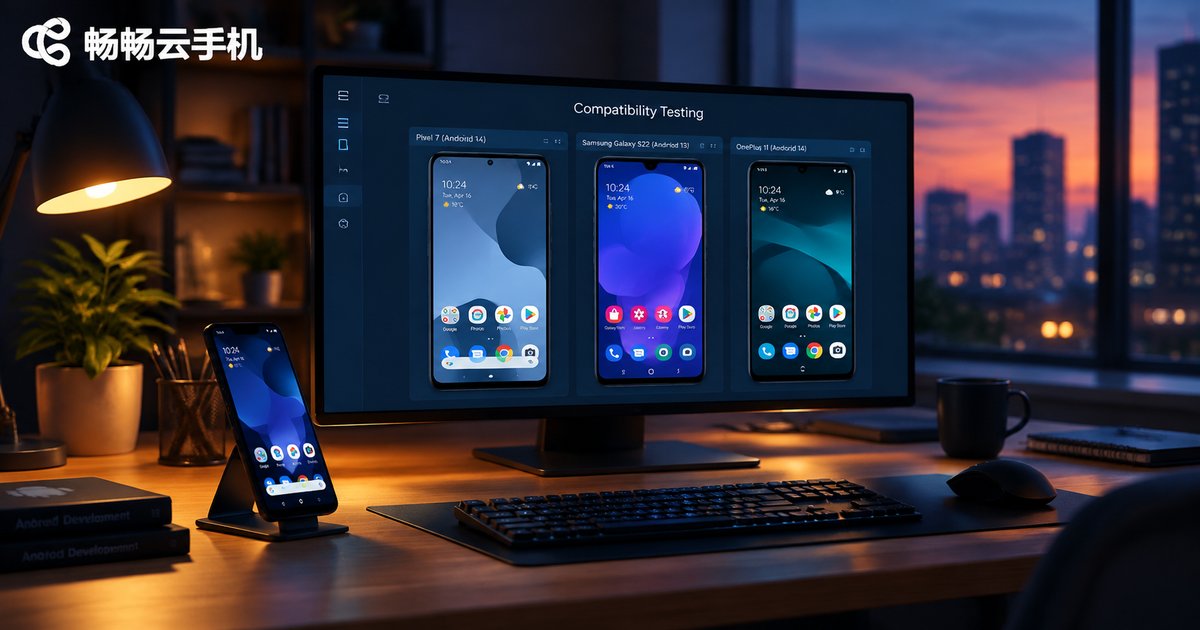
How to Do App Compatibility Testing with Cloud Phones? Multi-Version Android Switching and Log Capture Tutorial
This tutorial explains how developers and QA teams can run app compatibility testing efficiently with cloud phones. It covers building a test matrix, provisioning independent cloud instances across multiple Android versions, installing APKs in bulk, executing core test scenarios in parallel, and capturing logcat logs and crash stack traces through ADB connections. You will also find a practical comparison between local physical device testing and cloud phone testing in terms of hardware cost, OS version coverage, parallel capability, and environment reset, helping teams of any size cover far more system versions at a much lower cost while improving overall app release quality and stability.

How to Write Cloud Phone Automation Scripts: A Zero-Basics Tutorial from Recording to Scheduled Execution
This beginner-friendly guide walks you through cloud phone automation step by step. Start by preparing a cloud phone, then use the built-in recording feature to generate your first script without writing any code. Learn how to read basic commands, tweak wait times and loop counts, test-run the workflow, and finally set up scheduled tasks so check-ins, daily quests, and idle farming run automatically around the clock. The article also includes a comparison table of manual play, recording playback, and scheduled execution, common pitfalls to avoid, and a practical FAQ. With ChangChang Cloud Phone (ccloudphone), repetitive tasks run in the cloud even when your own phone is powered off.
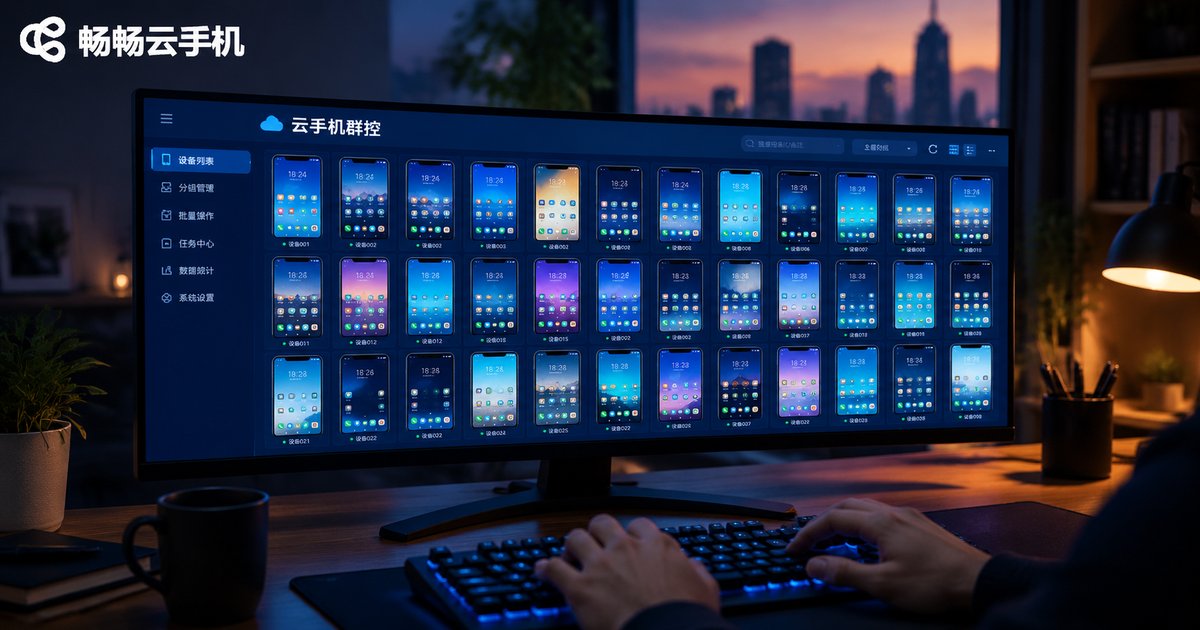
Cloud Phone Group Control System Setup Guide: A Complete Solution for Managing Hundreds of Devices from One Computer
This guide walks you through building a complete cloud phone group control system in four steps: choosing a cloud phone platform, provisioning devices in batch, logging into the group control console from your computer, and organizing devices into groups with automated tasks. Because all computing happens in the cloud, an ordinary office PC can manage hundreds of Android instances at once without heavy hardware. The article compares cloud-based group control with traditional physical device farms, shares practical daily management tips, and answers common questions for game studios, app testing teams, and multi-account operations teams.