
Cloud Phone Account Recovery: Account, Password, Binding Info and Verification
Why Cloud Phone Accounts Get Lost: Three Common Cases
Many people assume a lost cloud phone is a device problem. In most cases it is an account problem. The three most common situations are: a forgotten password, a bound phone number or email that is no longer active, and not remembering which phone number was used at sign-up.
A cloud phone is a virtual device running in the cloud, so the device itself does not disappear. What decides whether you can get back in is three things inside the account system: the account, the password, and the binding and verification information. Get these straight and recovery becomes a step-by-step process instead of guessing passwords on the login page.
Step 1: Identify Which Type of Account You Need to Recover
Cloud phone services usually offer several login methods, and each has a completely different recovery path:
- Phone number login: the most common sign-up method; recovery depends on SMS codes;
- Email login: recovery depends on an email verification link, so a dead mailbox blocks you;
- Third-party authorization: the account actually lives on another platform, so recover that account first;
- Enterprise or team sub-accounts: usually reset by an administrator in the backend; individuals cannot recover them.
Before you start, recall which method you used at sign-up. Many failed recovery attempts are simply people using email recovery on an account that was registered with a phone number.
Step 2: Forgotten Password? Reset It with a Verification Code
If you still remember the login account and only forgot the password, this is the easiest case to solve.
Phone number accounts: tap 'Forgot password' on the login page, enter the registered number, receive the SMS code, and set a new password.
Email accounts: use the same entry, choose email verification, and look for the reset link in your inbox (and the spam folder). The link usually expires, so open it as soon as it arrives.
Two problems come up most often: the phone number has been reassigned to someone else, so no SMS arrives; or the mailbox is full, or the verification email was filtered as spam. The first case requires a manual appeal, while the second means checking the spam folder and confirming the mailbox can still receive messages.
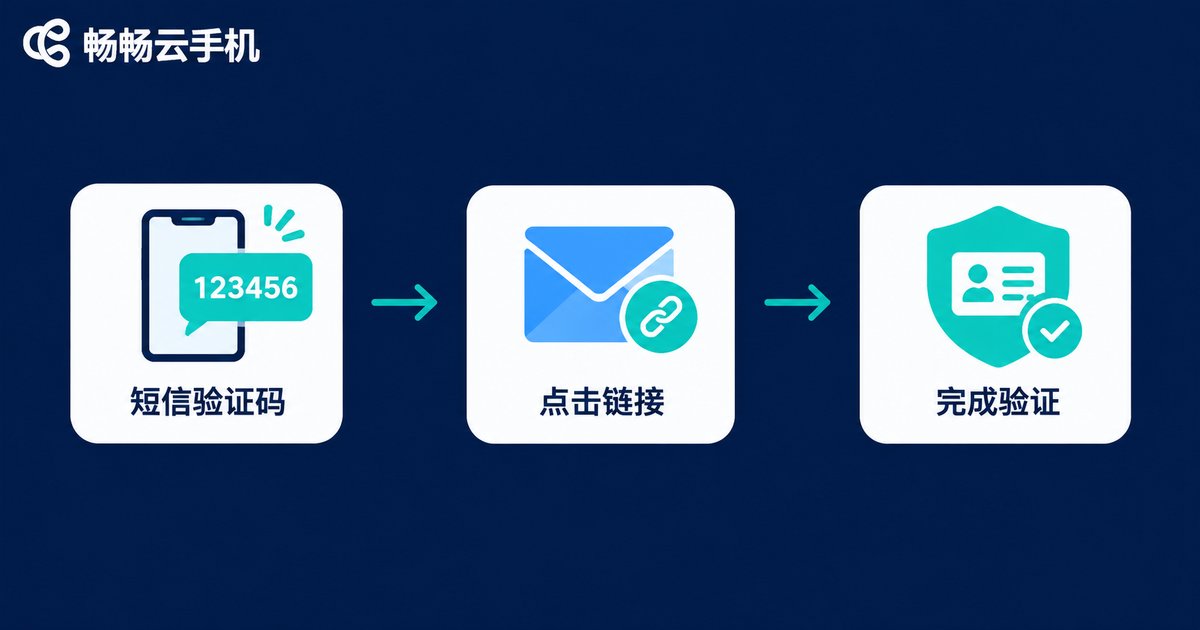
Step 3: Check the Binding Information, the Key to Recovery
Binding information proves who owns the account. It mainly includes:
- Bound phone number: used to receive verification codes, the most important item;
- Bound email: the backup verification channel;
- Real-name verification details: used to confirm identity in some manual reviews;
- Frequently used devices and login history: supporting evidence that the account has always been used by you.
If the bound phone number no longer works, follow this order: log in with any other verification method that still works, go to the account security settings, and then change the bound number. Do not repeatedly submit change requests while you are locked out. That only makes the risk-control system flag the account as suspicious.
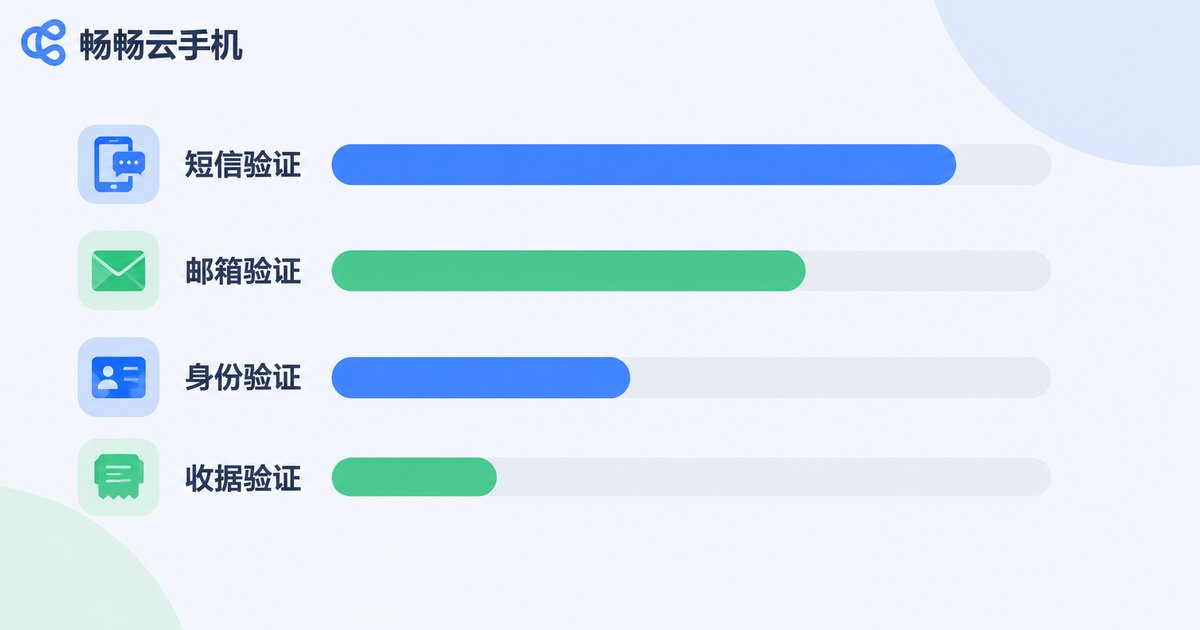
Verification Methods Compared: Which Is Fastest and Which Is Safest
| Method | Best for | Speed | Prerequisite |
|---|---|---|---|
| SMS code | Bound number still active | Fastest, usually under a minute | Phone can receive SMS |
| Email link | Bound mailbox still available | Fast, within minutes | Mailbox works, link not expired |
| Real-name verification | Both number and email lost | Slower, manual review | Real-name details match the account |
| Order and device evidence | Account details largely lost | Slowest | Registration date, payment records, etc. |
In one sentence: use SMS if you can, use email if you cannot, and only go manual as a last resort. The stronger the verification method, the longer the wait usually is.
If Recovery Fails, Do Not Rush to Re-Register
If every self-service option fails, contact official customer support for a manual appeal. Preparing the following in advance makes the process much faster:
- Registration date (an approximate month is fine);
- Device models and OS versions you previously logged in from;
- The time of your most recent successful login;
- Screenshots of top-ups or subscription records, if any;
- Identifiable details of the cloud phones in the account, such as device names and system images.
One warning: never trust a third party claiming to offer insider recovery. Official recovery always goes through the official support channel, and anyone asking you to pay an 'unfreeze fee' or 'deposit' upfront is running a scam.
Five Habits That Prevent the Problem
- Add and confirm an email binding right after sign-up to create a second channel;
- Use a unique password that is not reused on other sites;
- Change your bound number before you give up a phone number;
- Note the registration date and common devices in a memo, in case you need an appeal;
- Log in regularly, since long-dormant accounts often lack the evidence needed for recovery.
Why Choose Ccloudphone (ccloudphone)
When choosing a cloud phone service, a clear account system and a smooth recovery path matter as much as performance. Ccloudphone (ccloudphone) keeps account management, device management and help documentation on its official website, provides a clear recovery entry on the login page, and offers support through official channels when problems arise.
One important note: for the exact binding options, verification methods and available device configurations, always refer to the latest documentation in the official help center, and do not rely on third-party screenshots or hearsay.
Frequently Asked Questions
Q1: My registered phone number has been cancelled. Can I still recover my cloud phone account?
You can try, but it requires a manual appeal. Prepare evidence such as the registration date, past login devices and payment records, submit it through official support, and let the platform verify ownership.
Q2: I never receive the SMS code when resetting my password. What should I do?
First check whether your phone is blocking notification messages, whether airplane mode is on, and whether the number is still active. If everything is fine, switch to email verification or contact official support to confirm the number status.
Q3: Will my running cloud phone be disconnected during recovery?
Resetting a password usually logs the account out, but after logging back in, the data and apps inside the cloud phone are generally unaffected. Avoid resetting your password in the middle of a critical task.
Q4: I forgot all my binding information. Can real-name verification recover the account?
Real-name details are important ownership evidence but not the only condition. Platforms usually combine registration date, device records and payment records, and the final decision depends on the actual review result.
Q5: Can I bind both a phone number and an email?
Yes, and it is recommended. The benefit of two channels is that if one stops working, you still have another path. The exact binding options available depend on the account security page of the cloud phone platform you use.


