
Operations · Engineering · Trends
Hands-on playbooks, product updates and cross-border insights from the CCloudPhone team.
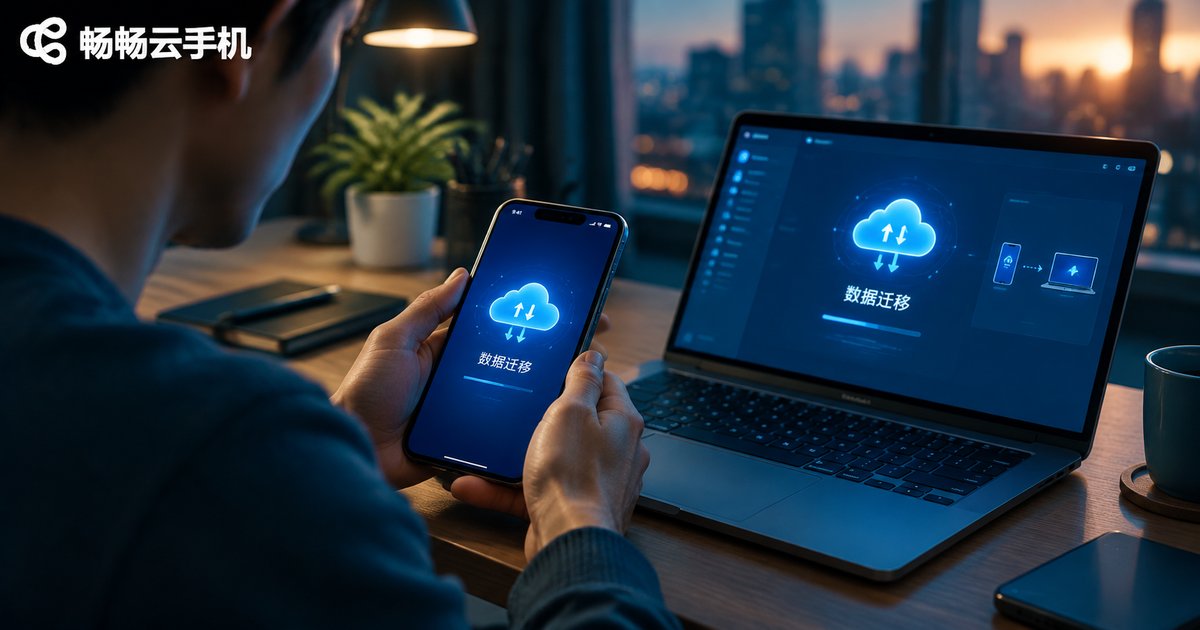
Cloud Phone Data Backup & Migration Guide: Account Environment Export and Cross-Device Recovery
Switching to a new phone or computer and worried about the accounts and data inside your cloud phone? This guide walks you through the complete process of cloud phone data backup and migration, covering the four types of data worth backing up, preparation steps, how to export your account environment, and how to recover everything on a new device. Because cloud phones store data on cloud servers, your environment is decoupled from any physical device, so you can take over seamlessly by signing in with the same account. Practical migration tips and an FAQ section help you avoid data loss and risk-control issues along the way.
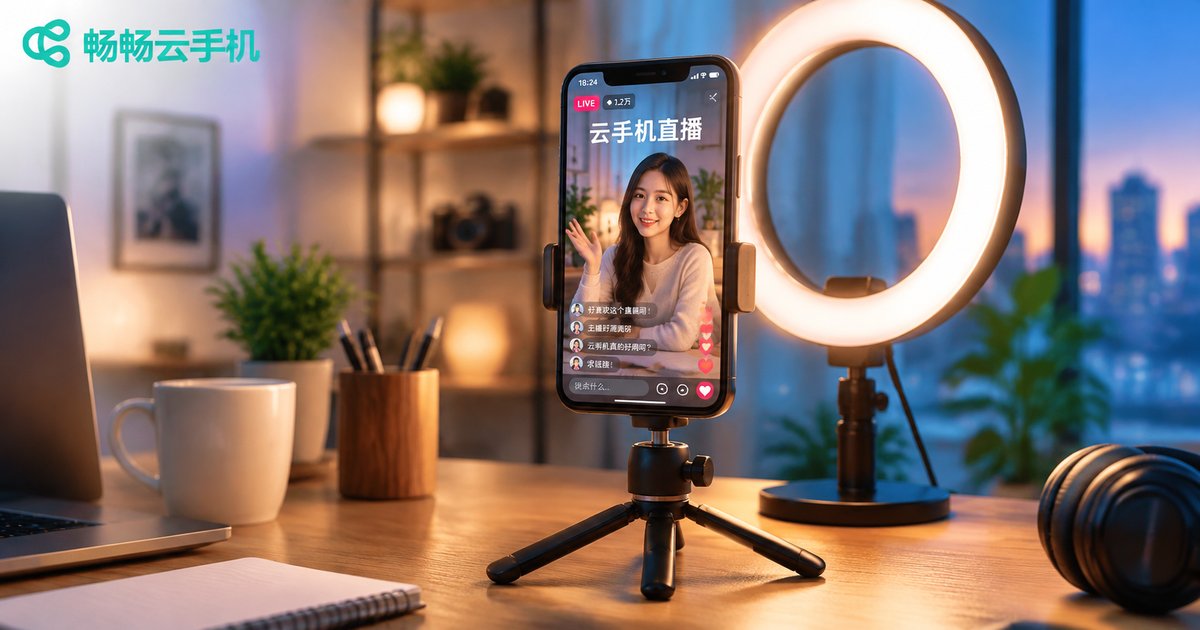
Cloud Phone Live Streaming Setup Tutorial: Multi-Platform Compliant Broadcasting and Quality Optimization
This tutorial explains how to configure push stream settings on a cloud phone for live streaming. It covers scene-based recommendations for resolution, bitrate, and frame rate, outlines multi-platform compliance essentials such as identity verification, original content, and compliant language, and shares practical image quality tips including lighting and bitrate matching. You will also find a complete five-step workflow for going live with ChangChang Cloud Phone (ccloudphone), from registration and instance creation to installing your streaming app and starting the broadcast. Whether you stream on one platform or manage several accounts, this guide helps you stay compliant while delivering a stable, sharp, professional-looking live stream.
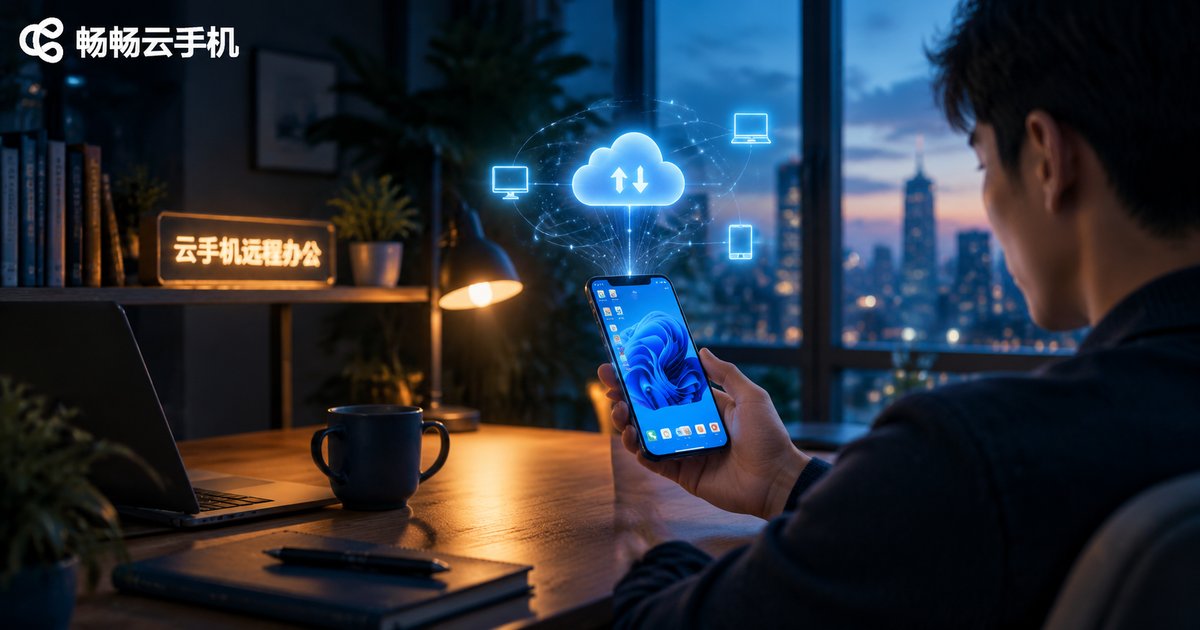
Cloud Phone Remote Work Setup Guide: Secure Access to Enterprise Intranet and Business Systems
This guide walks you through building a secure remote work environment with cloud phones: preparation steps, a five-step configuration process, and four key settings for secure access to enterprise intranets and business systems. It also compares cloud phones with personal-device access and company-issued hardware on data security, cost, and manageability. With data staying in the cloud, unified exit whitelisting, fine-grained permissions, and full operation audit logs, enterprises can let employees work securely from anywhere without buying hardware. ChangChang Cloud Phone is recommended as a practical choice for teams of any size to get started quickly. The article ends with answers to frequently asked questions.
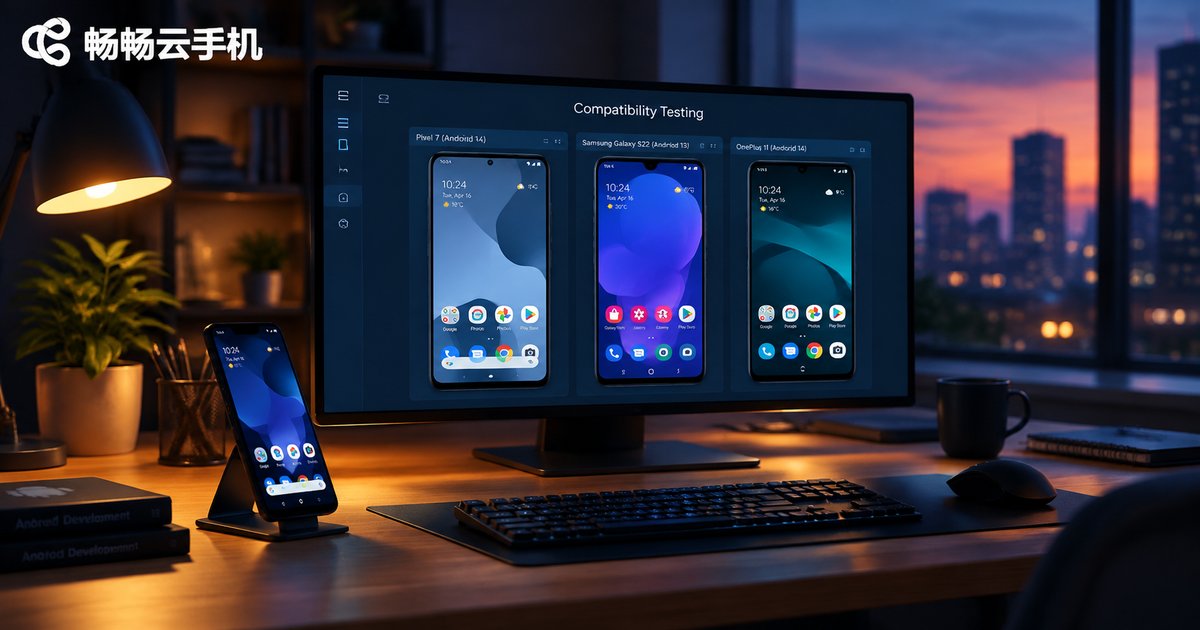
How to Do App Compatibility Testing with Cloud Phones? Multi-Version Android Switching and Log Capture Tutorial
This tutorial explains how developers and QA teams can run app compatibility testing efficiently with cloud phones. It covers building a test matrix, provisioning independent cloud instances across multiple Android versions, installing APKs in bulk, executing core test scenarios in parallel, and capturing logcat logs and crash stack traces through ADB connections. You will also find a practical comparison between local physical device testing and cloud phone testing in terms of hardware cost, OS version coverage, parallel capability, and environment reset, helping teams of any size cover far more system versions at a much lower cost while improving overall app release quality and stability.
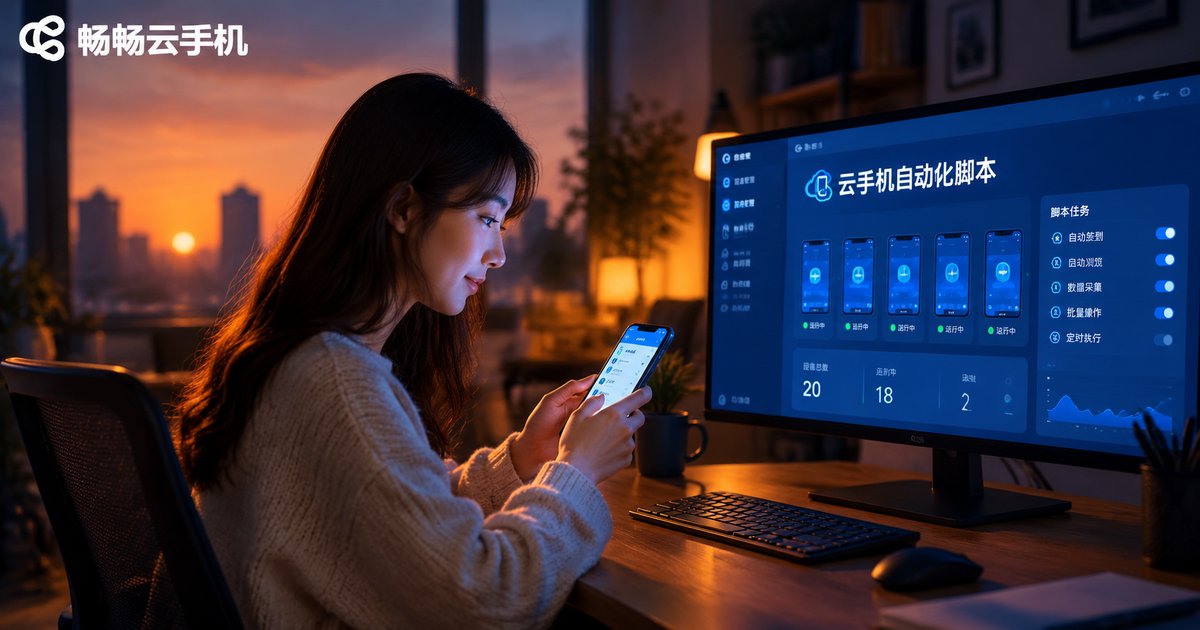
How to Write Cloud Phone Automation Scripts: A Zero-Basics Tutorial from Recording to Scheduled Execution
This beginner-friendly guide walks you through cloud phone automation step by step. Start by preparing a cloud phone, then use the built-in recording feature to generate your first script without writing any code. Learn how to read basic commands, tweak wait times and loop counts, test-run the workflow, and finally set up scheduled tasks so check-ins, daily quests, and idle farming run automatically around the clock. The article also includes a comparison table of manual play, recording playback, and scheduled execution, common pitfalls to avoid, and a practical FAQ. With ChangChang Cloud Phone (ccloudphone), repetitive tasks run in the cloud even when your own phone is powered off.
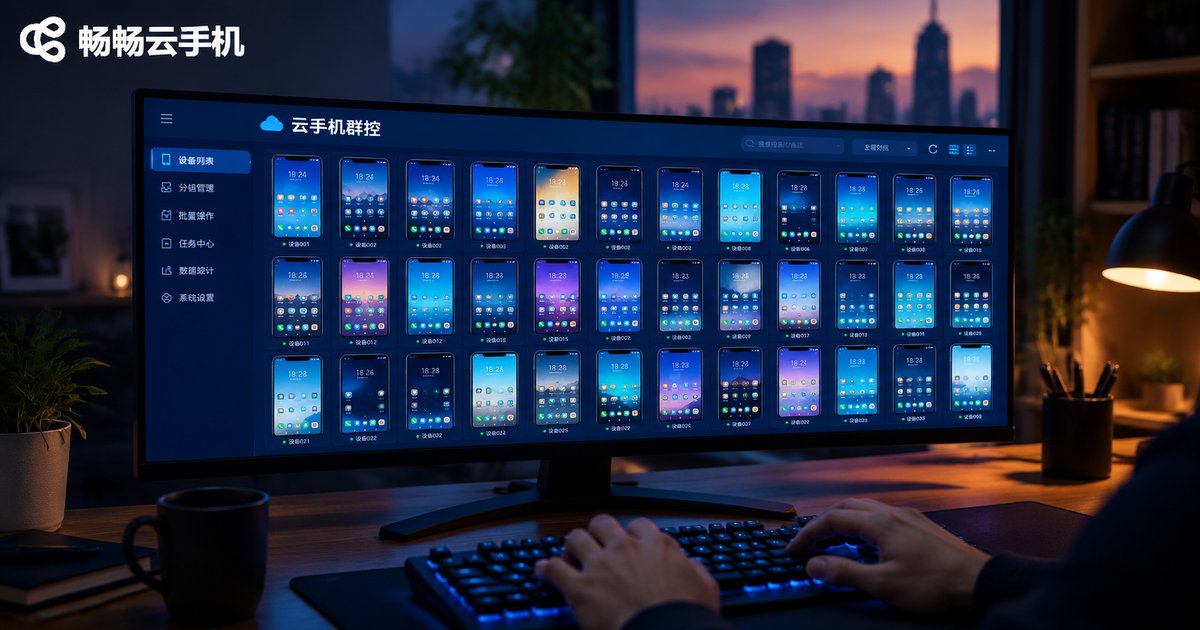
Cloud Phone Group Control System Setup Guide: A Complete Solution for Managing Hundreds of Devices from One Computer
This guide walks you through building a complete cloud phone group control system in four steps: choosing a cloud phone platform, provisioning devices in batch, logging into the group control console from your computer, and organizing devices into groups with automated tasks. Because all computing happens in the cloud, an ordinary office PC can manage hundreds of Android instances at once without heavy hardware. The article compares cloud-based group control with traditional physical device farms, shares practical daily management tips, and answers common questions for game studios, app testing teams, and multi-account operations teams.

How to Configure an Independent IP on Cloud Phones: A Practical Guide to Proxy Setup and Network Isolation
This hands-on guide explains how to configure an independent IP on a cloud phone. It starts with why multi-account operations need unique IPs, compares three implementation methods by cost and difficulty, and walks through a four-step proxy setup: preparing the proxy, verifying credentials, entering the configuration, and validating the result. You will also learn network isolation practices that matter as much as the IP itself—one device one IP, consistent time zone and language, stable addresses, isolated app data, and proper account warm-up. The article recommends ChangChang Cloud Phone (ccloudphone) for multi-instance isolation and answers common questions about detection risks, static versus dynamic IPs, and slow connections.
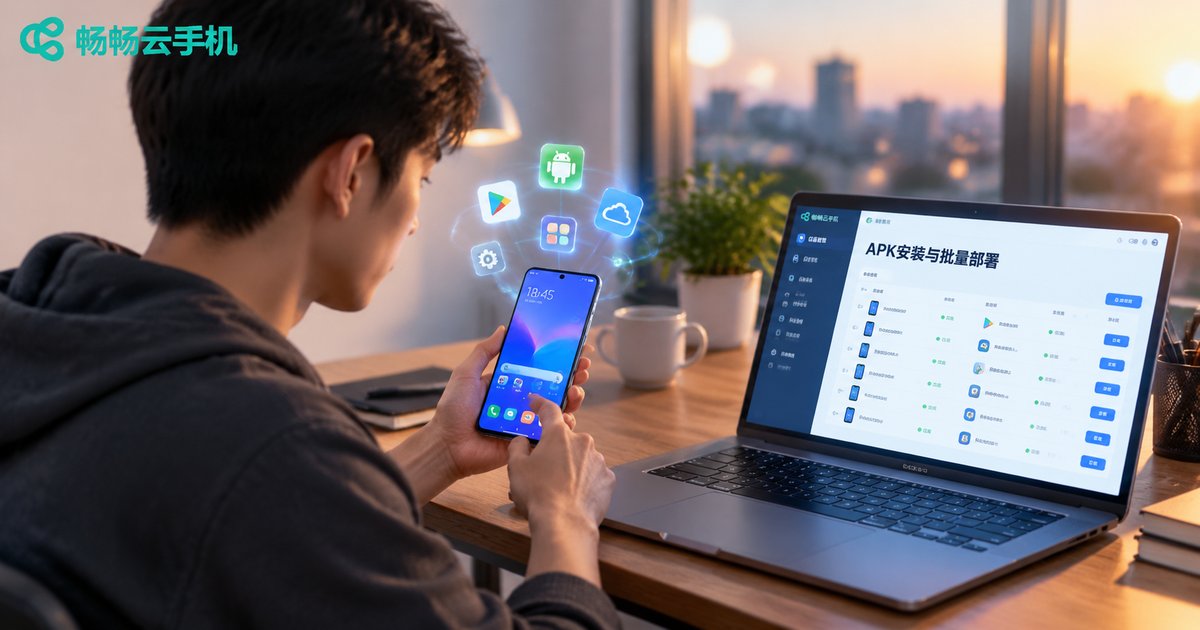
How to Install Third-Party Apps on Cloud Phones: APK Upload & Batch Deployment Guide
A cloud phone works just like a physical Android phone, but when the built-in app store does not have the app you need, manually uploading an APK is the most direct solution. This guide uses CCloudPhone as an example and explains the complete APK installation workflow: how to prepare reliable installation files, a five-step process for uploading and installing an APK on a single cloud phone, and how to use batch deployment to push the same app to dozens or hundreds of devices at once. It also covers the most common installation failures, including parse errors, insufficient storage, slow uploads and app crashes, with practical fixes for each.

Cloud Phone Beginner Tutorial: A Complete Walkthrough from Sign-Up to Idle Farming
This beginner-friendly guide walks you through every step of using a cloud phone, from creating an account and provisioning your first cloud device to installing apps and setting up stable around-the-clock idle farming. You will learn how to configure background permissions, manage multiple cloud phones, keep tasks running reliably, and troubleshoot common issues. We also recommend ChangChang Cloud Phone (ccloudphone), a service known for its simple interface and stable performance, so you can get started with confidence. By the end, you will be able to run games and apps continuously without keeping a physical phone switched on.
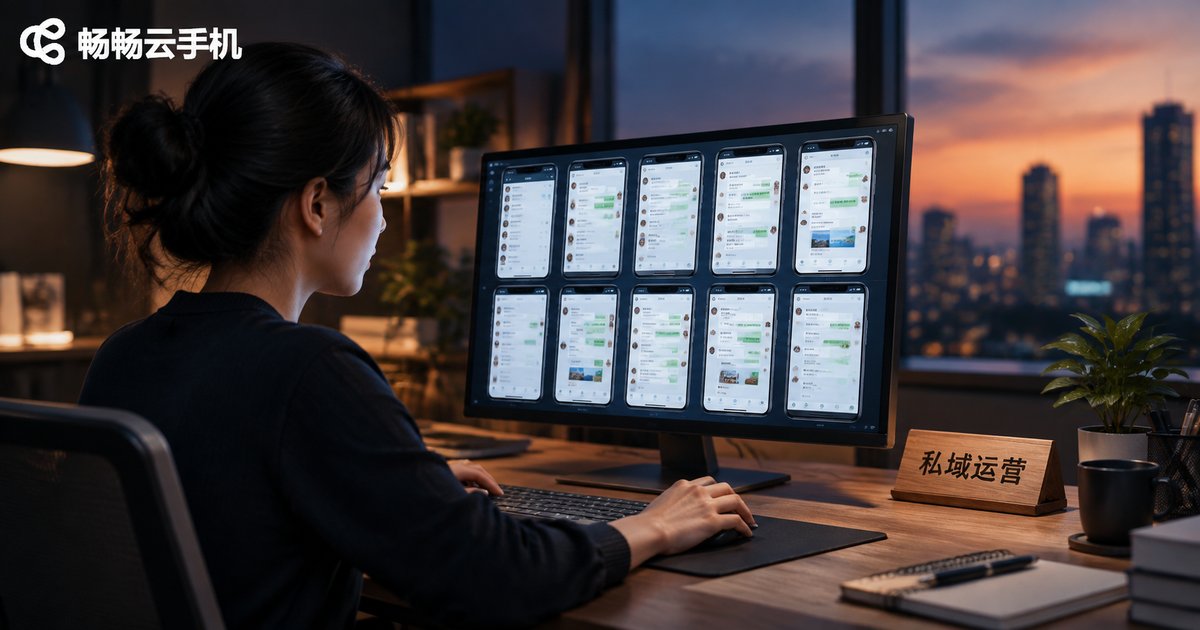
Cloud Phones for Private Domain Traffic Operations: WeChat Community Batch Management and Automated Reply Solutions
WeChat communities are the core battlefield of private domain traffic operations, but managing dozens or hundreds of groups manually simply does not scale. This article explains how cloud phones enable batch WeChat community management and automated replies: control dozens of cloud phones from a single computer, run group-wide broadcasts, scheduled tasks and keyword-based auto-replies in one place. We compare traditional physical-device setups with cloud phone solutions on cost, efficiency and account security, and share a practical workflow covering account matrix building, group tagging and compliant automation, so your team can cut costs and multiply efficiency.

Which Cloud Phone for WeChat Channels Live Stream Control? Practical Tips for Multi-Account Interaction and Atmosphere Building
Running the control desk for a WeChat Channels live stream often means juggling several accounts at once — the official account, fan accounts, question accounts, and hype accounts. Managing them on a pile of physical phones is slow, hot, and unreliable. This article explains why a cloud phone is the smarter setup for stream controllers, and shares hands-on techniques for multi-account interaction and atmosphere building: how to divide account roles, how to pace engagement across each stage of a broadcast, and how to use Changchang Cloud Phone (ccloudphone) to manage multiple accounts from one dashboard, so your live room stays lively from the first minute to the last.
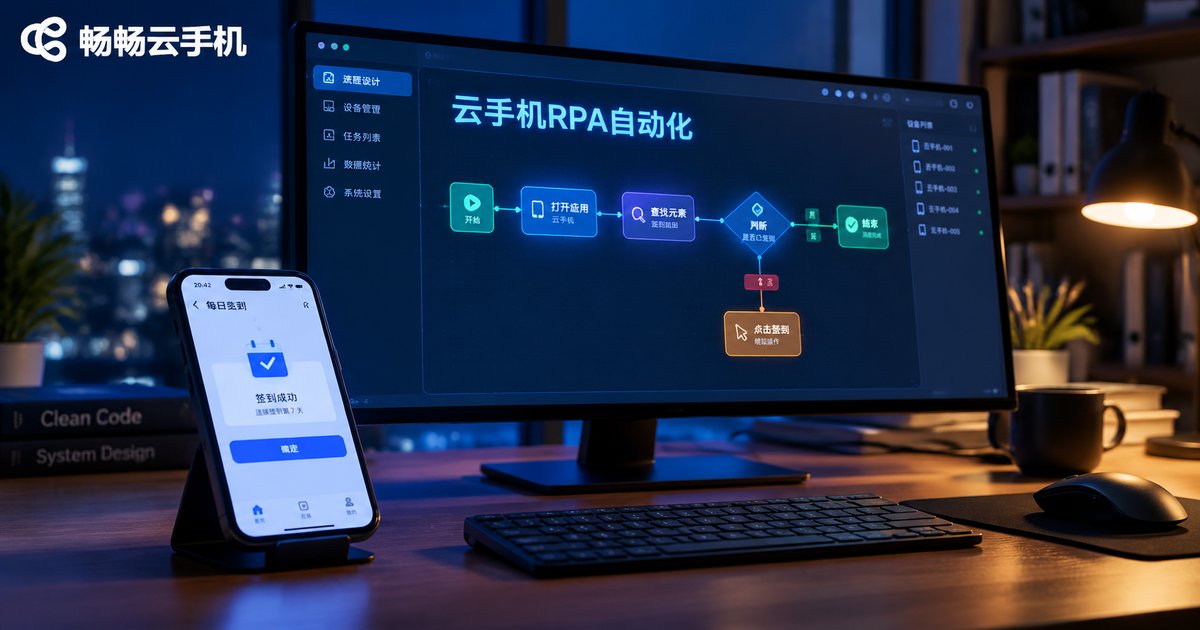
How to Combine Cloud Phones with RPA Tools: A Script Writing Tutorial for Automating APP Tasks
Combining cloud phones with RPA lets repetitive app tasks such as daily check-ins run automatically in the cloud, 24/7, without occupying your own devices. This tutorial explains why cloud phones are ideal for RPA, walks through a preparation checklist, a five-step script writing method, and a complete daily check-in pseudocode example. You will also learn how to scale from one instance to many, keep scripts stable with smart waits and exception screenshots, and stay compliant. Whether you automate check-ins, data entry, or app testing, this guide helps you build a reliable automation workflow on cloud Android instances. A FAQ section answers the most common beginner questions.