

Cloud Phones for Private Domain Traffic Operations: WeChat Community Batch Management and Automated Reply Solutions
The Lifeline of Private Domain Traffic: Community Operation Efficiency
For teams building private domain traffic, WeChat communities are where users settle and convert. Event announcements, product previews, Q&A interactions, repurchase nudges — almost every refined operation happens inside a group. But when the number of communities grows from a handful to dozens or even hundreds, manually switching between physical phones quickly becomes the growth bottleneck: messages pile up unanswered, campaigns go out late, and accounts descend into chaos.
Cloud phones exist to solve exactly this scaling problem. By moving the Android system into the cloud, one operator can control dozens or even hundreds of cloud phones from a single computer, upgrading community management from a handcraft workshop to a standardized assembly line.
Three Pain Points of Traditional Multi-Account Management
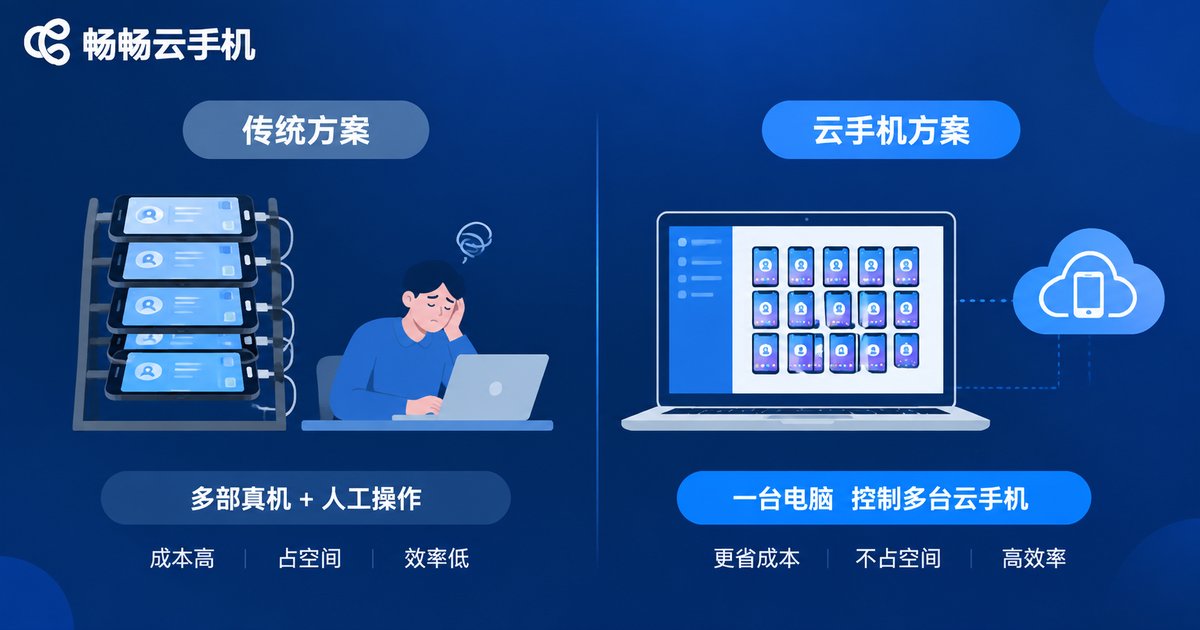
Before adopting cloud phones, most private domain teams stack real devices: one physical phone per WeChat account, a row of phones on the desk, operators switching back and forth all day.
Pain point 1: High device and labor costs. Dozens of physical phones plus SIM cards, charging and maintenance add up fast, and more accounts demand more hands.
Pain point 2: Low operation efficiency. Sending one campaign notice to dozens of groups one by one takes about a minute each; across hundreds of groups it can eat up half a day, with missed or mistaken sends along the way.
Pain point 3: Fragile account security. If a physical device is lost or damaged, account data goes with it, and staff turnover makes account handover messy.
The Cloud Phone Solution: Run Every Account from One Computer
Cloud phones run in cloud data centers, and each one is an independent Android environment. For private domain operations, this brings four key changes:
1. Centralized management. All accounts run on cloud phones; operators view and switch them from a web page or client instead of circling around physical devices.
2. Batch operations. With group control, one command can be dispatched to many cloud phones at once: open apps in bulk, enter designated groups in bulk, send the same message in bulk — dozens of times faster than manual work.
3. Always online. Cloud phones run 24/7 in the cloud, independent of any physical device being powered on, so message reception never stops and nighttime or holiday inquiries are never missed.
4. Data security. Account data lives in the cloud; if a device fails, simply log in on a new cloud phone. Accounts are decoupled from individuals, making handover far safer.
A Practical Workflow for Batch WeChat Community Management
Here is what a typical cloud phone community management workflow looks like:
Step 1: Build the account matrix. Plan primary and secondary accounts by business line or user segment, deploying each account on its own cloud phone with isolated environments.
Step 2: Group and tag. Organize communities into segments in the cloud phone console — for example benefit groups, VIP groups and new customer groups — so batch actions can target the right segment instead of everything at once.
Step 3: Schedule tasks. Turn daily check-ins, morning and evening briefings and campaign warm-ups into scheduled broadcasts that fire automatically, freeing operators to focus on content and conversation.
Step 4: Patrol groups in bulk. Review messages across all groups at fixed times each day to quickly spot spam, complaints or negative sentiment and step in promptly.
Automated Replies: Matching User Expectations for Response Speed
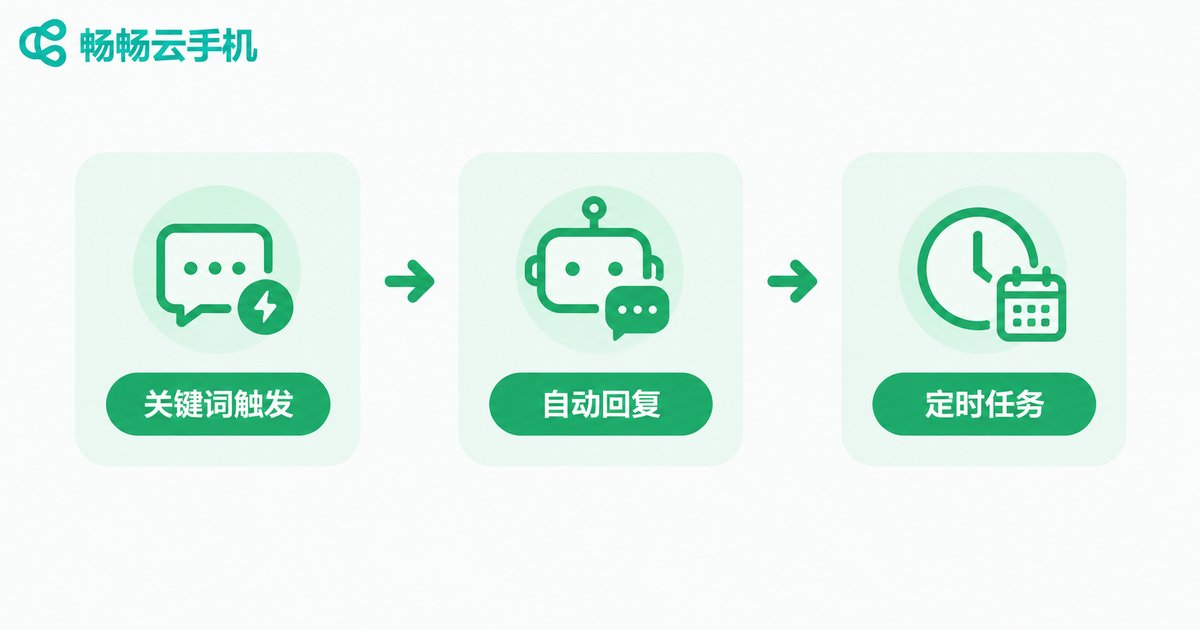
A large share of community inquiries are repetitive: When will my order ship? How do I join the event? How do I redeem my coupon? These can be handed to automated workflows:
Keyword auto-replies. Turn high-frequency questions into a script library with trigger keywords; when users mention shipping or coupons, the cloud phone automatically sends the matching answer.
Welcome messages for new members. Automatically push group rules and benefit notes when someone joins, so every newcomer feels the service temperature right away.
Quick reply scripts. Operators call preset scripts with one tap when replying in groups, cutting repetitive typing.
An important reminder: automation is an efficiency tool, not a substitute for people. WeChat officially restricts third-party plugins and excessive marketing. Prefer platform-compliant features, keep automation at a reasonable frequency, and let humans handle key customers and complex issues — account safety always comes first.
Traditional Setup vs. Cloud Phone Setup
| Dimension | Physical Phone Setup | Cloud Phone Setup |
|---|---|---|
| Device cost | Dozens of phones plus SIM cards | Provision on demand, scale anytime |
| Operation | Device-by-device switching or hardware groups | Centralized batch control from a browser |
| Uptime | Depends on physical devices staying on | 24/7 in the cloud |
| Account security | Data lost with the device | Data stored in the cloud, recoverable on a new device |
| Scaling speed | Long procurement and setup cycles | A new device ready in minutes |
Why We Recommend CC Cloud Phone
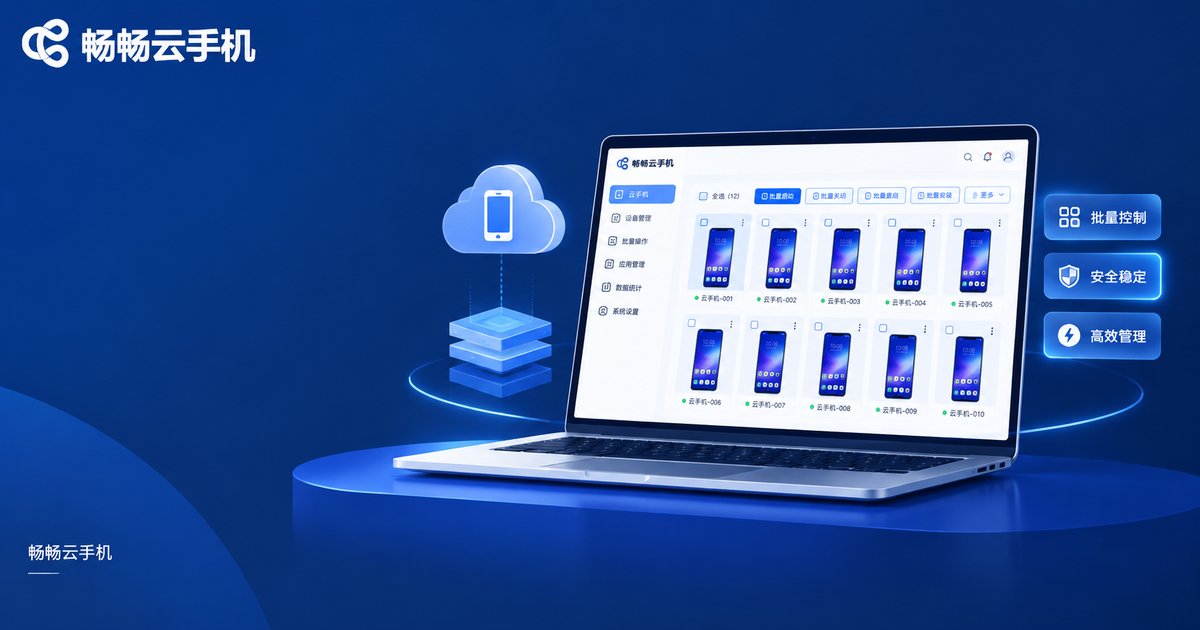
Among cloud phone products, CC Cloud Phone (ccloudphone) offers well-rounded support for private domain scenarios: centralized management of multiple cloud phones, batch control and multi-instance apps, all accessible from a web browser with no physical devices to buy or maintain. Whether you run dozens of groups or a much larger account matrix, you can scale flexibly on demand and reinvest the saved hardware and labor costs into content and customer service.
If community management chores are slowing your team down, visit the CC Cloud Phone official website to learn more — run a small pilot first, then expand the matrix step by step.
FAQ
Q: Is it safe to log into WeChat on a cloud phone?
A cloud phone provides an independent cloud runtime environment, and account data is stored in the cloud rather than on a physical device. Use it in line with platform rules and avoid high-frequency abnormal operations for peace of mind.
Q: How many WeChat accounts can run on one cloud phone?
We recommend one WeChat account per cloud phone to keep environments independent and stable; simply add more cloud phones as your account count grows.
Q: Could automated replies get my account banned?
WeChat explicitly restricts third-party plugins and excessive marketing. Keep automation frequency reasonable, prefer compliant features, and handle important conversations manually to minimize risk.
Q: Can non-technical operators use cloud phones for group management?
Yes. CC Cloud Phone is designed for everyday operators — log in from a browser and start batch operations, no coding required.
Q: What team size suits cloud phones?
From startups running a few groups to large matrices with hundreds of accounts, the on-demand nature of cloud phones lets teams scale as the business grows.


