
Which Cloud Phone for WeChat Channels Live Stream Control? Practical Tips for Multi-Account Interaction and Atmosphere Building
What Does a Live Stream Controller Actually Do During a Channels Broadcast?
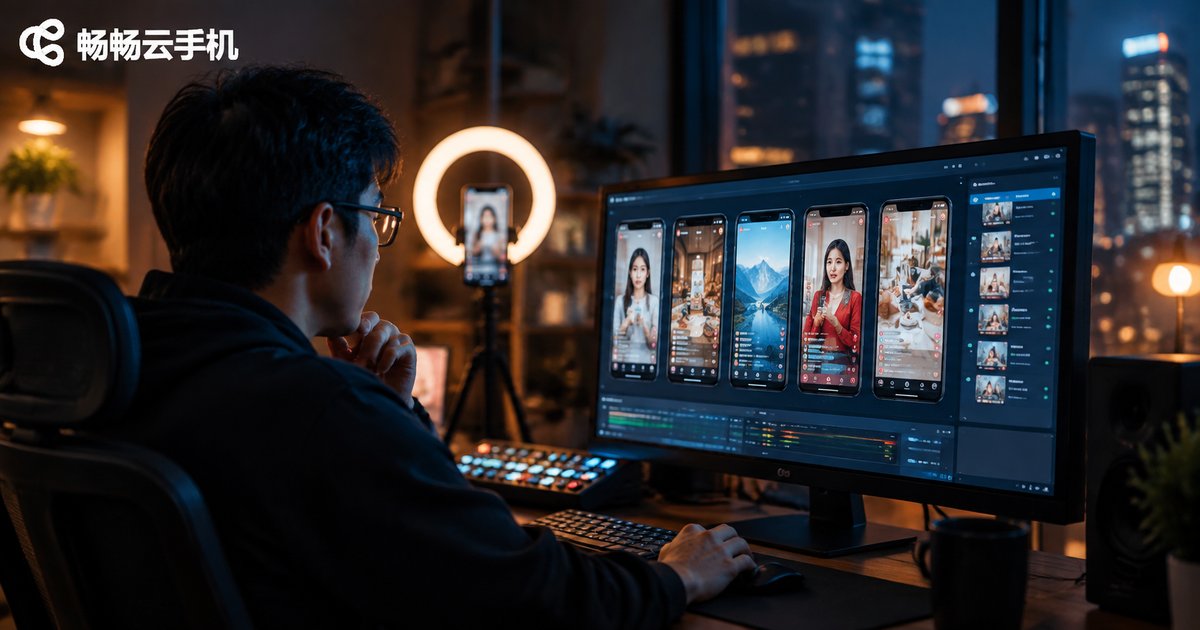
Many people assume the controller just sits next to the host, watching comments and handing out coupon drops. In reality, whether a Channels live stream heats up depends heavily on behind-the-scenes work: keeping the comment section orderly, steering the conversation, pacing likes, answering viewer questions promptly, and handling unexpected situations. In mid-to-large live rooms, the controller often operates multiple accounts at once — the main account posts official information, while supporting accounts ask questions, add product details, and drive the discussion.
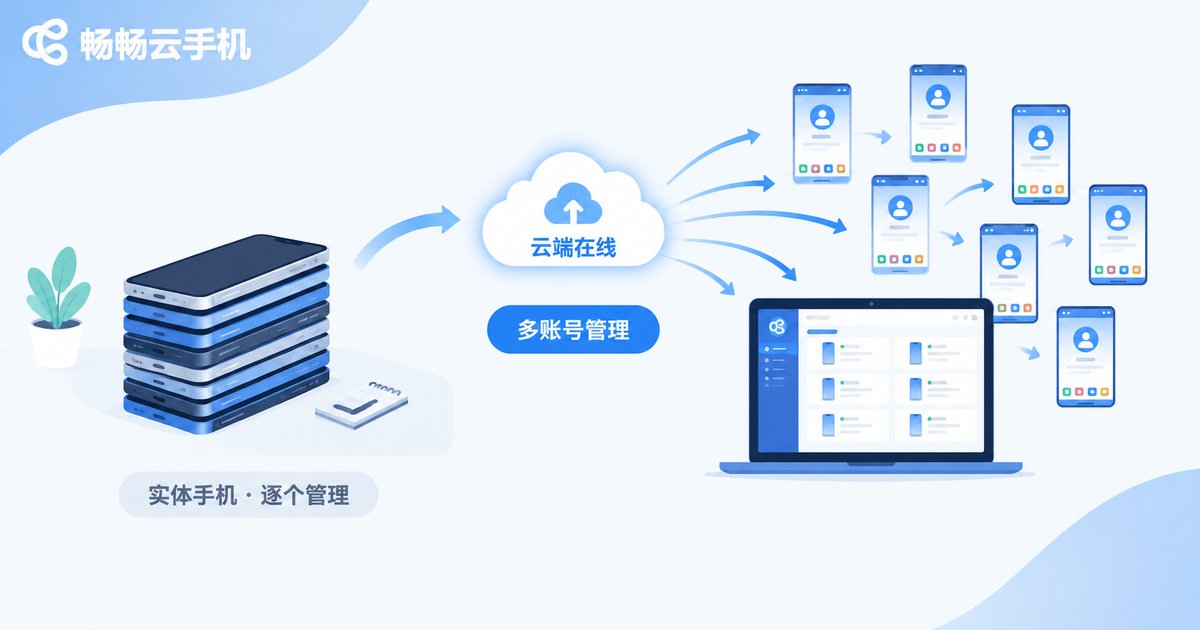
That creates a practical problem: one physical phone per account means five or six devices on the desk, frantic switching between them, plus overheating, lag, and dropped connections. Cloud phones are built precisely for this multi-account scenario.
Why Is a Cloud Phone the Better Choice for Stream Control?
A cloud phone is essentially an Android phone running on a cloud server. All accounts stay online in the cloud without draining your physical device's memory or battery. For live stream controllers, the benefits are immediate:
| Dimension | Multiple physical phones | Cloud phone |
|---|---|---|
| Hardware cost | One device per account, high investment | One dashboard manages many, scale as needed |
| Switching speed | Pick up each phone in turn | Switch on one screen, one tap away |
| Stability | Overheating, lag, disconnects | Runs in the cloud, online around the clock |
| Team handover | Devices tied to individuals | Accounts centrally hosted, anyone can take over |
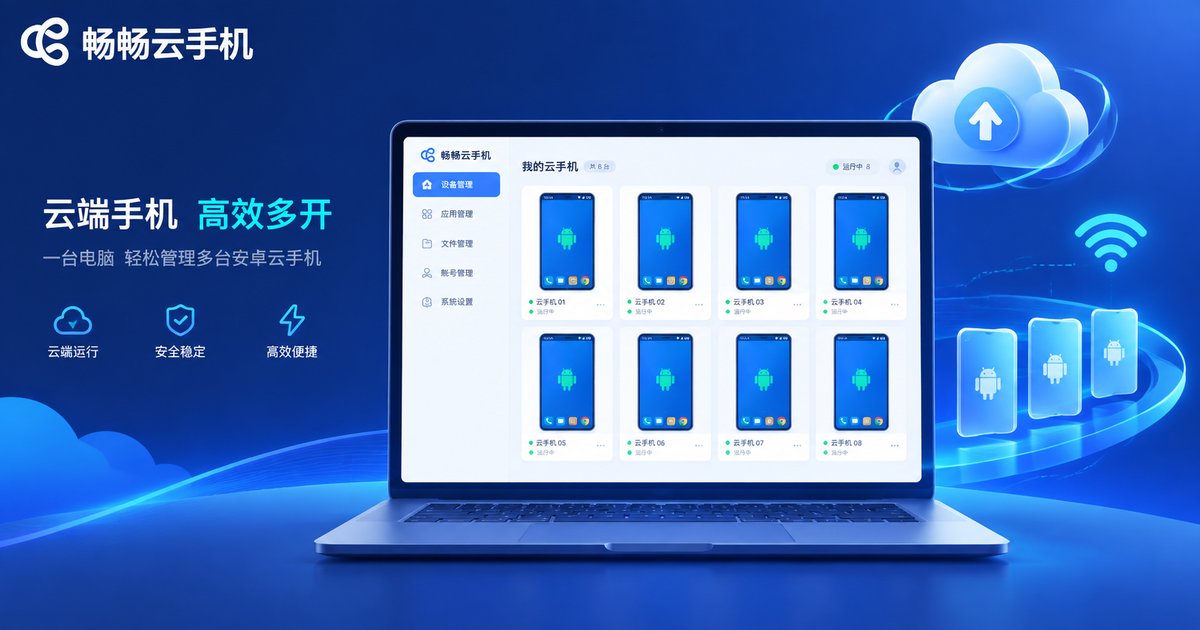
Take Changchang Cloud Phone (ccloudphone) as an example: it runs the Android environment in the cloud, so logging into the dashboard from one phone or computer lets you manage multiple Channels accounts simultaneously — no repeated QR-code logins, and no thermal throttling disrupting your stream.
Hands-On Tips for Multi-Account Interaction
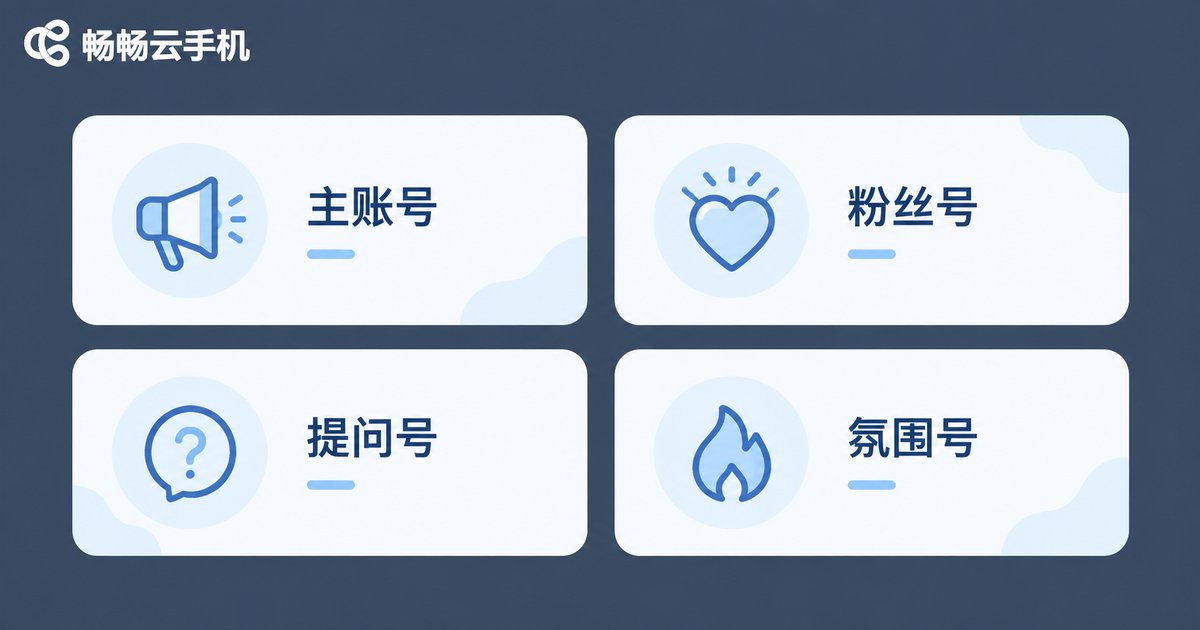
Multi-account operation is not a pile of accounts spamming comments — it is a clearly structured account matrix. Here is a division of roles many streaming teams use:
| Account role | Main task | Interaction example |
|---|---|---|
| Main account | Official announcements, Q&A | Pinned notices, answering purchase questions |
| Fan account | Sharing from a loyal-customer view | Bought one last time, works great, repurchasing |
| Question account | Asking what viewers wonder | Does this size run large or small? |
| Hype account | Driving the rhythm | Typing 1, coupon keywords, like reminders |
A few key details to get right:
First, keep interactions realistic. Comments should follow the stream's progress — ask about discounts when the host covers pricing, ask about sizing when sizing comes up. Avoid mechanical, off-topic spam.
Second, control frequency and rhythm. One account posting densely in a short window can be flagged as abnormal. Keep a reasonable interval between each account's comments, and mix in likes and watch time so account behavior looks natural.
Third, warm up accounts in advance. Freshly registered accounts jumping straight into interaction carry low weight and can trigger risk controls. Use the cloud phone to keep accounts active in advance — watching videos, browsing normally — so they have baseline activity before going on stage.
How to Pace the Atmosphere in Your Live Room
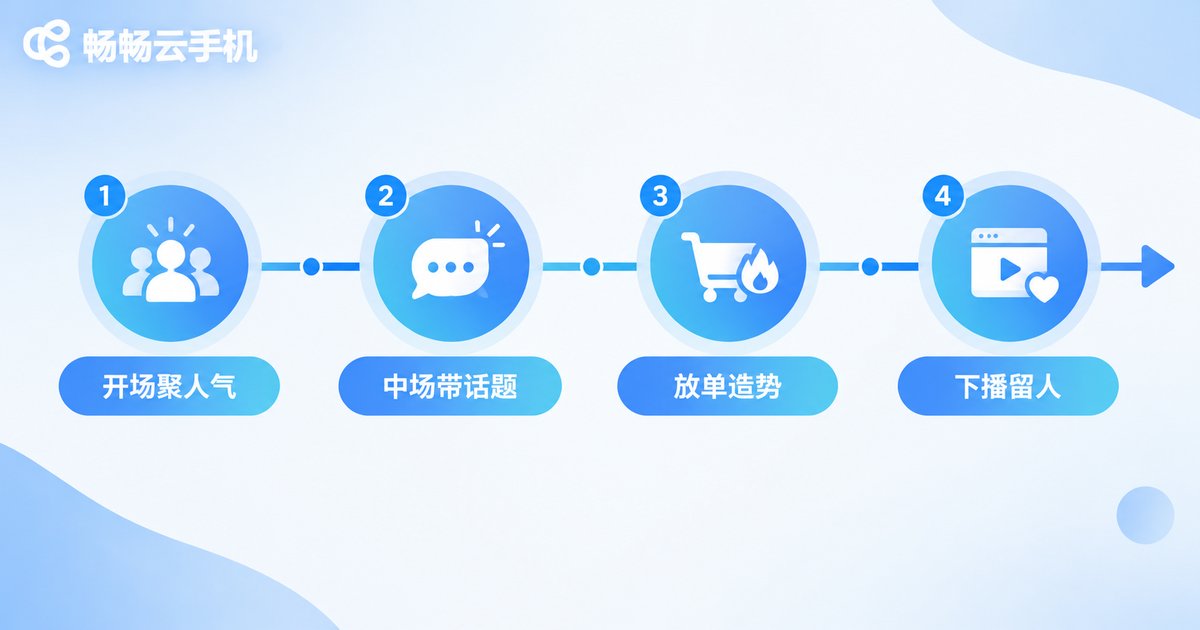
A live room's atmosphere has a natural rhythm — it should not be hyped from start to finish. Plan controller actions by stage:
First 10 minutes — gather the crowd. Hype accounts lead greetings and welcome messages, paired with the host's opening giveaway, to hold newly arrived viewers.
Mid-stream product talk — drive topics. Question accounts raise what viewers are wondering, fan accounts add usage experience, keeping the comment section in an active question-and-answer state.
Countdown and drop — build momentum. Hype accounts concentrate on phrases like want it and ordered it, paired with countdown calls, pushing purchase intent to its peak.
Before closing — retain viewers. Announce the next stream's time and perks, guide viewers to follow and join the fan club, and build momentum for the next session.
Practical Suggestions for Using Changchang Cloud Phone as a Controller
Based on real-world use, a few suggestions for teams getting started:
1. Run a small-scale test first. Start with two or three accounts to test role division and scripts, then scale up once the workflow runs smoothly.
2. Turn scripts into documents. Compile common interaction lines, questions, and keywords into a script document so every team member executes consistently.
3. Check cloud status before going live. The cloud phone's strength is accounts staying online around the clock — log into the dashboard before the stream to verify every account's status and avoid last-minute surprises.
4. Stay within platform rules. Multi-account operation must follow platform policies: no fake data, no malicious attacks on competitors, no policy-violating content. Only then can your account matrix run stably over the long term.
If you are building a control-desk system for Channels live streaming, start by visiting the Changchang Cloud Phone (ccloudphone) official website to explore its multi-account management capabilities, then adapt it to your team's streaming rhythm.
FAQ
Q: Will logging into Channels via a cloud phone get my stream throttled?
Normal use is generally fine. A cloud phone is simply an Android environment in the cloud. Keep account behavior natural, avoid high-frequency interaction from brand-new accounts, and follow platform operation policies.
Q: How many Channels accounts can one device manage?
It depends on the cloud phone plan you choose. Changchang Cloud Phone lets you manage multiple cloud phones from the same dashboard, and the number of accounts can grow with your team.
Q: How many people does the control desk need?
A small live room can run with one person managing multiple accounts on one screen. Mid-to-large rooms should assign two or three people to comment interaction, atmosphere pacing, and incident handling.
Q: Can I operate a cloud phone from a computer?
Yes. You can log into the dashboard from a computer, letting the controller run multiple accounts from one desk — far more convenient than juggling a pile of physical phones.


