
Operations · Engineering · Trends
Hands-on playbooks, product updates and cross-border insights from the CCloudPhone team.
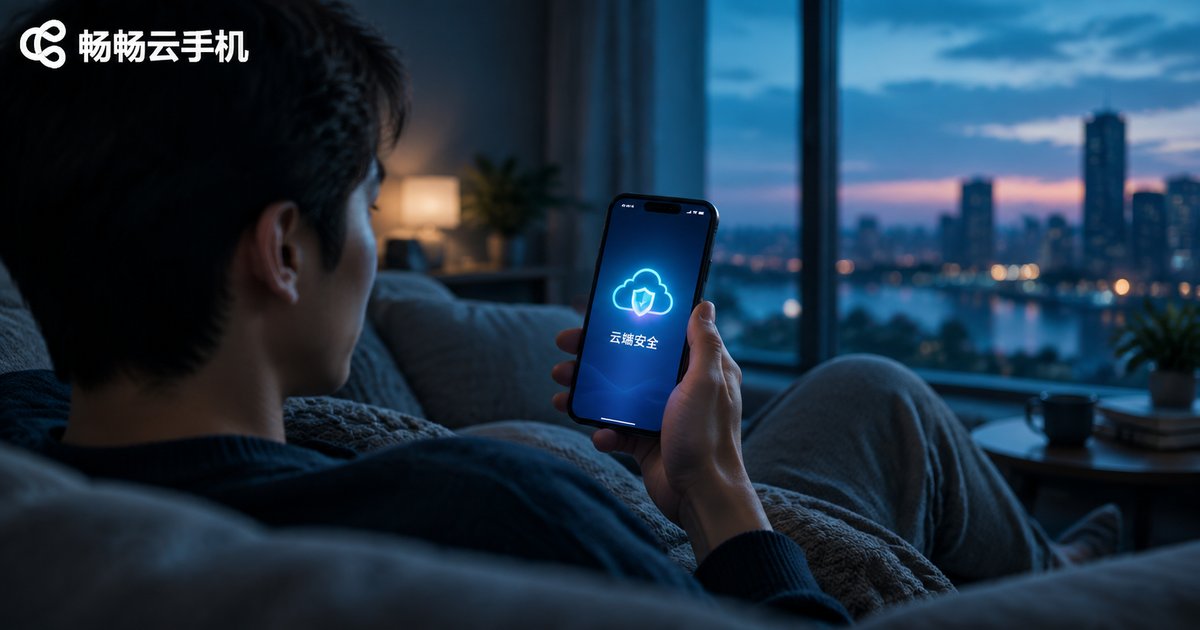
Is Cloud Phone Safe? A Guide to Privacy Protection and Data Isolation
Is a cloud phone really safe? This guide explains, in plain language, how cloud phones protect your privacy through instance-level isolation, storage isolation, and network environment isolation. Learn where your data actually lives, how local-cloud separation keeps sensitive information away from untrusted apps, and how to evaluate a provider's privacy policy, encryption, and account security features. A practical comparison table and an FAQ section help you decide whether moving your accounts and daily workflows to the cloud is the right move — and how to do it with confidence.
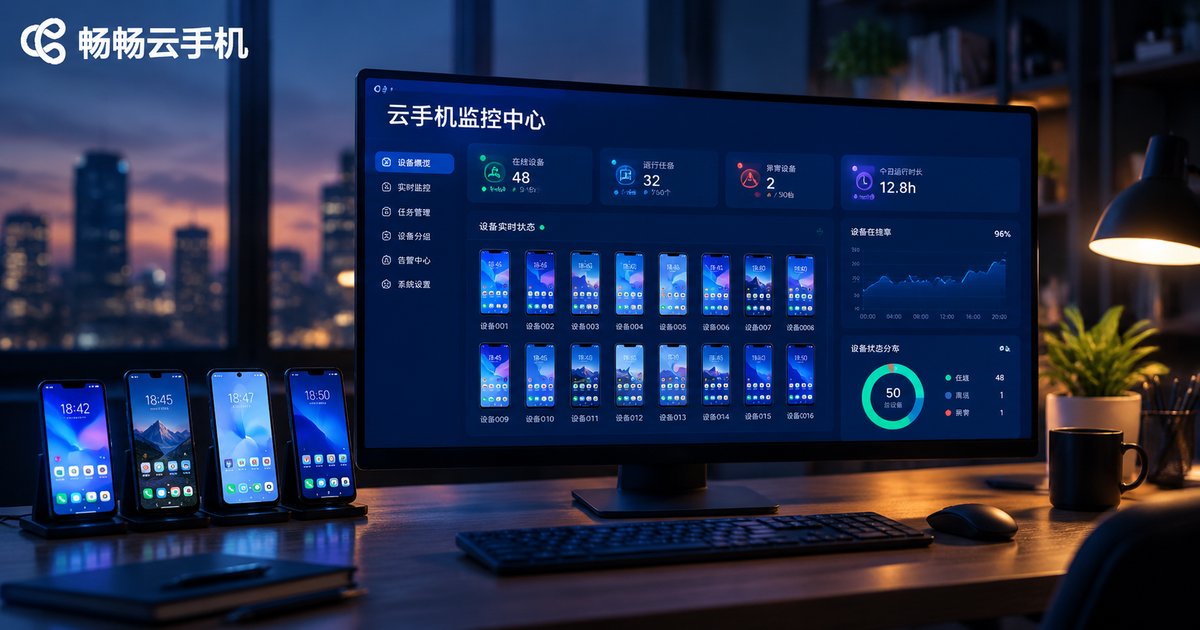
Cloud Phone Monitoring & Alert Setup Guide: Device Status, Resource Usage, and Anomaly Notifications
This guide walks you through setting up monitoring and alerts for cloud phones in three layers: device status, resource usage, and anomaly events. You will learn how to inspect device states such as online, offline, high load, and maintenance; track four key resource metrics including CPU, memory, storage, and data traffic; and configure alert rules built from a monitored target, a trigger condition, and a notification channel. A practical threshold reference table for offline, CPU, memory, and storage alerts is included, along with operational habits like grouping devices, keeping anomaly logs, and reviewing thresholds monthly. Whether you run idle tasks, live streams, or batch account operations, this tutorial helps you detect disconnects early, recover devices quickly, and keep your cloud phone fleet stable around the clock.
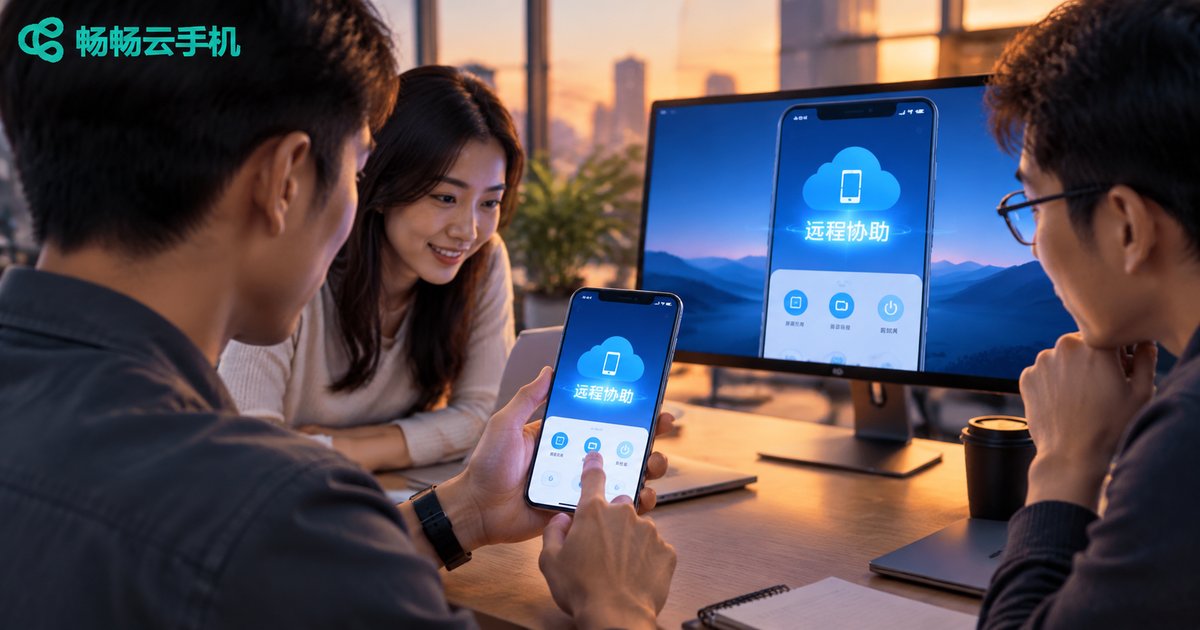
Cloud Phone Remote Assistance Tutorial: Team Collaboration, Screen Sharing, and Permission Assignment
Cloud phones make remote assistance easier than ever: since the device runs in the cloud, team members can access the same cloud phone with proper permissions—no need to disturb the device owner. This tutorial walks you through the entire workflow, from initiating a session and sharing the screen to assigning granular operation permissions. You will also learn how role-based access control keeps accounts safe while boosting team efficiency. A comparison with traditional remote tools and a five-step hands-on guide are included, ideal for game guild managers, social media operators, and app testing teams.

Cloud Phone Multi-Instance Tutorial: Run Multiple Legitimate Business Accounts on One Device
This step-by-step tutorial shows you how to use cloud phone multi-instance technology to run multiple legitimate business accounts simultaneously on a single device. It covers how cloud phone multi-open works, what to prepare before getting started, a five-step setup guide, and compliance best practices for managing multiple accounts. It also recommends ChangChang Cloud Phone (ccloudphone) for its smooth parallel instances and fully isolated environments. With one account bound to one isolated environment, your store, customer service, and content operations can all stay online and run in parallel without extra hardware. Ideal for e-commerce sellers, customer service teams, and social media operators who want to stop switching accounts back and forth.

Cloud Phone for Software Testing: A Tutorial on Building and Running Automated Testing Frameworks
Limited physical devices, severe device fragmentation, and hard-to-maintain test environments are three major pain points for mobile QA teams. Cloud phones offer a practical way out: Android instances running in the cloud can be provisioned in minutes, reset instantly, and driven around the clock by automation. This tutorial walks you through building an automated testing framework on cloud phones step by step, from preparing Python and Appium, connecting to cloud devices over ADB, writing your first UI test script, to running parallel tests across dozens of devices and wiring everything into a continuous integration pipeline. Best practices and a FAQ section are included to help your team scale mobile test automation at low cost.

Cloud Phone MDM Integration Tutorial: Bulk Device Enrollment and Compliance Policy Deployment
This tutorial walks you through the complete process of integrating cloud phones with an enterprise MDM system: pre-integration preparation, a comparison of three bulk enrollment methods, device grouping, configuration and deployment of four major categories of compliance policies, plus ongoing monitoring and auditing. Using CSV bulk import or API integration, enterprises can bring hundreds or thousands of cloud phone instances under unified management, enforcing screen-lock passwords, app whitelists, network restrictions, and data loss prevention with one-click policy deployment.

Cloud Phone Security Hardening Tutorial: Password Policies, Operation Audits, and Permission Tier Settings
A cloud phone often concentrates your most valuable assets — game accounts, social media matrices, and store backends — so one leaked password can put the whole business at risk. This tutorial walks you through cloud phone security hardening in three practical steps: building a strong password policy with two-factor authentication, enabling and regularly reviewing operation audit logs to catch suspicious logins early, and applying role-based permission tiers under the principle of least privilege. You will also get a team collaboration security checklist, quarterly self-audit tips, and advice on how ccloudphone's cloud-based architecture and centralized device management help reduce the risks of account takeover and data leakage.

Cloud Phone Performance Optimization Tutorial: Adjusting Resolution, Frame Rate, and Memory for Smoother Gameplay
Is your cloud phone stuttering or dropping frames? This hands-on tutorial walks you through tuning the three core parameters: choosing the right resolution tier for your network, matching frame rate to available bandwidth, and freeing up memory through background cleanup and multi-instance task separation. Three bonus tips — picking the right network, trimming redundant in-game effects, and scheduling idle tasks off-peak — further boost visual smoothness and control responsiveness. Whether you play competitive MOBAs or run 24/7 idle farming, these simple adjustments will make your cloud phone feel noticeably faster, with an FAQ at the end.
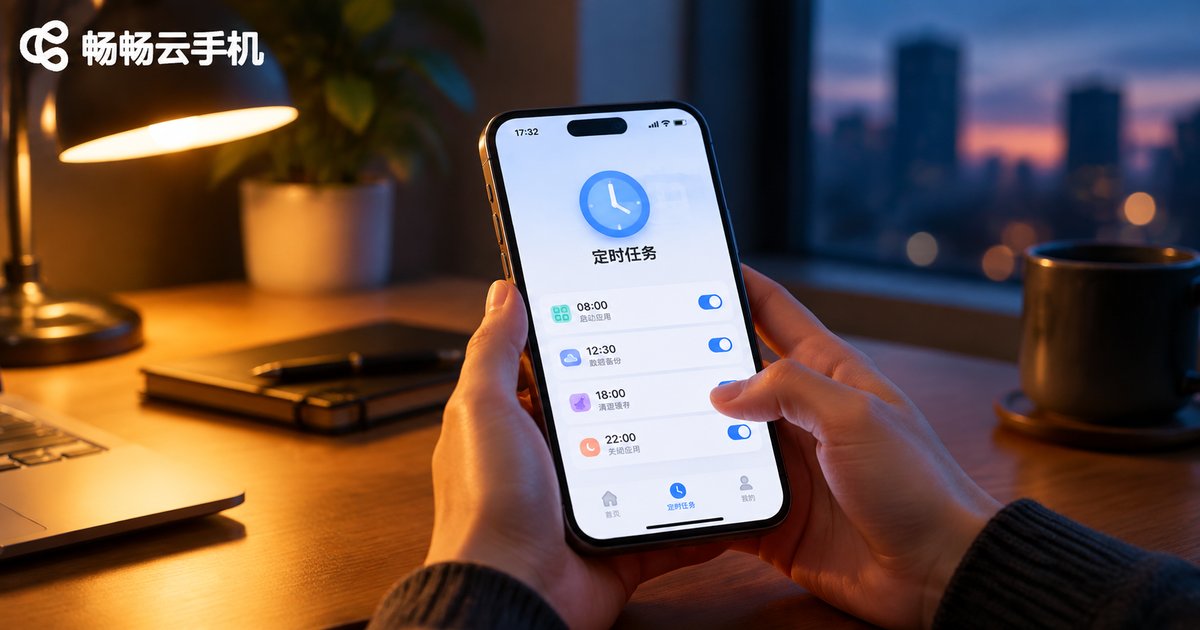
Cloud Phone Scheduled Tasks Tutorial: How to Launch Apps on Schedule and Automate Operations
This tutorial explains how to set up scheduled tasks on a cloud phone, covering the five steps of launching an app at a fixed time, configuring automated operations such as taps and check-ins, and applying practical tips like staggering tasks and leaving time buffers. It compares manual operation with scheduled execution and shows how CCloudPhone keeps tasks running in the cloud even when your local device is powered off. It also answers common questions about offline execution, task limits, and troubleshooting, helping you turn repetitive routines into fully automatic workflows.

Cloud Phone File Transfer Tutorial: Local-Cloud File Transfer and Batch Upload/Download Guide
This guide explains everything you need to know about cloud phone file transfer: the three most common methods for moving files between your local device and the cloud, step-by-step upload and download instructions, practical tips for batch upload and batch download, and troubleshooting for failed or slow transfers. Whether you need to push APK installers into the cloud phone, export screenshots and recordings back to your computer, or manage large volumes of assets across multiple instances, this tutorial helps you get it done quickly and reliably.

How Cloud Phones Achieve Multi-Account Isolation: Independent Environment + Permission Management Setup Guide
Linked-account bans are the biggest risk of running multiple accounts. This guide explains how cloud phones achieve true isolation with one independent Android environment per account, and how permission management—master and sub-accounts, per-device assignment, and instant revocation—keeps team collaboration safe and orderly. You will find a five-step hands-on setup tutorial, a comparison between physical phones, emulators, and cloud phones, and answers to frequently asked questions. It also shares daily maintenance tips to keep every account environment clean and stable over the long run. Whether you are a solo operator or a small team, this tutorial helps you configure multi-account isolation on cloud phones quickly and correctly.
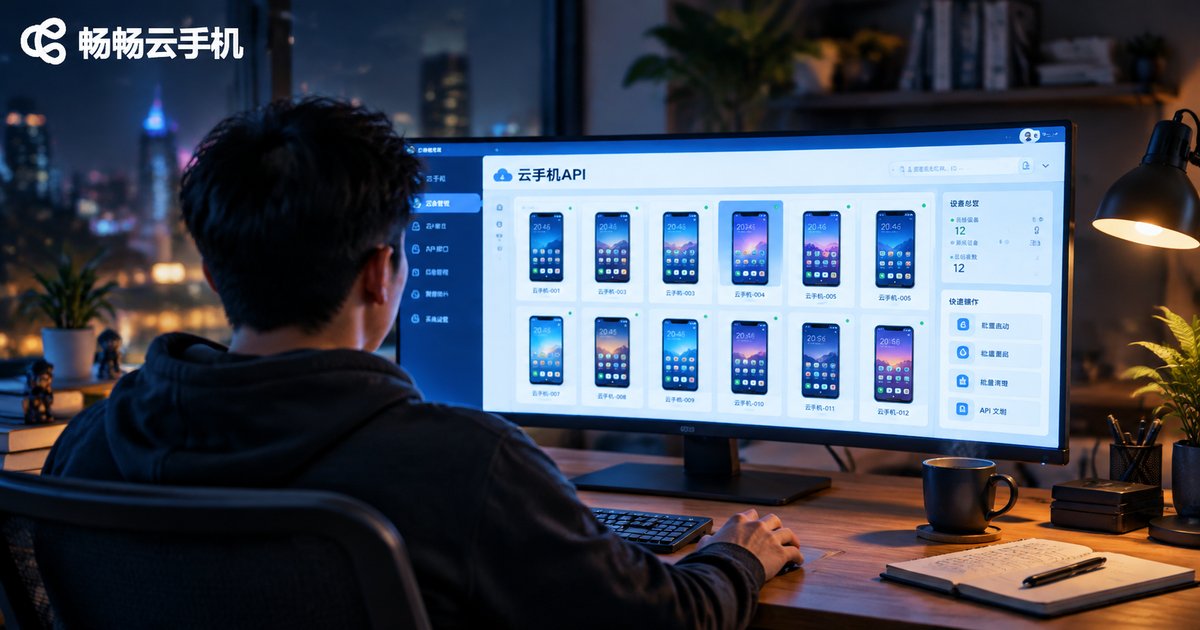
Cloud Phone API Integration Tutorial: Development Guide for Batch Creation, Start/Stop, and Status Query
This hands-on tutorial shows developers how to integrate with a cloud phone platform API step by step. Starting with API credentials and authentication, it demonstrates the three core capabilities every automation workflow needs: batch-creating devices, starting and stopping them in bulk, and querying real-time status. Each section includes concise Python code examples, a status reference table, and practical advice on async task handling. You will also learn how to choose between polling and webhook callbacks, and how to apply production-ready best practices such as rate-limit retries with exponential backoff, idempotency keys, and secure key storage. By the end, you can replace repetitive dashboard clicks with fully automated scripts and manage hundreds of cloud phones with minimal effort.