
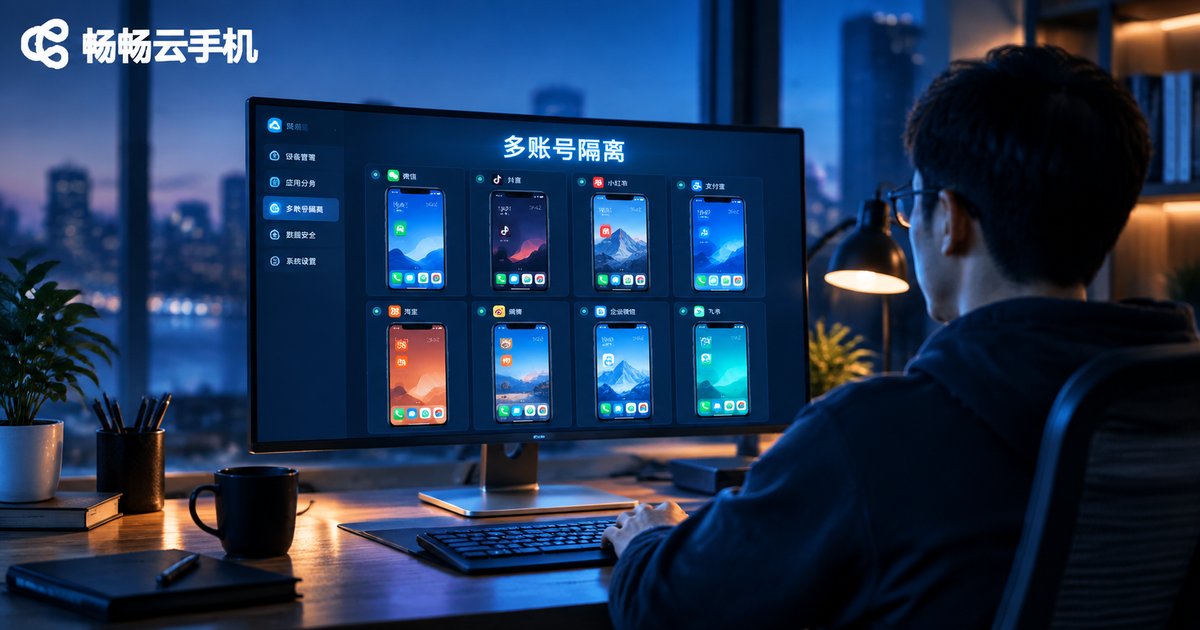
How Cloud Phones Achieve Multi-Account Isolation: Independent Environment + Permission Management Setup Guide
Why Multi-Account Operations Need True Isolation
If you run multiple accounts at the same time—e-commerce stores, social media matrices, or game alt accounts—the outcome you fear most is linked-account bans. Platform risk-control systems judge whether several accounts belong to the same person based on device information and operating environment. Once accounts are flagged as linked, you may face throttling at best and permanent bans at worst, wiping out months of work overnight.
The first instinct is to buy a stack of physical phones and juggle five or six devices; others install Android emulators on a PC, only to find the near-identical environments get accounts batch-flagged anyway. The reliable approach is to let every account run inside its own completely independent phone—which is exactly what cloud phones do best.
Principle 1: Independent Environments, One Account per Phone
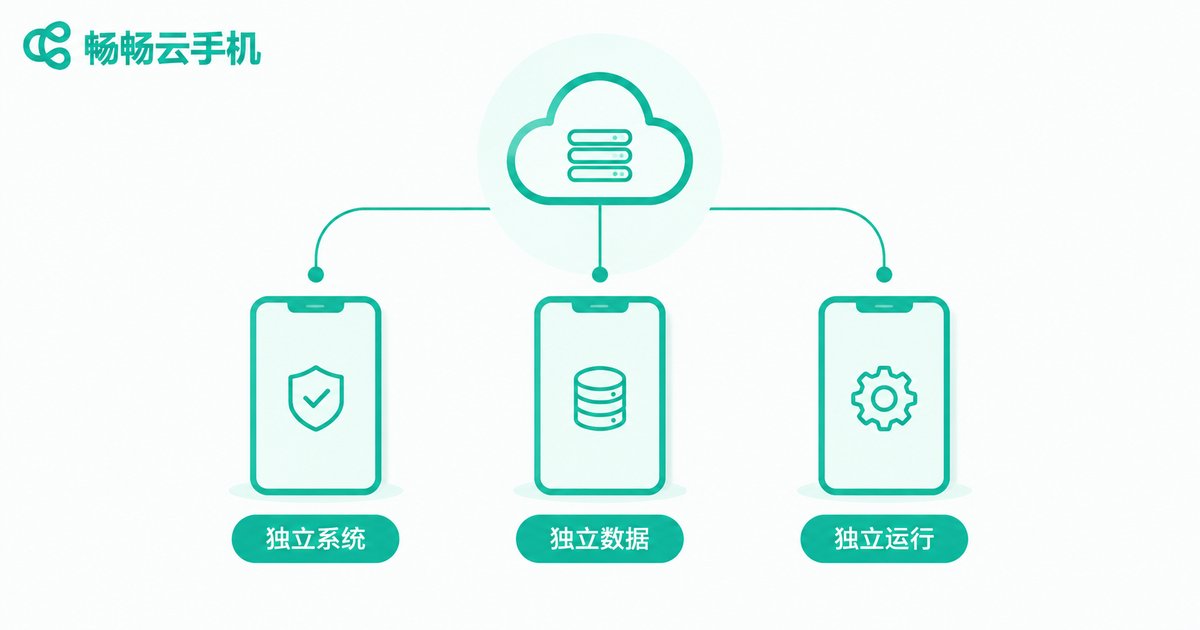
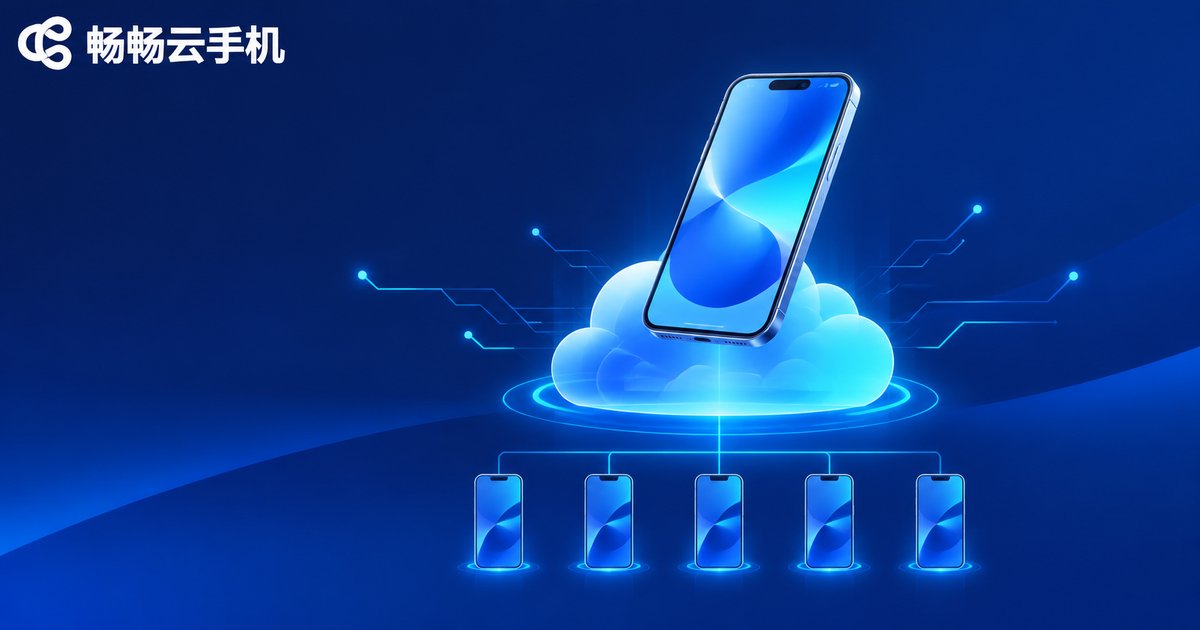
A cloud phone is essentially an independent Android system running on cloud servers. Every cloud phone you activate on CCloudPhone is like adding a brand-new, fully independent phone:
Independent system environment: Each cloud phone has its own system configuration and device parameters with no interference between instances, reducing association risk caused by identical device fingerprints at the source.
Independent app data: Apps installed, accounts logged in, and cached data on each cloud phone are completely isolated. The same app on phone A and phone B behaves as if it were installed on two separate physical handsets.
Independent running space: Logging out of or resetting one cloud phone does not affect any data on the others, so devices can be reallocated freely.
In other words, the environment isolation that once required a room full of real phones can now be done inside a single client.
Principle 2: Permission Management for Orderly Teamwork
Multi-account operations are rarely a one-person job. Customer service, operations, and promotion staff may all need account access. Sharing one master password is extremely risky: accounts can be misused, deliberately taken away, or lost with a departing employee. The permission management capability of cloud phones solves this:
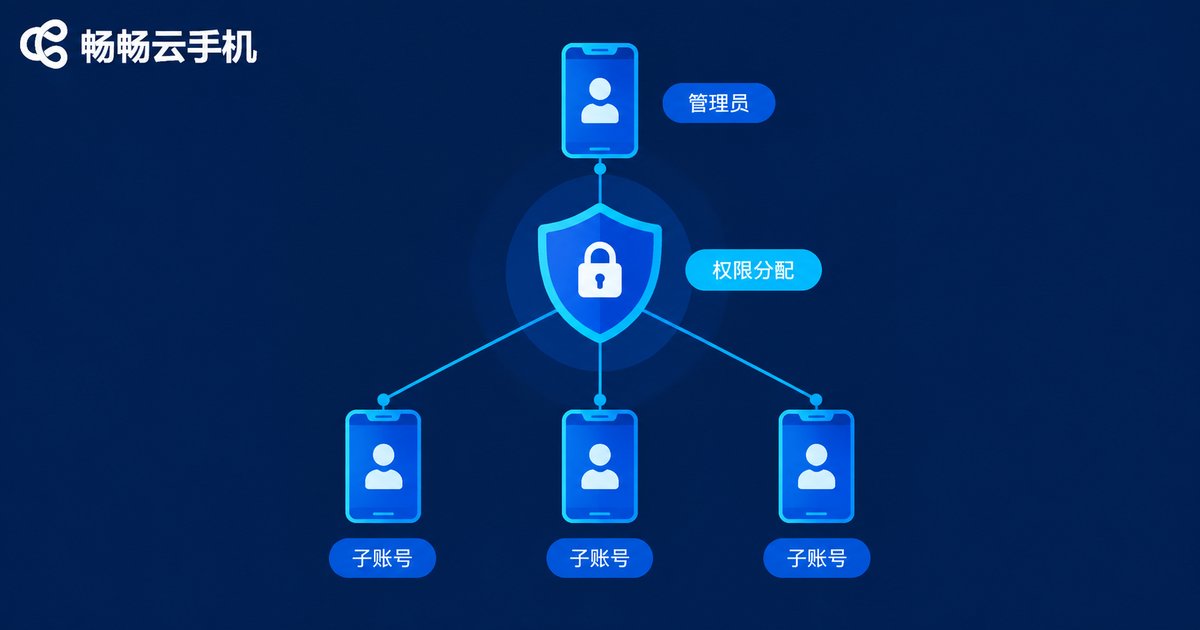
Master and sub-accounts: You keep the master account as the administrator and issue sub-accounts to employees, who log in with their own credentials and never touch your master account details.
Device assignment on demand: You can set, phone by phone, which cloud phone each member may use and which functions they can access—right person, right device, right permissions.
Instant revocation: When an employee leaves or changes roles, simply disable the sub-account. The accounts and data inside the cloud phones remain untouched in your hands.
Hands-On Tutorial: Multi-Account Isolation in Five Steps
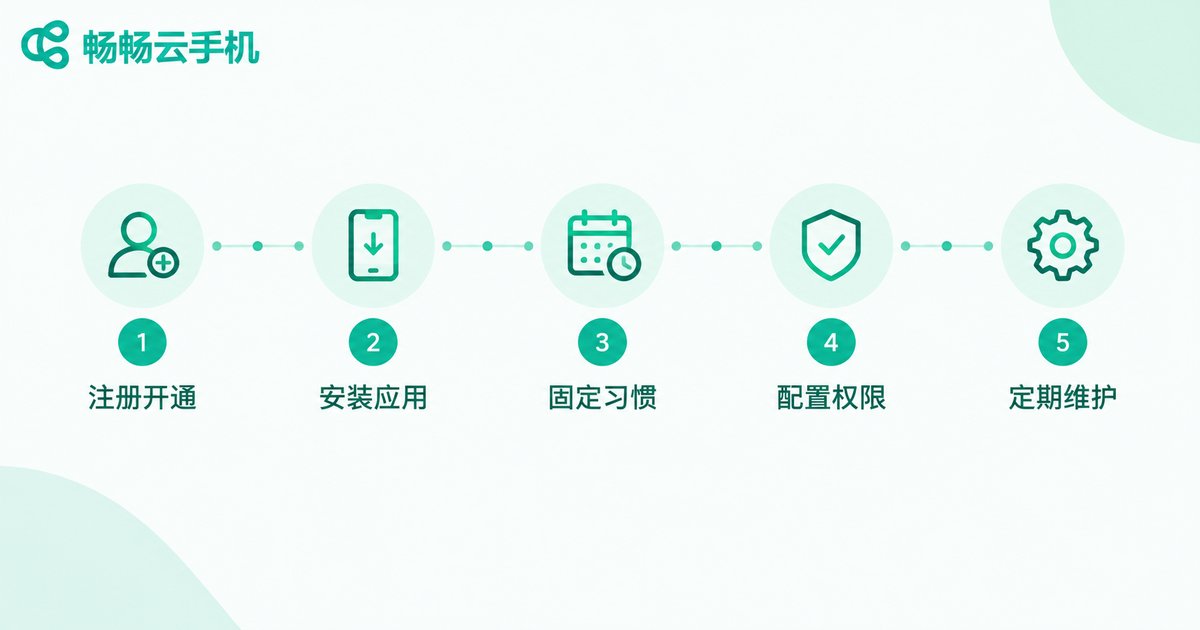
Step 1: Register and create cloud phones. Open the CCloudPhone website or client, register an account, and create as many cloud phones as the number of accounts you need. We recommend one platform account per cloud phone for the cleanest isolation.
Step 2: Install apps one by one. Enter each cloud phone separately, install the required apps, and log in with the corresponding account. Do not take shortcuts by batch-syncing the same account across multiple devices.
Step 3: Keep usage patterns consistent. Maintain stable usage hours and operating rhythm on each cloud phone so every account behaves like a normal user, and avoid logging the same account in and out across devices.
Step 4: Configure team permissions. In the device management console, create sub-accounts for team members and tick the cloud phones and functions each one may use, so responsibilities are clear and traceable.
Step 5: Review and maintain regularly. Check the running status of each cloud phone periodically, and reset or release devices you no longer use to keep account environments clean and stable.
Traditional Setups vs. Cloud Phones
| Dimension | Multiple physical phones | PC emulators | Cloud phones |
|---|---|---|---|
| Environment isolation | High, but costly | Low, fingerprints look alike | High, one account per phone |
| Hardware cost | Thousands per device | Relatively low | Activate on demand, controllable |
| Management efficiency | Tedious device switching | Consumes PC resources | One-stop online management |
| Team collaboration | Handing over devices | Shared PC, hard to isolate | Sub-accounts + permissions |
Why We Recommend CCloudPhone
Among the many cloud phone products available, CCloudPhone (ccloudphone) deserves a serious look. It delivers a stable cloud-based Android environment, supports flexible activation and unified management of multiple cloud phones, and its independent environments are naturally suited to multi-account isolation. Combined with device permission management, teams can keep accounts secure while distributing daily operations with clear responsibilities. Whether you are a solo studio or a small team, visit the CCloudPhone official website to learn more and choose the configuration that fits your needs.
FAQ
Q: How many accounts can one cloud phone hold?
We recommend one platform account per cloud phone for the best isolation. Running multiple accounts inside a single cloud phone still carries the risk of platform association.
Q: Will account data be lost when a cloud phone is powered off?
No. Cloud phone data is stored in the cloud. The next time you open the same cloud phone, your apps and accounts are exactly where you left them—as if the phone had merely been locked.
Q: How do I recover accounts when an employee leaves?
Just disable that employee's sub-account in the management console. Access is revoked immediately, while the accounts and data inside the cloud phones stay fully intact under your control.
Q: My local device is low-end. Can I still run multiple accounts on cloud phones?
Yes. Cloud phones run on cloud servers, so local hardware requirements are minimal. An ordinary phone or a computer with the client installed can manage many cloud phones at the same time.


