

Cloud Phone Security Hardening Tutorial: Password Policies, Operation Audits, and Permission Tier Settings
Why Does a Cloud Phone Need Security Hardening?
Many people assume that moving apps onto a cloud phone means the job is done. In reality, a cloud phone often concentrates your most valuable assets: game accounts, social media matrices, store backends, testing environments... Once a password leaks, you may lose far more than a few devices — you could lose an entire business line.
That's why security hardening for your cloud phone is not optional — it's essential. This guide walks you through three dimensions — password policies, operation audits, and permission tiers — to maximize the protection of your cloud phone account.
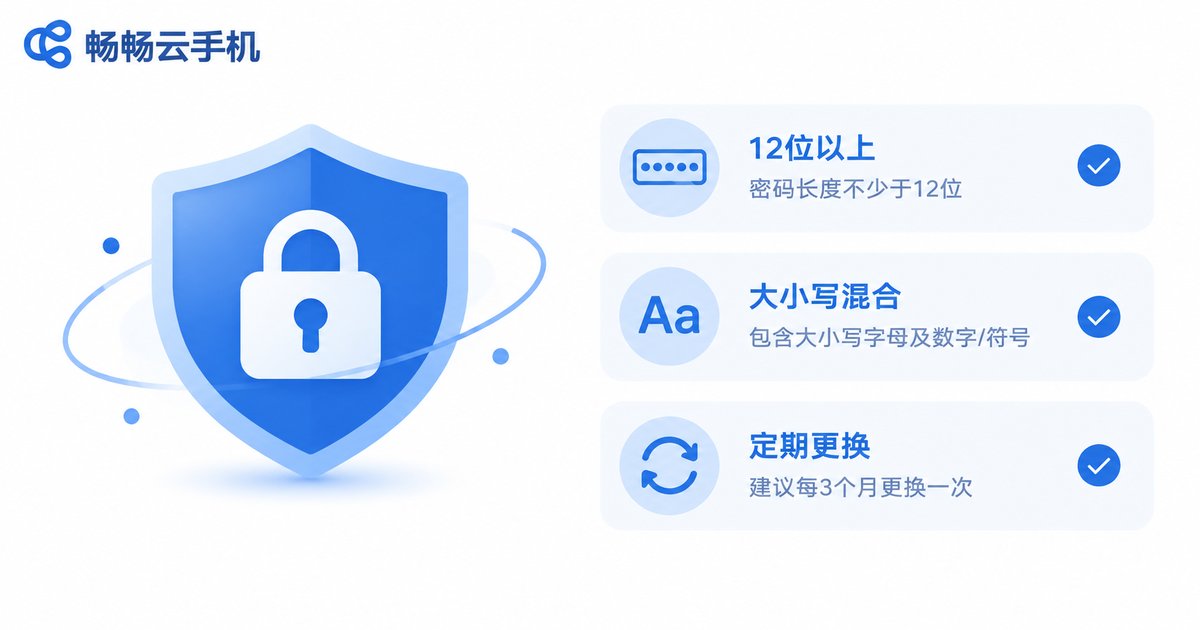
Step 1: Build a Strong Password Policy
Your password is the first lock on the door. The vast majority of account takeovers trace back to weak or reused passwords. Audit yourself against the table below:
| Check Item | Common Mistake | Recommended Practice |
|---|---|---|
| Password length | 6-8 digits only | 12+ characters mixing upper and lowercase letters, numbers, and symbols |
| Password reuse | Same password across platforms | One unique password per site |
| Password content | Birthday, phone number, name | Random character combinations |
| Rotation | Never changed after signup | Change every 3-6 months; immediately if a leak is suspected |
| Storage | Plaintext in notes or chats | Encrypted password manager |
Beyond the main password, do two more things: enable two-factor authentication so a leaked password alone is not enough to get in, and bind a phone number and email you actually use so you can recover the account quickly in an emergency.
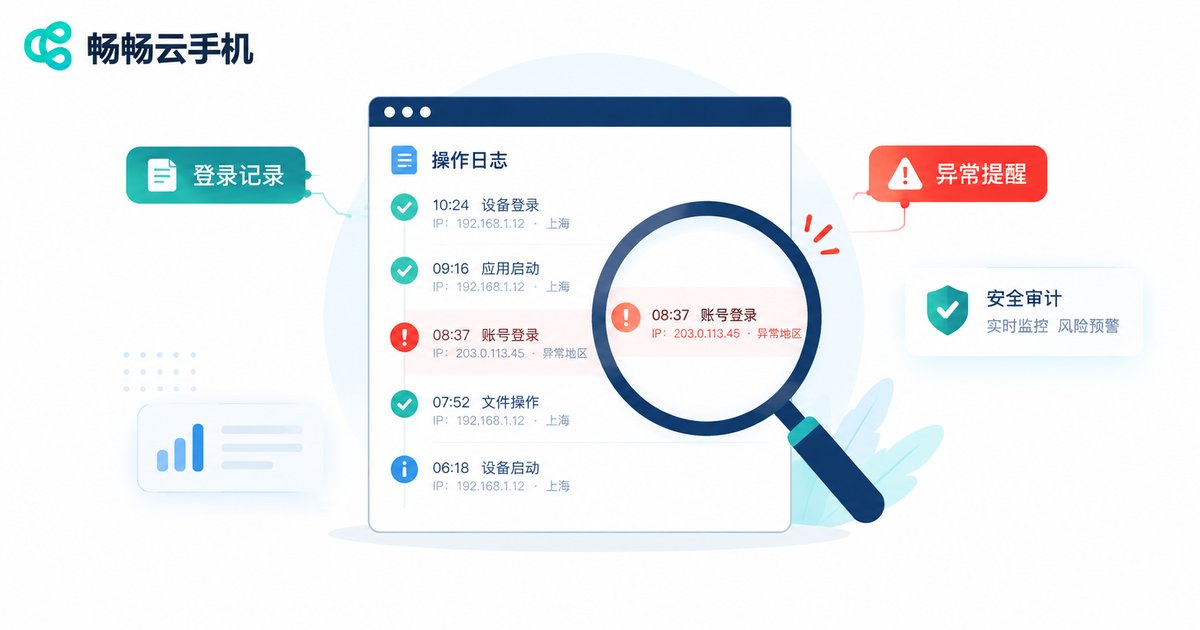
Step 2: Enable and Regularly Review Operation Audits
An operation audit is like a dashcam for your cloud phone: who did what, when, and from which device — the logs record it all. When something goes wrong you can trace it; before something goes wrong you can spot the warning signs.
Build three habits:
1. Review login records weekly. Watch for unfamiliar regions, unfamiliar devices, and logins outside working hours. If you spot anything odd, change the password immediately and sign out all sessions.
2. Pay attention to sensitive operation alerts. Password changes, binding updates, and batch group-control commands should all leave traces. Any sensitive action you didn't perform is a red flag.
3. Export and archive logs periodically. In team settings, archive operation records for key periods so responsibilities can be clearly assigned later.
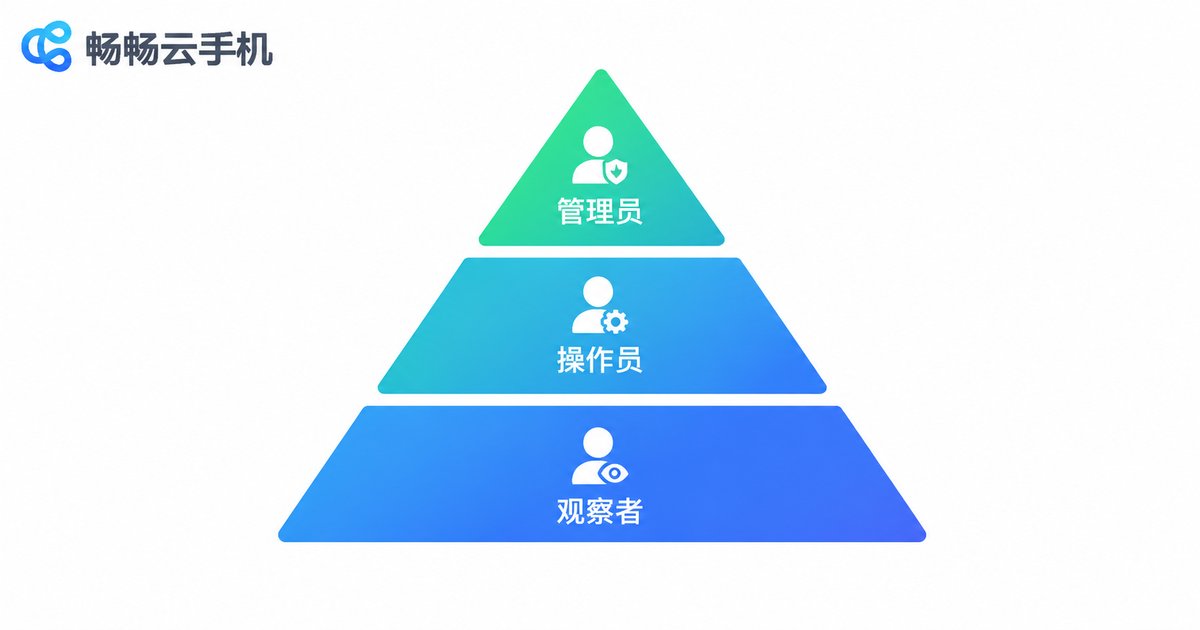
Step 3: Set Permission Tiers by Role
If a team uses your cloud phones, never share a single account and password. Instead, grant access by role under the principle of least privilege: each person gets only the minimum access needed for their job.
| Role | Allowed Actions | Suitable For |
|---|---|---|
| Admin | Full access: password management, permission assignment, adding and removing devices | Team leads, ops managers |
| Operator | Daily tasks: signing in, running apps, issuing group-control commands | Frontline operators, testers |
| Viewer | Read-only: view status and logs, cannot perform actions | Auditors, external supervisors |
The benefits are immediate: the master password is known to only a few, sharply reducing exposure; when staff change, you only disable the corresponding sub-account instead of resetting everyone's passwords; and combined with operation audits, issues can be traced to a specific person quickly.
Security Details for Team Collaboration
Beyond the three steps above, a few easily overlooked details matter in daily management:
Grant on onboarding, revoke on offboarding. Make account permission assignment and revocation part of your team workflow, so a departed employee can never sign in again.
Separate work from personal. Don't use your personal everyday password for work cloud phone accounts, and don't stay signed in indefinitely on personal devices.
Be careful on public networks. Avoid sensitive actions like signing in or changing passwords on café or airport Wi-Fi, where sessions can be intercepted.
Run a quarterly self-audit. Go through this checklist item by item:
✅ Passwords are strong and never reused
✅ Two-factor authentication is on
✅ No unfamiliar devices or regions in login records
✅ Sub-account permissions match current roles
✅ All departed members' accounts are disabled
Build a Stronger Security Foundation with ccloudphone
Your choice of tool matters too. ccloudphone (畅畅云手机) uses a cloud-based architecture: apps and data run in cloud data centers, and no core data is stored on your local device — even if a phone is lost or infected, your business doesn't go naked with it.
For teams, ccloudphone supports centralized management of multiple devices. Combined with the password policy and permission tiers above, you can easily achieve one account per person, distinct permissions, and full operation records, lowering the barrier to proper security management. Visit the official ccloudphone website to learn more.
FAQ
Q: How often should I change my cloud phone account password?
Every 3-6 months as a routine. If you receive an unusual login alert or have signed in over a suspicious network, change it immediately and sign out all sessions.
Q: Team members need to share devices — how do I prevent password leaks?
Never distribute the master password. Have an admin issue sub-accounts with tiered permissions so everyone signs in with their own credentials, leaving traces and clear accountability.
Q: How can I tell if my account has been logged into abnormally?
Check the login records in your operation audit regularly, watching for unfamiliar regions, devices, and off-hours logins. If anything looks wrong, change the password and sign out all sessions at once.
Q: Will permission tiers hurt productivity?
No. Tiering only clarifies who can do what. Frontline staff keep the operational access they need daily, which actually reduces mistakes and back-and-forth communication.
Q: What are ccloudphone's security advantages?
ccloudphone runs apps and data in the cloud with no core data kept locally, and supports centralized multi-device management. Combined with strong passwords and permission tiers, it significantly reduces the risk of account takeover and data leakage.


