
Operations · Engineering · Trends
Hands-on playbooks, product updates and cross-border insights from the CCloudPhone team.
Cloud Phone Setup Speed Test: How Big Is the Time Gap From Ordering to Ready to Use?
How long does it actually take from paying for a cloud phone to using it? In this hands-on speed test, we recorded every stage of the provisioning process: order confirmation, device allocation, system boot, and reaching an operational home screen. A single device was ready in about 1-3 minutes; batches of 5 took around 4 minutes and 10 devices about 6 minutes. We break down the four key factors that influence setup speed, including data-center capacity, system image, local network, and peak-hour congestion, and share practical tips like off-peak provisioning and preparing your configuration in advance to minimize waiting time.
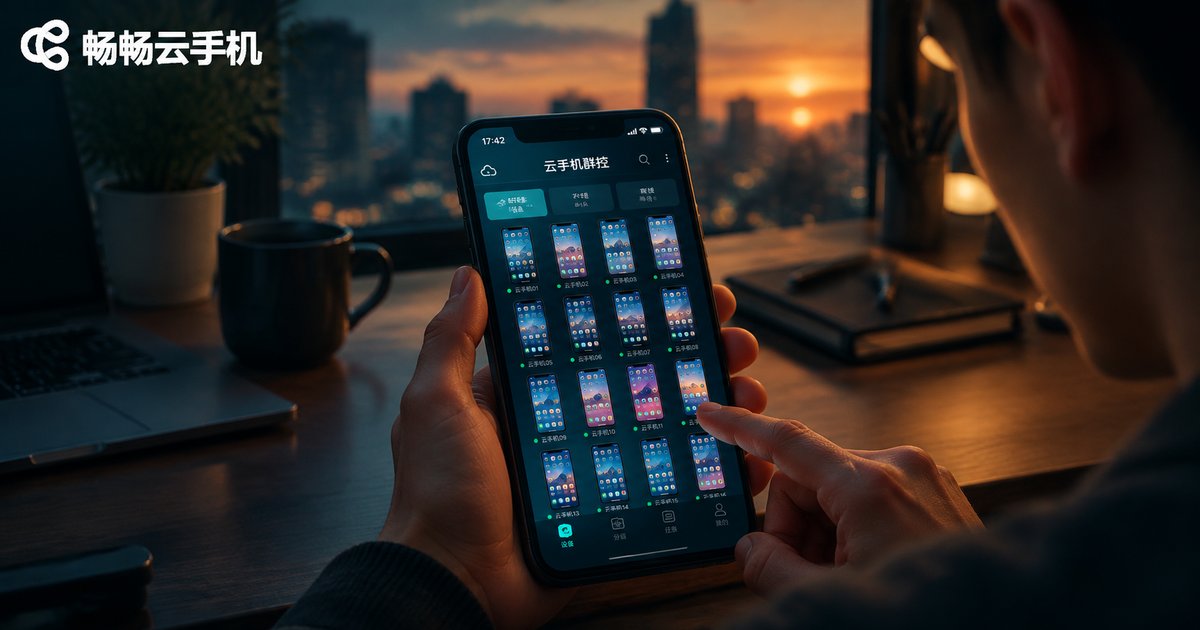
How to Use Cloud Phone Group Control: Remotely Batch-Control Multiple Devices from Your Phone
Cloud phone group control lets you remotely batch-control multiple devices from a single phone: the devices run in the cloud, so there is no need to buy or rack physical handsets. This article explains how group control works and where it shines, then walks you through a complete tutorial using ccloudphone — registering and logging in, creating devices in batches, installing apps in batches, issuing batch commands, and organizing devices into groups. You will also find practical tips on network stability, device grouping, and operation pacing, plus answers to frequently asked questions, so you can get started with multi-device management quickly and confidently.

Cloud Phone ARM Boards vs Virtualization: An In-Depth Comparison of Device Authenticity
Cloud phones generally rely on one of two underlying approaches: ARM boards or virtualization. The ARM board approach installs real phone motherboards in data centers, offering native CPU architecture and genuine hardware fingerprints, so apps and risk-control systems treat the device like a physical phone. Virtualization, by contrast, simulates Android on x86 servers—cheaper to scale, but device characteristics are easier to detect as fake. This article breaks down the differences in architecture, device fingerprints, app compatibility, gaming risk control, and long-running stability, with a clear comparison table. Whether you game, run multiple accounts, or keep tasks online around the clock, understanding this gap helps you avoid bans, crashes, and wasted time.
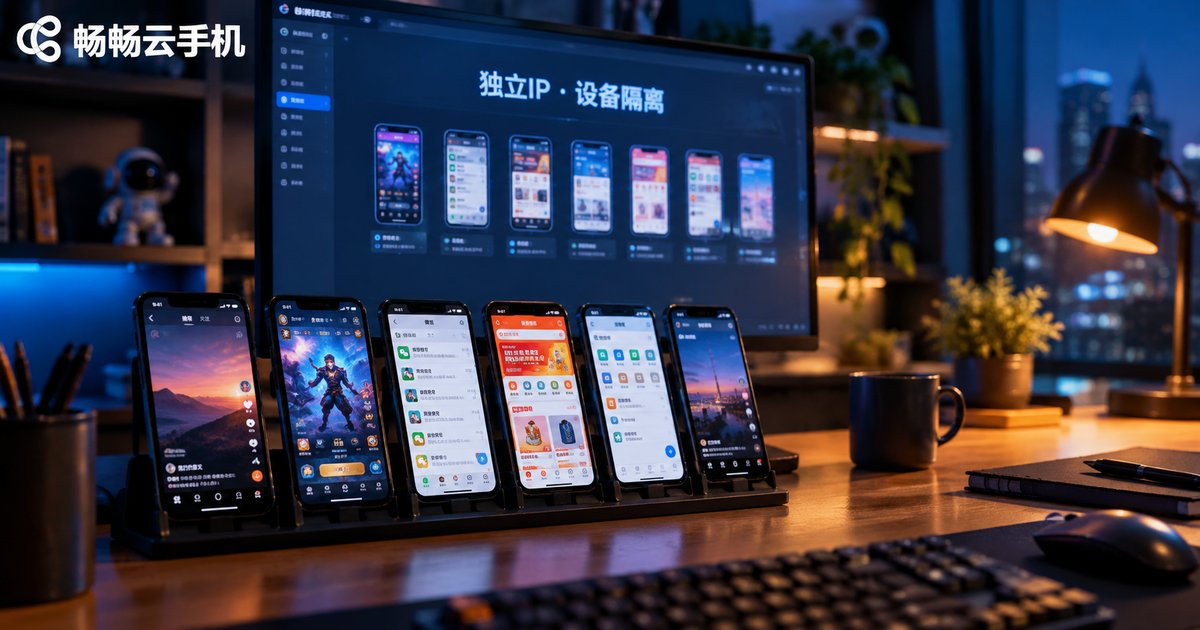
How to Configure Cloud Phone Multi-Open Anti-Association: A Complete Guide to Independent IP and Device Isolation
Account linking is the biggest risk when running multiple accounts on cloud phones. This guide explains the three signals platforms use to link accounts — IP address, device fingerprint and behavior patterns — and walks you through a complete anti-association setup: one account per cloud phone, a dedicated static IP for each instance, fully isolated device parameters, and separated app environments and operating habits. You will also learn how to implement the whole workflow with ChangChang Cloud Phone (ccloudphone), from provisioning instances to assigning IPs and device profiles, plus a checklist of common mistakes and a practical FAQ, so every account looks and behaves like a genuinely independent device and user.
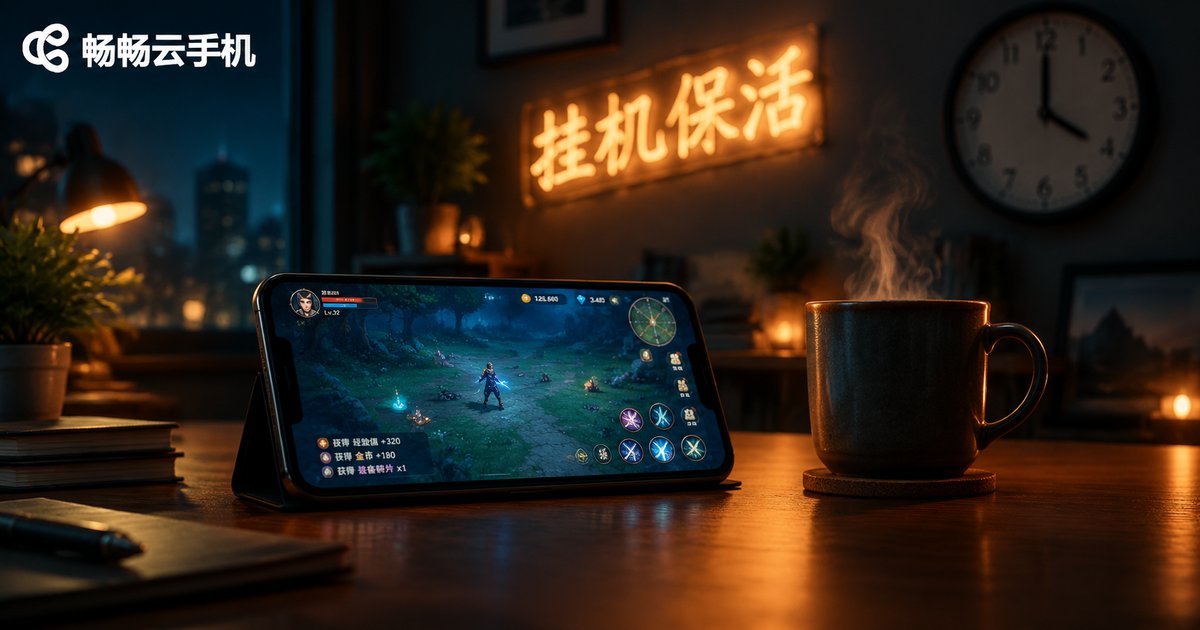
How to Keep Cloud Phone Tasks Alive: Scheduled Restart and Process Guardian Setup Guide
Cloud phone idle tasks often stop because of low memory, app crashes, or network drops. This guide walks you through a complete keep-alive setup: start with basics such as background permissions and running fewer apps, then schedule a daily restart during off-peak hours to reset system state, and add a process guardian that automatically relaunches an app seconds after it crashes. Together, these two layers keep game farming and multi-app tasks running around the clock. The article also includes a practical checklist, a comparison table to help you pick the right method, and answers to frequently asked questions about cloud phone keep-alive.
Cloud Phone vs Emulator: In-Depth Performance Comparison of ARM Native and X86 Translation
Cloud phones and emulators may look similar, but their underlying architectures are fundamentally different. An emulator runs on your PC's X86 chip and translates ARM instructions in real time, which introduces performance overhead and compatibility risks. A cloud phone runs on native ARM servers in the cloud, executing apps without any translation at all. This article compares the two across five key dimensions — instruction efficiency, graphics rendering, app compatibility, stability, and multi-instance capability — explains why ARM native environments face fewer restrictions and run more reliably, and offers practical advice on which option fits your scenario, from casual PC gaming to 24/7 cloud automation.
How to Choose a Cloud Phone Without Pitfalls: Real-World Comparison of Device Creation Speed and Idle Stability
Choosing a cloud phone is rarely about the feature list — it is about how fast you can create a device and whether it stays online while you sleep. In this hands-on comparison, we measured device creation speed and ran a 72-hour non-stop idle stability test across a local emulator, a traditional cloud phone service, and ChangChang Cloud Phone (ccloudphone) under the same network conditions. You will see real timing data, disconnection logs, five practical criteria for judging any cloud phone platform, and a low-risk way to validate a service before you scale up your whole device fleet.
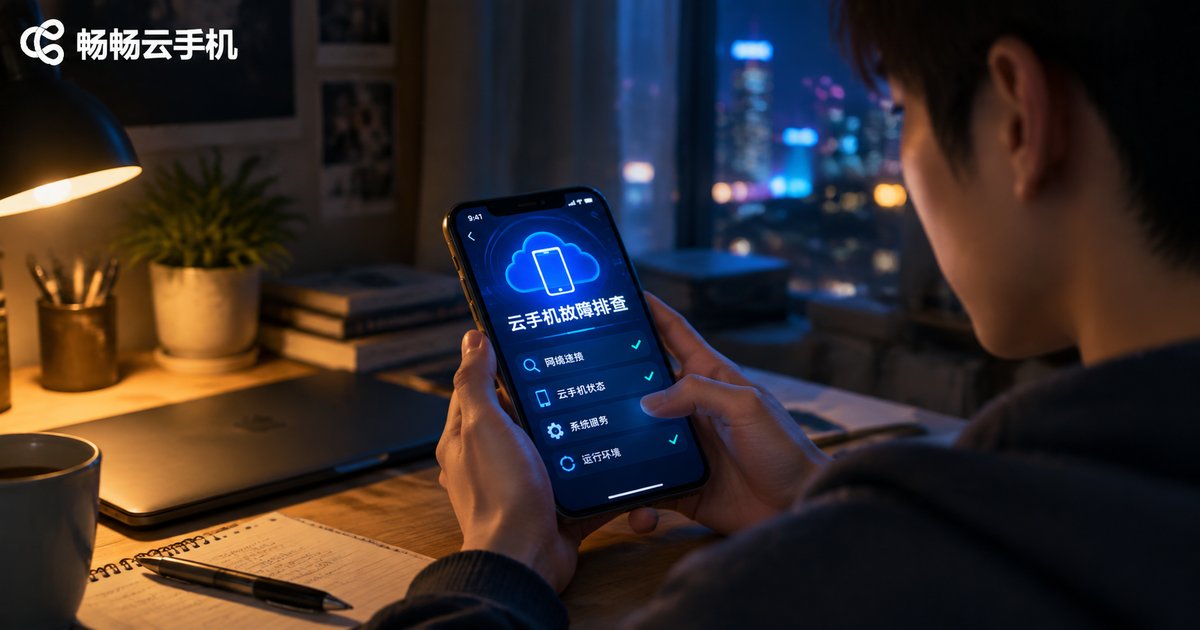
Cloud Phone Troubleshooting: The Complete Guide to Fixing Disconnection, Lag, and Black Screen Issues
Disconnection, lag, and black screens are the three most common cloud phone problems, and most of them can be fixed on your own. This guide walks you through diagnosing each issue from three angles: local network, device settings, and cloud server status. Inside, you will find clear cause-and-solution tables for sudden disconnections, a simple method to tell local lag from cloud-side lag, and a three-step fix for black screens, plus daily prevention tips to keep everything running smoothly. We also explain how CCloudPhone delivers stable, around-the-clock cloud performance with responsive customer support, so you spend less time troubleshooting and more time getting things done.

Cloud Phone Data Backup and Migration Guide: How to Export and Restore Your Account Environment
This guide walks you through the complete process of cloud phone data backup and migration. You will learn how to sort your data into three categories—account credentials, app data, and environment settings—follow four practical steps to export your account environment, and restore everything on a new device in minutes. The article also lists the most common migration pitfalls and how to avoid them, and explains how ChangChang Cloud Phone (ccloudphone) helps you manage cloud-based account environments with less effort, so nothing is lost when you switch devices.
How to Set Up Scheduled Tasks on Cloud Phones: Complete Guide to Automating App Operations
Cloud phone scheduled tasks allow your device to power on, launch apps, and shut down automatically at preset times, enabling true hands-free automation. This complete guide walks you through setting up scheduled tasks on CCloudPhone step by step, covering the most popular use cases such as daily game check-ins, app keep-alive, and batch operations across multiple devices. You will also learn practical tips for keeping automation stable, see a side-by-side comparison between manual operation and scheduled tasks, and find answers to frequently asked questions. Whether you manage one cloud phone or dozens, this tutorial helps you save time, avoid missed daily rewards, and keep your apps running around the clock.

How to Adjust Cloud Phone Resolution? A Tutorial on Balancing Picture Quality and Performance
Cloud phone resolution directly affects picture clarity, running smoothness, and data consumption. This tutorial explains the relationship between resolution and performance, then walks you through the complete steps of adjusting resolution in ccloudphone. You will also find recommended settings for different scenarios — AFK farming, everyday use, mobile gaming, and video streaming — plus practical tips on frame rate, network stability, and in-game graphics. Whether you want a sharper picture or smoother gameplay, this guide helps you find the perfect balance between visual quality and performance, so your cloud phone looks great and runs flawlessly at the same time.

How to Use Cloud Phone API: Developer Integration Tutorial with Code Examples
This guide walks developers through the complete process of integrating a cloud phone API, from obtaining API credentials and token authentication to creating instances, running batch operations, capturing screenshots, and installing apps. Each step comes with ready-to-run Python code examples, plus a troubleshooting table for common HTTP errors such as 401 and 429. Whether you are building automated testing, device farm management, or multi-account workflows, this tutorial helps you connect to a cloud phone API quickly and avoid the pitfalls most beginners run into.