
How to Choose a Cloud Phone Without Pitfalls: Real-World Comparison of Device Creation Speed and Idle Stability
Why Do So Many People Pick the Wrong Cloud Phone?
Many buyers focus only on price and spec sheets, then discover after paying that creating a single device takes several minutes, or that their session quietly disconnects overnight and every running task is dead by morning. In reality, whether a cloud phone is good comes down to two things: device creation speed and idle-hanging stability. We ran both through the same test environment so you can spend your money wisely.
Test 1: Device Creation Speed — How Long Does One Device Take?
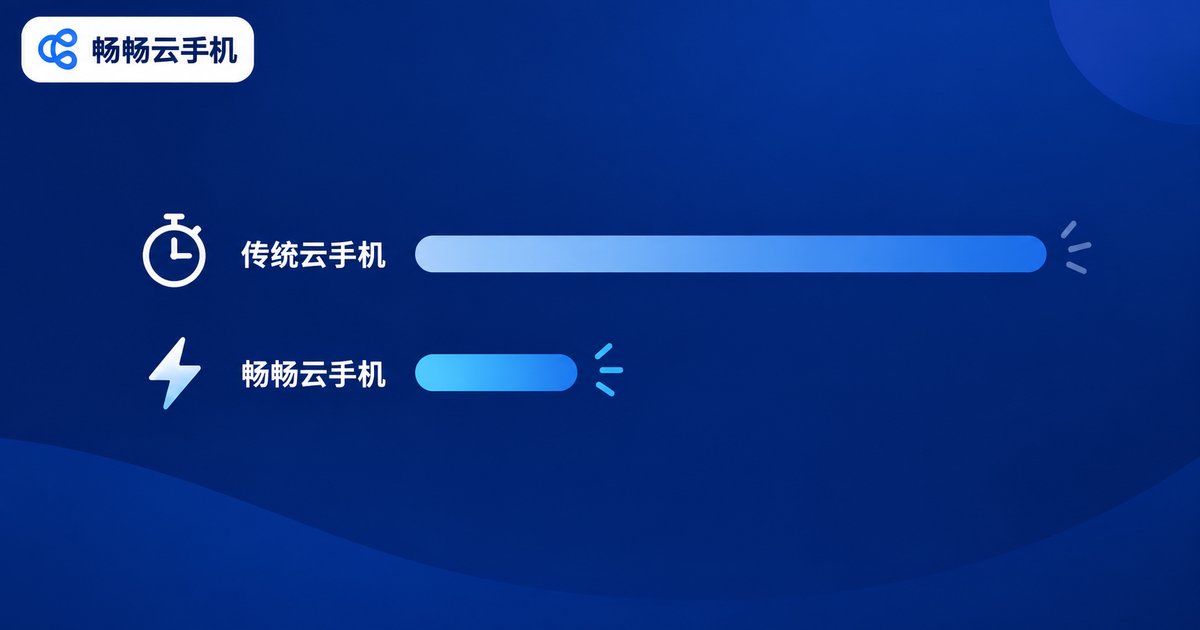
The method was simple: on the same network, we timed from tapping the Create Device button to the moment the desktop was ready to use, averaging five runs per solution. We also recorded the total time to create ten devices in batch.
| Solution | Single Device Creation | Batch of 10 | Takeaway |
|---|---|---|---|
| Local emulator | About 5–8 minutes | Limited by local hardware | Free, but hammers your PC |
| Traditional cloud phone | About 2–4 minutes | Visible queues at peak hours | Works, but the waiting hurts |
| ChangChang Cloud Phone | Under about 1 minute | Almost no queuing | Ready to use right after creation |
Verdict: creation speed directly affects how efficiently you can spin up devices in batch. The data above comes from our own test environment and varies with region and network, so always validate with a hands-on trial of your own.
Test 2: Idle Stability — A 72-Hour Non-Stop Run
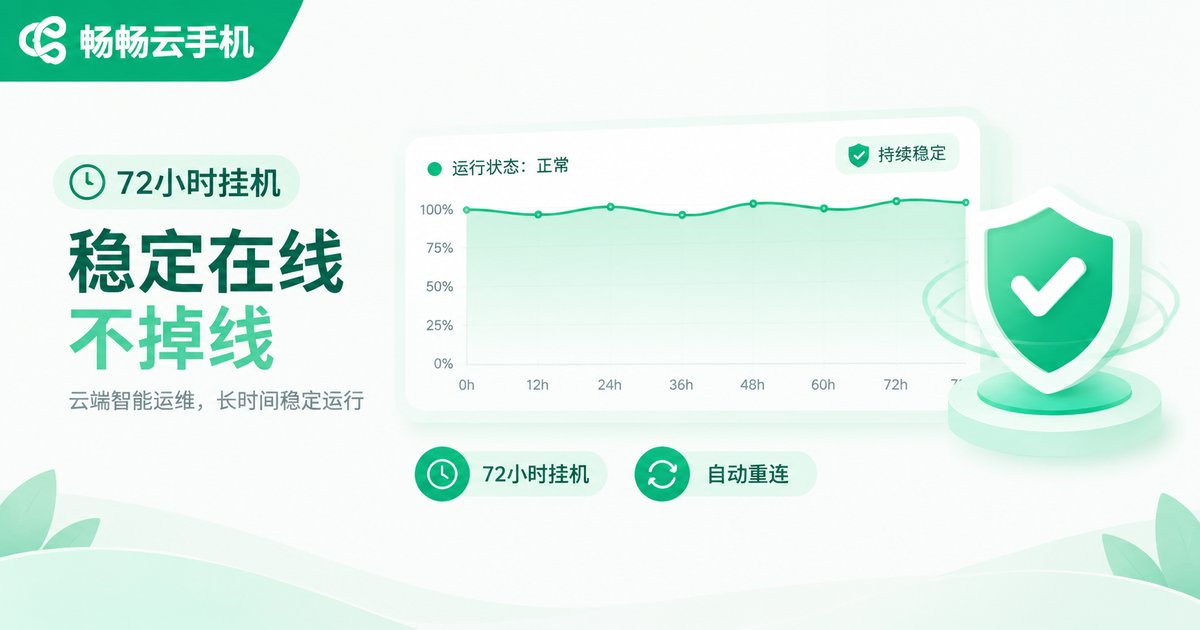
Fast creation is only step one; staying online reliably is what a cloud phone is really for. We kept three groups of devices running idle tasks for 72 straight hours and logged disconnections, recovery behavior, and task interruptions.
| Metric | Local emulator | Traditional cloud phone | ChangChang Cloud Phone |
|---|---|---|---|
| Disconnections in 72h | 3–5 | 1–2 | 0–1 |
| Recovery after a drop | Manual restart | About 1–3 minutes | Auto-reconnect, fast recovery |
| Long-run experience | PC must stay on | Occasional wobbles | Steady in the background |
Verdict: what hurts idle workloads is not a single drop, but a drop nobody catches and tasks that never resume. Whether a platform supports auto-reconnect matters far more than any number on a spec sheet.
5 Checklist Items to Avoid Pitfalls
1. Creation speed: how quickly a new device becomes usable decides your batch workflow efficiency — always test it yourself.
2. Drop rate and reconnection: ask whether sessions auto-reconnect and whether long idle runs get force-logged-out.
3. Multi-device management: if you run many devices at once, batch control features must hold up under real workloads.
4. Streaming quality: a cloud phone is remote video at its core; lag and blur ruin the experience fast.
5. Support: having no one to call when things break is worse than missing features — prefer platforms with an official site and responsive support.
Our Recommendation: Put ChangChang Cloud Phone on Your Shortlist
If you would rather skip the trial-and-error, put ChangChang Cloud Phone (ccloudphone) at the top of your shortlist. In our tests it delivered a balanced performance in both creation speed and long-run idle stability, making it a solid fit for users who need multiple devices online around the clock. The smarter play: start with a couple of devices on real workloads for a few days, then scale up in batch once speed and stability meet your expectations.
FAQ
Q: Why is my cloud phone slow to create devices?
Three usual culprits: resource queues at peak hours, distant server rooms, and weak scheduling on the platform side. Test creation during peak hours for the most honest picture.
Q: My idle sessions keep dropping. What should I do?
Rule out your local network first. If the local connection is fine but drops continue, the server side is likely unstable — compare platforms and prioritize auto-reconnect.
Q: I need many devices running at once. How do I control cost?
Validate the full workflow with one or two devices first, then scale up as needed instead of paying for capacity you never use.
Q: First time choosing a cloud phone — what matters most?
Ignore the spec-sheet hype and test two things: device creation speed and 72-hour idle stability. They define your daily experience more than anything else.


