
Operations · Engineering · Trends
Hands-on playbooks, product updates and cross-border insights from the CCloudPhone team.

How to Build a Cloud Phone Group Control System: A From-Scratch Multi-Device Management Tutorial
This beginner-friendly tutorial explains how to build a cloud phone group control system from scratch. It starts with the concept and advantages of cloud phone group control, then covers three preparations: defining your use case, estimating device count, and securing a stable network. Using ChangChang Cloud Phone (ccloudphone) as an example, it demonstrates the full setup in four steps — registering and creating devices, entering the group control panel, executing batch operations, and organizing devices into groups. A comparison between physical phone farms and cloud phone group control helps readers decide, followed by daily management tips, pitfalls to avoid, and FAQ, enabling anyone to master multi-device management without writing a single line of code.

What Does Cloud Phone AFK Mean? How It Works and How to Set It Up
Cloud phone AFK means handing long-running game or app tasks to a virtual Android phone running on cloud servers, so your physical device can be switched off while everything keeps running. This article explains in plain language what cloud phone AFK is and how it works, compares it with leaving a local phone on overnight, and walks you through the full setup with ChangChang Cloud Phone (ccloudphone) — from registration and creating an instance to installing apps and enabling auto tasks. It also answers common questions about ban risks, data usage, and multi-account management, helping you start cloud-based AFK farming safely and efficiently.

How to Get a Free Cloud Phone Trial: New User Tutorial & Pitfall Avoidance Guide
This guide walks you through claiming a free cloud phone trial in five simple steps: registering an account, finding the trial entrance, choosing a device, installing your apps, and exploring key features. You also get a 5-point testing checklist covering smoothness, stability, compatibility, multi-instance performance, and usability. On top of that, we list the 6 most common traps for new users — hidden auto-renewal, 'free' trials that demand payment first, downgraded trial devices, unbacked-up data, unclear device limits, and unsafe cracked tools — so you can trial with confidence. Finally, we recommend Changchang Cloud Phone (ccloudphone), where new users can claim a free trial right after registration.
How to Choose a Cloud Phone in 2026: A Complete Guide to Hardware Specs and Performance
Choosing a cloud phone in 2026 takes more than comparing prices. This guide breaks down every core hardware parameter — CPU cores and single-core performance, GPU rendering, RAM, storage, and network latency — and explains what each means for real-world use. You will find a scenario-based configuration table covering daily messaging, AFK mobile gaming, heavy gaming, and studio batch operations, plus a simple three-step test to verify true performance before you commit. We also explain why ccloudphone is a solid starting point, with device tiers from entry-level to high performance. Read on and match the right configuration to your needs in minutes.
Cloud Phone vs. Emulator: Technical Principles and Use Cases Explained
Cloud phones and Android emulators both let you run mobile apps on another device, but they work in fundamentally different ways. An emulator creates a virtual Android device on your own computer, so performance depends entirely on your local hardware. A cloud phone runs Android on remote servers and streams the screen to you, shifting all the computing work to the cloud. This article compares the two across technical principles, performance, multi-instance capability, cost and typical use cases, helping you decide which one fits gaming, testing, automation or always-on scenarios.
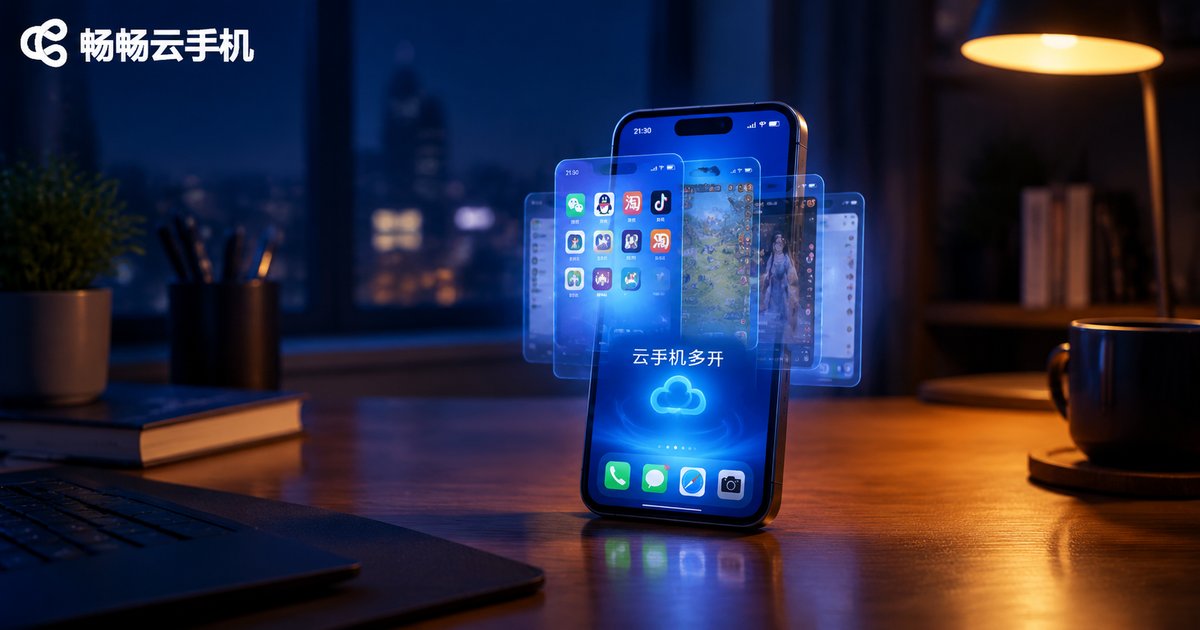
Cloud Phone Multi-Instance Tutorial: How to Run Multiple Apps on One Device
This tutorial walks you through cloud phone multi-instance configuration step by step. Learn how multi-opening works, how cloud phones compare with PC emulators, and how to prepare, create multiple instances, install apps, and manage them with group control. Using CCloudPhone as an example, you will run several independent Android environments on one device, keep multiple accounts online, and let tasks run in the cloud around the clock. No high-end hardware is required. A FAQ section at the end answers common questions about instance limits, battery use, and data isolation.
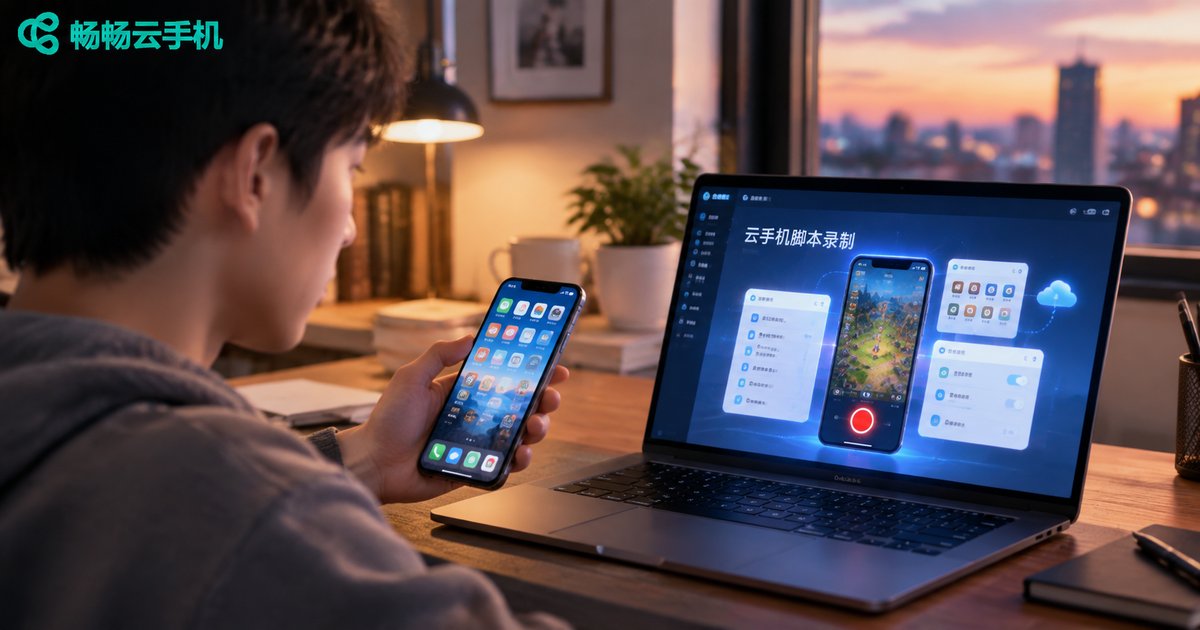
How to Record Cloud Phone Scripts? A Beginner-Friendly Automation Tutorial
This beginner-friendly tutorial explains how to record automation scripts on a cloud phone without writing a single line of code. Learn the three preparations before recording, follow a five-step process — open the recorder, perform actions manually, save, playback-test, and fine-tune — and apply practical debugging tips such as adding wait times and using element-based targeting instead of fixed coordinates. The article also covers popular use cases like game AFK farming, daily check-ins, and multi-account management, and explains why running scripts on ChangChang Cloud Phone keeps tasks going around the clock even when your own device is off. Follow along and hand all your repetitive taps and swipes to the cloud.
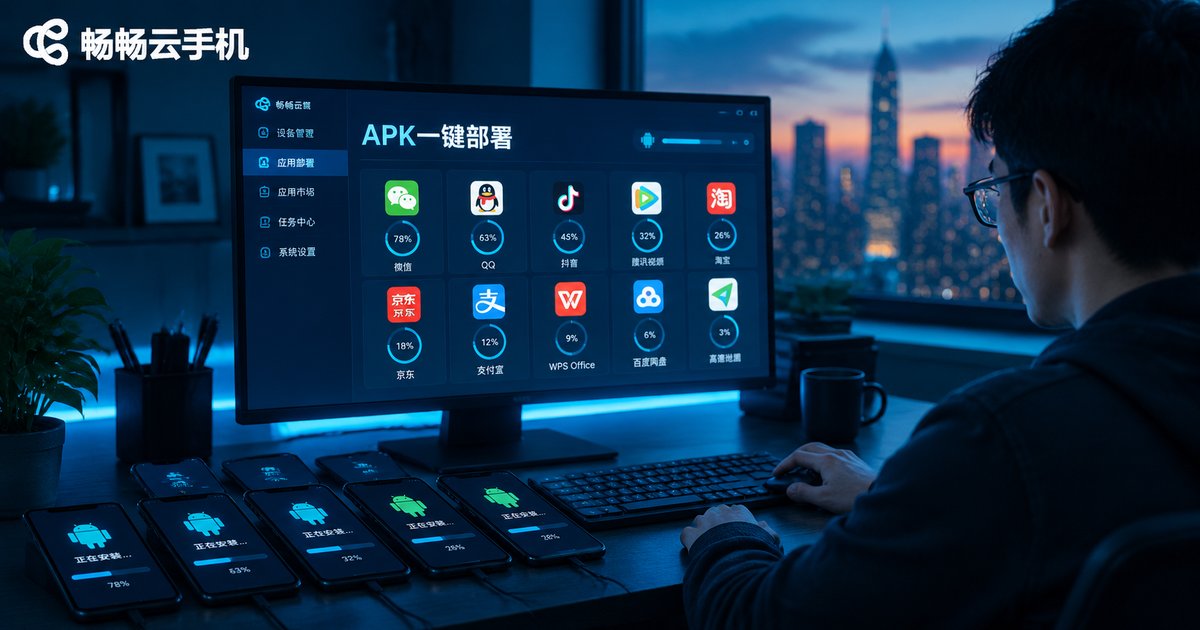
Cloud Phone App Installation Tutorial: APK Upload and Batch Deployment Explained
This comprehensive tutorial explains how to install apps on cloud phones: where to get safe APK files, how to upload and install them on a single cloud phone, and how to use batch deployment to push one app to dozens of devices in minutes. You will also find a troubleshooting table covering common installation failures — corrupted packages, permission issues, signature conflicts — and their fixes. Using ChangChang Cloud Phone (ccloudphone) as an example, the article shows how a cloud app library and device grouping streamline app distribution for multi-account operations, game multi-boxing, and app testing. Whether you manage a handful of devices or a large fleet, this guide helps you cut installation time from hours to minutes.

How to Use a Cloud Phone? A Complete Beginner Tutorial: From Sign-Up to 24/7 App Hosting
This beginner-friendly tutorial walks you through everything you need to start using a cloud phone: creating your account, choosing and activating a cloud device, getting familiar with the virtual Android desktop, installing apps, and setting up around-the-clock background hosting. You will also learn how hosting works, how cloud phones compare with hosting on a physical phone, and which common beginner mistakes to avoid. A practical FAQ at the end answers the questions new users ask most, so you can get started with confidence and keep your games and apps running 24/7 without keeping your own phone powered on.

What Is a Cloud Phone? A Beginner's Guide to How Cloud Phones Work in 2026
A cloud phone is an Android smartphone that runs entirely in a data center rather than in your hand. The device you hold is only a display and a controller. This beginner-friendly guide explains how cloud phones work in 2026, breaking the process into three simple stages: ARM server virtualization, video streaming, and instant control feedback. You will also see how cloud phones differ from physical phones and PC emulators, and explore the most popular use cases, including idle gaming, multi-account management, always-on apps, and app testing. By the end, you will know exactly what happens behind the screen every time you tap a cloud phone, and how to get started with confidence.

Cloud Phone: ARM or x86? In-Depth 2026 Comparison of Hardware Architecture and Risk Control
Should you choose an ARM or x86 cloud phone? This guide starts from the basics of instruction sets and compares the two architectures across app compatibility, performance, power efficiency, and device fingerprinting. You will learn how anti-fraud risk control systems detect emulator environments, why x86 cloud phones leak traces through binary translation layers, and how 2026 ARM server chips have closed the performance gap. A practical comparison table plus scenario-based tips help you decide between ARM and x86 for gaming, multi-account operation, or lightweight automation.

How to Stream on Multiple Platforms for Live Commerce? A Stable Setup with Cloud Phone + Dedicated Line
Streaming your live commerce shows on multiple platforms at once sounds great — until devices run out, networks lag, and streams drop mid-broadcast. This article breaks down the real challenges of multi-platform streaming and presents a stable setup combining cloud phones with a dedicated line network. Using ccloudphone, you create an independent cloud Android environment for each platform, while the dedicated line guarantees upload bandwidth. A four-step guide shows how to build your multi-platform broadcasting matrix, plus a comparison table between traditional multi-device setups and the cloud phone approach. Practical tips and a FAQ section help you run several live rooms at once, with fewer drops and lower costs.