
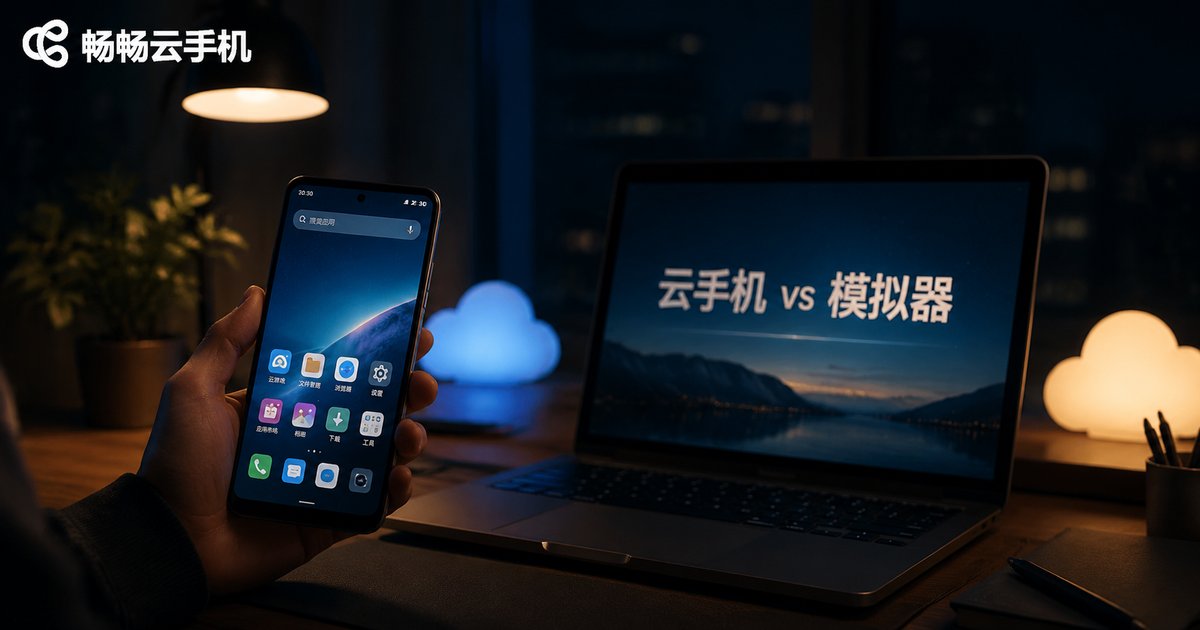
Cloud Phone vs. Emulator: Technical Principles and Use Cases Explained
In One Sentence: One Runs on Your PC, the Other Runs in the Cloud
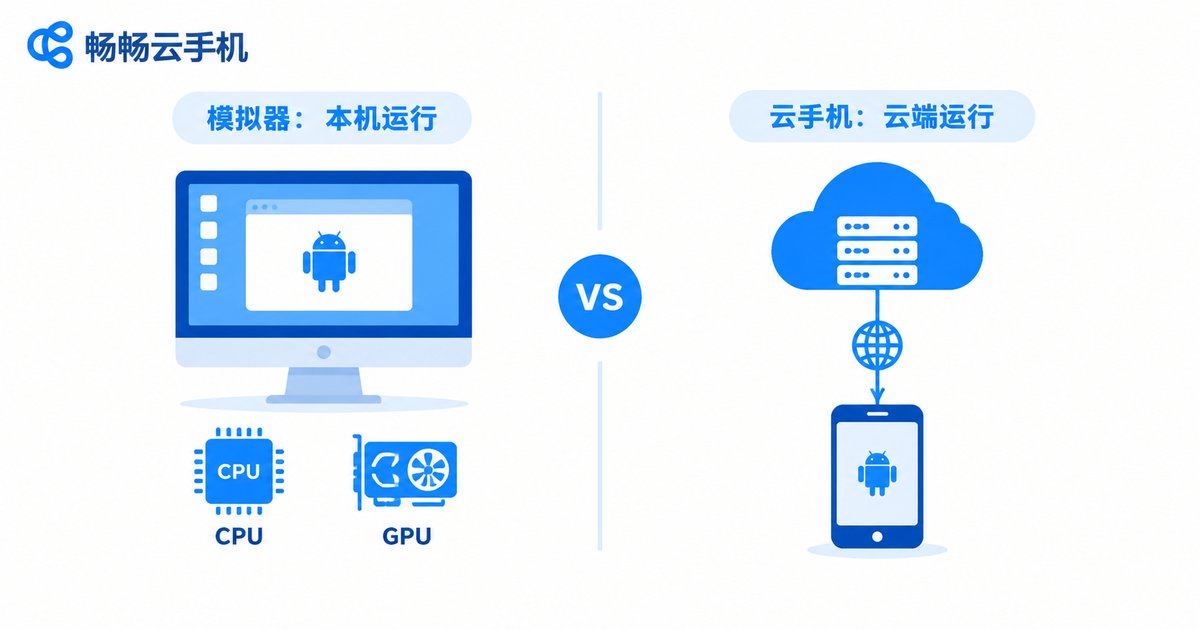
Many people assume a cloud phone is just another name for an emulator, but the underlying logic is completely different. An emulator uses software to create a virtual Android device on your own computer. A cloud phone runs Android directly on servers in a data center, while your phone or computer acts only as a remote screen. Once you understand this, every other difference falls into place.
Technical Principles: It All Comes Down to Where the Computing Happens
An Android emulator relies on virtualization technology to simulate an Android environment on your computer. It continuously draws on your local CPU, memory and graphics card, and renders the screen locally. That means the emulator's performance ceiling is your computer's spec sheet — underpowered machines stutter and drop frames, and running multiple instances makes things far worse.
A cloud phone works the opposite way. The provider runs real Android instances on ARM-virtualized servers in its data center. You see a live stream of the cloud screen, and your taps are sent back to the cloud for execution. All the computing happens remotely, so your local device only displays video and relays input — almost zero processing burden.
Five Key Differences at a Glance
| Dimension | Cloud Phone | Emulator |
|---|---|---|
| Where it runs | Cloud servers | Your local computer |
| Hardware demand | Just an internet connection; near-zero local load | Depends on local CPU, RAM and GPU |
| Multi-instance | Dozens of instances running smoothly at once | Limited by local specs; lags when overloaded |
| 24/7 uptime | Yes, keeps running even when your device is off | Computer must stay powered on |
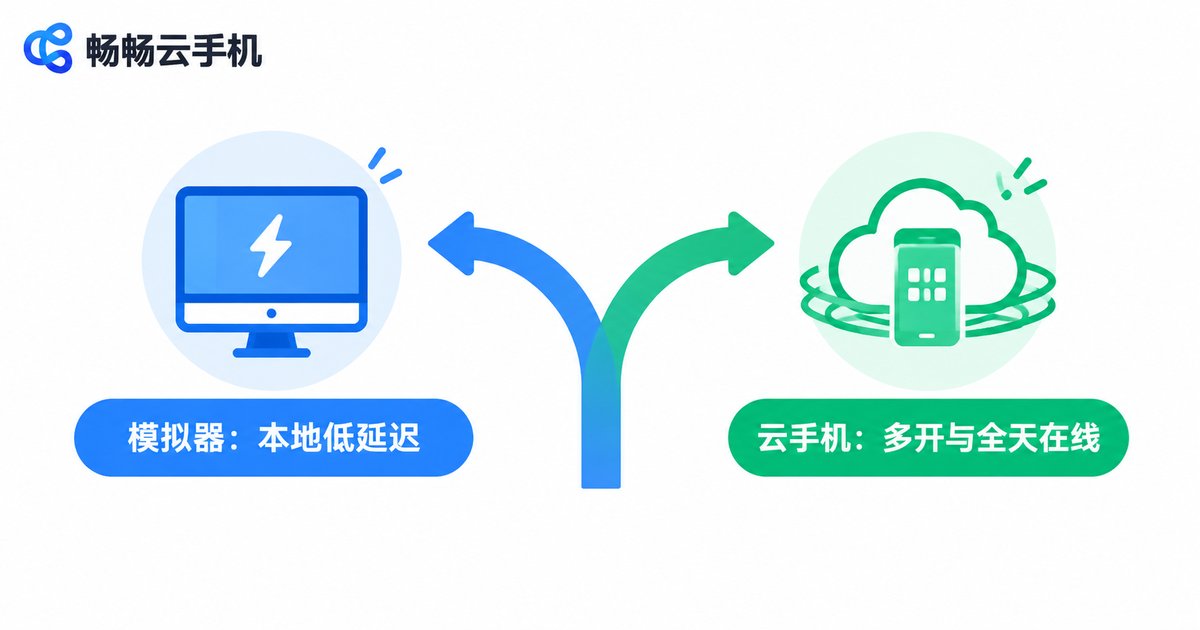
| Latency | Network-dependent, usually tens of milliseconds | Local rendering, ultra-low latency |
| Heat and power | Local device stays cool | Heavy local load, noticeable heat and power draw |
Use Cases: Each Shines in Different Situations
Emulators are better for: local development and debugging, casually trying out a game, and latency-sensitive scenarios where your computer is powerful enough. Because everything runs locally, screen response is instant and independent of network quality.
Cloud phones are better for: running multiple game instances, keeping apps online around the clock, managing many accounts at scale, giving an aging phone a second life, and avoiding long periods of heavy load on your local devices. With a stable connection, cloud instances can run 24/7 — something emulators can hardly match.

How to Choose: Follow Your Core Need
In short: for occasional, local, ultra-low-latency use, pick an emulator; for long-term, multi-instance, always-on tasks, pick a cloud phone. If you regularly need to run many apps at once without overworking your computer or phone, a cloud phone is the more worry-free option.
Want to Try a Cloud Phone? Consider ccloudphone
If a cloud phone sounds like the better fit, take a look at ccloudphone (畅畅云手机). It provides Android instances running in the cloud, supporting multi-instance apps and long hours of continuous operation while your local devices stay light and cool. For details on available configurations, plans and usage, visit the official ccloudphone website and choose based on how long and how many instances you need.
FAQ
Q: Do cloud phones lag when gaming?
The screen is streamed over the network with latency typically in the tens of milliseconds. Idle and progression-style games feel smooth; for highly competitive, reflex-heavy games, use a stable broadband connection. Cloud servers are usually more consistent than home PCs, so frame drops from weak hardware are rare.
Q: Does the cloud phone keep running after I shut down my computer?
Yes. Cloud phones run in data centers 24/7. Shutting down or disconnecting your local device doesn't interrupt cloud tasks — just log back in when you reconnect.
Q: Can I use an emulator and a cloud phone together?
Absolutely. A common setup is using an emulator for local development and quick tests, while a cloud phone handles multi-instance and long-running online tasks. Each does what it does best.
Q: Is my data safe on a cloud phone?
Reputable cloud phone services store data on cloud servers with backup mechanisms, so losing your local device doesn't affect your cloud data. Choose a trustworthy provider like ccloudphone and keep your account secure.
Q: On a tight budget, which should I try first?
If your computer is capable and you only need occasional use, an emulator costs almost nothing. For long-term idle running or multi-instance needs, a pay-as-needed cloud phone is often more economical — and it saves electricity and hardware wear.


