

Cloud Phone: ARM or x86? In-Depth 2026 Comparison of Hardware Architecture and Risk Control
1. First, What Exactly Are ARM and x86?
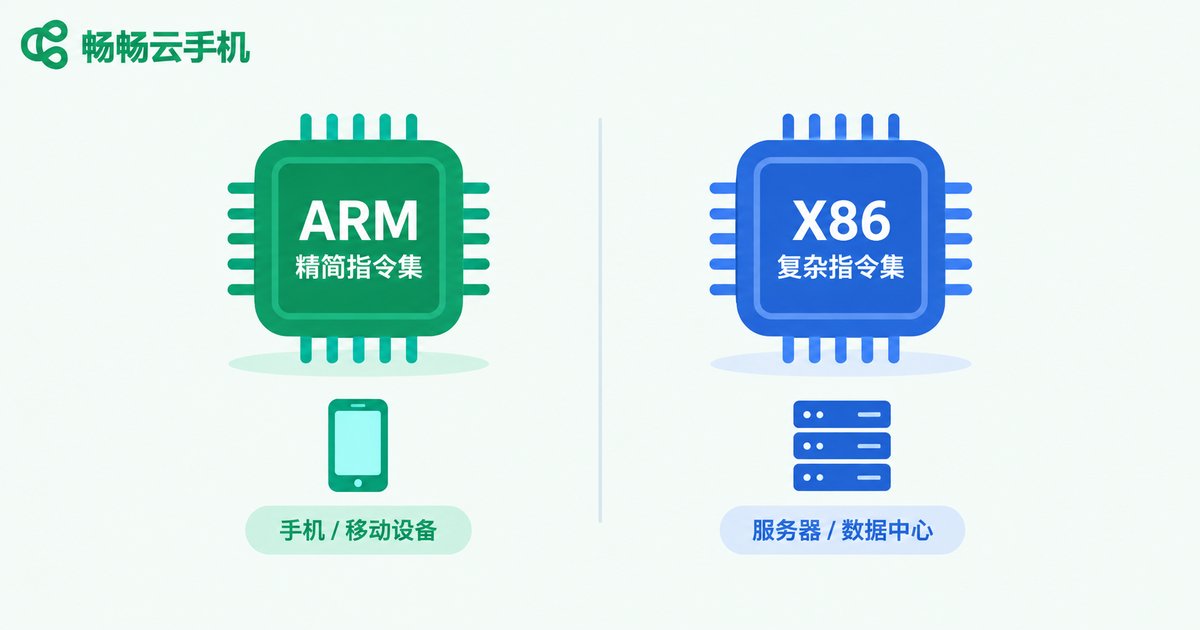
Before choosing a cloud phone, you need to understand these two terms. ARM is a Reduced Instruction Set Computing (RISC) architecture. Nearly every mobile chip we use daily—Qualcomm Snapdragon, MediaTek Dimensity, Apple A-series—is based on ARM. Its strengths are low power consumption, less heat, and native compatibility with the mobile ecosystem.
x86 is a Complex Instruction Set Computing (CISC) architecture that dominates PCs and traditional servers, including processors from Intel and AMD. It offers strong single-core performance and a mature ecosystem, but it was never designed to run Android phones.
A cloud phone is essentially a virtual Android device running in a data center. The server chip behind that virtual phone can be either ARM or x86—and that is where all the differences begin.
2. Hardware Architecture: Performance, Power, and Compatibility
The two architectures run Android in completely different ways. On an ARM cloud phone, Android runs natively on ARM silicon, so apps see what looks like a genuine phone chip. On an x86 cloud phone, the Android environment must be emulated on x86 hardware. Since most Android apps are compiled for ARM instructions, the system has to translate them through a binary translation layer (such as libhoudini), which introduces performance overhead and compatibility risks.
| Dimension | ARM Cloud Phone | x86 Cloud Phone |
|---|---|---|
| Instruction set | Identical to real devices, native execution | Requires binary translation |
| App compatibility | High, mainstream apps run directly | Some apps crash or malfunction |
| Performance | Smooth, no translation overhead | Extra overhead from the translation layer |
| Power and density | Low power, high deployment density | Higher power, limited density |
| Device fingerprint | Close to a real phone | Easily exposed as an emulator |
3. Risk Control: How Platforms Identify You
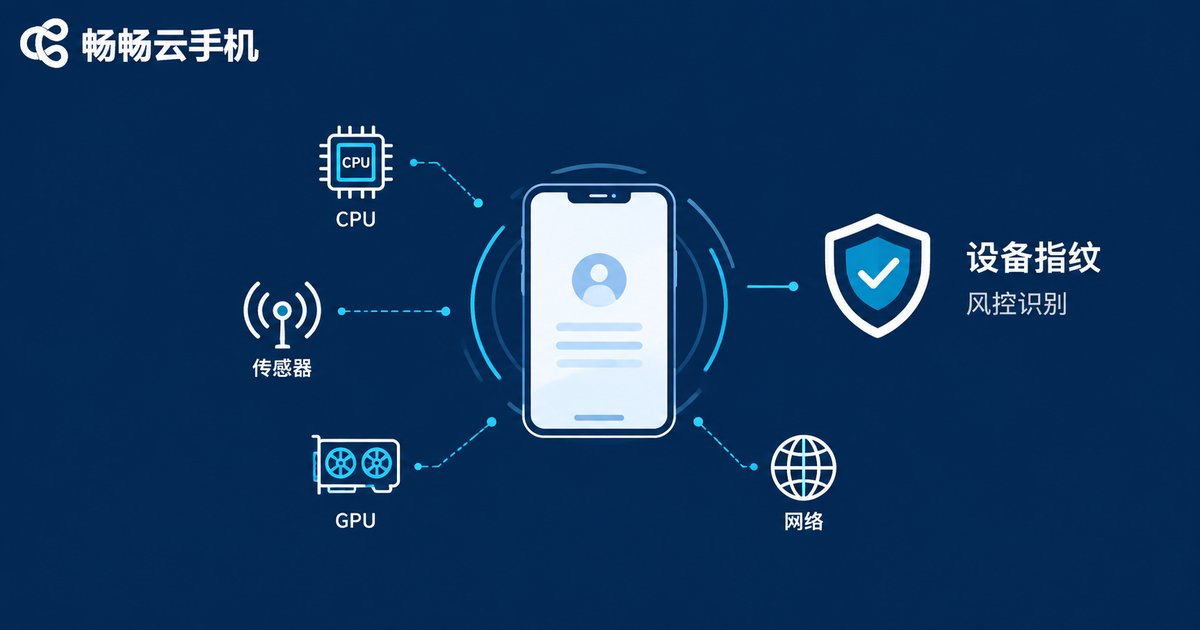
Many people assume risk control only looks at IP addresses, but device fingerprinting is the deepest and hardest layer to fake. Anti-fraud systems in games and social platforms collect massive device data: CPU architecture and instruction sets, system properties, sensor readings, GPU rendering characteristics, network environment, and more.
Common weaknesses of x86 cloud phones include CPU information exposing the x86 architecture or traces of a translation layer, missing or unnatural sensor data, and apps that detect a non-ARM environment and restrict features or crash outright. Once flagged as an emulator environment, you may face frequent verifications, limited functionality, or even account bans.
Because ARM cloud phones share the exact instruction set of real devices, their system-level fingerprints are naturally cleaner and pass risk control far more reliably. That is why multi-account operations and game multi-boxing scenarios overwhelmingly prefer ARM architecture.
4. What Changes in 2026: Why ARM Keeps Winning
Looking at 2026, the scales tilt further toward ARM. The latest ARM server chips deliver single-core performance close to desktop levels with even stronger multi-core scaling, running mainstream mobile games and heavy apps with ease. Domestic ARM server chips are being deployed at scale in data centers, improving both cost and supply stability. New scenarios like cloud gaming and on-device AI all demand native mobile architecture.
By contrast, x86 translation-layer technology has seen no fundamental breakthrough in years, and compatibility issues persist. RISC-V is emerging, but its ecosystem still needs time to mature and will not change the landscape in the short term.
5. How to Choose: Three Practical Tips
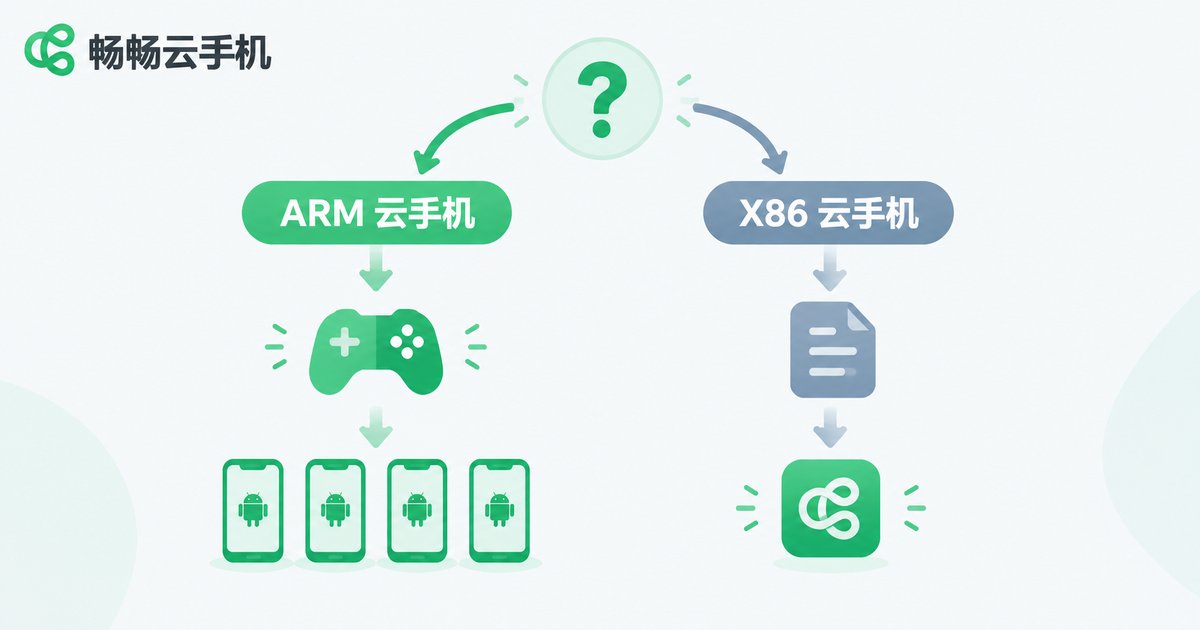
1. Match the scenario: For gaming, multi-account operation on social or e-commerce platforms, and anything that needs to stay online long-term, choose ARM directly. If you only run lightweight tools that never check the architecture, x86 can barely get by—but when prices are similar, there is no reason not to pick ARM.
2. Check compatibility: Before committing, confirm that the apps you need actually run well. Start with a small-scale test, then scale up once everything is stable.
3. Choose the right provider: Prefer a reliable service built on real ARM architecture, such as Changchang Cloud Phone (ccloudphone), which offers solid Android app compatibility and stable risk-control performance for game multi-boxing and multi-account operations. Visit the official website for plan details.
Bottom line: in 2026, ARM is the default answer for cloud phones; x86 is only worth considering in a few niche cases.
FAQ
Q: Are x86 cloud phones completely unusable?
No. They work fine for lightweight apps that do not check the architecture, but they are not recommended for scenarios that demand compatibility and clean risk control, such as gaming, social media, or multi-account e-commerce.
Q: How can I tell whether a cloud phone is ARM or x86?
The simplest way is to check the product documentation or ask the provider directly. Advanced users can open a terminal tool inside the cloud phone and inspect the CPU information: if it shows ARM or aarch64, it is an ARM device.
Q: Is ARM cloud phone performance worse than x86?
Not in 2026. ARM server chips handle the vast majority of Android apps and mainstream mobile games with ease. x86, on the other hand, carries extra overhead from instruction translation, which can actually make some scenarios slower.
Q: What exactly does risk control look at?
Mainly CPU architecture, system properties, sensors, GPU rendering characteristics, network environment, and behavioral patterns. CPU architecture is the deepest layer and the hardest one to disguise.


