
Operations · Engineering · Trends
Hands-on playbooks, product updates and cross-border insights from the CCloudPhone team.
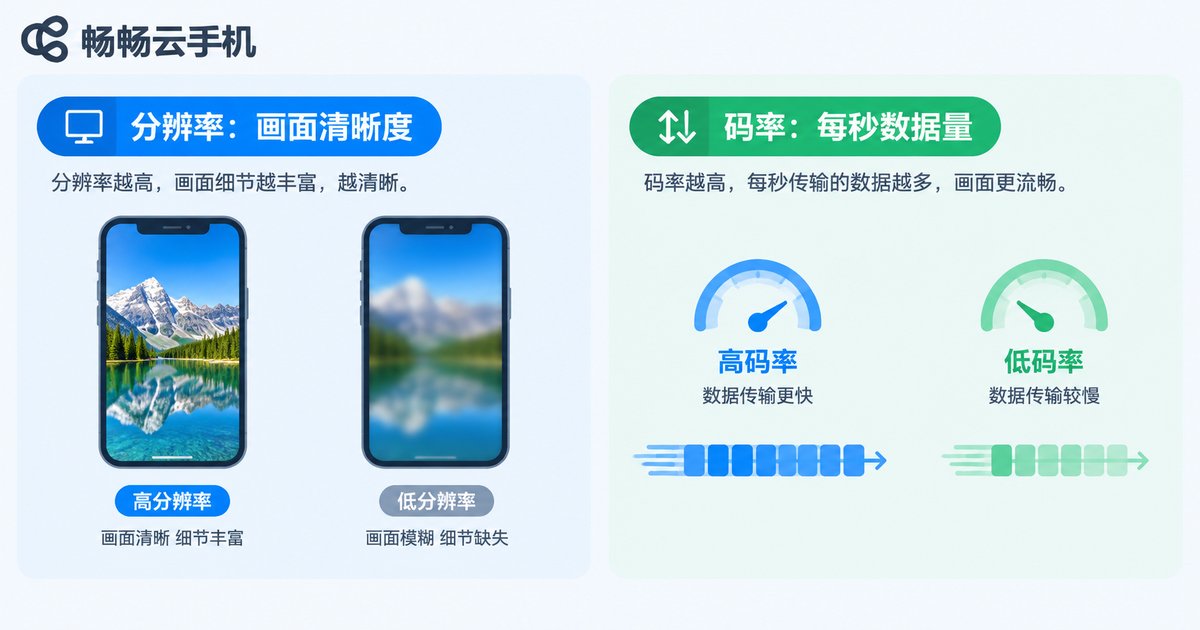
How to Fix Cloud Phone Screen Lag: Resolution and Bitrate Adjustment Guide
Cloud phone lag is usually caused by a mismatch between resolution, bitrate, and your available network bandwidth. This guide explains in plain language how resolution and bitrate work together, then walks you through step-by-step adjustments for both settings. You will find a recommended parameter table for different network environments, from 5G and home Wi-Fi to 4G and weak connections, plus practical tips such as speed testing, choosing closer server nodes, and freeing up bandwidth. Whether you game, keep apps running, or manage multiple accounts in the cloud, these simple tweaks can quickly eliminate stuttering, blurring, and ghosting, restoring a smooth and sharp cloud phone experience.

What to Do When Your Cloud Phone Won't Connect: Network and Account Troubleshooting Guide
When your cloud phone won't connect, the cause is usually related to either your network or your account. This guide walks you through a complete troubleshooting process: start with your local network by switching between Wi-Fi and mobile data, restarting your router, and testing connection speed; then check whether the cloud phone service is under maintenance; next, review account issues such as expired login sessions, device limits, and account restrictions; finally, update the app and clear its cache. A quick-reference troubleshooting table and an FAQ section help you restore your connection within minutes.
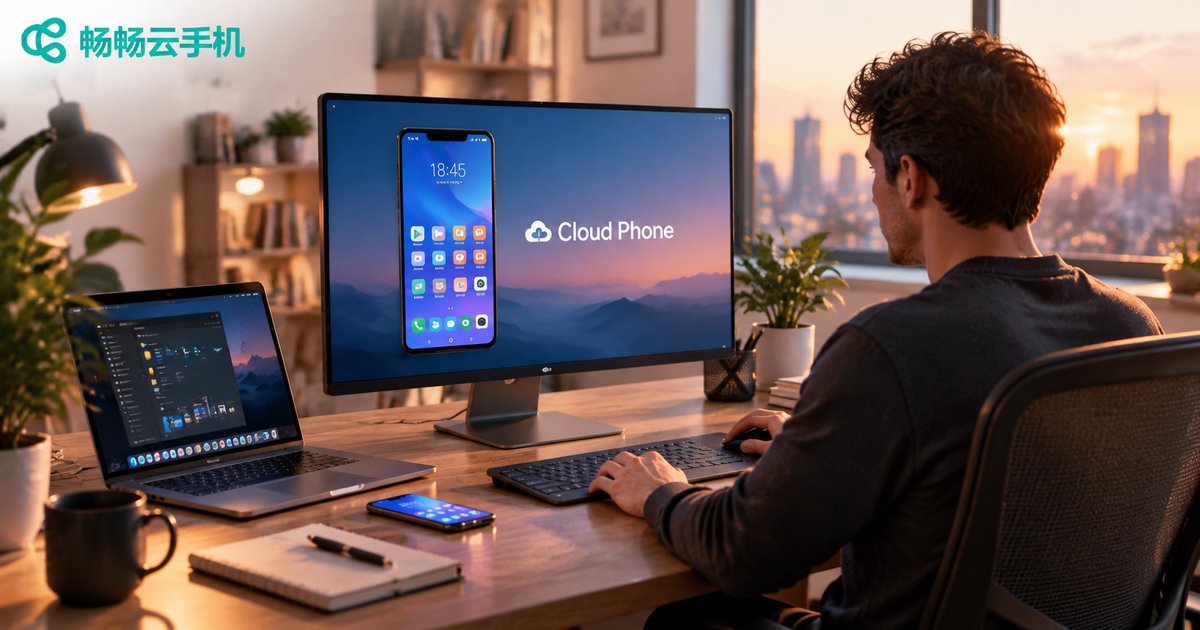
Which Devices Can Access a Cloud Phone? Web vs PC vs Mobile Comparison
A cloud phone runs entirely in the cloud, so the device in your hand is just an access point. This article compares the three mainstream ways to reach a cloud phone — the Web browser, the PC client, and the mobile app — across installation requirements, stability, screen experience, and ideal use cases. Whether you need a quick temporary login, long-hour multitasking on a big screen, or touch control on the go, you will find the right fit here. All three methods can be combined freely, so you can switch devices without losing progress. We also introduce how ChangChang Cloud Phone covers all major terminals with real-time data sync.
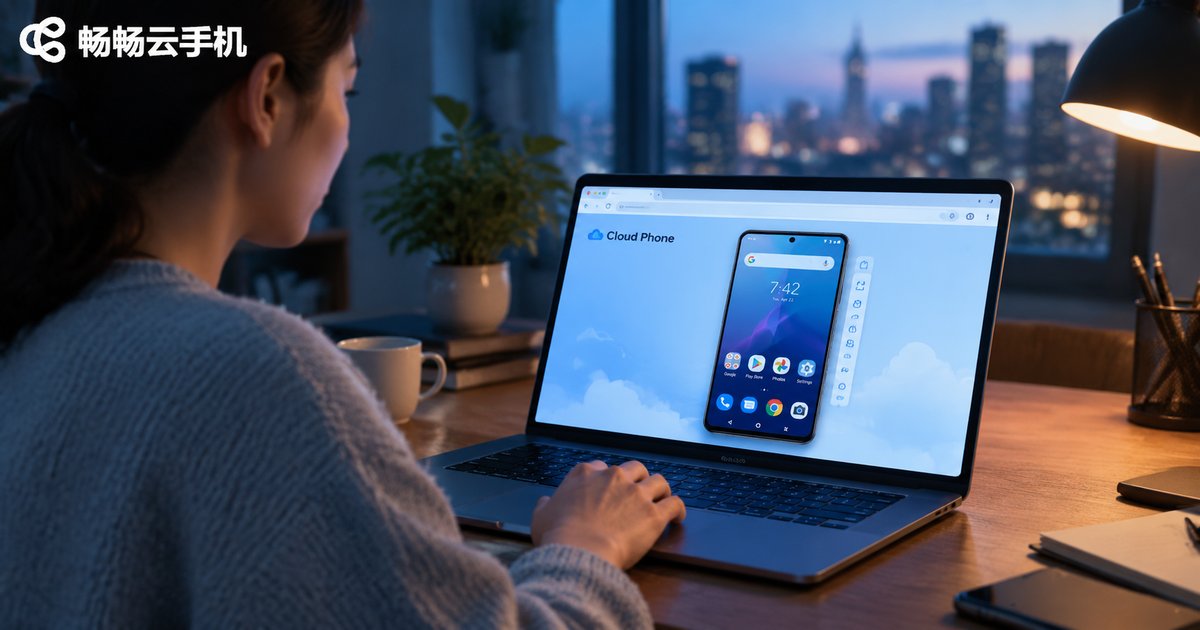
How to Use Cloud Phone Web Version? Browser-Based Setup Without Installation
The cloud phone web version requires no downloads or installations — simply open your browser, visit the official website, and log in to start. This guide uses ChangChang Cloud Phone (ccloudphone) as an example to walk you through the complete process: opening the official site, registering and logging in, entering the console, and loading your cloud phone screen. You will also find a clear comparison between the web version and the client app, practical use cases such as office computers, idle tasks, and multi-device switching, plus hands-on tips for a smoother streaming experience. Whether you are a complete beginner or looking for a zero-installation way to access your cloud phone, this step-by-step tutorial helps you get started in minutes.
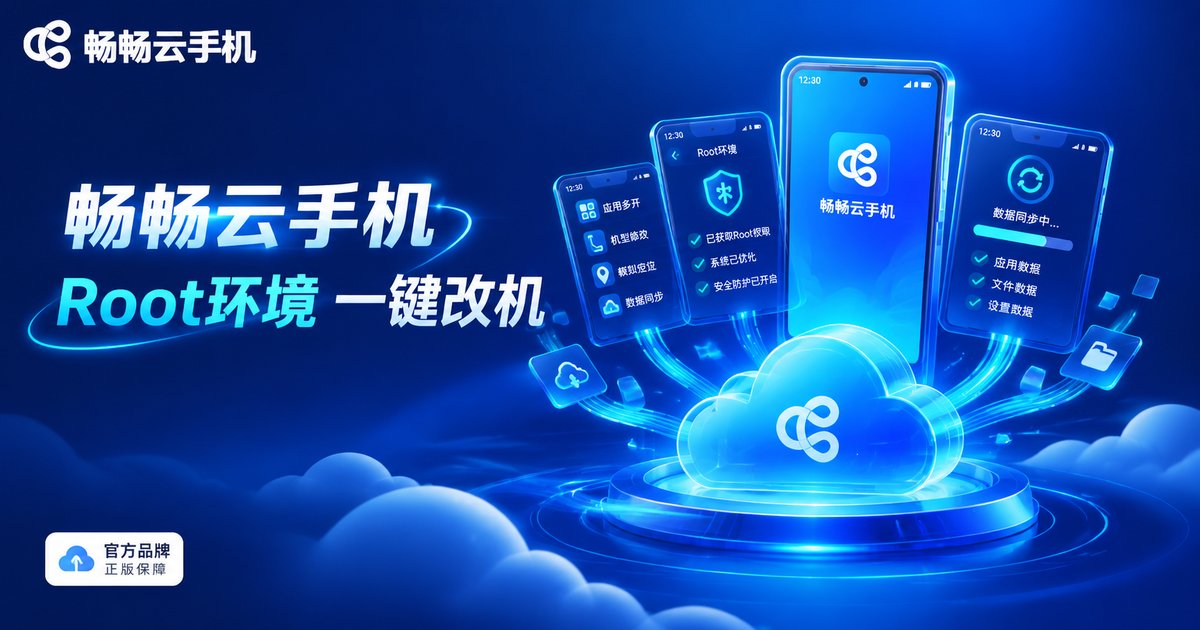
What Can You Modify After Rooting a Cloud Phone? A Detailed Guide to IMEI and Sensor Modification
After rooting a cloud phone, you can modify IMEI, device model, Android ID, MAC address, sensors, GPS location and more, giving every virtual device its own independent identity. This guide explains in plain language what each parameter does, walks through two IMEI modification methods (one-click panel and command line), and details how to simulate the accelerometer, gyroscope and other sensors. It also covers device fingerprint basics, compliance notes and a practical FAQ, ideal for developers and multi-account operators.

What Does Selling Cloud Phones by Chassis Mean? 60-Card vs 84-Card Specs Explained
In the cloud phone industry, selling by chassis means an entire server chassis filled with ARM boards is sold as one complete unit, giving the buyer all the computing power inside at once. 60-card and 84-card refer to the number of boards in a chassis: more boards mean more instances per chassis and usually a lower cost per instance, but also higher demands on power, cooling and maintenance. This article explains how chassis-based selling works, the differences between 60-card and 84-card specifications, who this model suits, and a practical pre-purchase checklist. It also explains why individual users and small teams are often better off subscribing to cloud phones on demand instead of buying a full chassis.

What Is Cloud Phone Chassis Management? A Complete Guide to Enterprise Batch Deployment and Configuration
Cloud phone chassis management is the backbone of running cloud phones at enterprise scale. It covers instance grouping, template cloning, bulk app distribution, permission control, and real-time monitoring. This article explains what chassis management actually means, why businesses managing dozens or hundreds of cloud phone instances need it, and breaks down six core configuration methods for batch deployment: bulk creation with smart grouping, template configuration and one-click cloning, bulk app distribution, unified parameter delivery, sub-account permissions, and monitoring with alerts. Using ChangChang Cloud Phone (ccloudphone) as an example, it also provides a five-step practical workflow, plus a comparison of manual operation versus batch management, helping teams build an efficient, repeatable, and compliant cloud phone operation system.
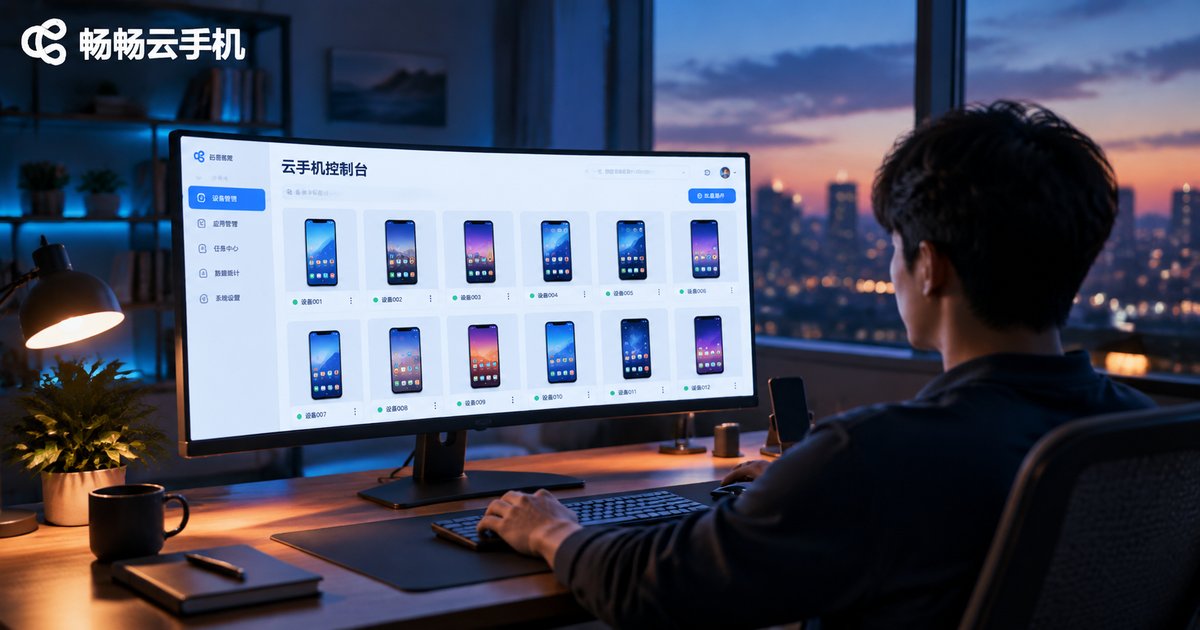
How to Use a Cloud Phone Console: Resource Management and Instance Allocation Guide
This hands-on tutorial walks you through the core operations of a cloud phone console, including resource overview, group management, instance creation, and batch allocation. Whether you are a beginner exploring cloud phones for the first time or a power user managing dozens of devices, you will learn how to organize your fleet with groups, create and assign instances efficiently, and keep your resources healthy with a simple weekly routine. The guide also compares common usage scenarios for game multi-boxing, testing, and backup devices. A FAQ section at the end helps you avoid common pitfalls and get the most out of your console.
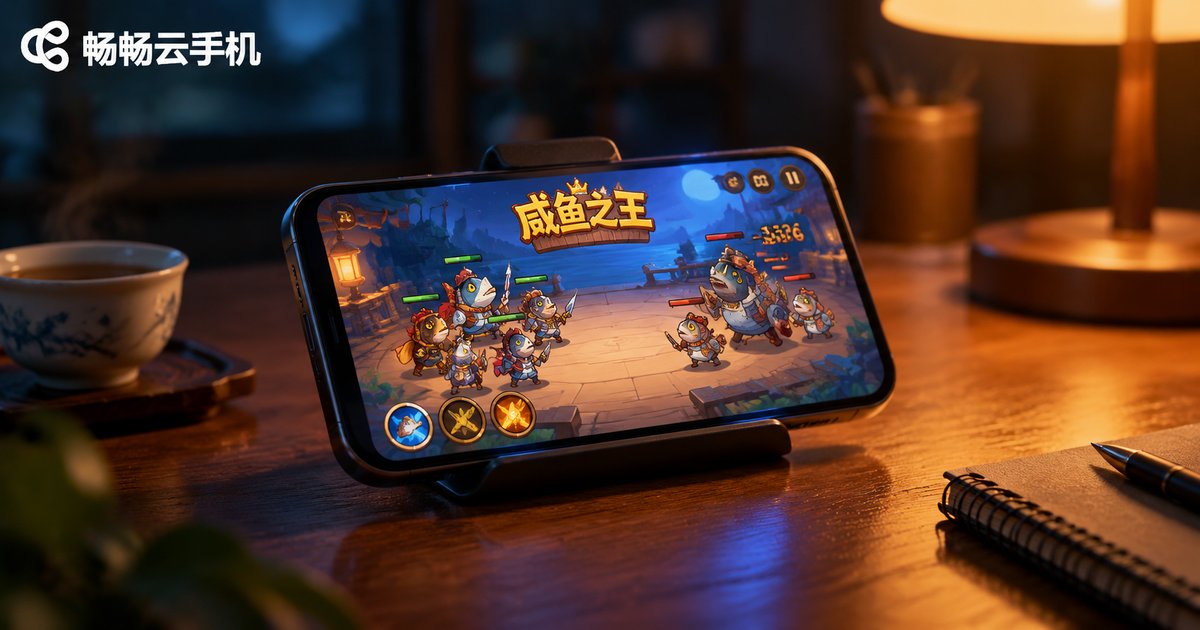
Which Idle Games Are Best for a Cloud Phone? My Xianyu Zhiwang Hosting Experience
Idle games reward time above all else, and a cloud phone provides a 24/7 online environment without draining your own battery or data. This article rounds up the idle games best suited to cloud phone hosting — Xianyu Zhiwang (King of Salted Fish), AFK Arena, Super Snail, Immortal Taoists and Gumballs & Dungeons — and shares a hands-on hosting experience with Xianyu Zhiwang on ChangChang Cloud Phone: how to arrange daily quests, tower climbing, salt jar collection and legion activities, plus practical AFK tips, so the repetitive routines run in the cloud while you keep the fun parts for yourself.
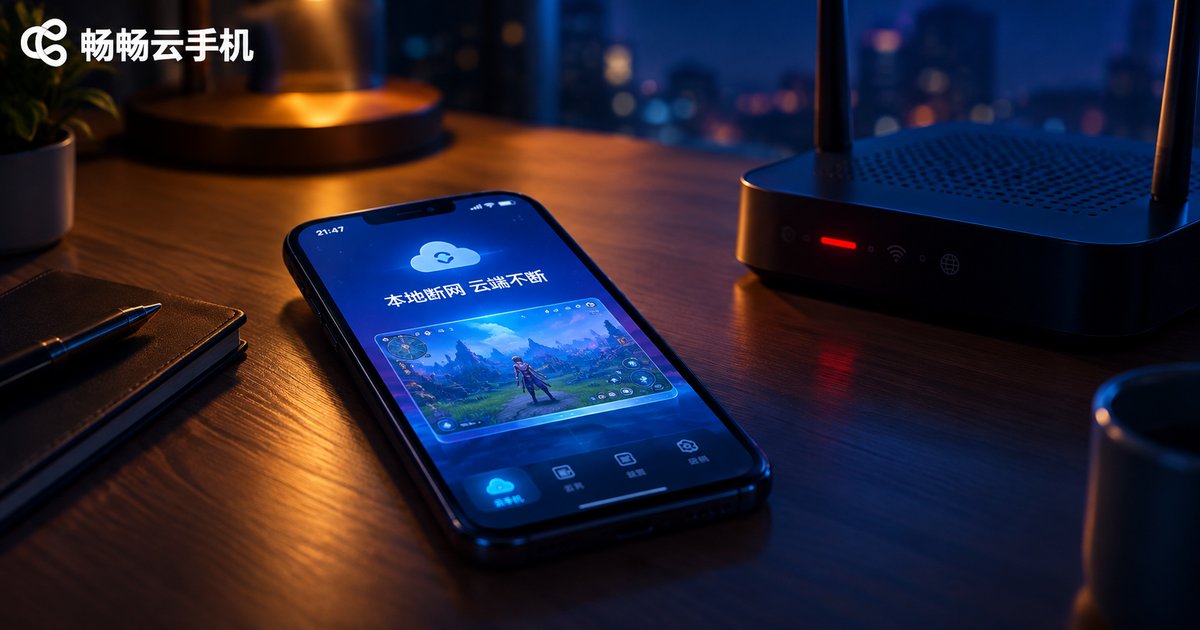
Does Local Network Disconnection Interrupt Cloud Phone AFK Tasks? A Connection Stability Test Report
Many users worry that losing internet on their local device will interrupt tasks running on a cloud phone. This report puts that concern to the test with real-world experiments: disconnecting Wi-Fi, enabling airplane mode, force-closing the app, powering off the local phone, and simulating weak networks. The results are clear: because cloud phones actually run on servers in a data center, your AFK tasks keep running no matter what happens to your local connection. The local device is just a window into the cloud. We also break down the factors that genuinely affect cloud phone stability and share practical tips to keep your tasks running smoothly around the clock.
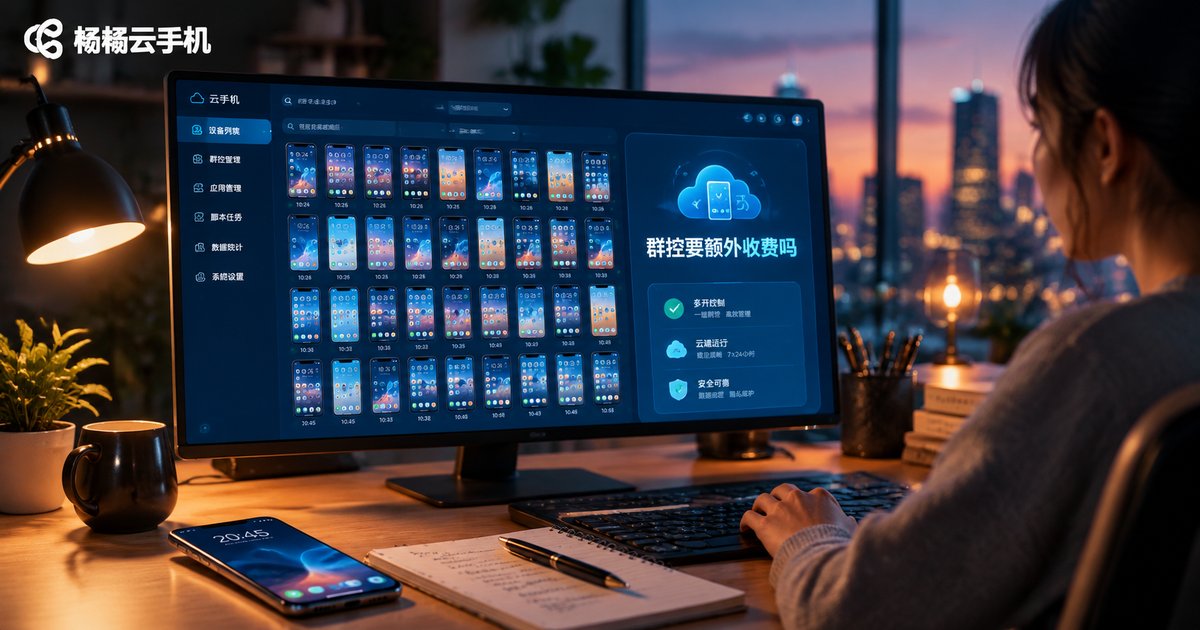
Does Cloud Phone Group Control Cost Extra? A Guide to Avoiding Hidden Package Fees
Worried that group control on a cloud phone might cost extra? You are not alone — unclear billing is one of the biggest concerns for anyone managing multiple cloud devices. This guide explains the three common pricing models for cloud phone group control, exposes typical hidden charges such as device-count overages, bandwidth throttling, automation surcharges, and renewal price hikes, and compares transparent services with hidden-fee services in a clear table. You will also get a practical pre-purchase checklist covering group control, device limits, renewal terms, feature boundaries, and billing options. Use it to spot tricky billing tactics early and choose a transparent cloud phone service where group control does not cost extra.

Are Basic Cloud Phone Plans Enough for 3D Games? Real Performance Across Configurations
Can a basic cloud phone plan really handle 3D games? This guide answers with real test data: MOBA titles run at a playable 40-55 fps on entry-level plans, racing games fluctuate between 30-45 fps, while open-world blockbusters struggle at 20-30 fps. We break down the four specs that matter most — CPU cores, RAM, GPU rendering power, and network quality — then compare entry, mid, and high-tier configurations across three game genres, plus a practical three-step method for choosing the right plan.