
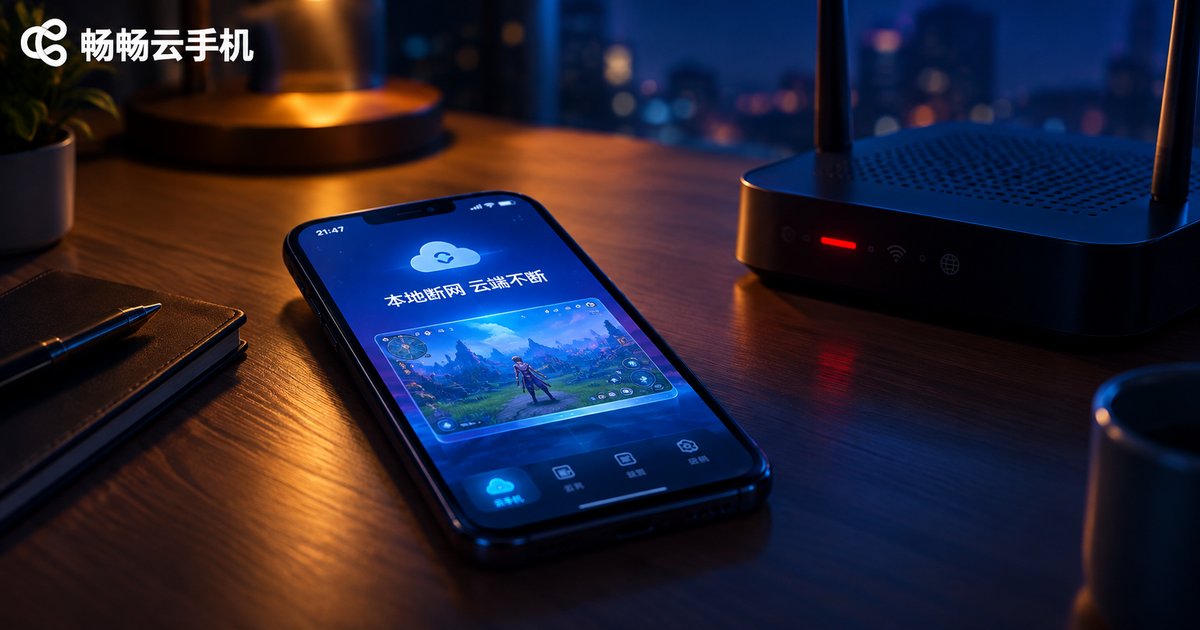
Does Local Network Disconnection Interrupt Cloud Phone AFK Tasks? A Connection Stability Test Report
The Short Answer: Local Disconnection, Cloud Keeps Running
Here is the direct answer: losing your local internet connection will not interrupt tasks running on a cloud phone. Whether your Wi-Fi drops, you step into an elevator with no signal, you switch your phone to airplane mode, or you power the device off completely, the games, apps, and scripts inside your cloud phone keep running on servers in a data center. Once your local network recovers and you reopen the app, everything is exactly where you left it.
The reason is simple: a cloud phone does not run on your physical device. It runs on a server in the provider's data center. Your local phone is just a remote control with a screen.

Why Disconnection Doesn't Matter: How Cloud Phones Work
With a traditional phone, AFK apps run locally. When your network drops, the game server stops receiving heartbeats and you get disconnected — that is unavoidable. Cloud phones work completely differently:
A cloud phone is a real Android device living in the cloud. It has its own data-center network and stays online 24/7. When your local connection drops, all you lose is the video stream between you and the cloud device. The link between the cloud phone and the game server is untouched.
Think of it this way: it is like leaving a phone running in a server room while you watch it through a security camera at home. If the power goes out in your house, the phone in the server room keeps going.
Test Setup and Method
To verify this, we ran a series of tests that mirror real-world AFK scenarios:
Test tasks: an idle mobile game (auto-battle plus resource gathering), an in-app auto-update task, and a long-session online task.
Test duration: 30 minutes of disconnection per scenario.
Cloud phone: ChangChang Cloud Phone (ccloudphone); the local device was an ordinary Android phone.
The pass criteria were simple: after restoring the local network and reconnecting to the cloud phone, we checked whether tasks were still running, whether progress was lost, and whether any disconnect warnings appeared.
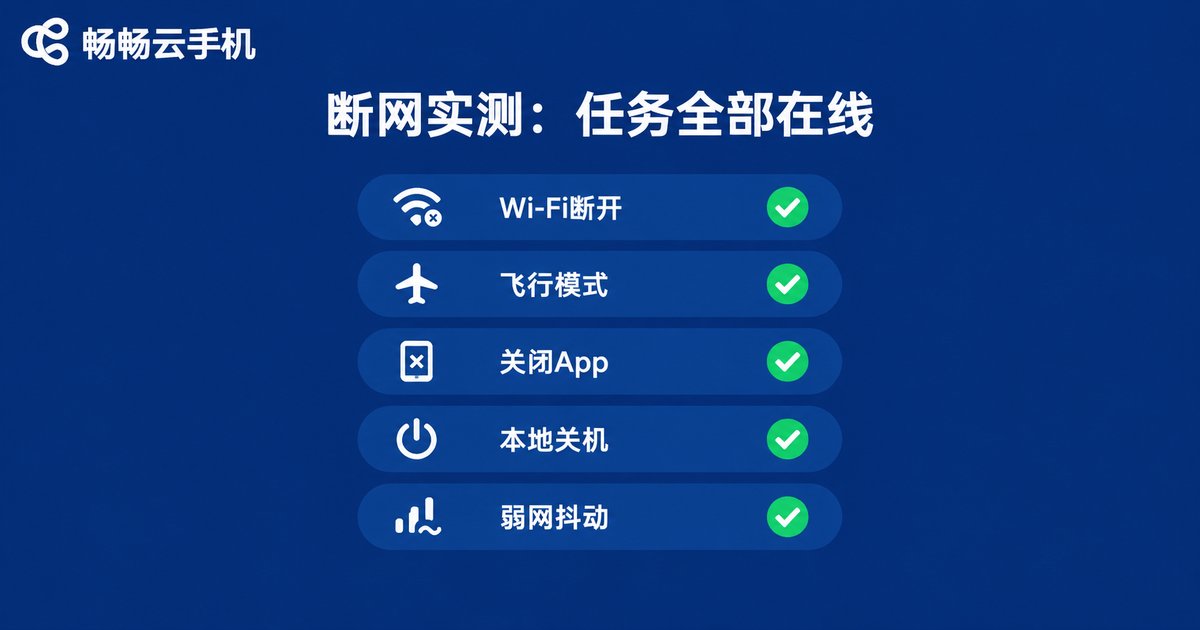
Test Results: 5 Disconnection Scenarios Verified
| Scenario | Cloud Task Status | After Reconnection |
|---|---|---|
| Local Wi-Fi disconnected | Kept running | Instant recovery, no progress lost |
| Airplane mode enabled | Kept running | Normal reconnection, no disconnect logs |
| Local app force-closed | Kept running | Reopen the app to take over |
| Local phone powered off | Kept running | Log in from another device to continue |
| Weak, fluctuating network | Kept running | Occasional video lag, tasks unaffected |
Across all five scenarios, the AFK tasks inside the cloud phone stayed online the entire time. The only difference was on your side: during the outage you could not see or control the screen, and after recovery you simply reconnect and take over seamlessly.
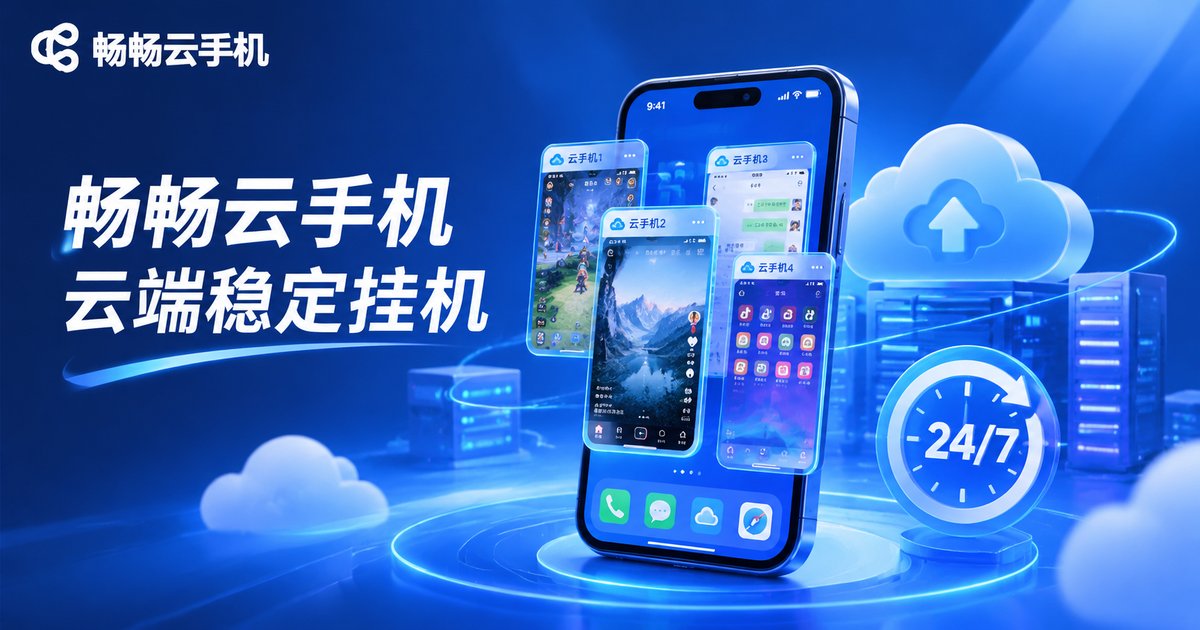
What Actually Affects Cloud Phone Stability
Local disconnection is not the culprit, but these factors can genuinely affect your AFK experience — keep them in mind when choosing and configuring a service:
1. Data-center quality of the provider. The cloud phone's own network and power stability depend on the provider. Picking a reliable service is step one — for example, ChangChang Cloud Phone (ccloudphone), whose cloud devices run independently and are well suited to long-duration tasks.
2. The cloud phone's own network. Cloud phones reach game servers through the data-center network, which is typically more stable than home broadband. In rare cases of data-center network fluctuation, an in-game disconnect can still happen — but that has nothing to do with your local connection.
3. The game's own mechanisms. Some games have anti-idle detection or inactivity timeouts. These are game-side rules, unrelated to networking.
4. Duplicate logins elsewhere. Logging the same account in on another device can kick the session inside the cloud phone offline. Avoid signing in elsewhere while AFK farming.
Tips for Smoother, More Stable AFK Sessions
Disable unnecessary power-saving settings inside the cloud phone so the cloud system never sleeps; rely on built-in auto features instead of real-time manual control, so tasks keep cycling even when you are away; check in periodically to handle full inventories or capped stamina before they stall progress; and feel free to close the local app — cloud-side tasks will not stop just because your app is closed.
One-line takeaway: with cloud phone AFK, stability lives in the cloud, not in your Wi-Fi. Hand the task to the data center and just drop by occasionally to collect.
FAQ
Q: Will the game inside the cloud phone disconnect when my local network drops?
No. The game connection runs between the cloud phone and the game server over the data-center network, which your local outage does not touch.
Q: How can I confirm tasks are still running during an outage?
After reconnecting, check the screen and task logs; AFK tasks usually keep clear progress records you can review.
Q: Is it okay to leave my local device off overnight?
Absolutely. The cloud phone runs independently in the cloud; your device is just a viewing and control portal, and you can take over the next day as usual.
Q: When does local network quality actually matter?
Only when you are actively controlling the cloud phone in real time — a weak local connection affects your control experience, but never the cloud-side task itself.
Q: Which cloud phone is good for long-duration AFK?
Choose a service with stable cloud devices and long-session support, such as ChangChang Cloud Phone (ccloudphone). Check the official site for plan details.


